
Last updated: September 20, 2026
By Home Repair Genie
Quick Answer
A Whirlpool washer LF error code stands for Long Fill, meaning the washer is taking too long to fill with water. This is usually caused by low water pressure, clogged inlet screens, kinked supply hoses, faulty water inlet valves, or problems with the water supply. Checking the water connections and inlet components often resolves the issue.
What Does the Whirlpool Washer LF Error Mean?
The LF error appears when your Whirlpool washer cannot fill with water within the expected time. The washer monitors how quickly water enters the tub, and if filling takes too long, it stops the cycle and displays the error.
In most cases, the problem is related to restricted water flow rather than a major component failure.
Common Causes of a Whirlpool Washer LF Error
Several issues can trigger the LF error:
- Closed or partially closed water supply valves
- Kinked or damaged water inlet hoses
- Low household water pressure
- Clogged inlet screens
- Faulty water inlet valve
- Frozen or blocked plumbing lines
- Control board communication issues
Identifying the exact cause will help you make the proper repair.
Step 1: Reset the Washer
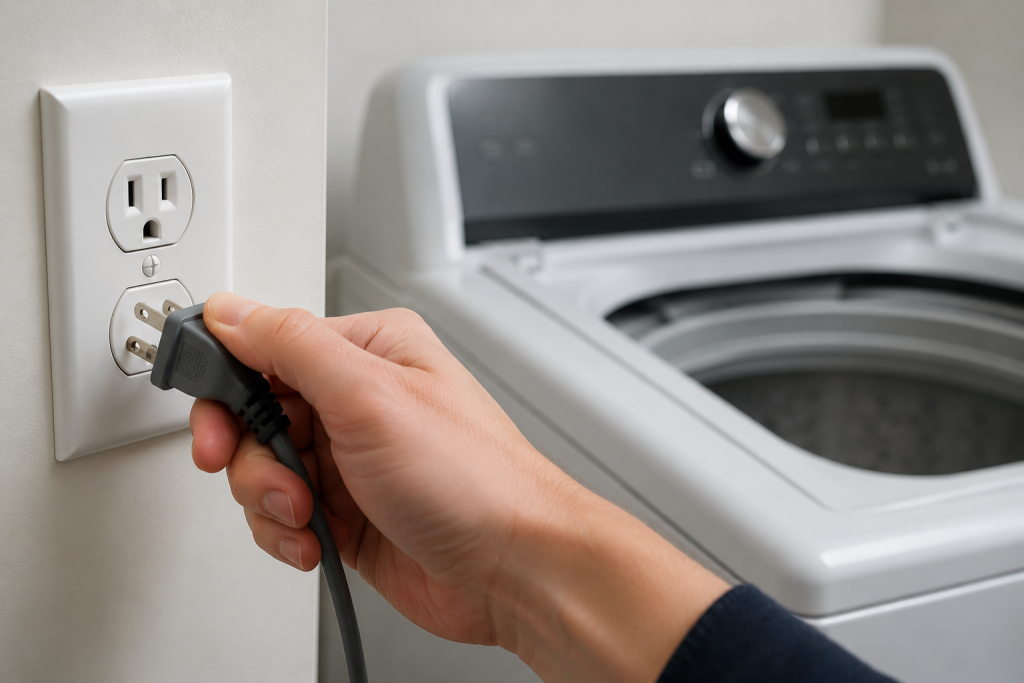
Sometimes the error occurs because of a temporary electronic glitch.
How to Reset the Washer
- Turn the washer off.
- Unplug the power cord.
- Wait 5 minutes.
- Plug the washer back in.
- Start a new wash cycle.
If the LF code returns, continue with the next steps.
For additional Whirlpool troubleshooting tips, see our guide on Whirlpool Washer F5 E2 Error.
Step 2: Verify the Water Supply Valves Are Fully Open
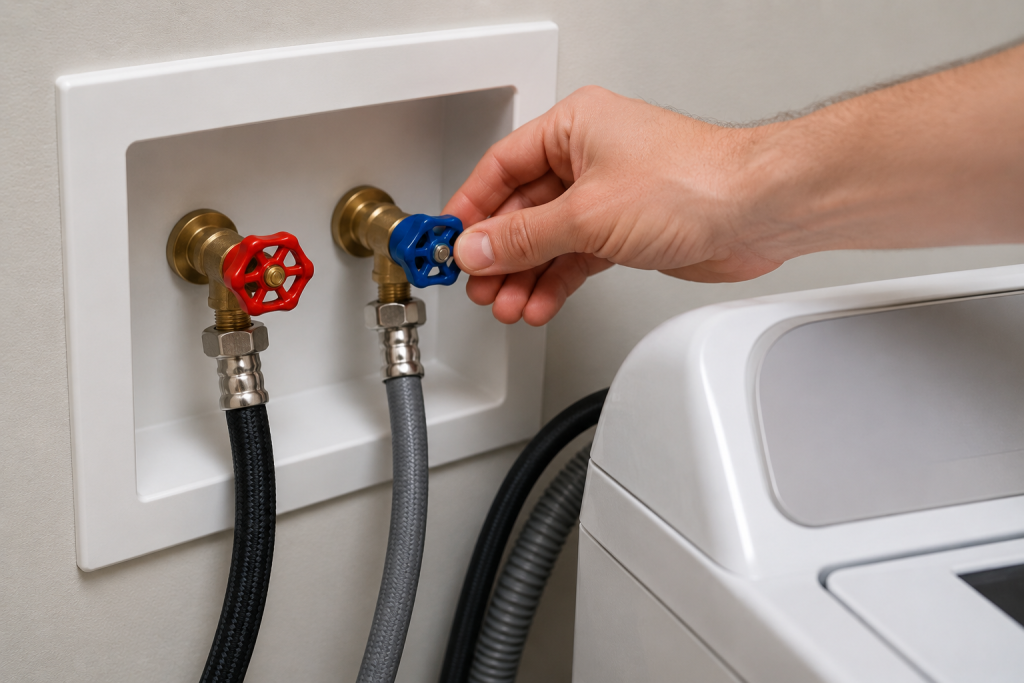
A Whirlpool Washer LF Error frequently occurs when the water supply valves are not fully open. The washer requires adequate water flow from both hot and cold water supplies.
How to Check the Water Valves
- Locate the shutoff valves behind the washer.
- Turn both hot and cold valves fully counterclockwise.
- Inspect for leaks or damaged connections.
- Run another wash cycle.
Even if you normally wash with cold water, many Whirlpool models still require both water supplies to function correctly.
Step 3: Inspect the Water Inlet Hoses
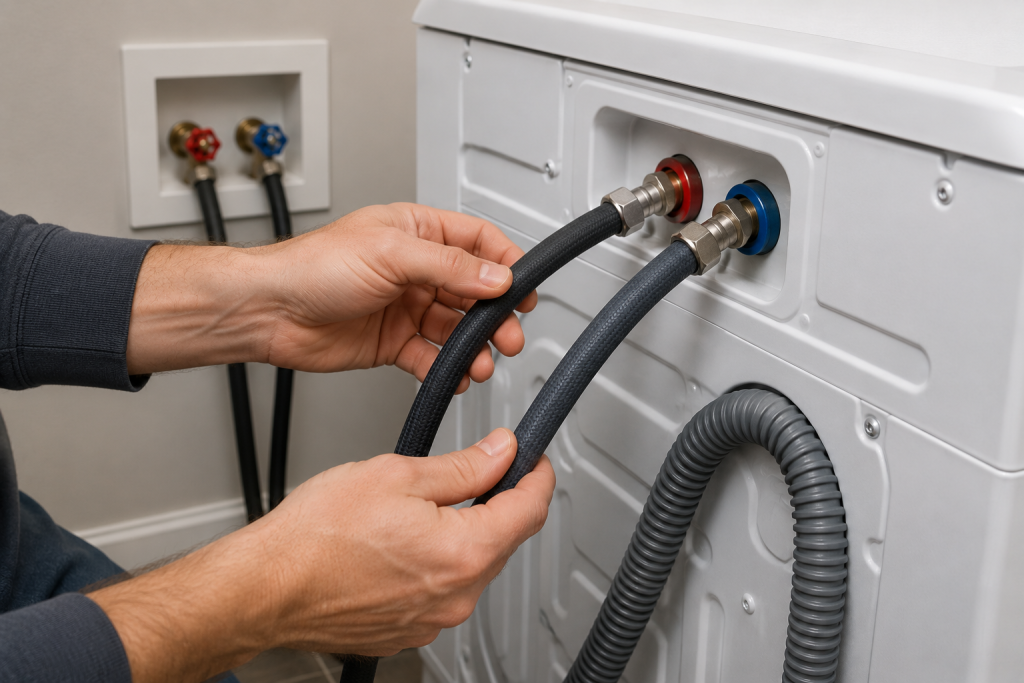
Kinked or crushed hoses can significantly reduce water flow.
How to Inspect the Hoses
- Disconnect power to the washer.
- Pull the washer away from the wall.
- Examine both inlet hoses.
- Straighten any bends or kinks.
- Replace damaged hoses if necessary.
If hoses are older than five years, replacement is often recommended.
Step 4: Clean the Water Inlet Screens
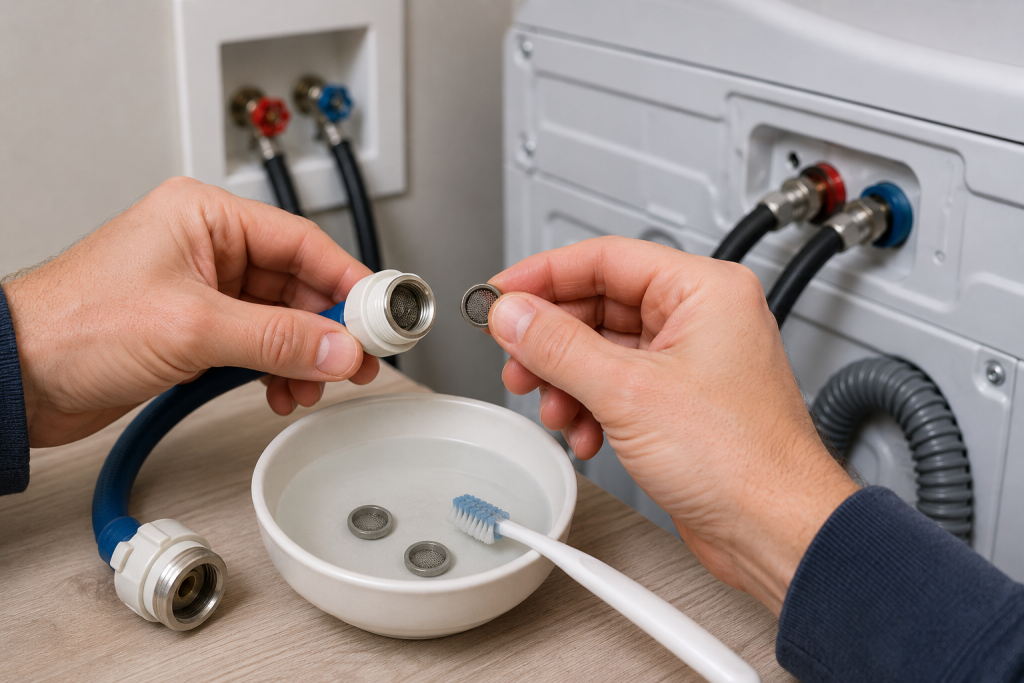
If the Whirlpool Washer LF Error continues after checking the hoses and screens, household water pressure should be tested. Sediment and mineral buildup commonly restrict water flow into the washer.
How to Clean the Inlet Screens
- Turn off the water supply valves.
- Disconnect both inlet hoses.
- Locate the small mesh screens inside the washer’s water connections.
- Carefully remove debris using a soft brush.
- Rinse the screens thoroughly.
- Reconnect the hoses and restore water supply.
Cleaning the screens can often resolve the LF error immediately.
Step 5: Check Household Water Pressure
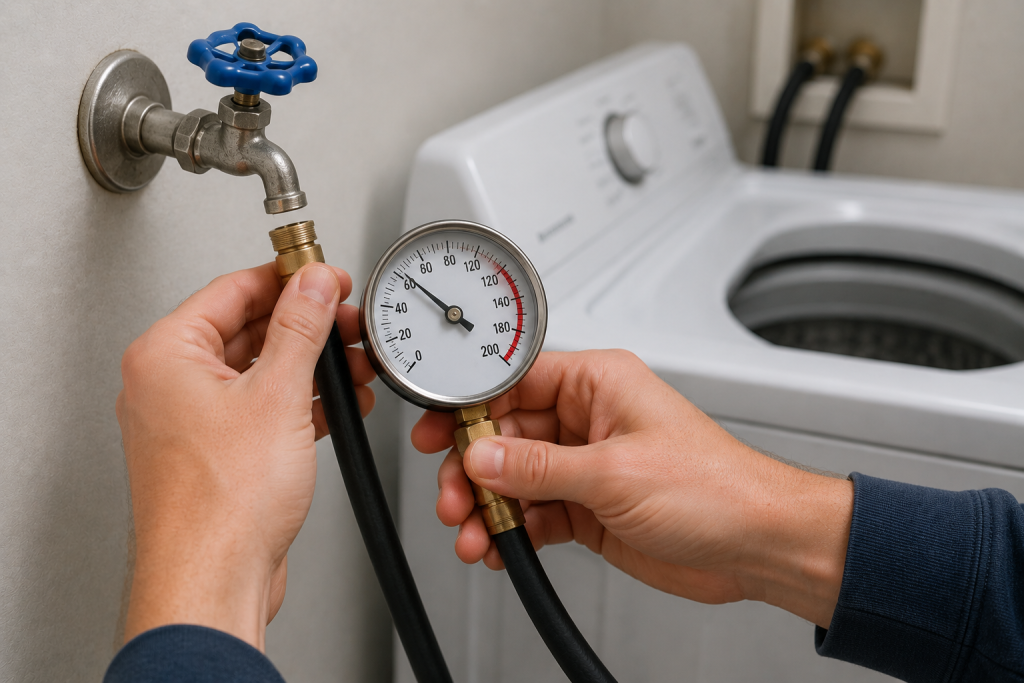
Insufficient water pressure can prevent the washer from filling properly.
How to Test Water Pressure
- Disconnect a washer hose.
- Place the hose in a bucket.
- Turn on the supply valve.
- Observe the water flow.
Weak flow may indicate a plumbing issue that needs correction before the washer can operate normally.
For additional plumbing troubleshooting, review our guide on Low Water Pressure in Shower.
Step 6: Inspect the Water Inlet Valve
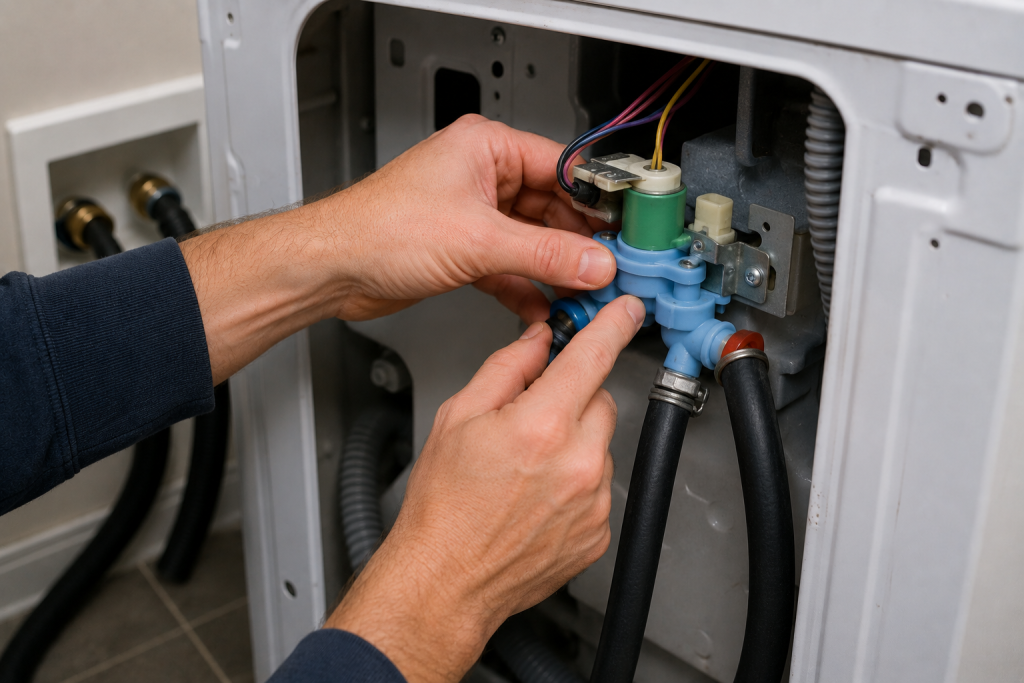
The water inlet valve controls the flow of water into the washer.
How to Examine the Valve
- Disconnect power.
- Remove the rear access panel if applicable.
- Locate the water inlet valve assembly.
- Inspect for cracks, corrosion, or leaking.
- Check electrical connections for damage.
A defective valve may fail to open completely, causing the washer to fill too slowly.
You can learn more about washer water supply systems from the manufacturer support resources available at Whirlpool Product Help.
Step 7: Examine the Pressure Switch and Air Hose
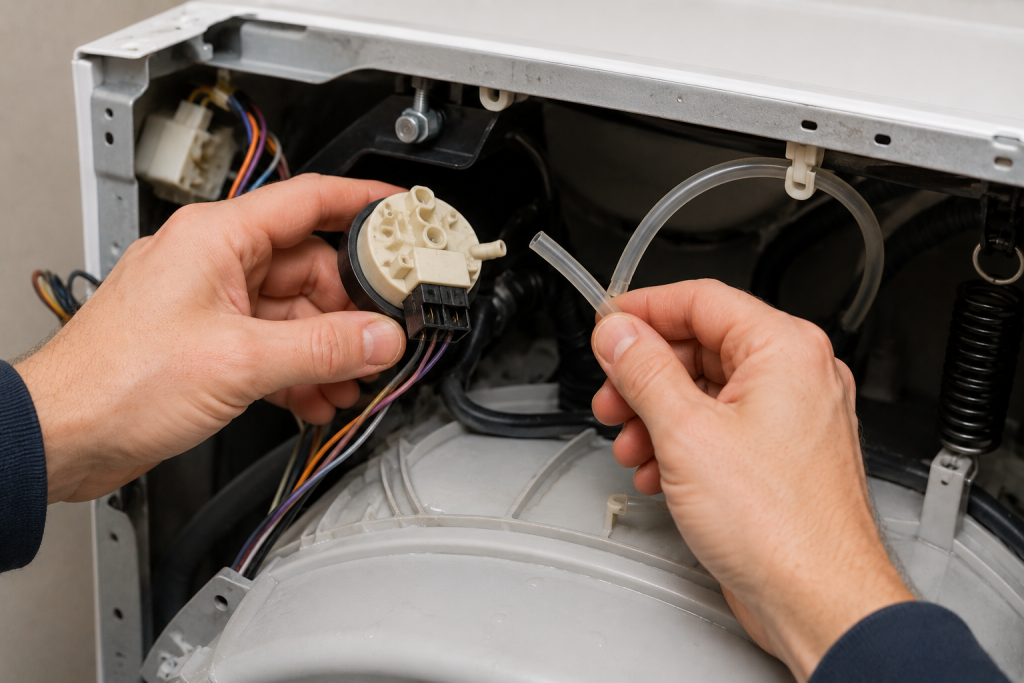
Some Whirlpool washers use a pressure sensing system to monitor water levels.
How to Inspect the Pressure System
- Disconnect power.
- Locate the pressure switch.
- Inspect the attached air hose.
- Check for cracks, clogs, or loose connections.
- Reconnect any disconnected hoses.
If the pressure switch receives incorrect readings, it may trigger an LF error even when water flow is normal.
Step 8: Inspect the Main Control Board
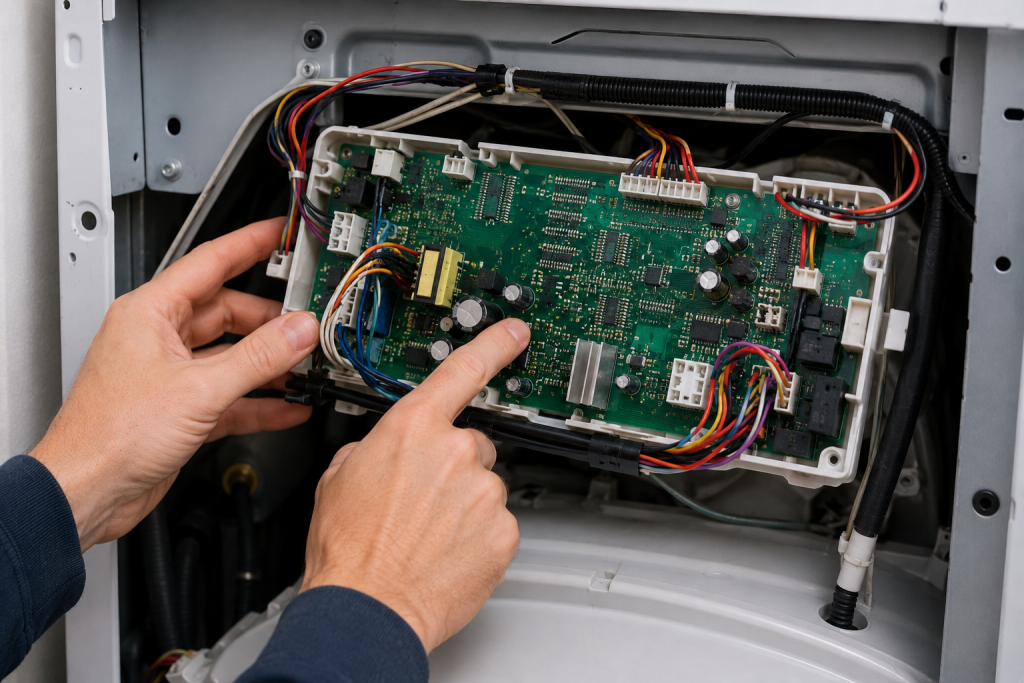
If all water supply components are functioning correctly, the electronic control board may be responsible.
How to Check the Control Board
- Disconnect power.
- Access the control board housing.
- Look for burnt spots, corrosion, or damaged connectors.
- Verify all wiring harnesses are securely connected.
Control board failures are less common but can occasionally cause filling-related errors.
For more washer troubleshooting articles, visit our Appliance Repair Guides section.
When to Call a Professional
Consider professional service if:
- The inlet valve tests faulty
- Water pressure is normal but the LF code persists
- The pressure switch requires electrical testing
- The control board appears damaged
- You are uncomfortable working with appliance electronics
A qualified appliance technician can diagnose advanced electrical problems safely.
How to Prevent Whirlpool Washer LF Errors
Performing routine maintenance can help prevent a Whirlpool Washer LF Error from returning in the future.
- Inspect hoses annually
- Replace aging water supply hoses
- Clean inlet screens every 6 to 12 months
- Maintain adequate household water pressure
- Address plumbing issues promptly
- Avoid pushing the washer tightly against the wall
Routine maintenance helps ensure reliable washer performance.
Frequently Asked Questions
Why does my Whirlpool washer LF error keep appearing?
The LF error typically occurs because water is entering the washer too slowly due to clogged screens, low water pressure, restricted hoses, or a faulty inlet valve.
Can low water pressure cause an LF error?
Yes. Low household water pressure is one of the most common causes of the LF error code.
Will unplugging the washer clear the LF code?
A reset may temporarily clear the error, but the code will usually return if the underlying water flow problem remains.
How do I know if the water inlet valve is bad?
Signs of a failing inlet valve include slow filling, no filling, leaking, unusual noises, or repeated LF error codes.
Is it safe to use the washer with an LF error?
No. The washer will usually stop operating properly until the filling issue is corrected.
Troubleshooting a different code? Browse our complete collection of appliance error-code guides.
Final Thoughts
A Whirlpool washer LF error indicates that the machine is not receiving water quickly enough to complete the fill cycle. In many cases, the fix is simple and involves checking the water supply, cleaning inlet screens, or inspecting hoses. By following these troubleshooting steps, you can often restore normal operation and prevent future filling problems.