
Last updated: October 20, 2026
By Home Repair Genie
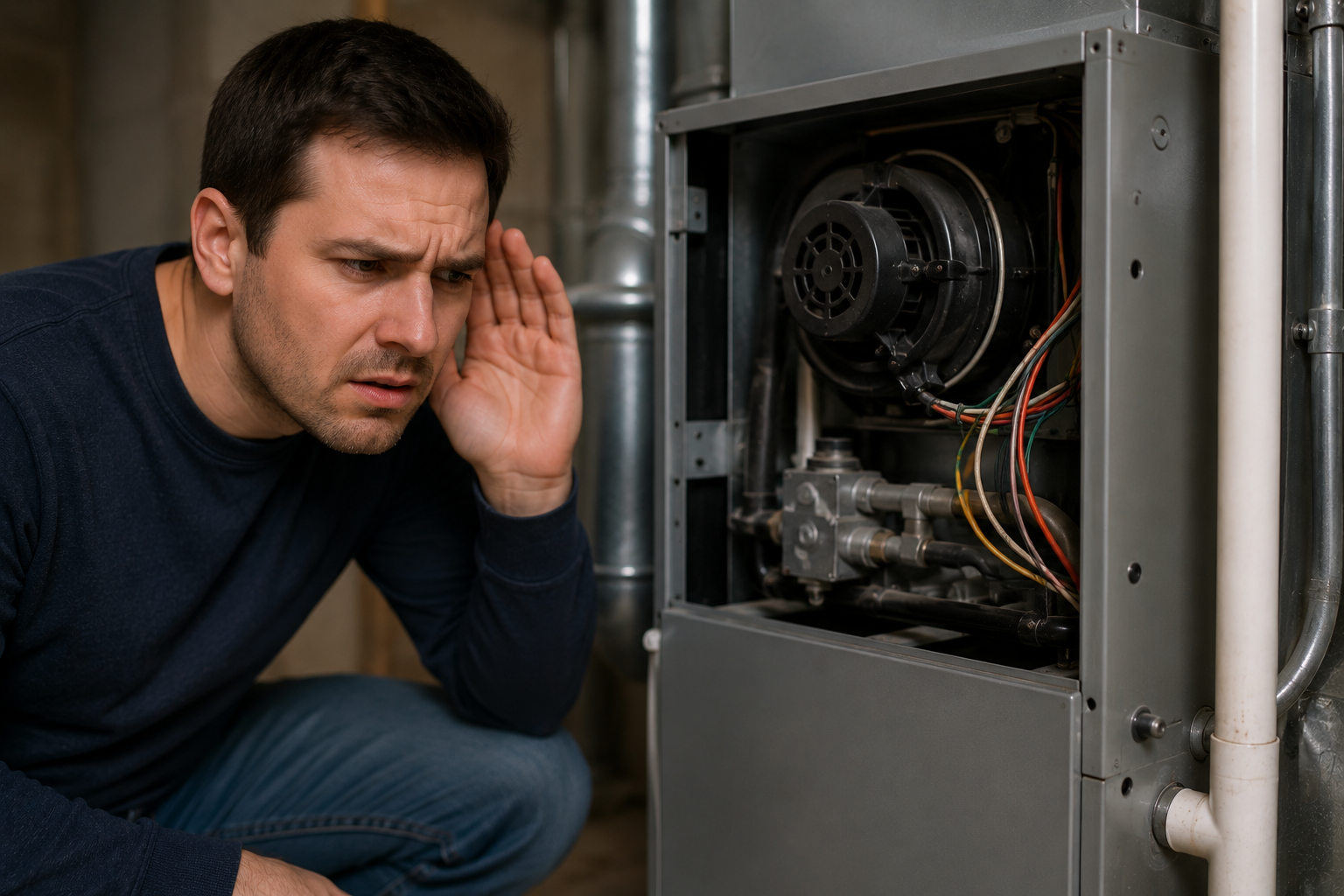
Furnace making loud noises is often a sign of airflow problems, loose components, blower motor issues, or worn-out furnace parts.
Some furnace noises are harmless, while others may signal a serious issue that needs attention before it leads to expensive repairs. In many cases, a furnace making loud noises can be fixed without expensive repairs if the issue is caught early.
This guide walks you through the most common causes of a noisy furnace and the easy fixes homeowners can try before calling an HVAC technician.
Why Is My Furnace Making Loud Noises?
A noisy furnace may be caused by:
- Dirty air filters
- Loose panels or screws
- Expanding ductwork
- Blower motor issues
- Worn belts or bearings
- Ignition delays
- Restricted airflow
Different sounds often point to different problems:
- Banging = delayed ignition or expanding ducts
- Squealing = blower motor or belt issues
- Rattling = loose hardware
- Humming = electrical or motor issues
Tools and Materials You May Need
As an Amazon Associate I earn from qualifying purchases.
- Screwdriver
- Replacement furnace filter
- Flashlight
- Vacuum cleaner
- Adjustable wrench
- Soft cloth
- Lubricant (if applicable)
Ordering supplies for this repair? Amazon Prime offers free shipping on eligible items. Explore an Amazon Prime free trial if you’re eligible.
Step 1: Replace the Furnace Air Filter
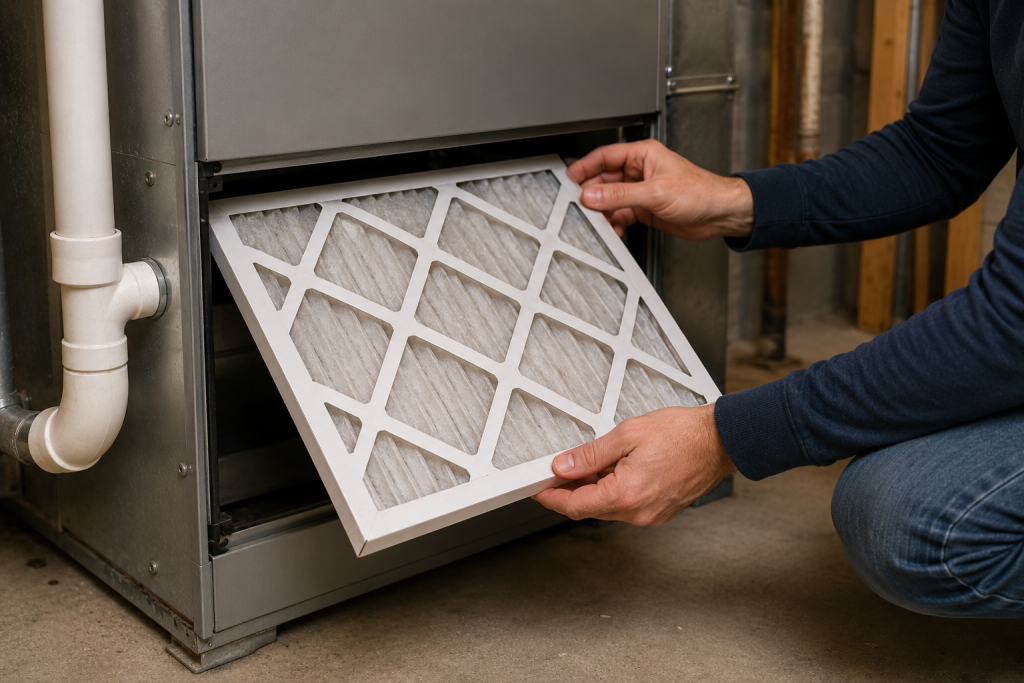
A clogged air filter restricts airflow and can cause whistling, banging, or overheating noises.
To inspect the filter:
- Turn off the furnace
- Remove the existing filter
- Check for dust buildup
- Replace it if dirty
A dirty filter is one of the most common reasons for a furnace making loud noises during operation. Most furnace filters should be changed every 1–3 months.
Before buying replacement furnace filters, check the required dimensions, thickness, and filter rating in your furnace’s documentation. Choose a filter approved for your system, and install it with the airflow arrow pointing in the correct direction. A higher filtration rating is not automatically the right choice for every furnace.
If airflow issues continue, you may also want to read our guide on Furnace Blowing Cold Air? 7 Easy Fixes That Actually Work.
Step 2: Tighten Loose Furnace Panels and Screws
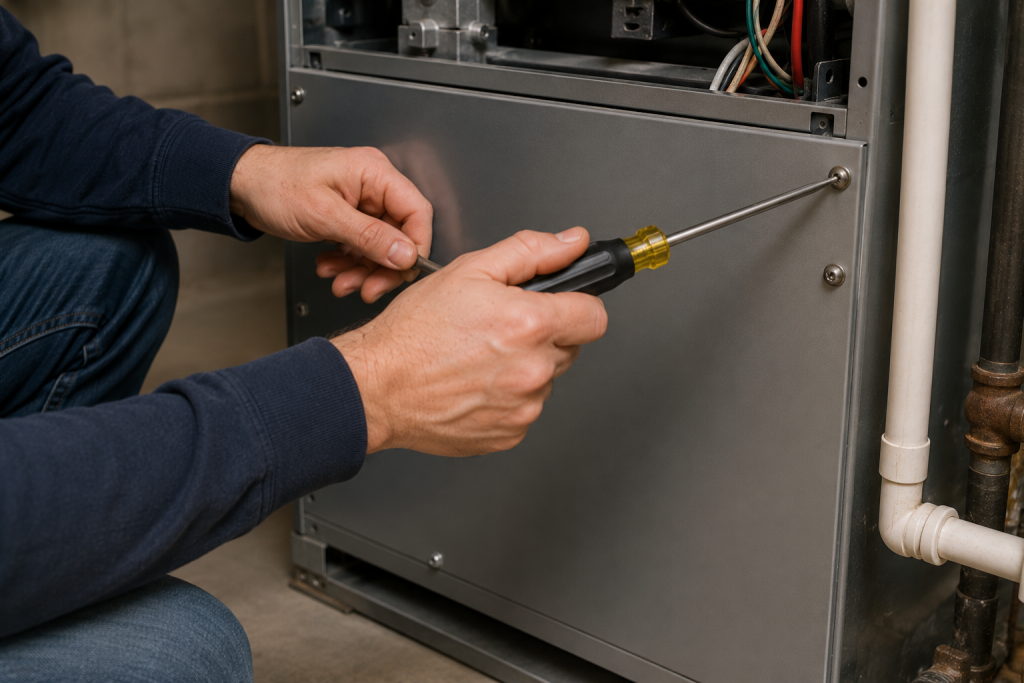
Loose access panels or screws can create rattling or vibrating sounds when the furnace runs.
Inspect:
- Furnace access panels
- Sheet metal screws
- Vent covers
- Nearby duct connections
With the furnace switched off and electrical power disconnected, use a multi-bit screwdriver and nut driver with the correct tip to gently tighten accessible exterior panel screws. Avoid overtightening, and leave internal components, gas connections, and electrical terminals to an HVAC professional.
Do not overtighten screws on older sheet metal panels.
Step 3: Inspect the Ductwork for Expansion Noises
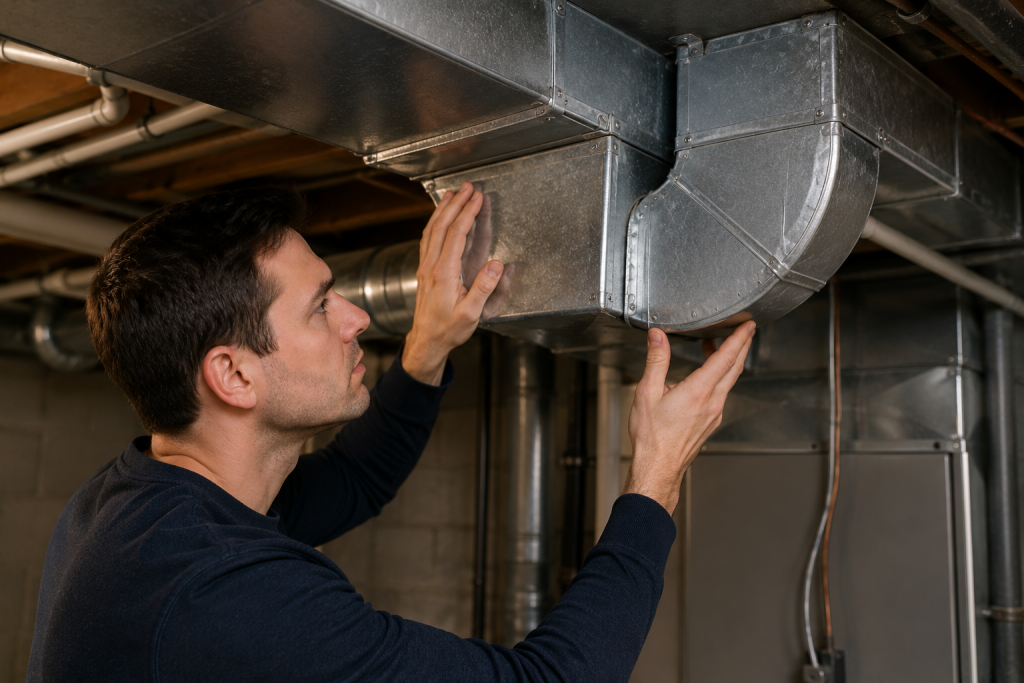
Metal ductwork naturally expands and contracts as heated air moves through it.
Minor popping noises are common, but loud banging may indicate:
- Poor duct support
- Tight duct joints
- Restricted airflow
Check visible ducts for loose connections or movement during operation.
Adding insulation or additional supports may reduce noise.
Step 4: Check the Blower Motor
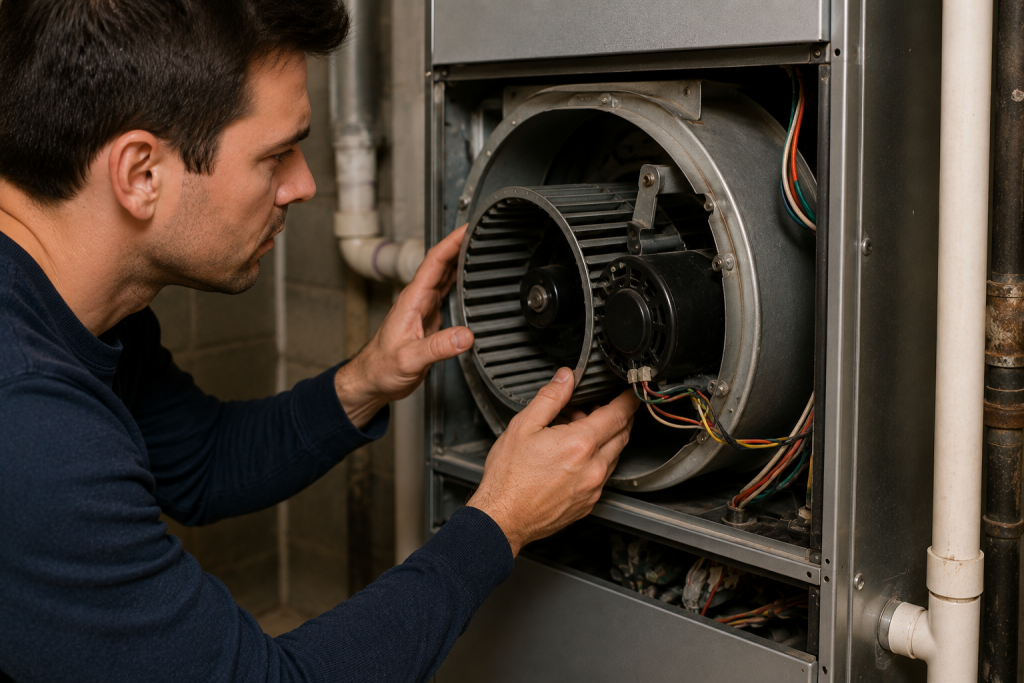
A squealing or screeching noise often comes from the blower motor.
Signs of blower motor problems include:
- High-pitched squealing
- Weak airflow
- Burning smells
- Intermittent operation
Some older motors require lubrication, while newer sealed motors do not.
If the blower motor struggles to start, professional repair may be needed.
You may also find our article on AC Not Turning On But Thermostat Is Working helpful since blower motor issues can affect both heating and cooling systems.
Step 5: Inspect the Furnace Burner Flames
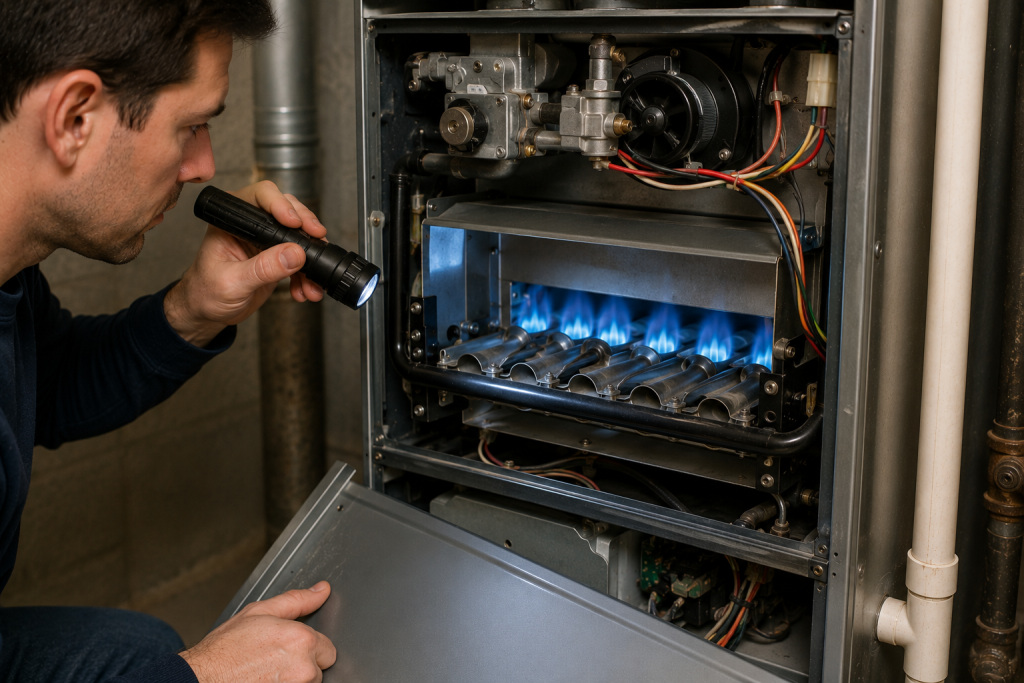
A loud boom or bang when the furnace starts may indicate delayed ignition.
Turn off power and inspect the burner flames:
- Flames should appear steady and blue
- Dirty burners can delay ignition
- Gas buildup before ignition may create a small explosion sound
Delayed ignition should not be ignored because it can damage the heat exchanger over time.
If you suspect burner problems, contact an HVAC professional.
Step 6: Check for Loose or Damaged Blower Belts
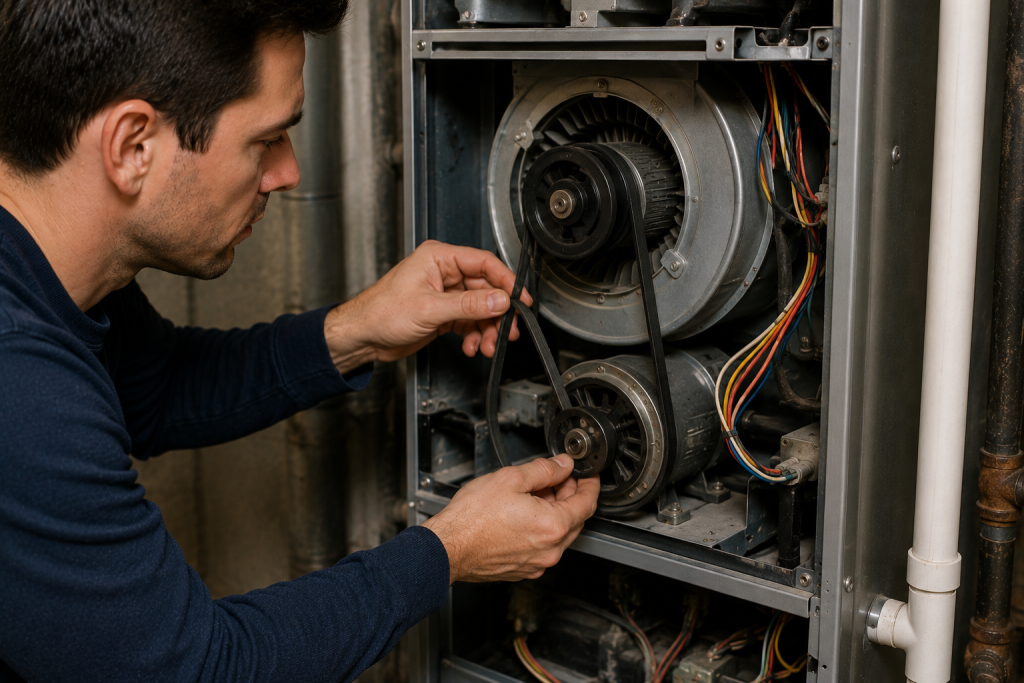
Some older furnaces use blower belts that can wear out over time.
A worn belt may cause:
- Squealing noises
- Slipping
- Poor airflow
Inspect the belt for:
- Cracks
- Fraying
- Excess looseness
Replace damaged belts promptly to avoid motor strain.
Step 7: Reset the Furnace
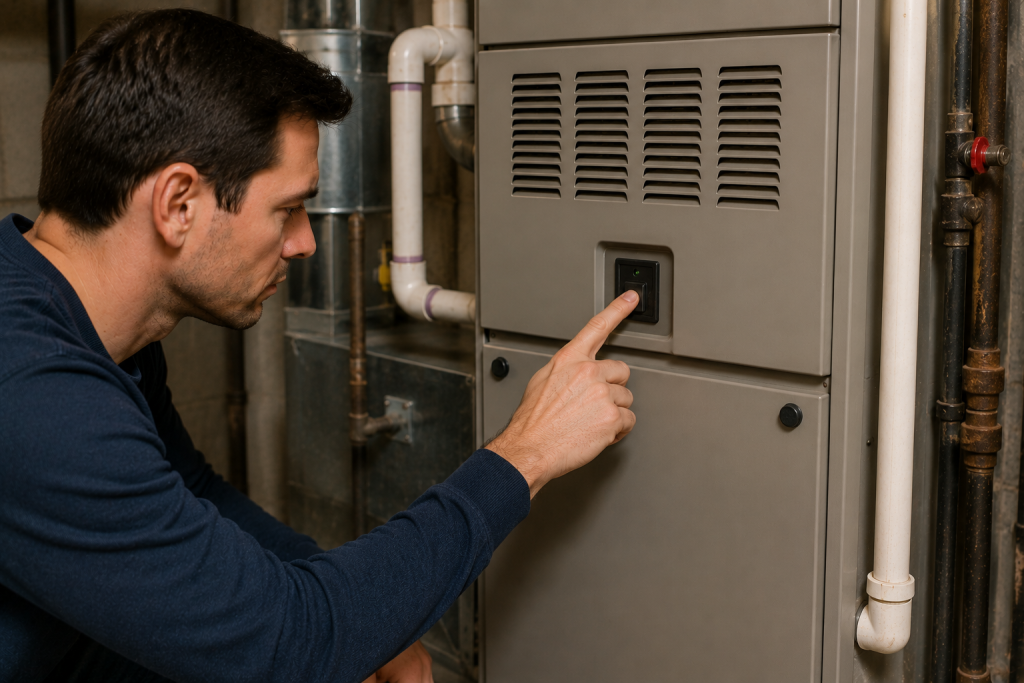
Sometimes furnace noises are caused by temporary control board or airflow issues.
To reset the furnace:
- Turn off power to the unit
- Wait about 5 minutes
- Restore power
- Restart the thermostat
If the noise returns quickly, additional diagnosis may be needed.
For more furnace troubleshooting tips, see this helpful guide from Carrier Heating and Cooling.
When to Call an HVAC Professional
Contact a professional if:
- You smell gas
- Loud banging continues
- The furnace shuts down repeatedly
- You hear grinding metal noises
- The blower motor stops working
- The heat exchanger may be damaged
Some furnace problems involve gas or electrical components that should only be serviced by trained technicians.
How to Prevent Furnace Noises
To keep your furnace running quietly:
- Replace filters regularly
- Schedule annual HVAC maintenance
- Keep vents open and unobstructed
- Vacuum dust around the furnace
- Address small noises early before they worsen
Routine maintenance helps extend furnace life and improve efficiency.
Looking for help with another heating or cooling problem? Browse our complete collection of HVAC repair and troubleshooting guides.
Frequently Asked Questions
Why does my furnace make a loud banging sound?
A banging sound may be caused by delayed ignition, expanding ductwork, or restricted airflow.
Is it normal for a furnace to make noise?
Some minor noise is normal, but loud squealing, grinding, or banging sounds usually indicate a problem.
Can a dirty filter cause a furnace to make loud noises?
Yes. Restricted airflow from a clogged filter can contribute to a furnace making loud noises, especially banging, whistling, or rattling sounds.
Should I turn off a noisy furnace?
If the furnace makes loud metal grinding noises or you smell gas, turn it off and contact an HVAC technician immediately.