
Last updated: October 15, 2026
By Home Repair Genie
Quick Answer
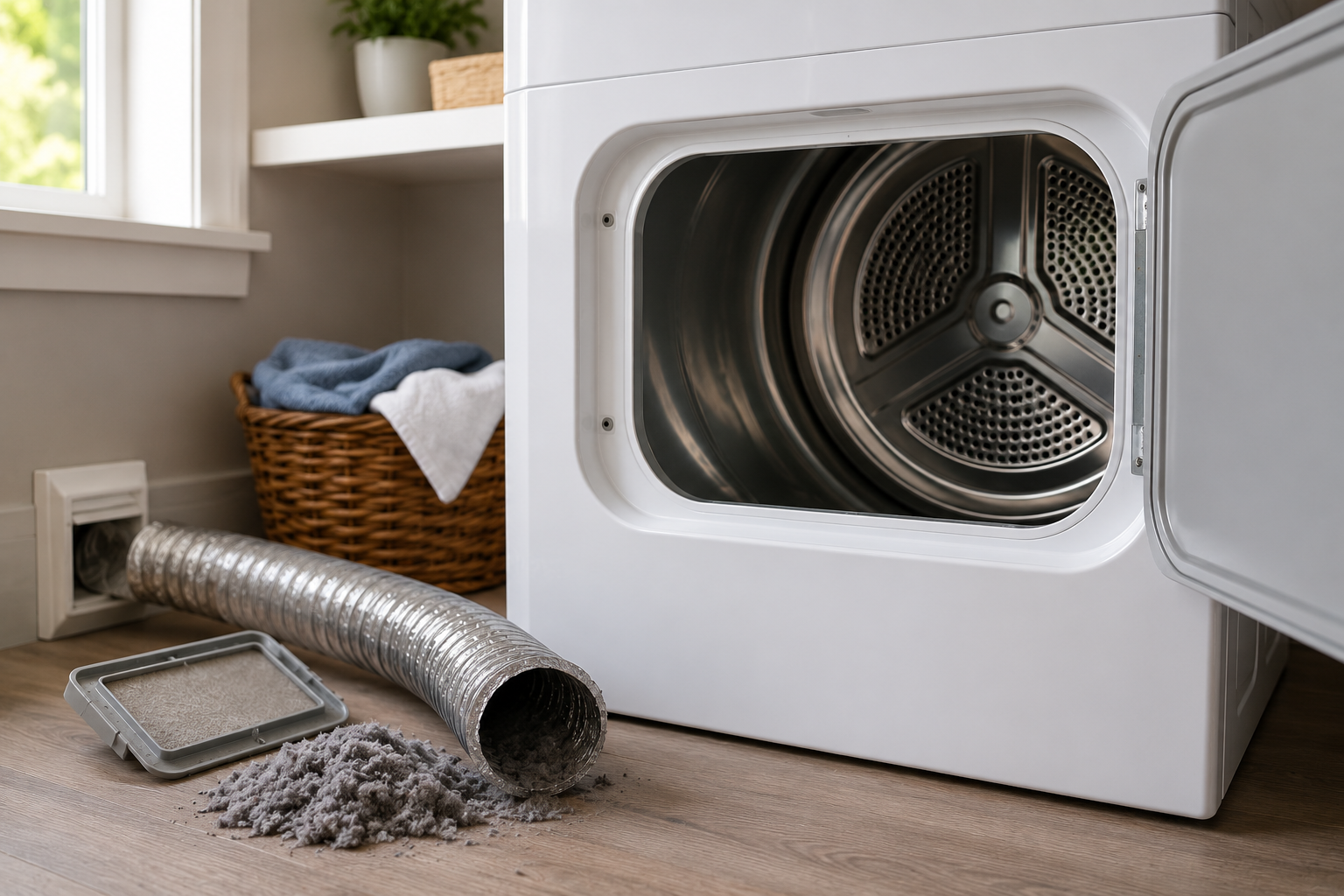
A Whirlpool dryer AF code stands for Air Flow Restriction. The dryer has detected poor airflow through the vent system, which can increase drying times and create a potential fire hazard. The most common causes are a clogged lint screen, blocked vent hose, restricted exterior vent hood, or excessive vent length. Cleaning the vent system usually resolves the AF code.
What Does the Whirlpool Dryer AF Code Mean?
The AF code appears when the dryer senses insufficient airflow through the exhaust system.
Modern Whirlpool dryers monitor airflow and exhaust temperatures during operation. If airflow drops below acceptable levels, the dryer displays the AF error code to alert you that the vent system needs attention.
Ignoring the AF code can lead to:
- Longer drying times
- Increased energy consumption
- Overheating
- Excessive lint buildup
- Reduced dryer lifespan
- Increased fire risk
What Causes the Whirlpool Dryer AF Code?
Several issues can restrict airflow enough to trigger the error.
Common causes include:
- Dirty lint screen
- Clogged vent hose
- Crushed or kinked exhaust duct
- Blocked exterior vent hood
- Excessively long vent runs
- Internal lint buildup
- Faulty airflow sensor
Work through the troubleshooting steps below to identify the cause.
Step 1: Clean the Lint Screen
Why It Matters
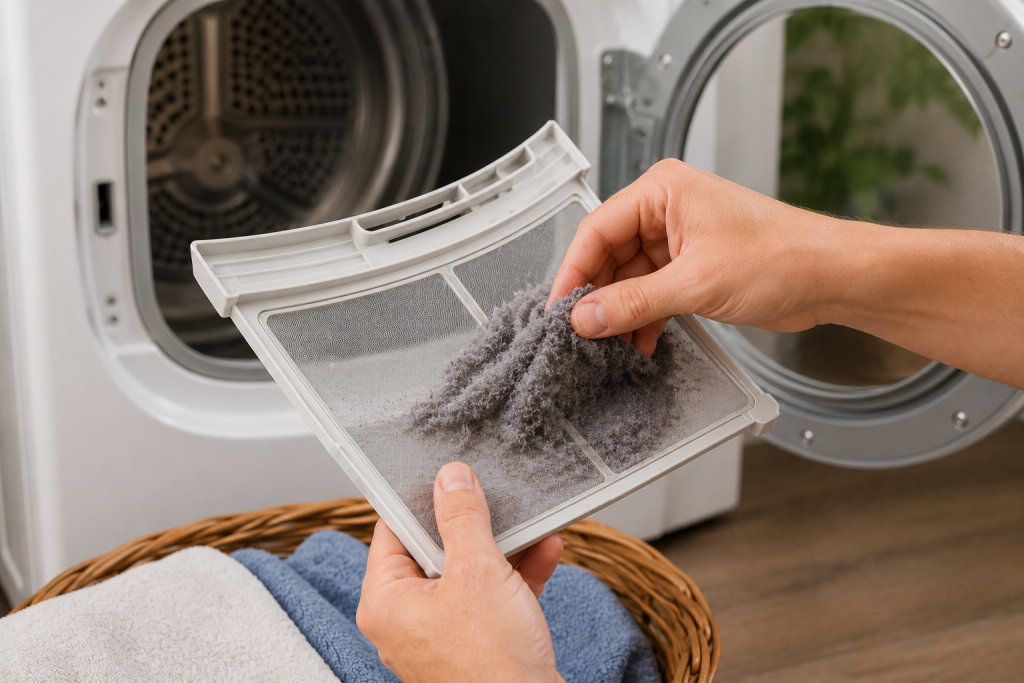
The lint screen captures debris before it enters the vent system. Even a partially clogged screen can reduce airflow significantly.
How to Clean It
- Remove the lint screen.
- Remove all visible lint.
- Wash the screen with warm water and mild soap.
- Use a soft brush to remove fabric softener residue.
- Allow it to dry completely before reinstalling.
As an Amazon Associate I earn from qualifying purchases.
A soft-bristle nylon cleaning brush can help remove fabric-softener residue from the lint screen when used with warm water and mild soap. Brush gently to protect the mesh, rinse thoroughly, and let the screen dry completely before reinstalling it. A clean, soft toothbrush may also work.
A clean lint screen often resolves minor airflow restrictions.
Step 2: Inspect the Dryer Vent Hose
Why It Matters
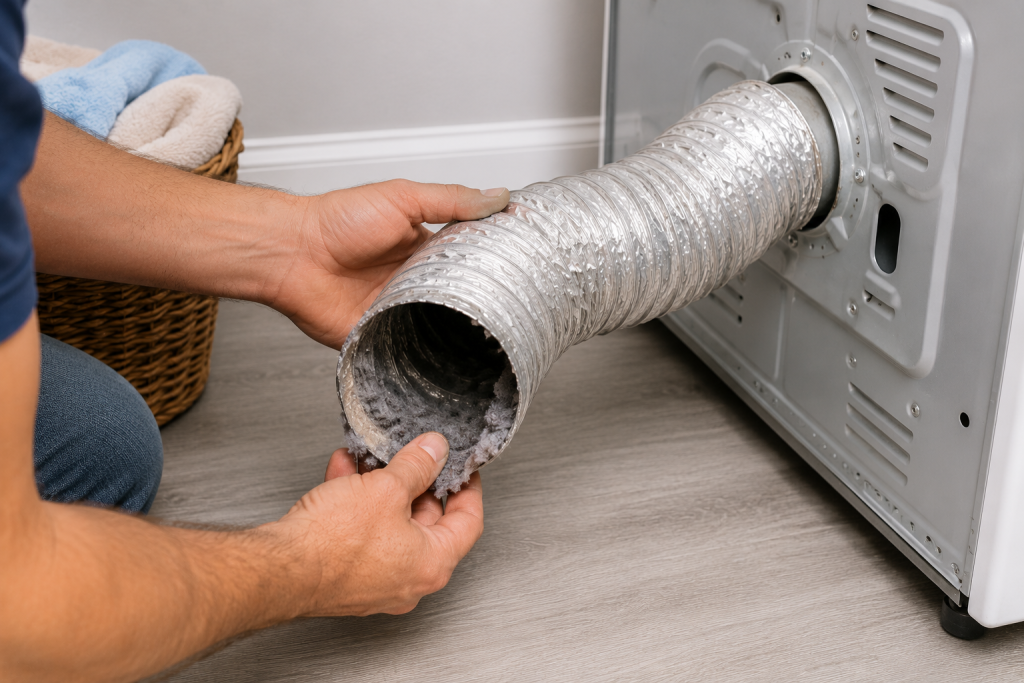
Lint commonly accumulates inside the flexible vent hose behind the dryer.
How to Inspect It
- Unplug the dryer.
- Pull the dryer away from the wall.
- Disconnect the vent hose.
- Check for:
- Excess lint buildup
- Kinks
- Crushed sections
- Tears or damage
Replace damaged vent hoses as needed.
If the exposed transition duct behind the dryer is crushed or torn, browse semi-rigid metal dryer transition ducts on Amazon. Verify that the replacement meets your dryer’s installation requirements and provides enough clearance without sharp bends or crushing. Avoid plastic and thin foil accordion-style venting.
For more dryer troubleshooting help, see our guide on dryer not heating.
Step 3: Test Airflow with the Vent Disconnected
Why It Matters
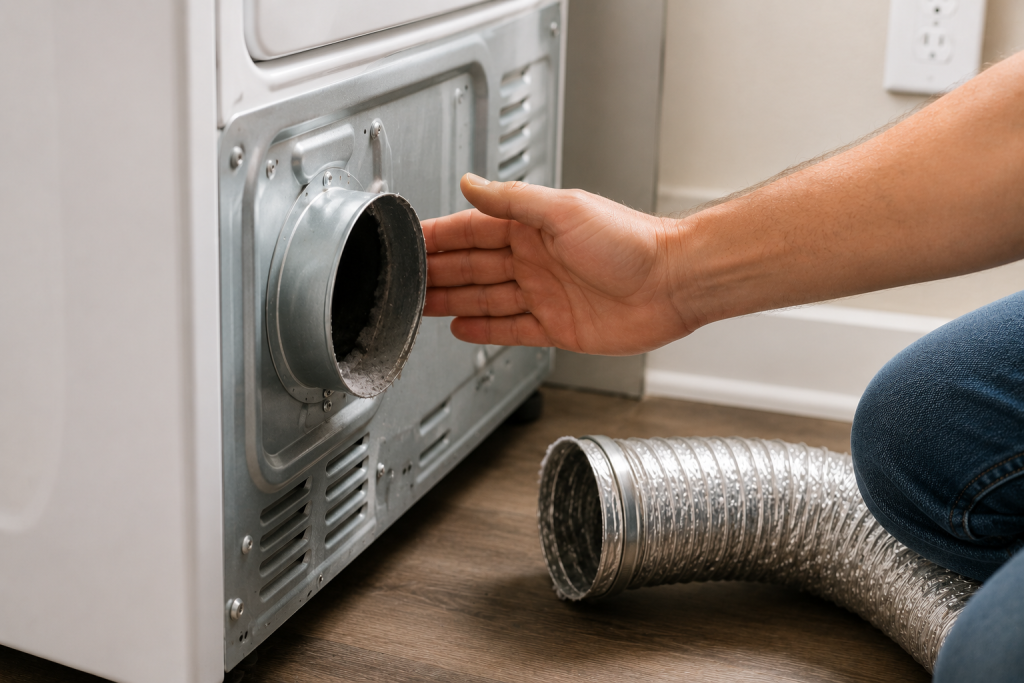
This test helps determine whether the restriction is inside the dryer or the home’s vent system.
How to Perform the Test
- Disconnect the vent hose from the dryer.
- Move the dryer away from combustible materials.
- Run the dryer for several minutes.
- Feel the airflow exiting the dryer.
Strong airflow indicates the restriction is likely in the home’s vent system.
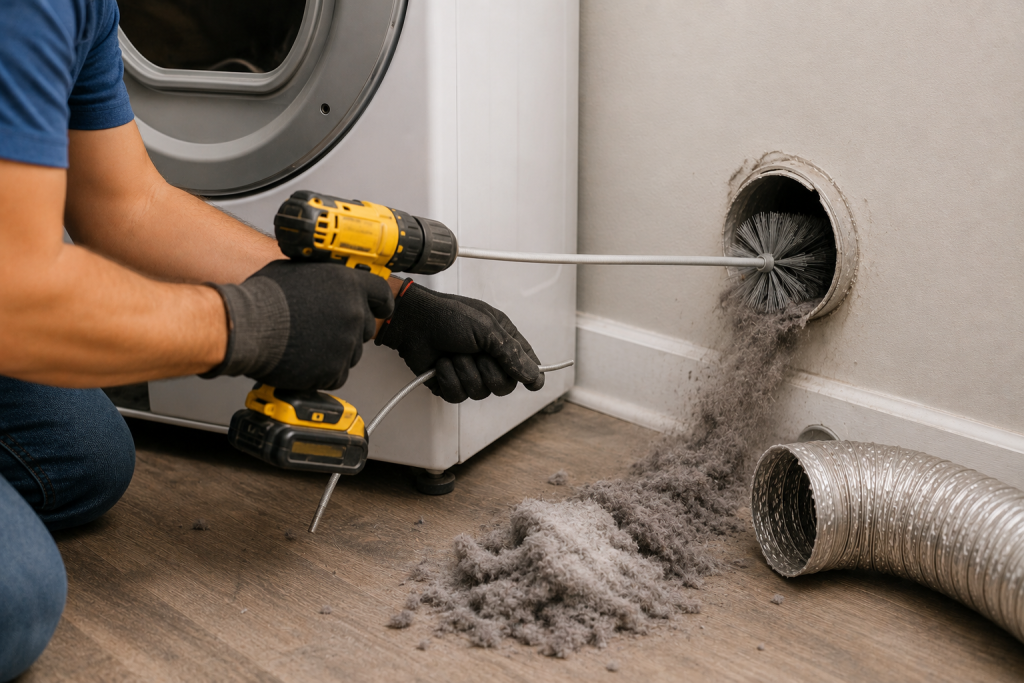
Step 4: Clean the Entire Dryer Vent Duct
Why It Matters
Lint can accumulate throughout the entire vent path, not just near the dryer.
How to Clean the Vent
- Disconnect the vent hose.
- Use a dryer vent cleaning brush.
- Remove lint from all accessible sections.
- Vacuum loose debris.
- Reassemble the vent system.
A dryer-vent cleaning kit can help remove lint from accessible exhaust ductwork. Choose a kit compatible with your duct material, diameter, and vent length, and follow its operating instructions carefully. Long runs, roof outlets, or difficult bends may require professional vent cleaning.
Regular vent cleaning improves efficiency and safety.
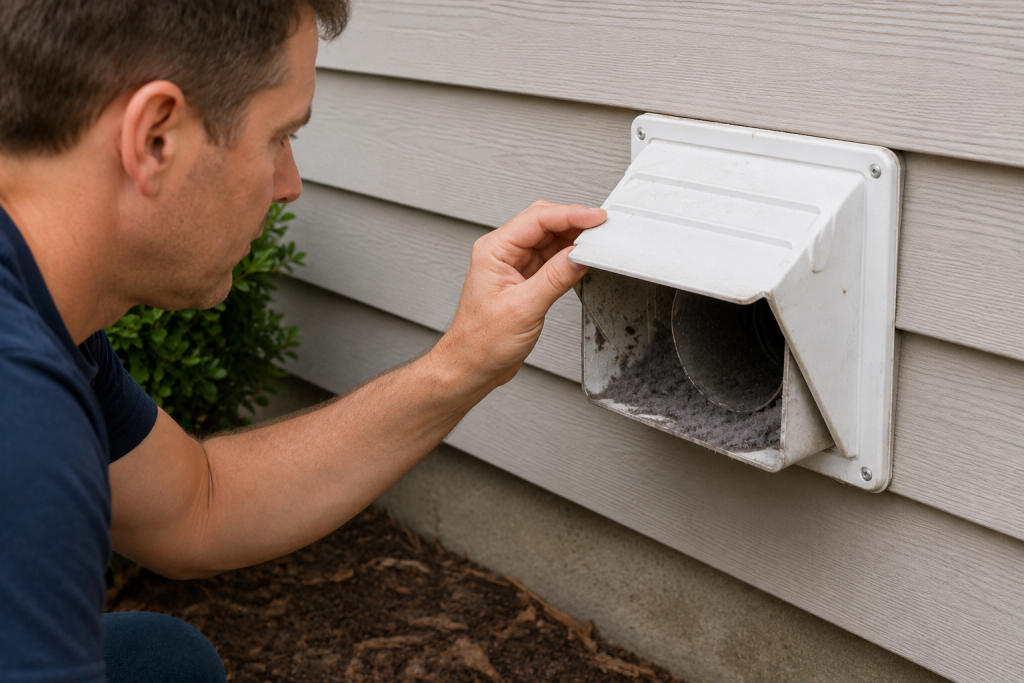
Step 5: Inspect the Exterior Vent Hood
Why It Matters
Bird nests, leaves, dirt, and lint can block the vent opening outside the home.
How to Inspect It
- Locate the exterior vent hood.
- Verify the flap opens freely.
- Remove any obstructions.
- Clean accumulated lint.
- Ensure proper airflow when the dryer is running.
A blocked vent hood is one of the most common AF code causes.
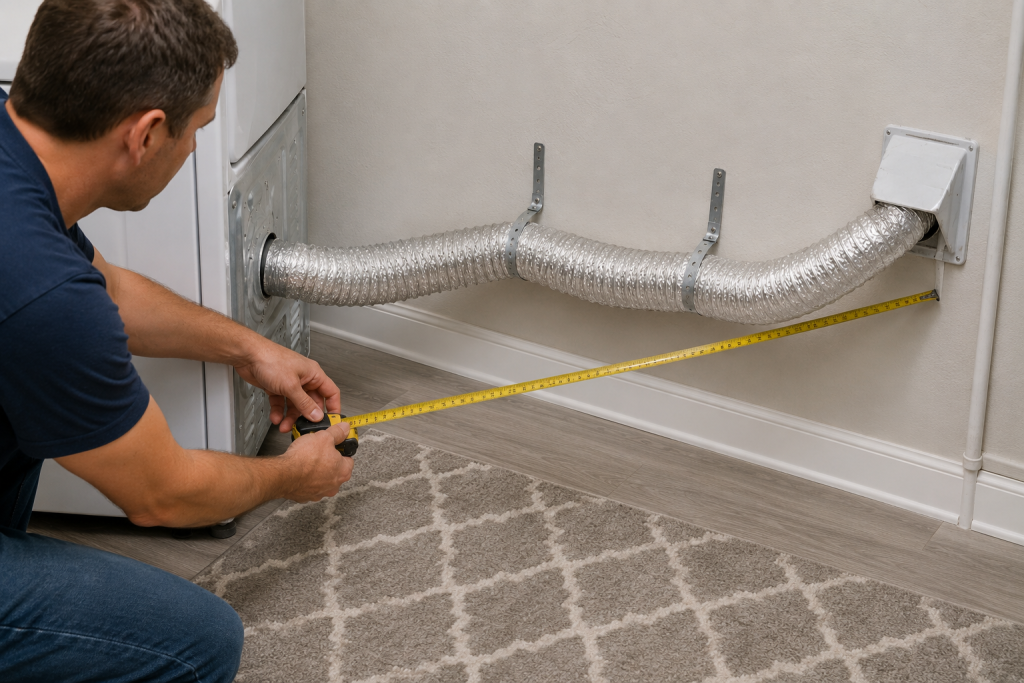
Step 6: Check for Excessive Vent Length
Why It Matters
Long vent runs reduce airflow and increase lint accumulation.
How to Evaluate the Vent System
- Follow the vent path from the dryer to the exterior.
- Count elbows and turns.
- Look for unnecessary extensions.
- Verify the installation follows manufacturer recommendations.
Shorter, straighter vent runs improve dryer performance.
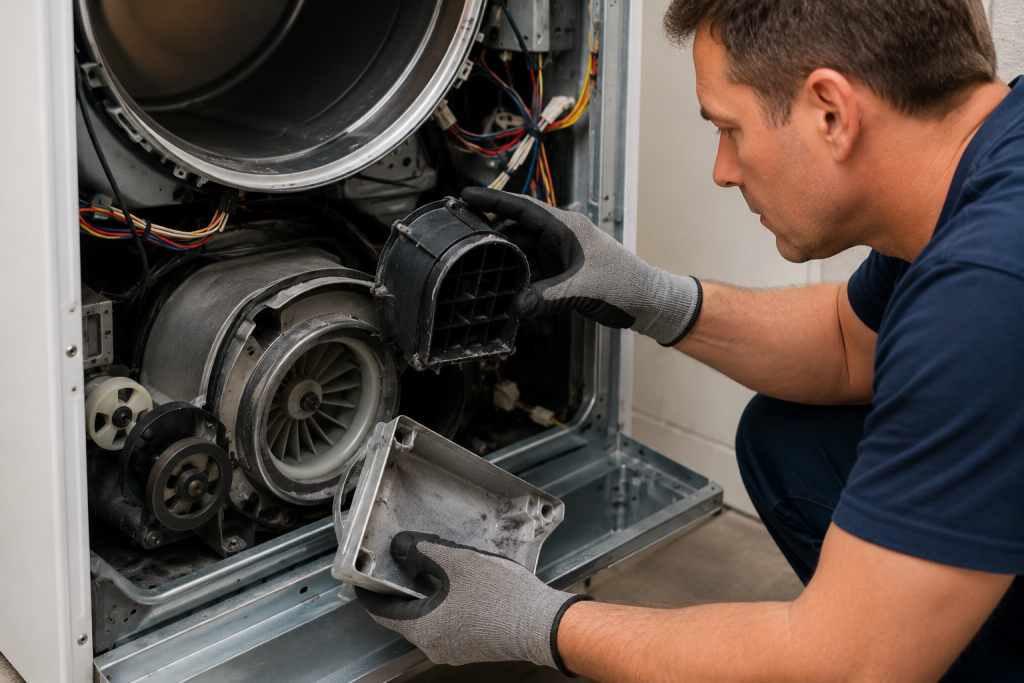
Step 7: Inspect Internal Airflow Components
Why It Matters
If the vent system is clear, the issue may be inside the dryer.
How to Inspect
- Disconnect power.
- Remove the appropriate access panels.
- Check for lint accumulation around:
- Blower wheel
- Internal ductwork
- Airflow channels
- Remove any debris found.
If airflow remains restricted, professional service may be necessary.
How to Prevent Whirlpool Dryer AF Code Errors
Preventive maintenance can significantly reduce airflow problems.
Maintenance Tips
- Clean the lint screen after every load.
- Inspect the vent hose every six months.
- Clean the full vent system annually.
- Keep the exterior vent hood clear.
- Avoid crushing the vent hose when moving the dryer.
- Replace damaged vent components promptly.
The manufacturer also provides dryer maintenance recommendations through the Whirlpool Product Help Center.
Frequently Asked Questions
Can I continue using my dryer with the AF code?
You can, but it is not recommended. Restricted airflow can increase drying times and create a fire hazard.
Does the AF code mean my dryer is broken?
Usually not. Most AF codes are caused by vent restrictions rather than failed dryer components.
Will cleaning the lint screen fix the AF code?
Sometimes. If lint buildup is the primary restriction, cleaning the screen may resolve the issue immediately.
How often should I clean my dryer vent?
Most homeowners should clean the vent at least once per year. Large households may need more frequent cleaning.
Can a bird nest cause the AF code?
Yes. Exterior vent obstructions such as bird nests are a common cause of airflow restrictions.
Troubleshooting a different code? Browse our complete collection of appliance error-code guides.
Final Thoughts
A Whirlpool dryer AF code indicates that the dryer is detecting restricted airflow somewhere in the exhaust system. Start with the lint screen, inspect the vent hose, and clean the entire vent system before considering internal dryer components. In most cases, restoring proper airflow eliminates the AF code and improves drying performance.