
Last updated: October 14, 2026
By Home Repair Genie
Quick Answer
A Whirlpool washer SD code (sometimes displayed as Sud or Sd) indicates excessive soap suds were detected during the wash cycle. The washer automatically adds extra rinse time to remove the excess suds, but the error may persist if you’re using too much detergent, the wrong detergent, a clogged drain system, or a failing pressure switch. In most cases, reducing detergent usage and cleaning the drain system will resolve the issue.
What Does the Whirlpool Washer SD Code Mean?
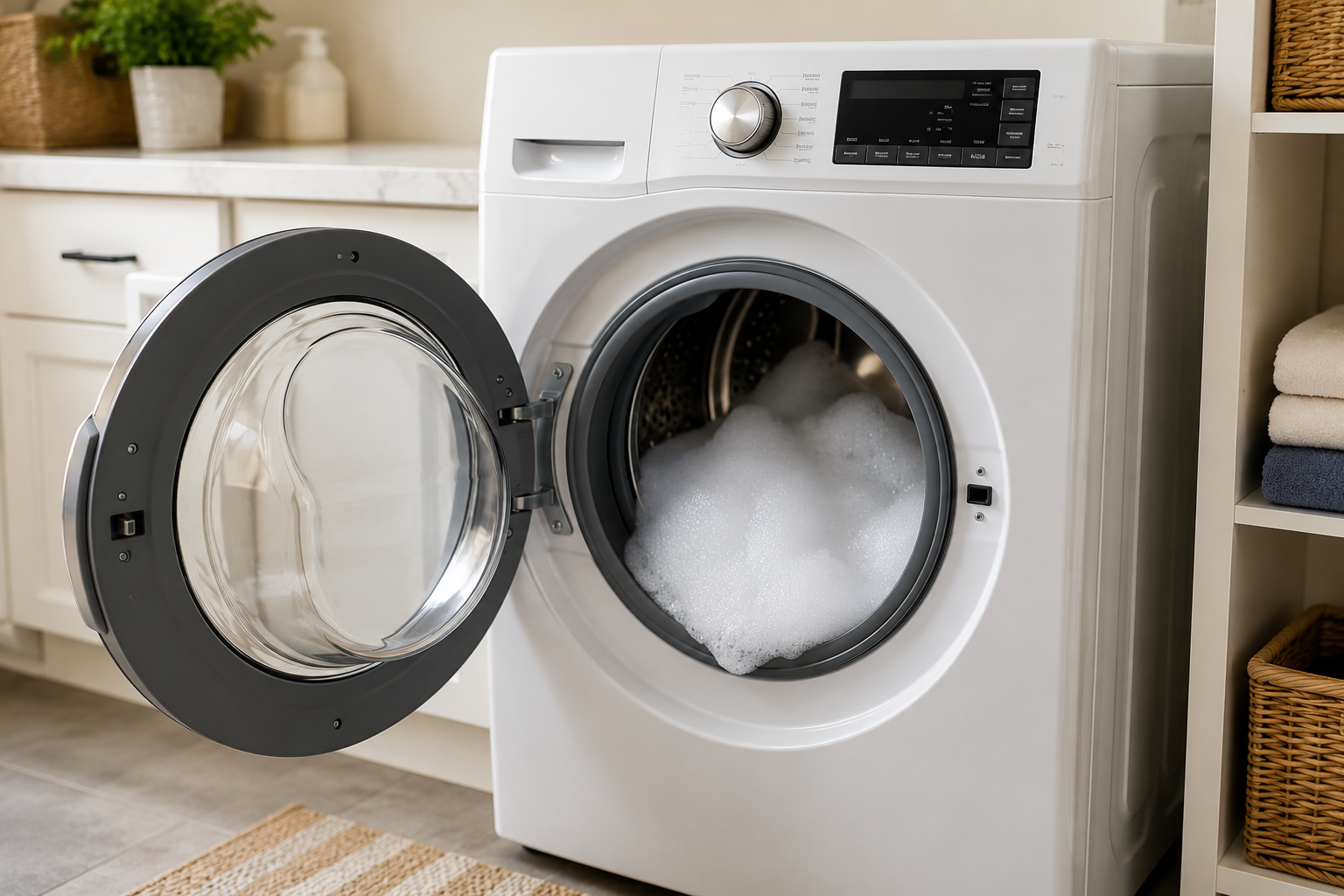
The Whirlpool washer SD code stands for Suds Detection. This error occurs when the washer senses excessive foam inside the drum.
Modern Whirlpool washers use sensors to monitor water levels and drainage performance. When too many suds are present, the machine may struggle to drain properly. To protect the washer and ensure clothes are rinsed correctly, the control board extends the cycle and displays the SD code.
While occasional sudsing is normal, repeated SD errors usually indicate an underlying problem that needs attention.
Common Causes of the Whirlpool Washer SD Code
The most common causes include:
- Using too much detergent
- Using non-HE detergent in an HE washer
- Drain hose restrictions
- Clogged drain pump filter
- Drain pump issues
- Pressure switch problems
- Control board communication faults
Before replacing parts, start with the simple fixes below.
How to Fix a Whirlpool Washer SD Code
Step 1: Use the Correct Detergent
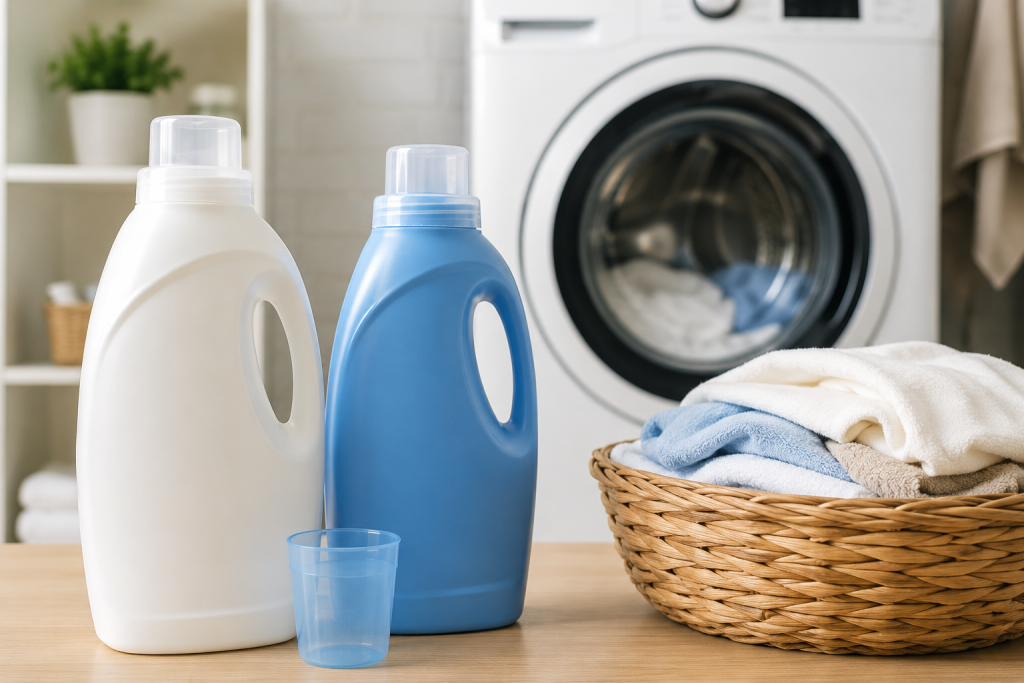
High-efficiency Whirlpool washers require HE detergent.
Using standard detergent creates excessive foam that the washer cannot properly remove. Even a small amount of regular detergent can trigger the SD code.
How to Check
- Locate the detergent bottle.
- Look for the “HE” symbol on the label.
- Switch to HE detergent if necessary.
- Run a rinse cycle to remove remaining suds.
If you’ve recently changed detergent brands, this is often the source of the problem.
As an Amazon Associate I earn from qualifying purchases.
If your current detergent is not labeled for high-efficiency washers, browse HE laundry detergents on Amazon. Choose an HE-compatible formula and measure according to the detergent label and your washer’s instructions. Even HE detergent can cause excessive suds when too much is used.
Step 2: Reduce the Amount of Detergent
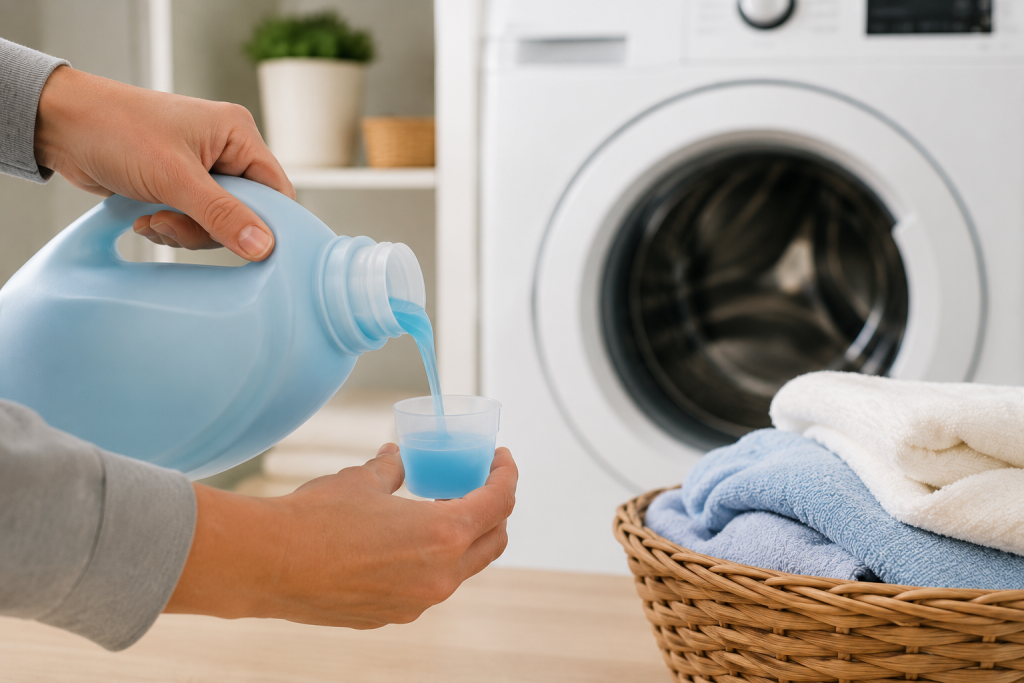
Even HE detergent can cause sudsing problems when used excessively.
Many homeowners use more detergent than needed, especially with concentrated formulas.
How to Reduce Detergent Usage
- Consult the detergent manufacturer’s recommendations.
- Measure detergent carefully.
- Use less detergent for small loads.
- Use less detergent if you have soft water.
Run a clean rinse cycle after reducing detergent usage and see if the SD code returns.
Step 3: Run a Washer Cleaning Cycle
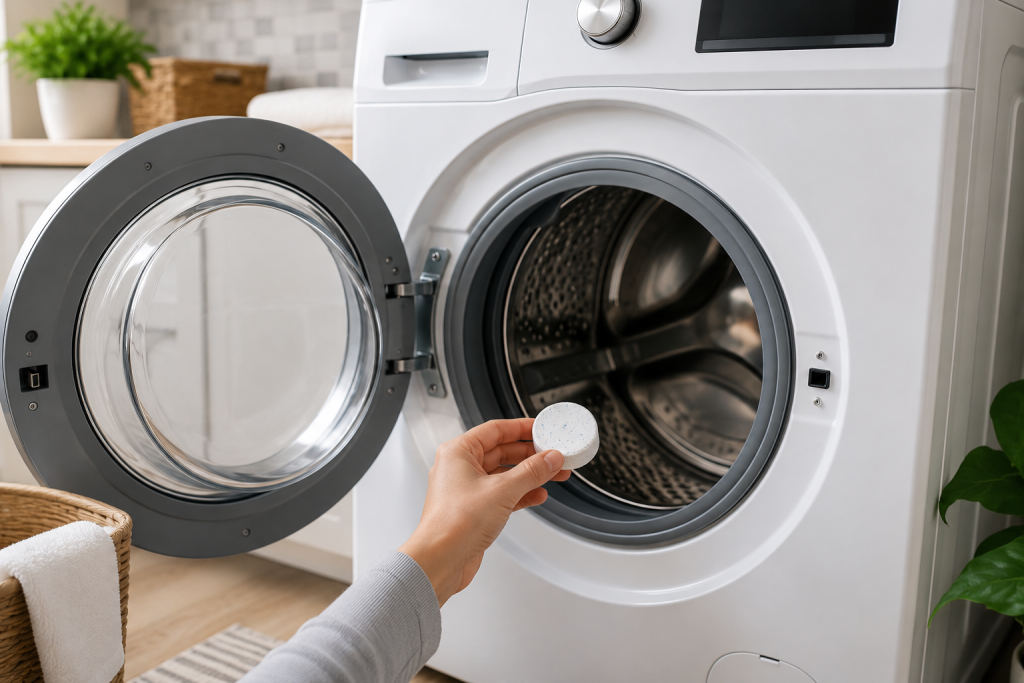
Soap residue can build up inside the drum, hoses, and pump over time.
This residue contributes to recurring sudsing issues.
How to Clean the Washer
- Empty the washer completely.
- Add a washer cleaner tablet.
- Select the Clean Washer cycle.
- Allow the cycle to finish completely.
If your washer lacks a cleaning cycle, run the hottest cycle available.
For detergent-residue maintenance, browse affresh washing-machine cleaner tablets on Amazon. Whirlpool recommends affresh for washer cleaning. Use the cleaner in an empty washer and follow both the product label and your model’s cleaning instructions. Cleaner will not repair a blocked drain or failed component.
For additional maintenance tips, see our guide on Washing Machine Not Spinning? 7 Easy Fixes That Actually Work.
Step 4: Inspect the Drain Hose
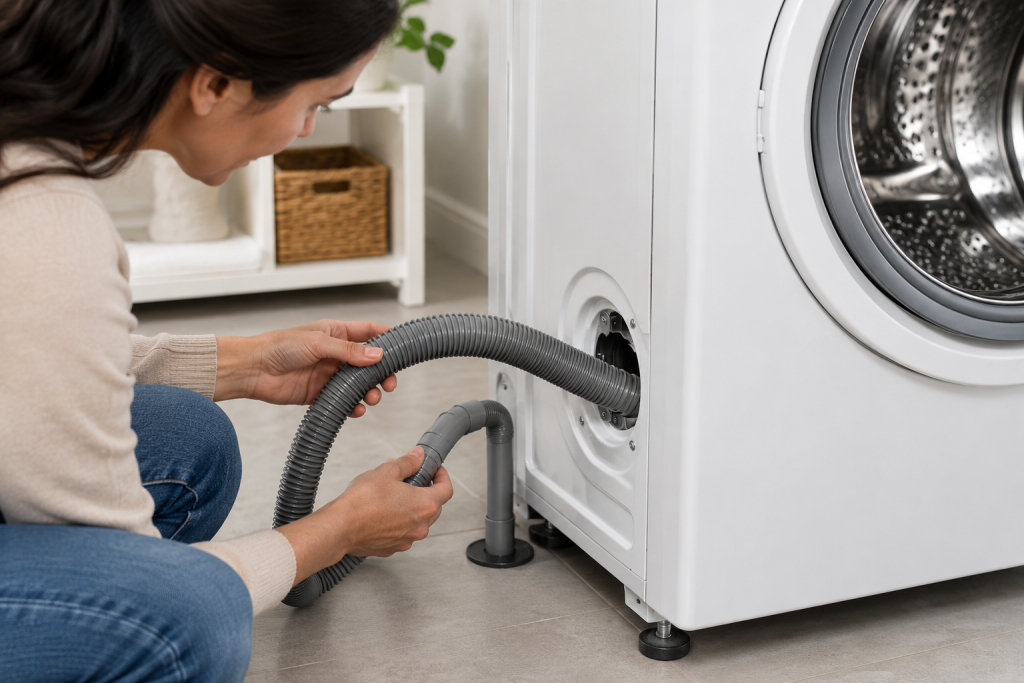
A partially blocked drain hose can slow drainage and make the control board think excessive suds are present.
How to Check the Drain Hose
- Unplug the washer.
- Pull the appliance away from the wall.
- Inspect the hose for kinks or crushing.
- Remove any visible obstructions.
- Reinstall the hose properly.
The drain hose should remain free of restrictions to maintain proper water flow.
Step 5: Clean the Drain Pump Filter
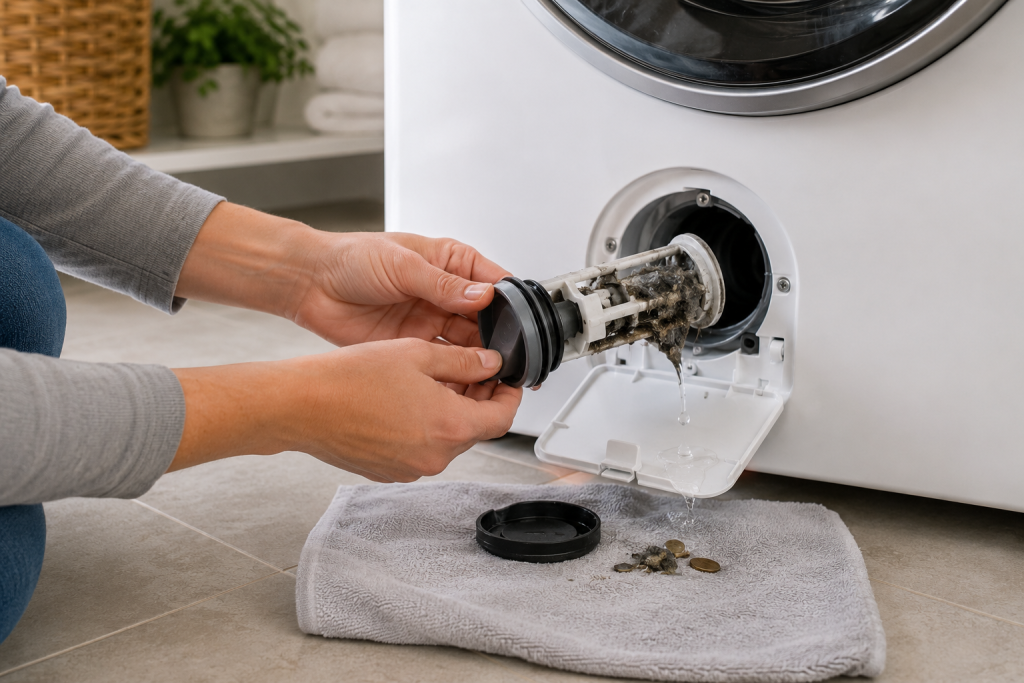
A clogged drain filter can prevent water from leaving the washer efficiently.
When drainage slows, the SD code often appears.
How to Clean the Filter
- Disconnect power.
- If your model has a user-accessible pump filter, place a shallow water-catching tray beneath it and keep towels nearby. Check that the tray fits the available clearance. Follow the manual’s draining procedure and empty the tray as needed before removing the filter completely.
- Remove the filter cap.
- Allow water to drain.
- Remove lint, coins, hair, and debris.
- Reinstall the filter securely.
Many Whirlpool front-load models include an accessible drain filter that should be cleaned periodically.
You may also find our article on GE Washer Not Draining? 7 Easy Fixes That Actually Work helpful.
Step 6: Inspect the Pressure Switch and Air Hose
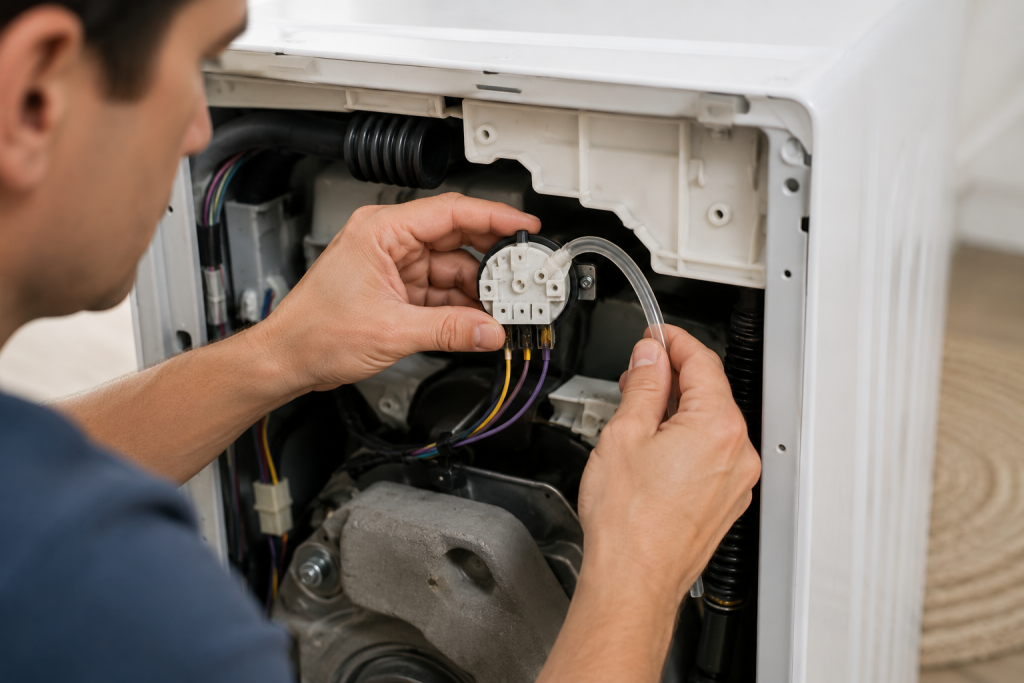
The pressure switch monitors water levels inside the washer.
If the switch or air tube becomes clogged, the control board may receive incorrect water-level readings and display the Whirlpool washer SD code.
How to Inspect the Pressure System
- Disconnect power.
- Remove the washer’s top panel.
- Locate the pressure switch.
- Inspect the connected air hose.
- Remove any obstructions.
- Reconnect the hose securely.
If the switch appears damaged, replacement may be necessary.
Step 7: Check the Drain Pump
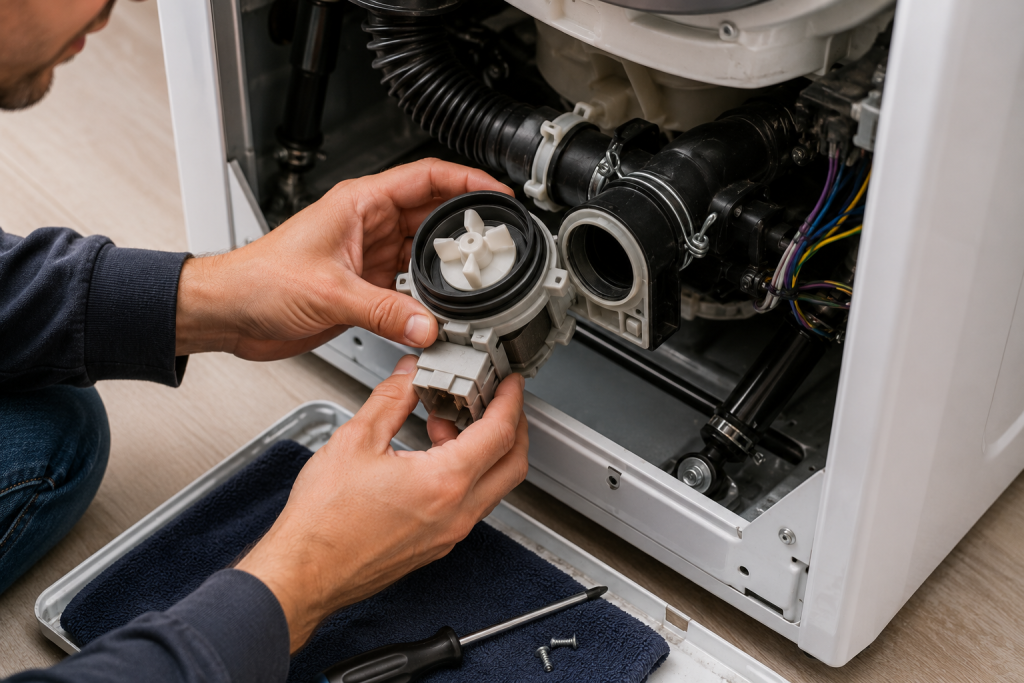
A weak or failing drain pump may not remove water quickly enough.
The washer may interpret slow drainage as a sudsing problem and trigger the SD code.
How to Inspect the Drain Pump
- Disconnect power.
- Access the drain pump.
- Inspect for debris or blockages.
- Check the impeller for damage.
- Test the pump with a multimeter if available.
- Replace the pump if defective.
For official Whirlpool troubleshooting information, visit the Whirlpool Product Help page.
How to Prevent the Whirlpool Washer SD Code
Preventing future SD errors is usually straightforward.
Best Practices
- Always use HE detergent.
- Measure detergent carefully.
- Avoid overloading the washer.
- Clean the washer monthly.
- Inspect the drain hose regularly.
- Clean the drain filter every few months.
- Address drainage issues promptly.
Routine maintenance greatly reduces the likelihood of recurring sudsing errors.
When to Call a Professional
Contact an appliance repair technician if:
- The SD code appears after every cycle.
- The washer will not drain.
- The drain pump tests bad.
- The pressure switch is malfunctioning.
- The control board may be defective.
Persistent SD errors after completing all troubleshooting steps often indicate a component failure.
Frequently Asked Questions
Is SD the same as Sud on a Whirlpool washer?
Yes. SD and Sud both indicate that the washer has detected excessive soap suds during operation.
Can too much detergent cause the Whirlpool washer SD code?
Yes. Excess detergent is the most common cause of the SD code.
Will the Whirlpool SD code clear itself?
Sometimes. The washer may add extra rinse cycles and eventually remove the excess suds. However, if the underlying cause remains, the error will likely return.
Can a clogged drain pump cause the SD code?
Yes. Restricted drainage can trigger the washer’s suds detection system and result in the SD code.
Is it safe to continue using the washer with an SD code?
Occasional SD errors are usually not harmful. However, repeated SD codes should be investigated to prevent drainage issues and excessive wear on washer components.
Troubleshooting a different code? Browse our complete collection of appliance error-code guides.
Final Thoughts
The Whirlpool washer SD code usually indicates excessive suds caused by using too much detergent or the wrong detergent type. Start by reducing detergent usage, running a cleaning cycle, and checking the drain system. If the error persists, inspect the pressure switch and drain pump for faults.
Most homeowners can resolve the problem without replacing parts, and regular maintenance can help prevent the Whirlpool washer SD code from returning.