
Last updated: October 14, 2026
By Home Repair Genie
Quick Answer
A Samsung dishwasher LC code indicates that the dishwasher’s leak sensor has detected water in the base pan beneath the unit. The error is commonly caused by leaks, excessive suds, clogged filters, loose hoses, damaged door seals, or faulty leak detection components. Finding and eliminating the source of the moisture usually clears the LC code.
What Does the Samsung Dishwasher LC Code Mean?
The Samsung dishwasher LC code stands for Leak Check.
Samsung dishwashers include a leak detection system that monitors the base of the appliance. If water accumulates in the bottom pan, the sensor activates and displays the LC code to help prevent water damage.
When this occurs, the dishwasher may:
- Stop the wash cycle
- Continuously run the drain pump
- Refuse to start a new cycle
- Display the LC error repeatedly
The code often indicates a genuine leak, but sometimes excess moisture or soap residue can trigger the sensor.
What Causes a Samsung Dishwasher LC Code?
Several conditions can activate the leak detection system.
Common causes include:
- Water leaking into the base pan
- Excessive detergent or suds
- Clogged dishwasher filters
- Loose drain hose connections
- Damaged door gasket
- Cracked water supply components
- Faulty leak sensor
Work through the troubleshooting steps below to identify the cause.
Step 1: Power Off and Reset the Dishwasher
Why It Matters
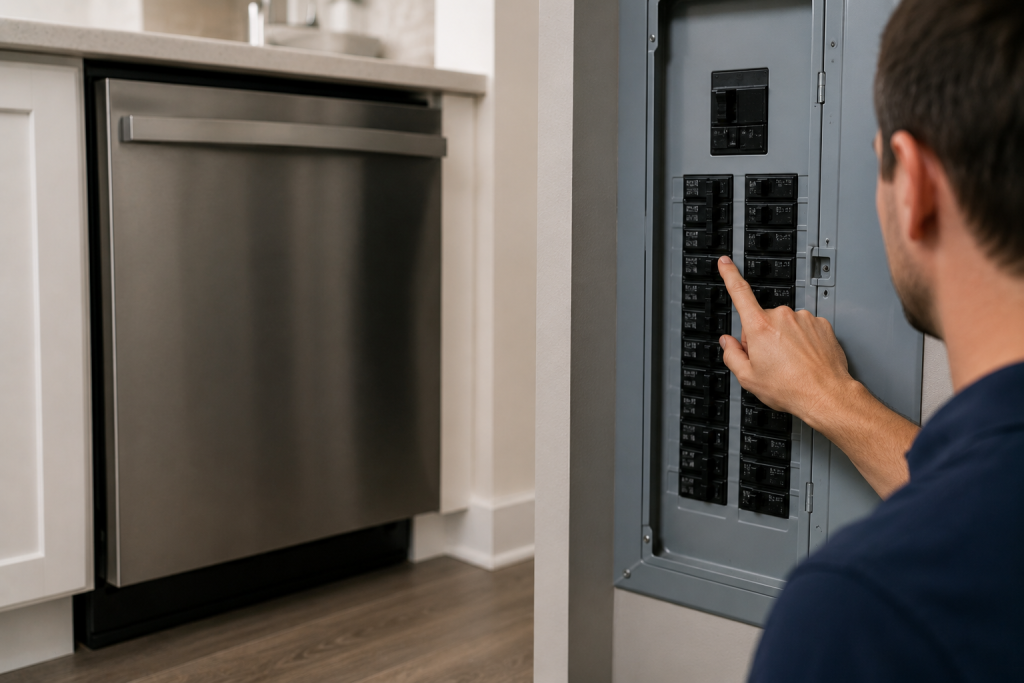
A reset can clear temporary sensor faults and determine whether the issue is persistent.
How to Reset
- Turn off the dishwasher.
- Unplug the power cord or switch off the breaker.
- Wait five minutes.
- Restore power.
- Start a new cycle.
If the LC code returns, continue with the remaining steps.
Step 2: Check for Excessive Suds
Why It Matters
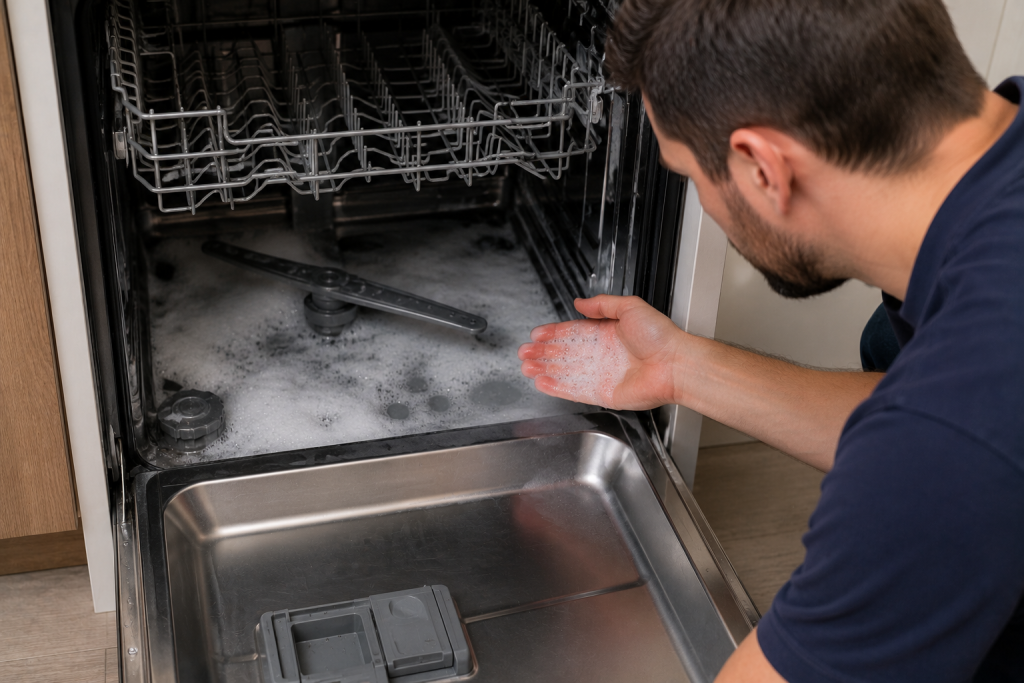
Using the wrong detergent or too much detergent can create excessive foam that triggers the leak sensor. As an Amazon Associate I earn from qualifying purchases.
How to Inspect
- Open the dishwasher door.
- Look for soap bubbles or foam inside the tub.
- Verify that dishwasher detergent—not dish soap—was used. If you used hand dishwashing liquid or another unsuitable soap, switch to automatic dishwasher detergent approved for your machine. Follow the detergent label and your dishwasher’s dosing instructions. Adding more detergent will not clear the LC code or repair a leak.
- Run a rinse cycle if excessive suds are present.
Excess foam can sometimes leak into the base pan and activate the LC code.
Step 3: Clean the Dishwasher Filter
Why It Matters
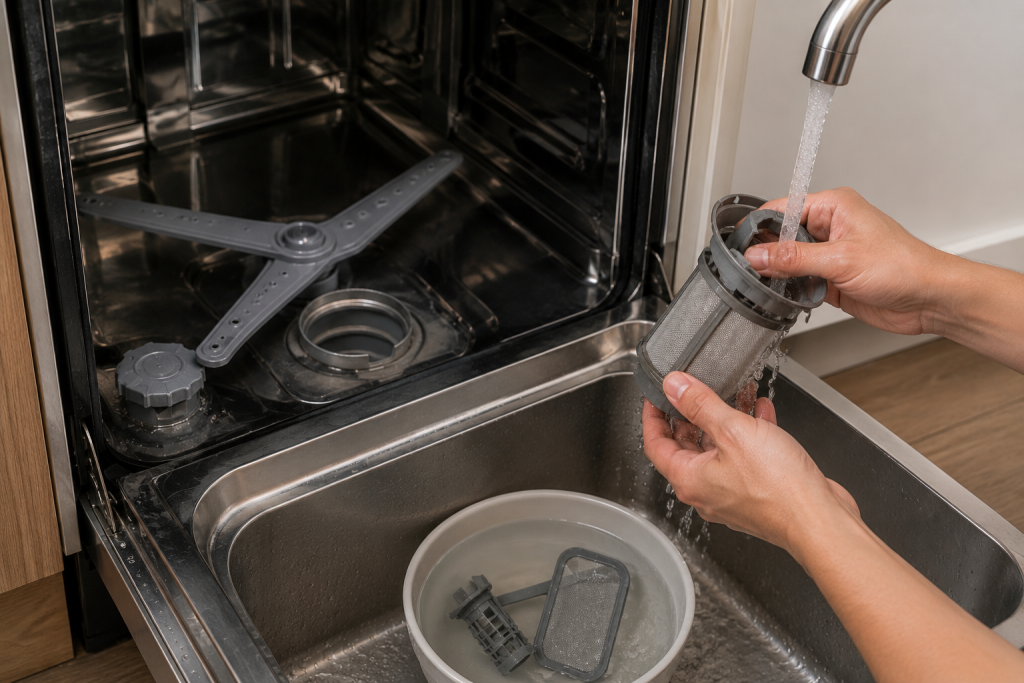
A clogged filter can restrict water flow and contribute to overflow conditions.
How to Clean the Filter
- Remove the lower dish rack.
- Locate the filter assembly at the bottom of the tub.
- Twist and remove the filter.
- Rinse it under warm water.
- Remove food debris and buildup.
- Reinstall the filter securely.
For additional dishwasher troubleshooting, see our guide on dishwasher not draining.
Step 4: Inspect the Door Gasket
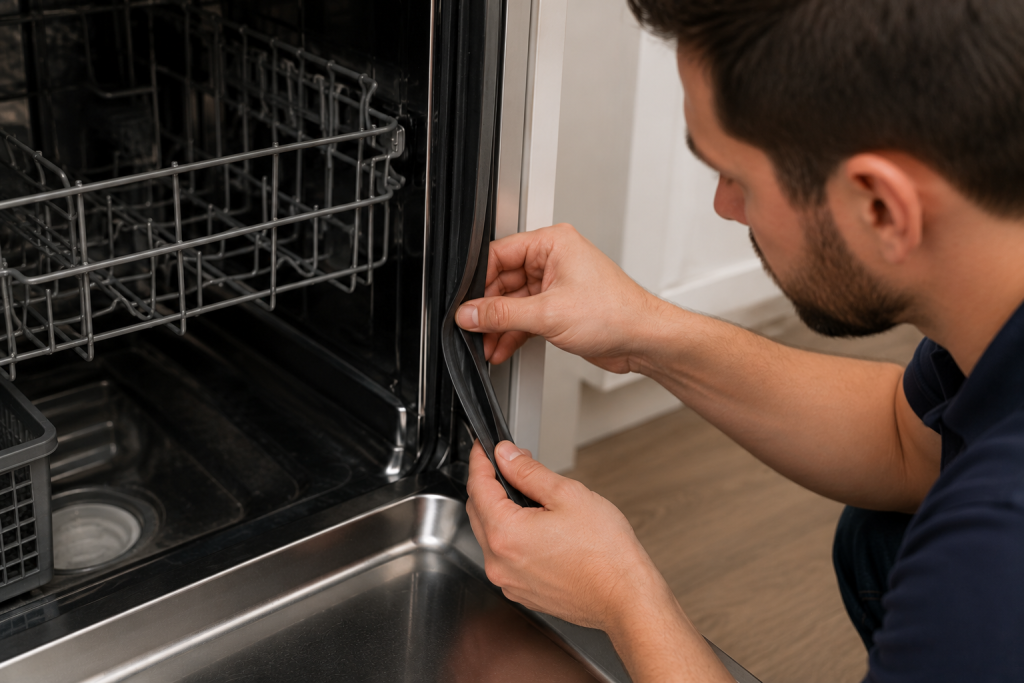
Why It Matters
A damaged or dirty door seal can allow water to escape during operation.
How to Inspect
- Open the dishwasher door.
- Examine the gasket around the tub opening.
- Look for:
- Cracks
- Tears
- Flattened sections
- Food buildup
- Clean the gasket thoroughly.
Replace the gasket if it is damaged.
If inspection confirms a torn or damaged door gasket, browse replacement Samsung dishwasher door gaskets on Amazon. Match the replacement part number to your dishwasher’s full model code before ordering. The perimeter tub gasket and lower door seal are different components, so identify which part needs replacement first.
Step 5: Check the Drain Hose and Water Supply Connections
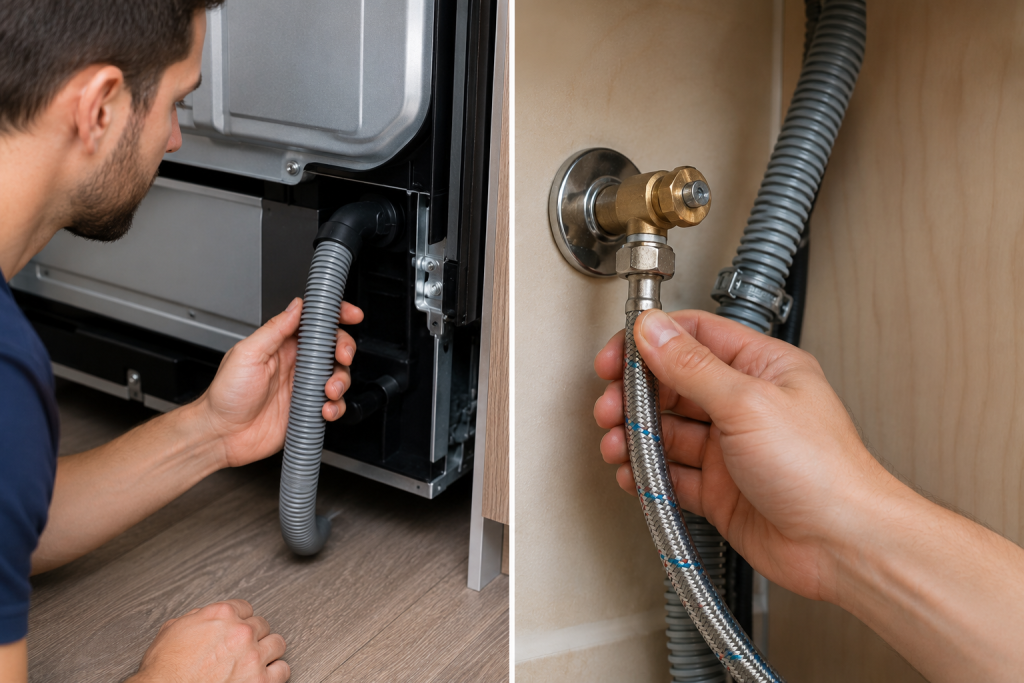
Why It Matters
Loose hose connections are among the most common sources of dishwasher leaks.
How to Inspect
- Turn off power to the dishwasher.
- Remove the lower access panel.
- Inspect:
- Drain hose connections
- Water supply line fittings
- Hose clamps
- Tighten any loose connections.
Look for signs of moisture around fittings and hoses.
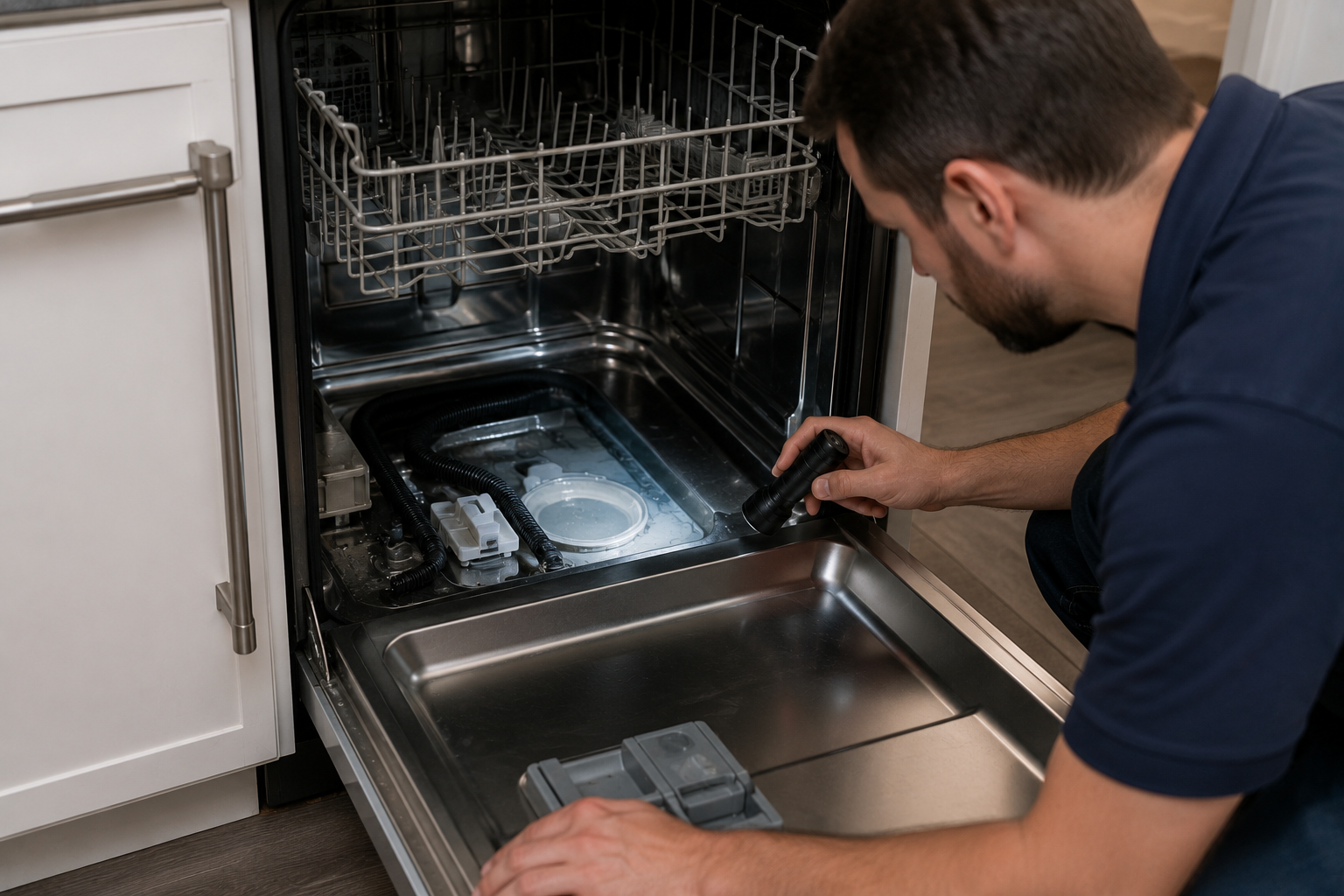
A compact LED flashlight can help reveal moisture trails around accessible hose connections and fittings. Disconnect electrical power before inspecting behind an access panel, and follow your model’s instructions. If reaching the suspected leak requires moving the dishwasher or accessing internal components, contact an appliance technician.
Step 6: Inspect the Base Pan for Water
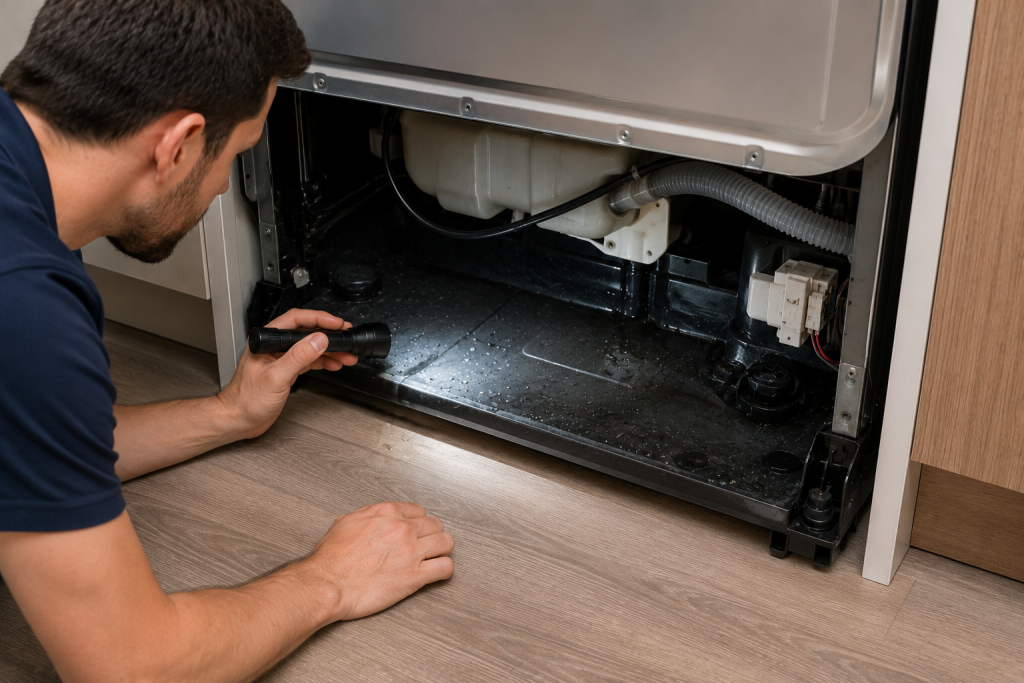
Why It Matters
The LC code activates when water reaches the leak sensor in the base pan.
How to Inspect
- Disconnect power.
- Remove the lower access panel.
- Use a flashlight to inspect the base area.
- Look for standing water or damp surfaces.
- Dry any moisture using towels.
If water is present, continue searching for the source of the leak.
You can also browse our other Appliance Repair Guides for additional repair help.
Step 7: Examine the Leak Sensor and Internal Components
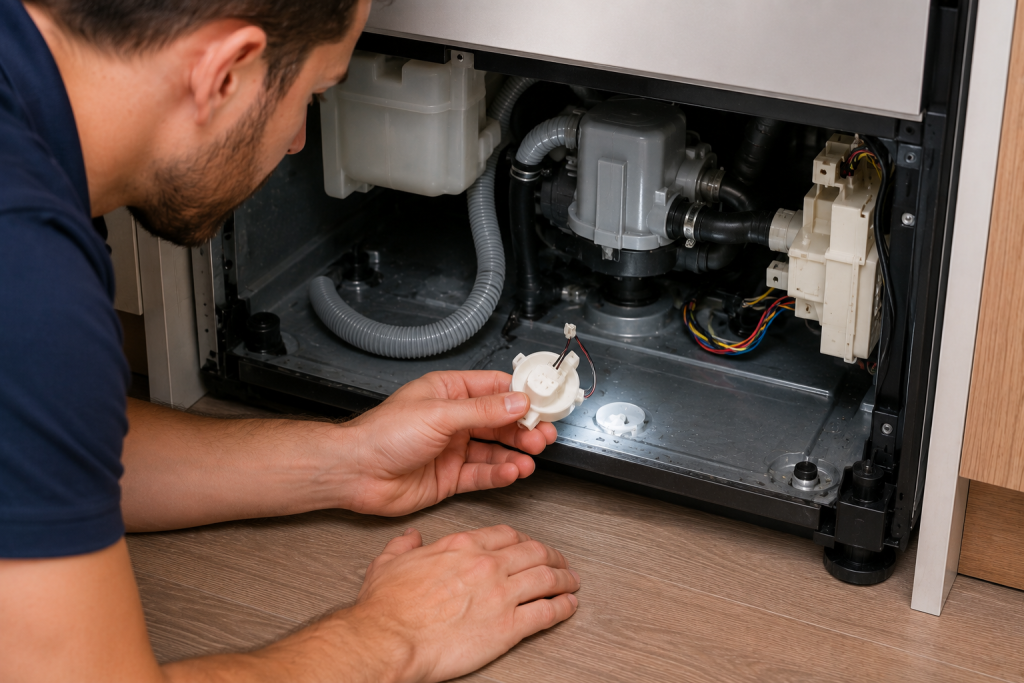
Why It Matters
If no visible leaks are present, the leak sensor itself may be malfunctioning.
How to Inspect
- Disconnect power.
- Locate the leak sensor assembly in the base pan.
- Check for:
- Corrosion
- Loose wiring
- Physical damage
- Inspect nearby pumps and water channels for leaks.
Replace the sensor if it fails testing and no other issues are found.
How to Prevent a Samsung Dishwasher LC Code
Regular maintenance can reduce the likelihood of future leak errors.
Preventive Maintenance Tips
- Clean the filter monthly.
- Use only dishwasher-approved detergent.
- Avoid overloading the dishwasher.
- Inspect hoses annually.
- Clean the door gasket regularly.
- Address small leaks immediately.
Samsung also provides maintenance guidance through the Samsung Support Center.
Frequently Asked Questions
Can I continue using my dishwasher with the LC code?
No. The dishwasher may have an active leak that could worsen if ignored.
Will unplugging the dishwasher clear the LC code?
It may temporarily clear the code, but the error usually returns if water remains in the base pan.
Can excessive detergent cause the LC code?
Yes. Excessive suds can overflow into the base area and trigger the leak sensor.
How do I remove water from the dishwasher base pan?
Disconnect power, remove the lower access panel, and dry the water with towels before identifying the source of the leak.
Is the leak sensor expensive to replace?
The sensor itself is typically inexpensive, but diagnosis is important because many LC codes are caused by actual leaks rather than sensor failures.
Troubleshooting a different code? Browse our complete collection of appliance error-code guides.
Final Thoughts
A Samsung dishwasher LC code indicates that the dishwasher’s leak detection system has found moisture in the base pan. Start by checking for excessive suds, cleaning the filter, inspecting the door gasket, and examining all hose connections. In many cases, fixing a small leak or removing trapped moisture will eliminate the error and restore normal operation.