
Last updated: October 10, 2026
By Home Repair Genie
Quick Answer
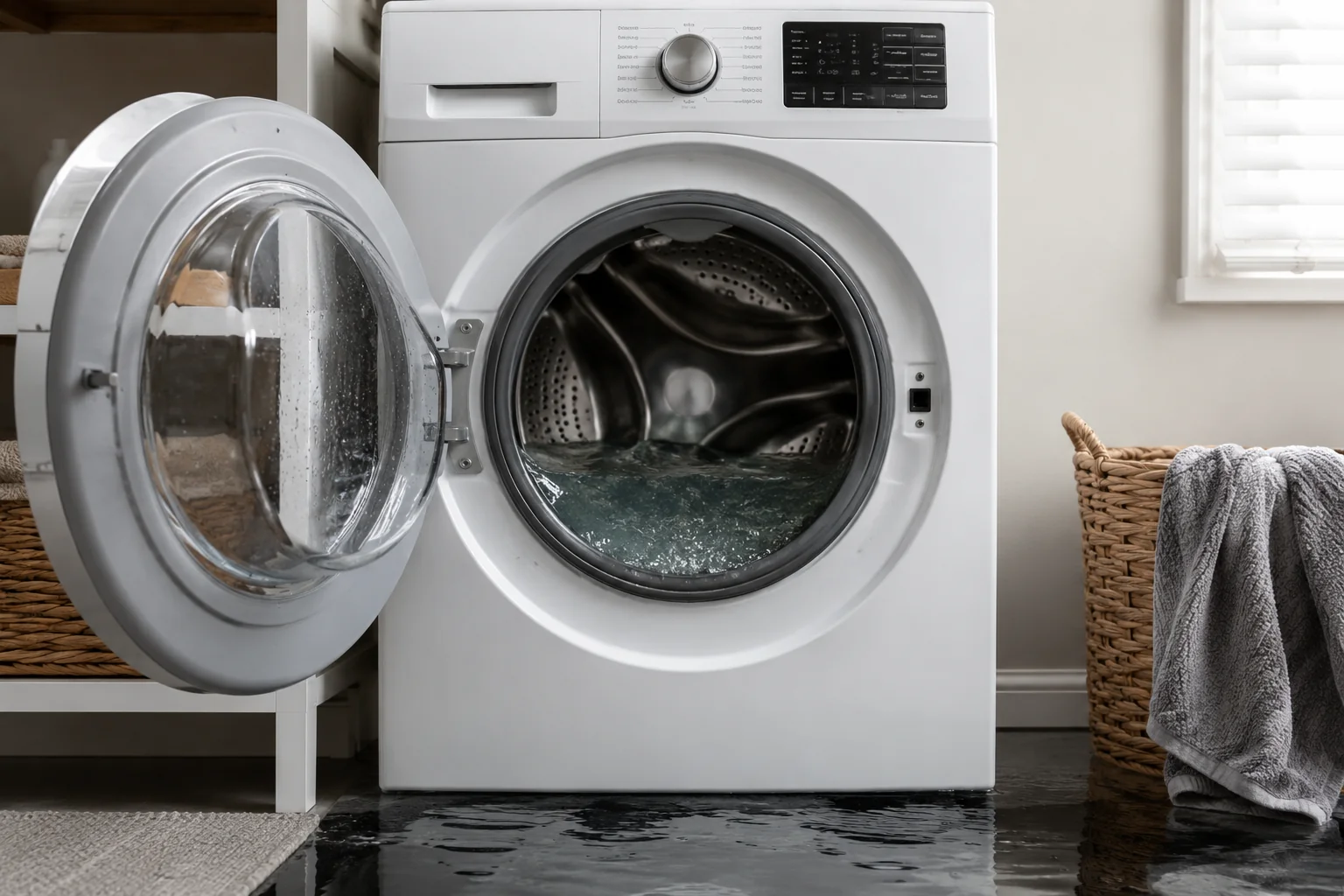
GE washer not draining? A clogged drain hose, blocked drain pump filter, overloaded drum, or failing drain pump are some of the most common causes. Fortunately, many GE washer drainage problems can be fixed at home with a few simple troubleshooting steps.
This step-by-step guide explains the most common reasons a GE washer is not draining and how to get it working again.
If your GE washer not draining problem continues after these fixes, the drain pump or household plumbing may require additional inspection.
If you are dealing with other washer drainage problems, you may also find these guides helpful:
- LG Washer OE Code: 7 Easy Fixes That Actually Work
- Whirlpool Washer F9 E1 Error: 7 Easy Fixes to Get Your Washer Draining Again
- How to Unclog a Drain: 7 Easy Fixes That Actually Work Fast
A GE washer that won’t drain can leave your clothes soaking wet and interrupt your entire laundry routine. The good news is that many drainage problems are caused by simple issues you can fix yourself without calling a repair technician.
This step-by-step guide explains the most common reasons a GE washer is not draining and how to get it working again.
Why Your GE Washer Is Not Draining
A GE washer may fail to drain because of:
- A clogged drain pump filter
- A kinked or blocked drain hose
- An overloaded washer drum
- A jammed or failing drain pump
- Household drain line clogs
- Door lock or lid switch problems
- Electrical or control board issues
Many of these problems can be fixed in less than an hour with basic tools.
Tools and Supplies You May Need
- Towels or rags
- Bucket or shallow pan
- Flashlight
- Screwdriver
- Needle-nose pliers
- Work gloves
Step 1: Unplug the Washer
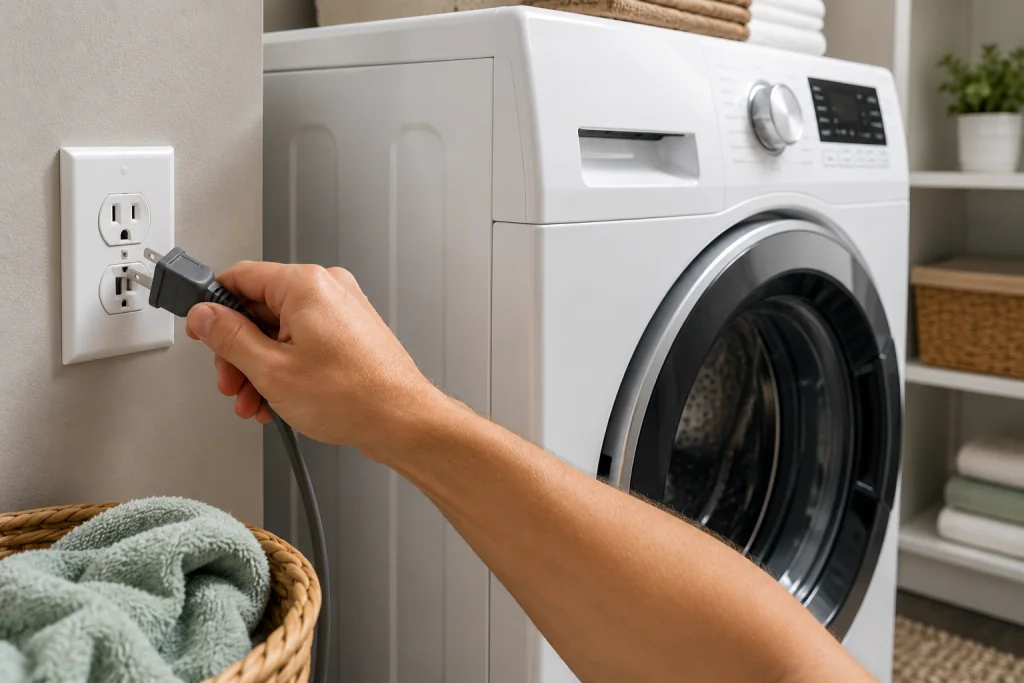
Before working on the washer, disconnect the power to avoid electrical shock.
How to Unplug the Washer Safely
- Turn the washer off
- Unplug the power cord
- Pull the washer away from the wall if necessary
If your washer stopped mid-cycle and still contains water, place towels around the machine before continuing.
Step 2: Check for an Overloaded Drum
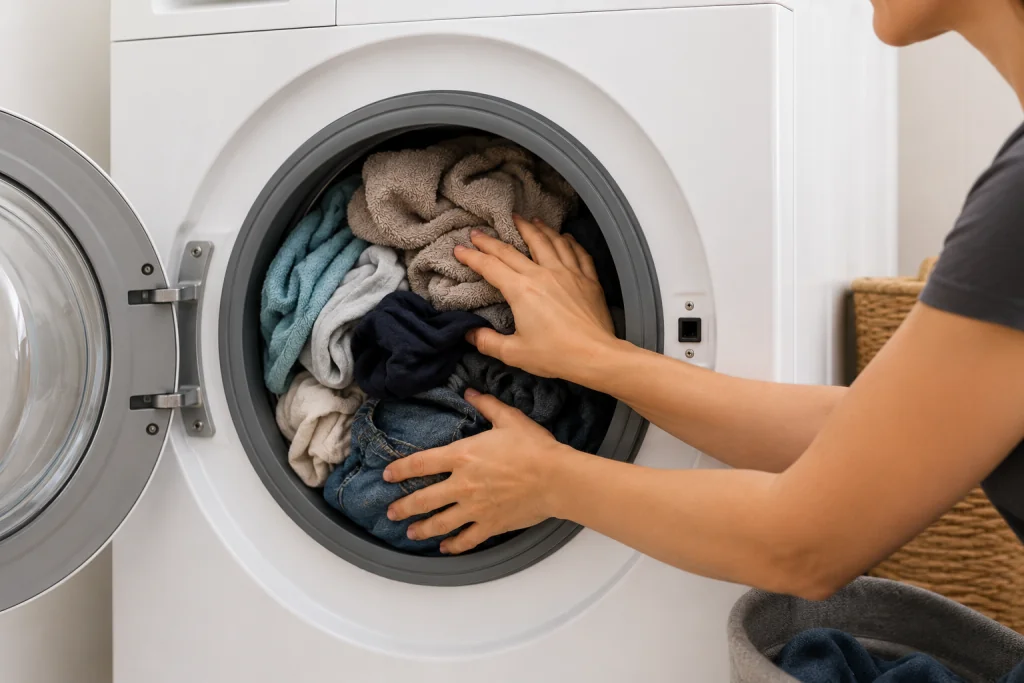
Too many heavy clothes can prevent the washer from draining properly.
Large loads of towels, blankets, or jeans may stop the washer from spinning efficiently.
Signs the Washer Is Overloaded
- Clothes are still soaking wet
- The drum struggles to spin
- Washer stops during the cycle
- Loud humming sounds occur
Remove some items and try running a drain or spin cycle again.
If your washer frequently struggles with large loads, routine maintenance can help prevent future issues. You may also want to review this helpful guide:
Step 3: Inspect the Drain Hose
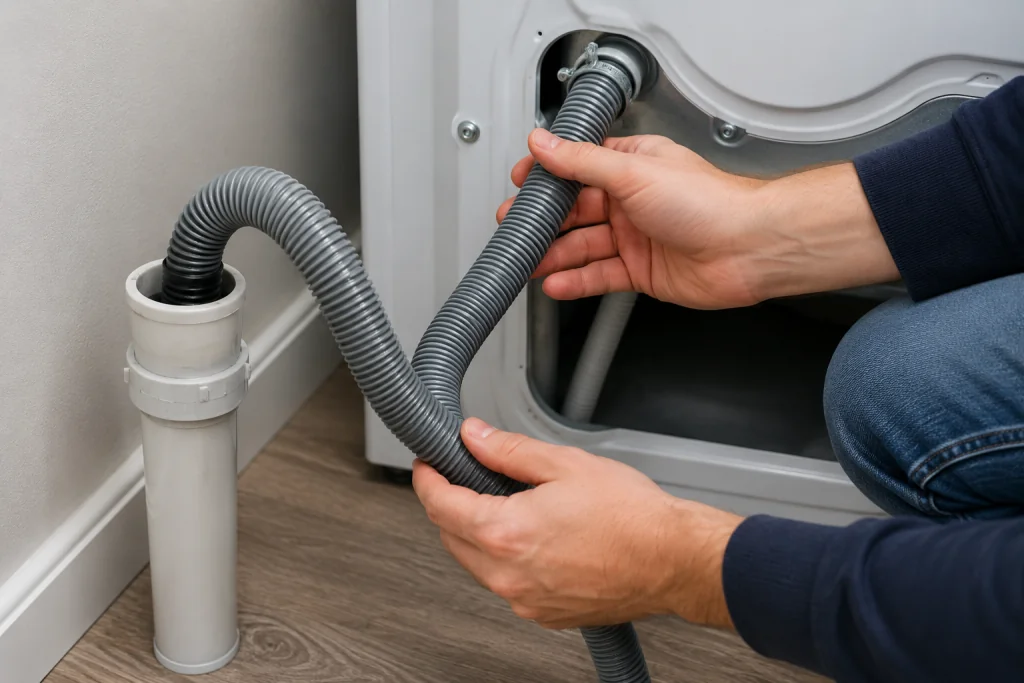
A clogged hose is one of the most common reasons for a GE washer not draining issue.
How to Check the Drain Hose
- Locate the hose behind the washer
- Make sure it is not bent or crushed
- Disconnect the hose carefully
- Check for lint or debris buildup
- Flush the hose with water if needed
As an Amazon Associate I earn from qualifying purchases.
If the hose is cracked, crushed, or permanently clogged, replace it with a compatible washing-machine drain hose.
Step 4: Clean the Drain Pump Filter
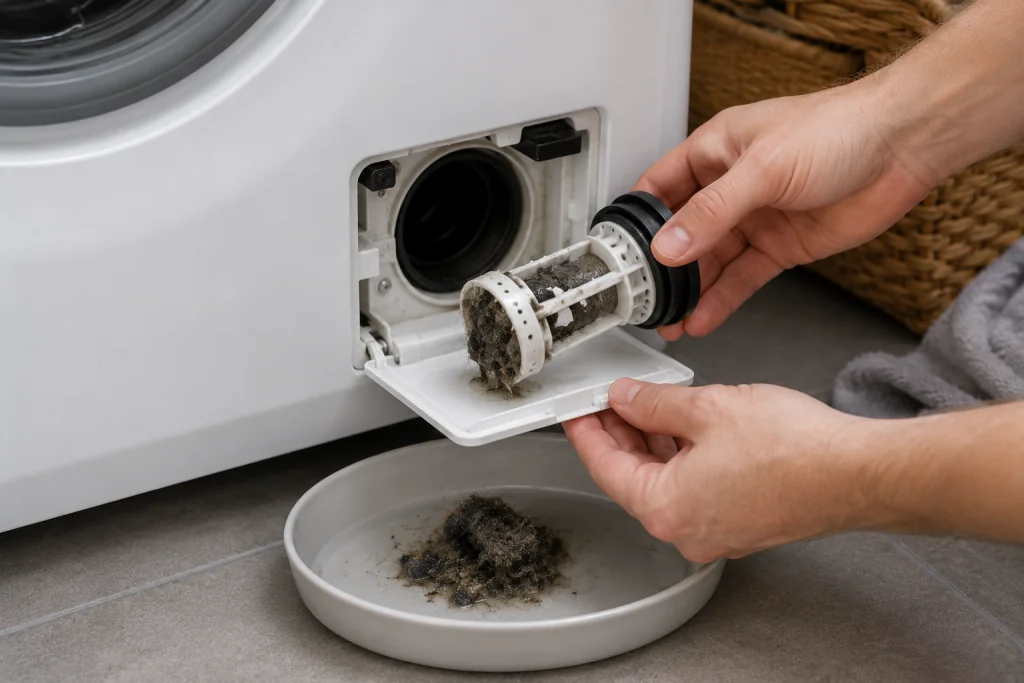
Many GE front-load washers have a drain pump filter that traps lint, coins, socks, and debris.
When the filter becomes clogged, the washer may stop draining completely.
How to Clean the Filter
- Place towels beneath the filter area
- Open the lower front access panel
- Slowly loosen the filter cap
- Allow water to drain into a pan
- Remove debris from the filter
- Reinstall the filter securely
Cleaning the filter regularly can help prevent a GE washer not draining problem in the future.
GE Appliances provide official washer support and maintenance resources
Step 5: Check the Drain Pump
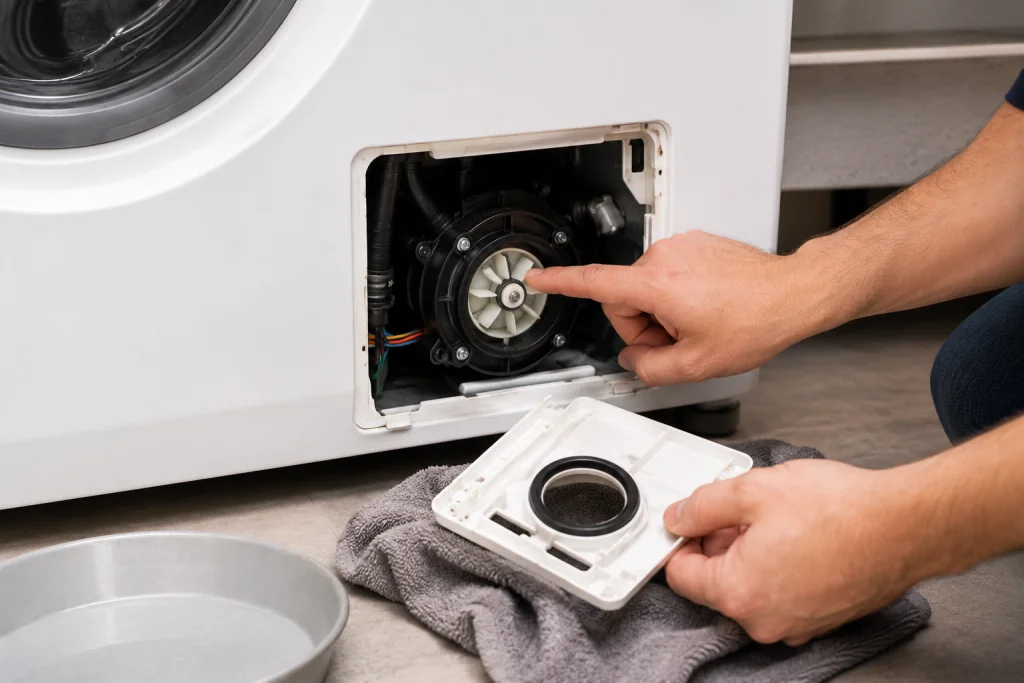
If the washer still will not drain, inspect the drain pump itself.
Small objects such as coins, buttons, or hairpins can jam the pump.
Signs of a Bad Drain Pump
- Loud humming noises
- Grinding sounds
- Burning smell
- Washer will not drain at all
- Drain-related error codes
If the pump appears damaged or does not run, replacement may be necessary. If testing confirms that the pump has failed, search for a GE washer drain pump compatible with your exact model number.
If you are seeing error codes along with drainage issues, these guides may also help:
- LG Washer OE Code: 7 Easy Fixes That Actually Work
- Whirlpool Washer F9 E1 Error: 7 Easy Fixes to Get Your Washer Draining Again
Step 6: Inspect the Household Drain
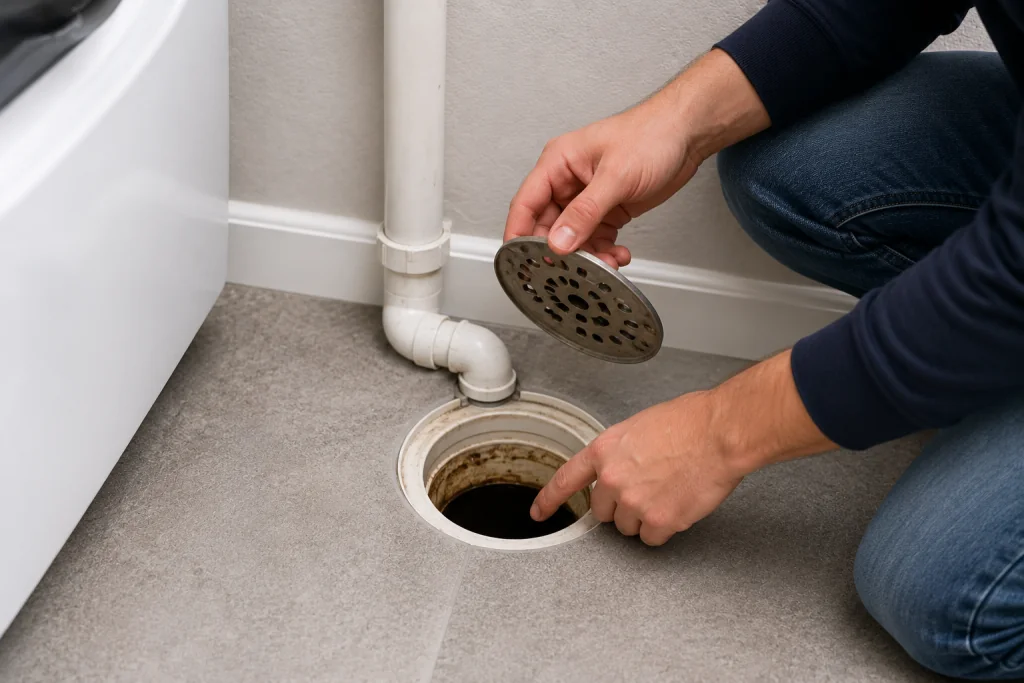
Sometimes the issue is not the washer — it is the home drain system.
A clogged laundry drain or standpipe can prevent water from draining properly.
Signs of a Drain Line Problem
- Water backing up onto the floor
- Slow draining sinks nearby
- Gurgling sounds
- Sewer odors
If your home drains slowly in multiple areas, you may need to clear the drain line.
A wet/dry vacuum can also help remove standing water or pull debris from the drain hose before it is disconnected. Unplug the washer, avoid electrical components, and don’t use a standard household vacuum around water.
A minor clog near the standpipe may be removable with a hand-crank drain auger. Stop and call a plumber if multiple drains are slow or sewage is backing up.
For more help with drain problems, see: How to Unclog a Drain: 7 Easy Fixes That Actually Work Fast
Step 7: Reset the Washer
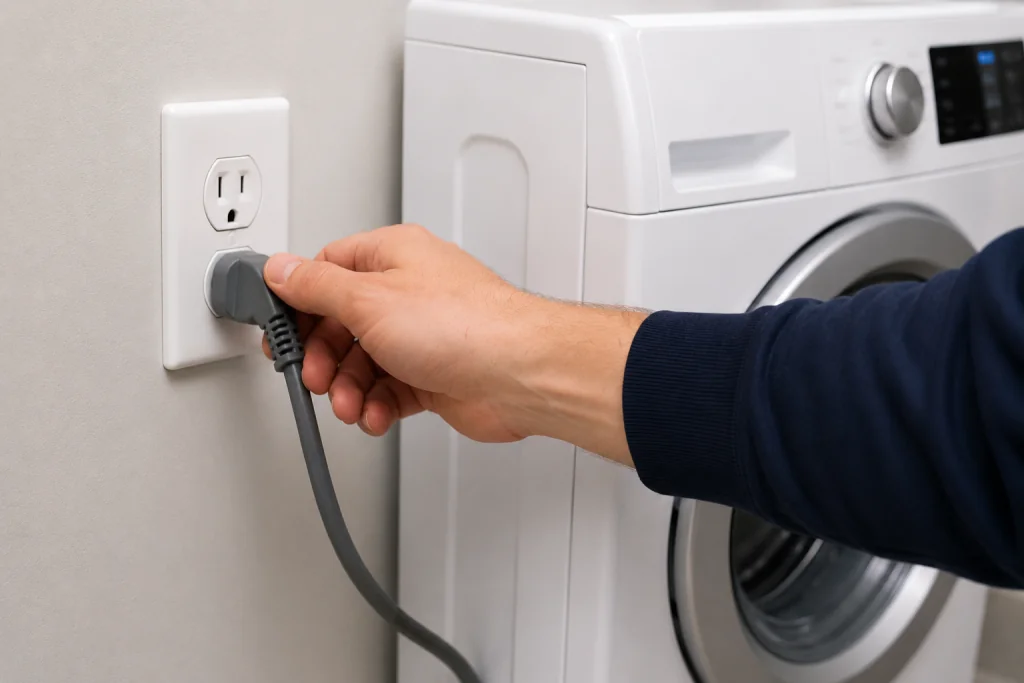
After completing the previous steps, try resetting the washer.
How to Reset a GE Washer
- Unplug the washer for 2–5 minutes
- Plug it back in
- Run a drain and spin cycle
- Check whether the washer drains correctly
A reset can sometimes clear temporary electronic glitches.
When to Call a Professional
You may need professional repair if:
- The drain pump has failed
- The control board is defective
- Wiring is damaged
- Water leaks from underneath the washer
- The washer repeatedly displays drain-related error codes
How to Prevent Future Drain Problems
To help prevent your GE washer from not draining again:
- Avoid overloading the washer
- Empty pockets before washing
- Clean the drain filter regularly
- Use the correct amount of detergent
- Inspect hoses every few months
Preventive maintenance can help extend the life of your washer and reduce expensive repairs.
Frequently Asked Questions
Why is my GE washer full of water after the cycle?
This is usually caused by a clogged drain hose, blocked drain pump filter, or failing drain pump.
Can I still use my washer if it is not draining?
It is best to stop using the washer until the issue is fixed to avoid additional damage.
How much does it cost to replace a GE washer drain pump?
Most drain pump replacements cost between $150 and $350 depending on the washer model and labor rates.
How often should I clean the drain filter?
Cleaning the drain filter every few months can help prevent clogs and drainage issues.
Troubleshooting a different code? Browse our complete collection of appliance error-code guides.
Final Thoughts
A GE washer not draining is a common problem, but many causes are simple to fix yourself.
By checking the drain hose, cleaning the filter, inspecting the pump, and resetting the washer, you can often solve the issue without calling a technician.
Routine maintenance and early troubleshooting can also help prevent future drainage problems and keep your washer running efficiently.