
Last updated: September 20, 2026
By Home Repair Genie
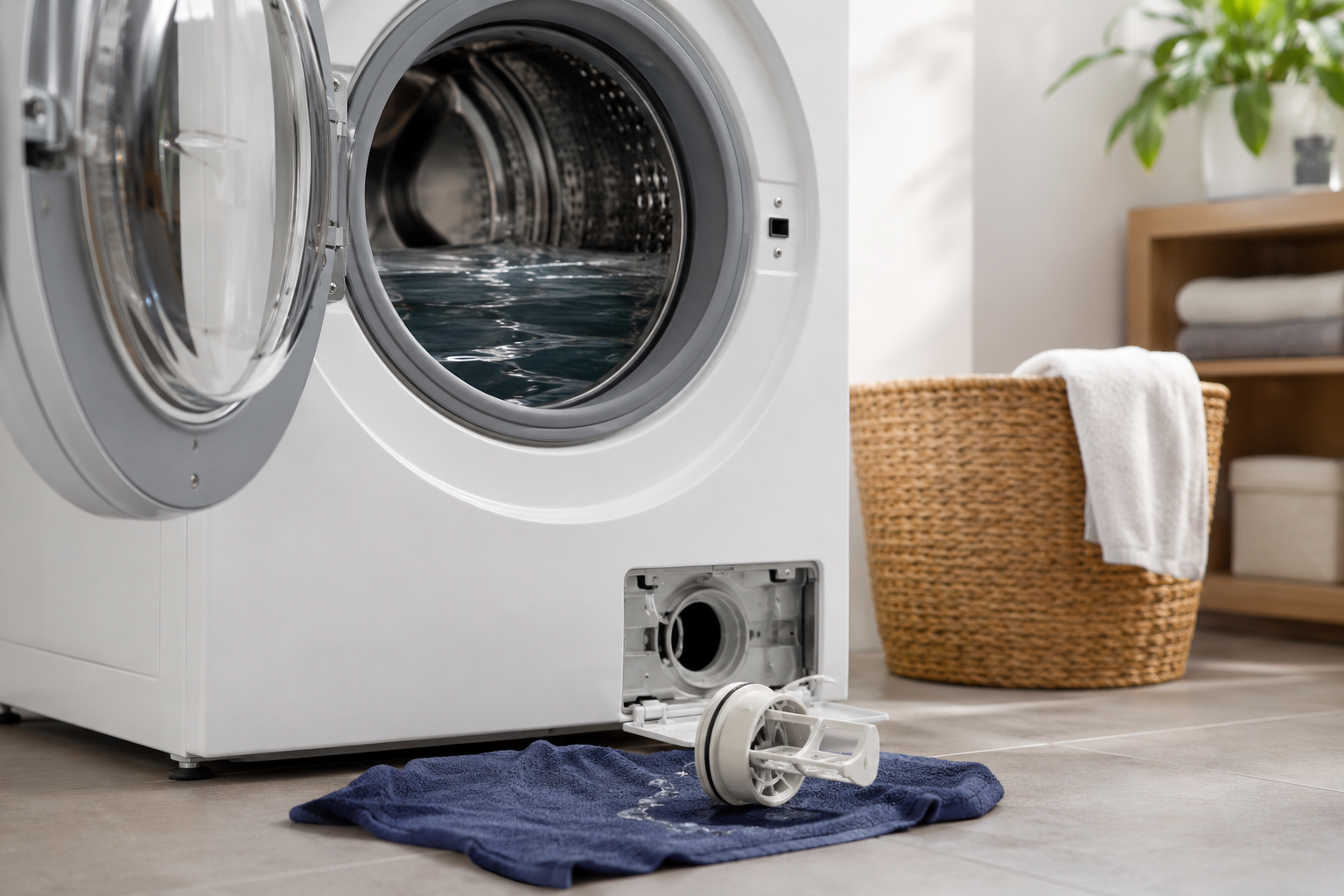
If your LG washer is displaying an OE code, it usually means the machine is not draining water properly. This error is commonly caused by a clogged drain filter, kinked drain hose, blocked pump, or a failing drain pump.
The good news is that many OE code problems can be fixed without calling a repair technician.
Quick Answer
The LG washer OE code means the washer cannot drain water within the expected time. Start by cleaning the drain pump filter, checking the drain hose for clogs or kinks, and making sure the drain pump is working properly.
What Does the LG Washer OE Code Mean?
On most LG washing machines, the OE error code stands for a drainage problem.
Your washer may stop mid-cycle and leave water sitting inside the drum. In many cases, you may also hear:
- Buzzing noises
- Humming from the drain pump
- Slow draining
- Standing water in the washer
- Repeated stopping during rinse or spin cycles
Common Causes of an LG Washer OE Code
Here are the most common reasons this error appears:
- Clogged drain pump filter
- Kinked or blocked drain hose
- Clogged household drain pipe
- Drain hose installed incorrectly
- Failing drain pump
- Electrical issue with the drain pump
- Excess detergent buildup
Step 1: Unplug the Washer
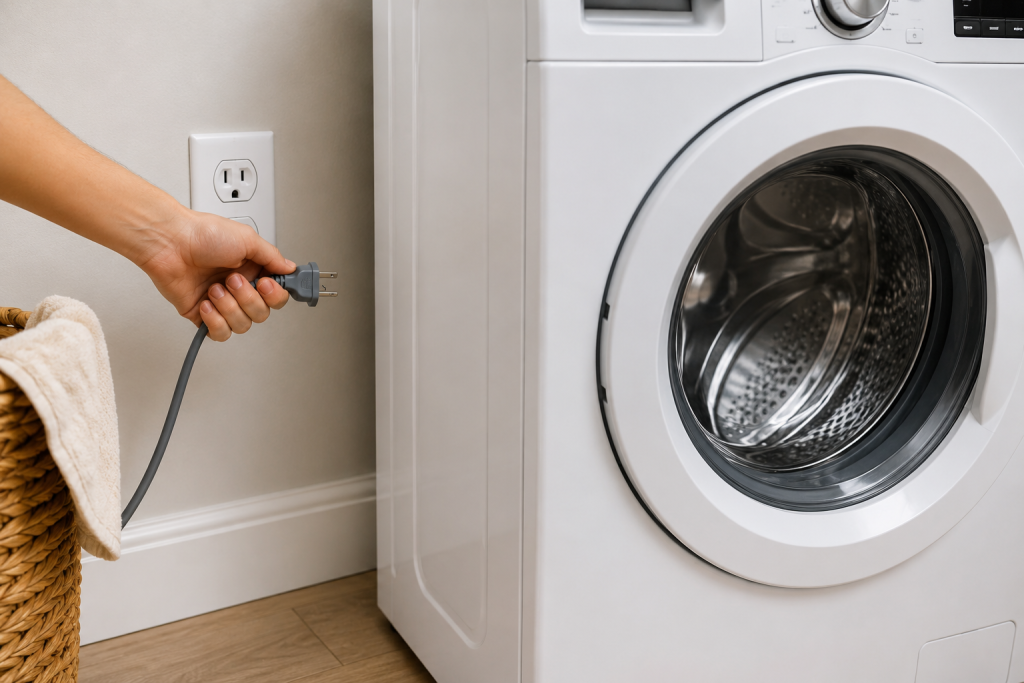
Before working on the washer:
- Turn the washer off.
- Unplug it from the electrical outlet.
- Keep towels or a shallow pan nearby because water may spill out.
Safety first whenever working around water and electrical appliances.
Step 2: Clean the Drain Pump Filter
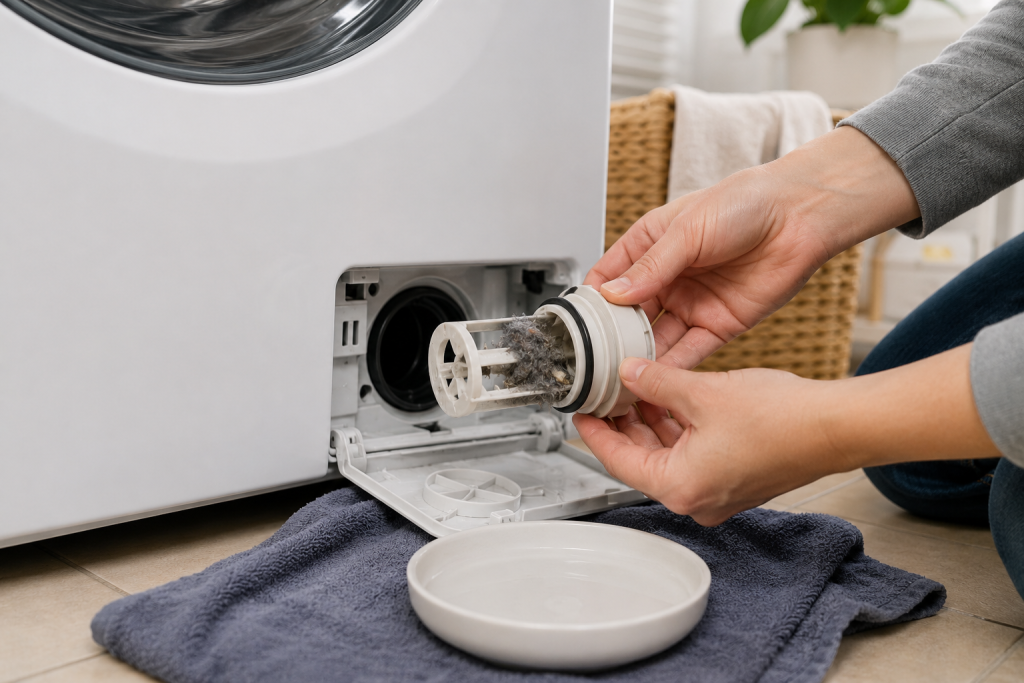
One of the most common causes of an OE code is a clogged drain filter.
On most LG front-load washers, the filter is located behind a small access door near the bottom front corner.
As an Amazon Associate I earn from qualifying purchases.
How to clean it:
- Open the access panel.
- Pull out the small drain hose and drain excess water into a container.
- Unscrew the drain filter slowly.
- Remove lint, coins, hair, or debris.
- Rinse the filter thoroughly.
- Reinstall the filter securely.
Many OE errors are fixed immediately after cleaning the filter.
Keeping a few microfiber towels nearby can also help soak up spills and protect the laundry room floor during cleaning.
Step 3: Inspect the Drain Hose
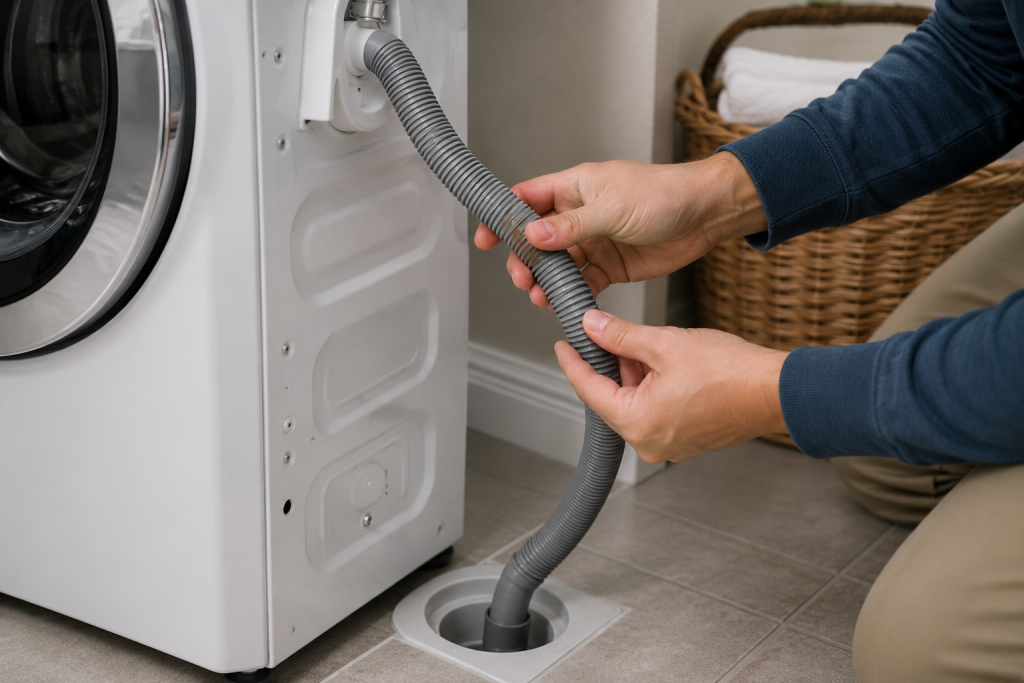
A kinked or clogged drain hose can prevent proper drainage.
Check for:
- Sharp bends
- Twists behind the washer
- Lint buildup
- Soap residue
- Frozen sections in cold areas
Disconnect the hose if necessary and flush it with water.
A small flexible drain snake can help remove lint or debris from the washer drain hose.
If your washer is also failing to spin properly, read: Washing Machine Not Spinning? 7 Easy Fixes That Actually Work
Step 4: Check the Household Drain
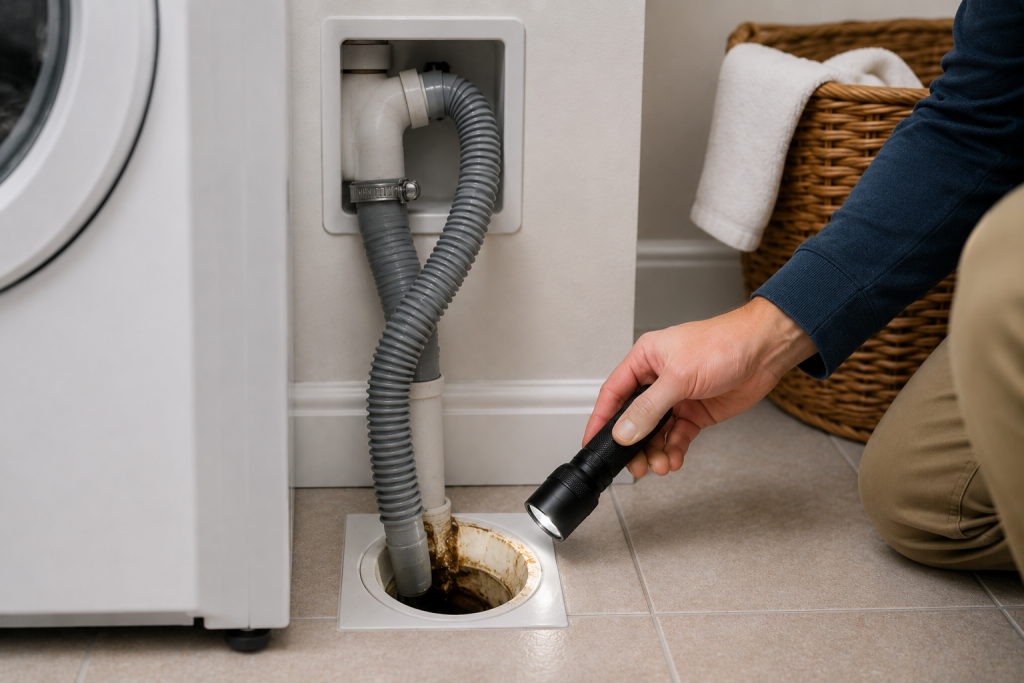
Sometimes the issue is not the washer itself.
Inspect the standpipe or laundry drain for:
- Slow draining water
- Backups
- Gurgling sounds
- Lint clogs
If the drain pipe is clogged, the washer may not be able to pump water out fast enough.
You can try using a drain snake or flushing the pipe carefully.
A small wet/dry vacuum can make removing standing water much easier during washer repairs.
Step 5: Make Sure the Drain Hose Is Installed Correctly
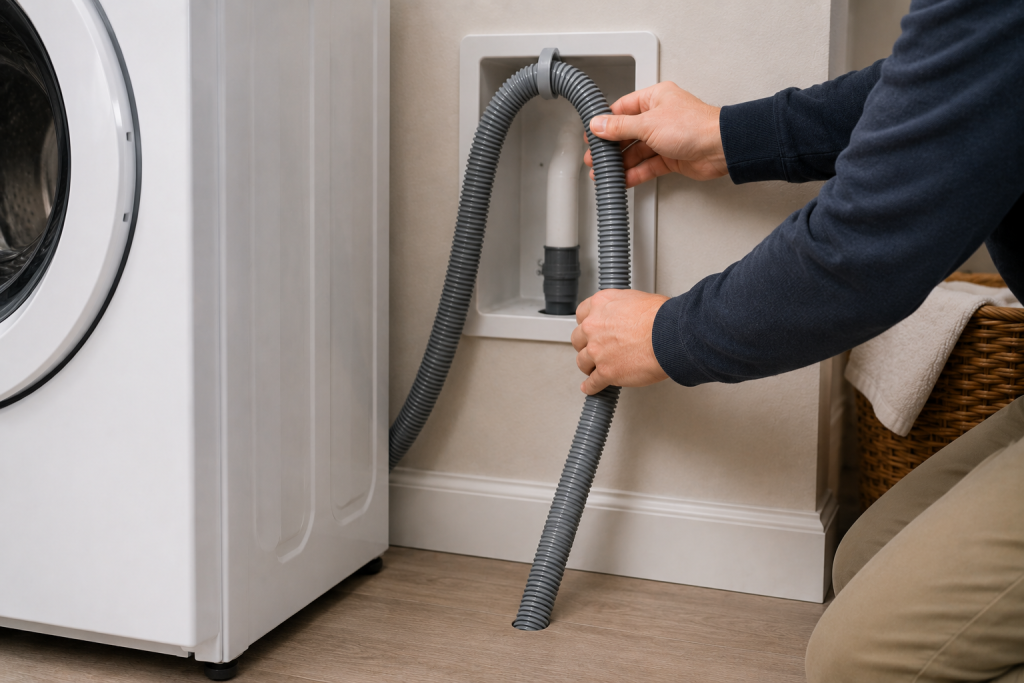
Improper drain hose installation can trigger drainage problems.
The hose should:
- Be elevated properly
- Not be shoved too far into the drain pipe
- Have an air gap for ventilation
A drain hose pushed too deeply into the standpipe can create siphoning problems.
For additional washer maintenance tips, LG Support provides helpful troubleshooting information.
Step 6: Listen for the Drain Pump
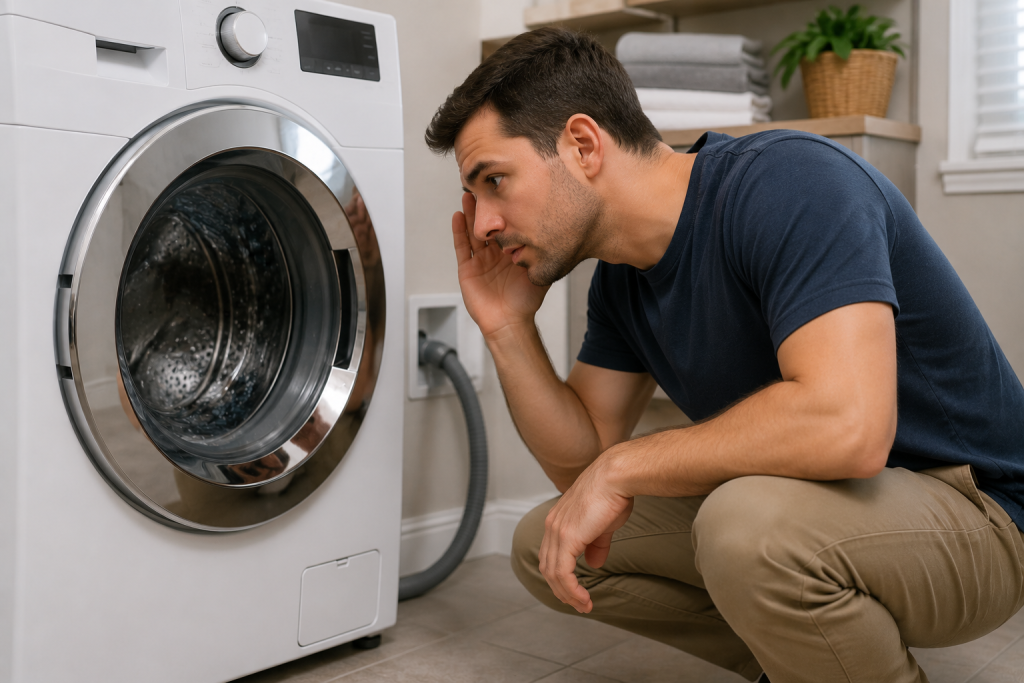
During the drain cycle, listen carefully.
Signs the drain pump may be failing:
- Loud grinding noises
- Humming without draining
- No sound at all
- Intermittent draining
If the pump is receiving power but not moving water, it may need replacement.
If your laundry room drain is backing up, read: How to Unclog a Drain: 7 Easy Fixes That Actually Work Fast
Step 7: Replace the Drain Pump if Necessary
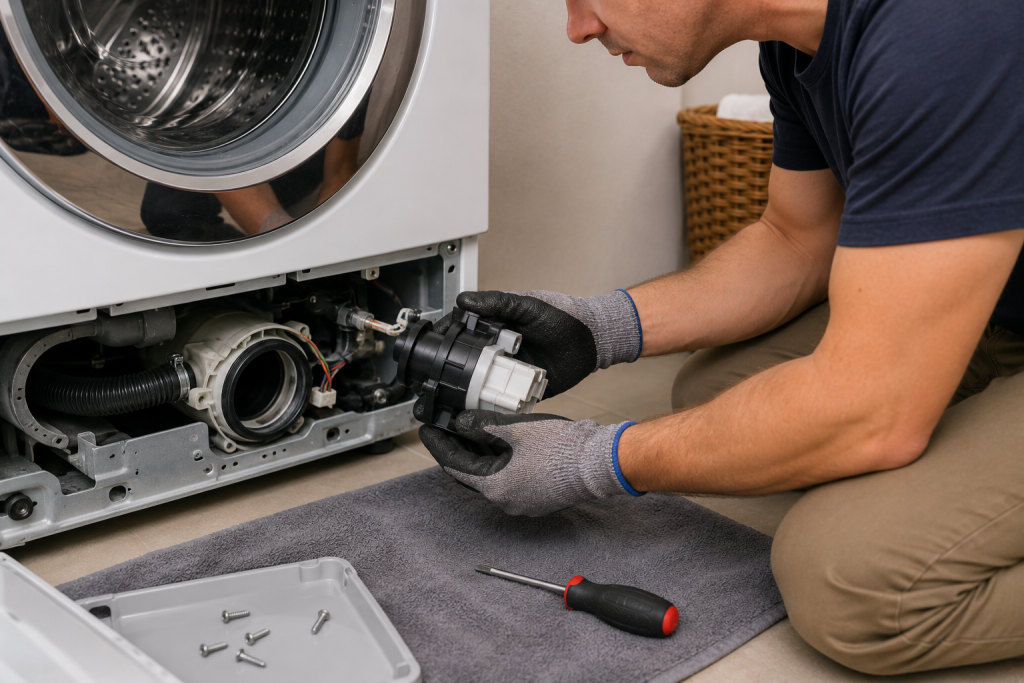
If none of the previous fixes solve the problem, the drain pump itself may have failed.
Common signs include:
- OE code returning repeatedly
- Washer draining extremely slowly
- Burning smell
- Pump making loud noises
Replacing a drain pump is a moderate DIY repair for homeowners comfortable working with appliances. If the drain pump is humming but not moving water, the LG washer drain pump assembly may need replacement.
If you are unsure, contact a qualified appliance repair technician.
How to Prevent the LG Washer OE Code
You can help prevent future OE errors by:
- Cleaning the drain filter monthly
- Avoiding excessive detergent
- Checking pockets before washing clothes
- Inspecting the drain hose regularly
- Flushing the laundry drain occasionally
Regular maintenance helps your washer drain properly and extends its lifespan.
After fixing the OE code, running a washer cleaning cycle can help remove detergent residue, lint, and buildup that may contribute to future drainage problems. Washer cleaning tablets are an easy way to keep the drum and internal components cleaner over time.
Frequently Asked Questions
Can I still use my LG washer with an OE code?
It is best not to continue running the washer until the drainage issue is fixed. Running repeated cycles may strain the drain pump.
How do I reset an LG washer OE code?
After fixing the drainage problem:
- Unplug the washer for about 5 minutes.
- Plug it back in.
- Run a rinse and spin cycle.
Is the LG Washer OE code always a bad drain pump?
No. In many cases, the issue is simply a clogged filter or blocked hose.
How expensive is it to replace an LG washer drain pump?
Drain pump replacement costs vary, but parts are often relatively affordable compared to replacing the entire washer.
Troubleshooting a different code? Browse our complete collection of appliance error-code guides.
Final Thoughts
The LG washer OE code is usually related to a drainage issue that can often be fixed at home. Start with the simple solutions like cleaning the drain filter and checking the hose before assuming the drain pump has failed.
Catching the issue early can help prevent water damage and keep your washer running efficiently.