
Last updated: October 16, 2026
By Home Repair Genie
Quick Answer
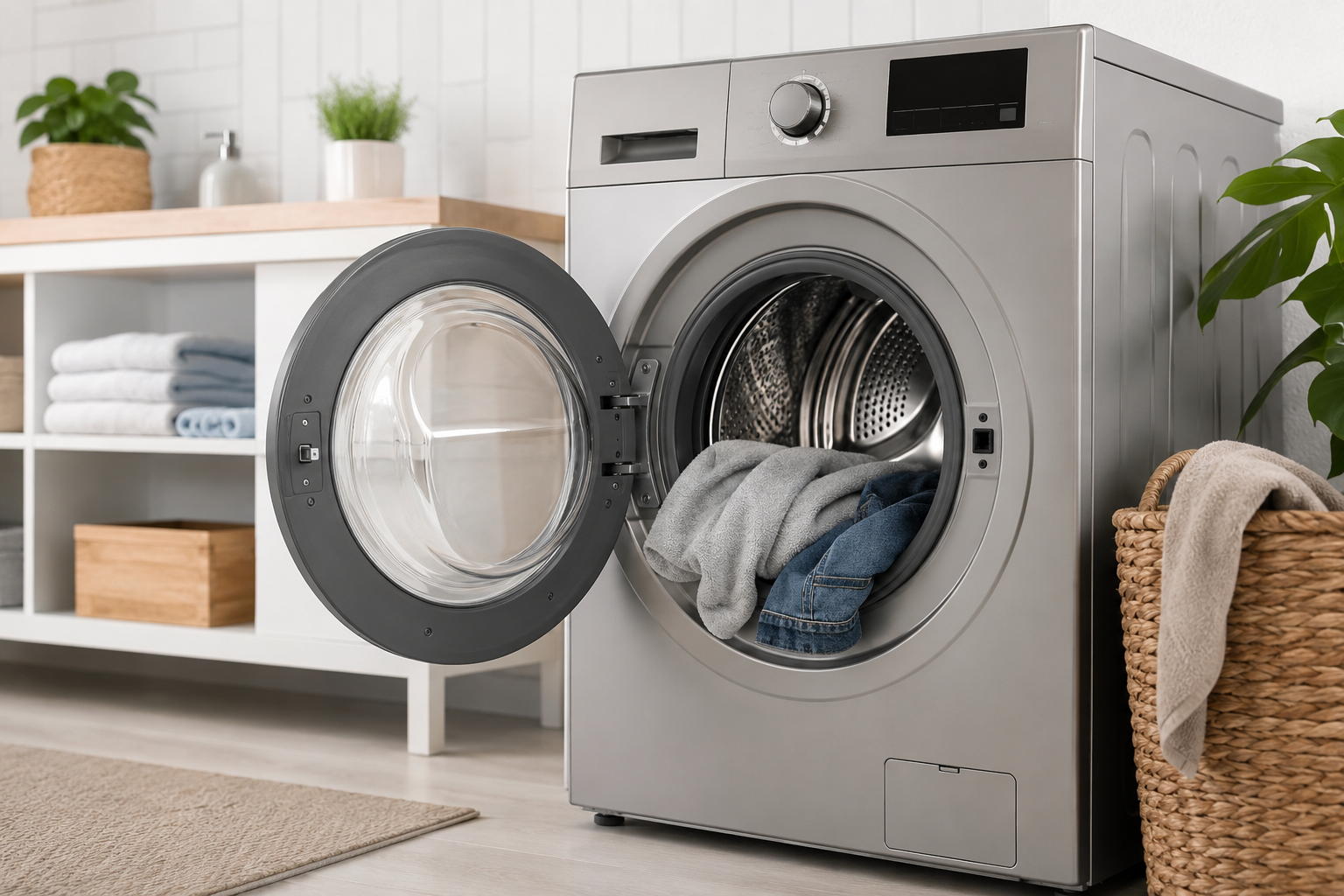
The LG UE code means your washing machine detected an unbalanced load during the spin cycle. This usually happens because clothes are unevenly distributed, the washer is overloaded, the machine is not level, or suspension components are worn out. In many cases, redistributing the laundry and leveling the washer will solve the problem quickly.
What Does the LG UE Code Mean?
The LG UE code stands for Unbalanced Error. Your washer displays this code when the drum cannot spin properly because the load inside the machine is uneven.
A small imbalance may trigger a temporary correction cycle, but if the washer cannot fix the issue on its own, the UE code appears and the spin cycle may stop completely.
Common causes can include:
- Overloaded washer
- Small or uneven loads
- Heavy blankets or towels
- Washer not level
- Worn suspension rods or shock absorbers
- Damaged drum components
If ignored repeatedly, an unbalanced washer can place extra strain on the motor and suspension system.
Signs Your LG Washer Has an Unbalanced Load
Before the UE code appears, you may notice several warning signs.
Common Symptoms
- Loud banging noises during spin
- Washer shaking violently
- Spin cycle stopping repeatedly
- Clothes soaking wet after cycle ends
- Washer moving across the floor
- Drum wobbling excessively
These symptoms usually indicate the load is not spinning evenly inside the drum.
Step-by-Step Fixes for the LG UE Code
Step 1: Pause the Washer and Redistribute the Laundry
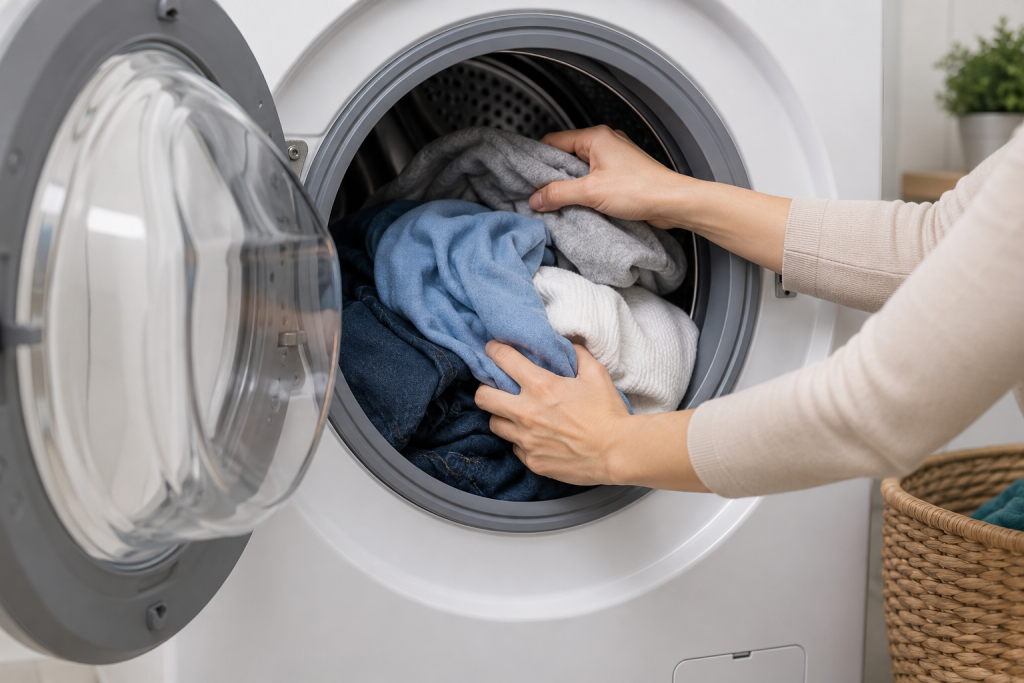
The most common solution is simply rearranging the clothes inside the drum.
How to Redistribute the Load
- Press Pause or Start/Stop
- Open the washer door
- Spread clothing evenly around the drum
- Separate tangled items
- Restart the spin cycle
Large towels, blankets, and jeans can bunch together and throw the drum off balance.
Try washing bulky items with a few smaller items to help balance the load.
You may also like: Washing Machine Not Spinning? 7 Easy Fixes That Actually Work
Step 2: Reduce an Overloaded Washer
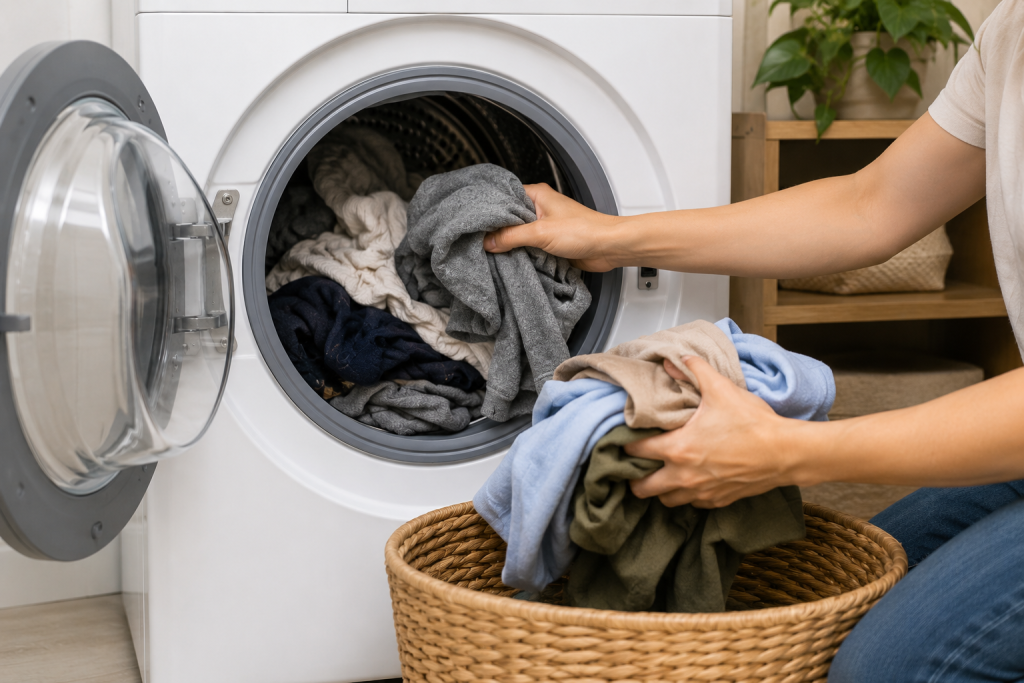
Overloading the washer is another major cause of the LG UE code.
Signs of Overloading
- Drum packed tightly with clothes
- Washer struggles to spin
- Loud thumping during cycle
- Wet clothes after washing
Remove some items and then restart the cycle.
LG front-load washers work best when the drum is about three-quarters full instead of packed tightly.
For heavy bedding, wash fewer items at a time.
Step 3: Avoid Washing Single Heavy Items Alone
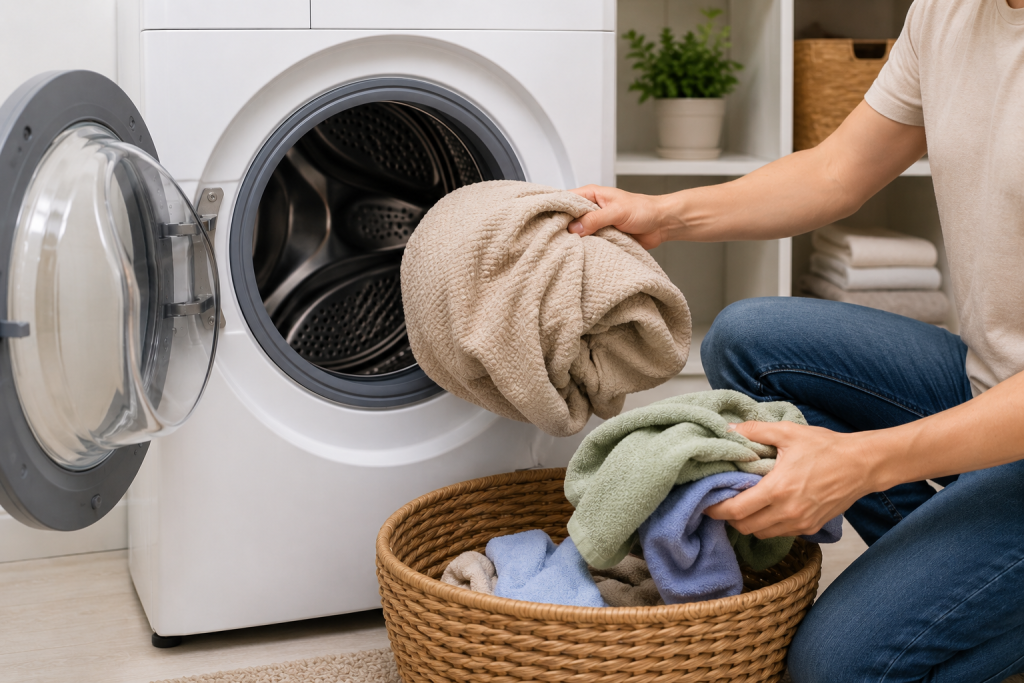
Single bulky items often create imbalance problems.
Problem Items
- Comforters
- Blankets
- Rugs
- Heavy hoodies
- Large towels
Add a few smaller towels or clothing items to help distribute the weight evenly.
This can dramatically reduce vibration during the spin cycle.
Related guide: How to Fix a Washer That Shakes Violently During Spin Cycle
Step 4: Check if the Washer Is Level
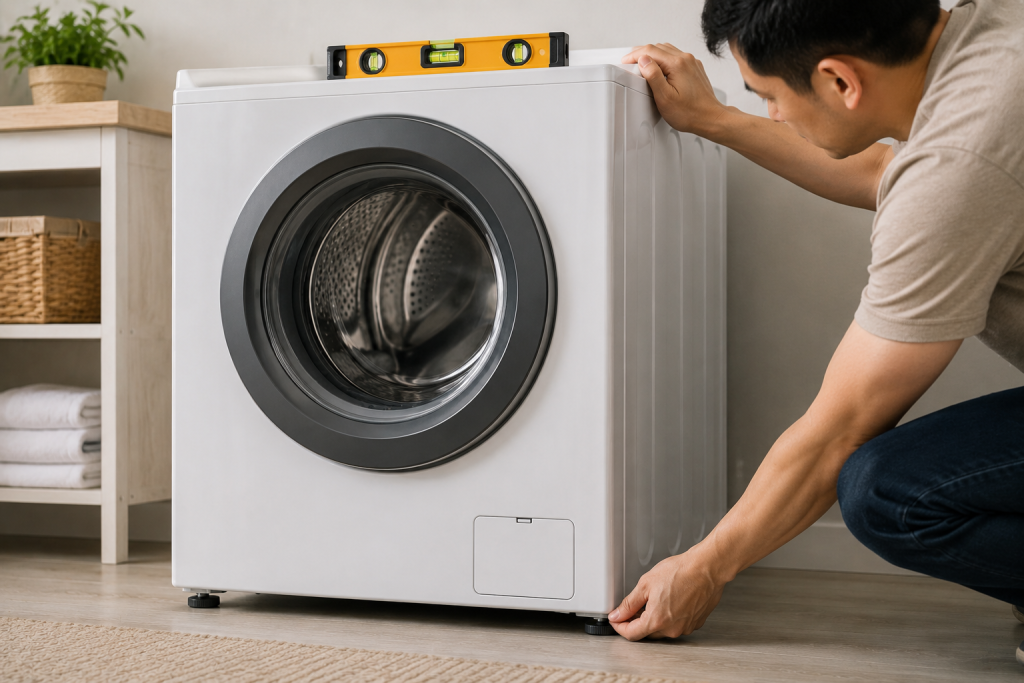
An uneven washer can trigger the UE code repeatedly.
As an Amazon Associate I earn from qualifying purchases.
How to Level an LG Washer
- Place a 12-inch bubble level on a flat surface on top of the washer. Check both side-to-side and front-to-back alignment, following your model’s leveling instructions.
- Check side-to-side and front-to-back alignment
- Use the leveling wrench supplied with your washer, or a correctly sized adjustable wrench, to adjust compatible feet and tighten their locknuts. Keep the feet extended only as far as necessary and make sure all feet rest firmly on the floor.
Even slight tilting can affect the spin cycle.
A washer installed on weak flooring may also vibrate excessively.
If the washer is correctly leveled but its feet slide on a slippery floor, washing machine non-skid pads may help improve grip where permitted by your model’s installation instructions. Pads do not correct an uneven load, weak flooring, or worn suspension.
Step 5: Inspect the Suspension System
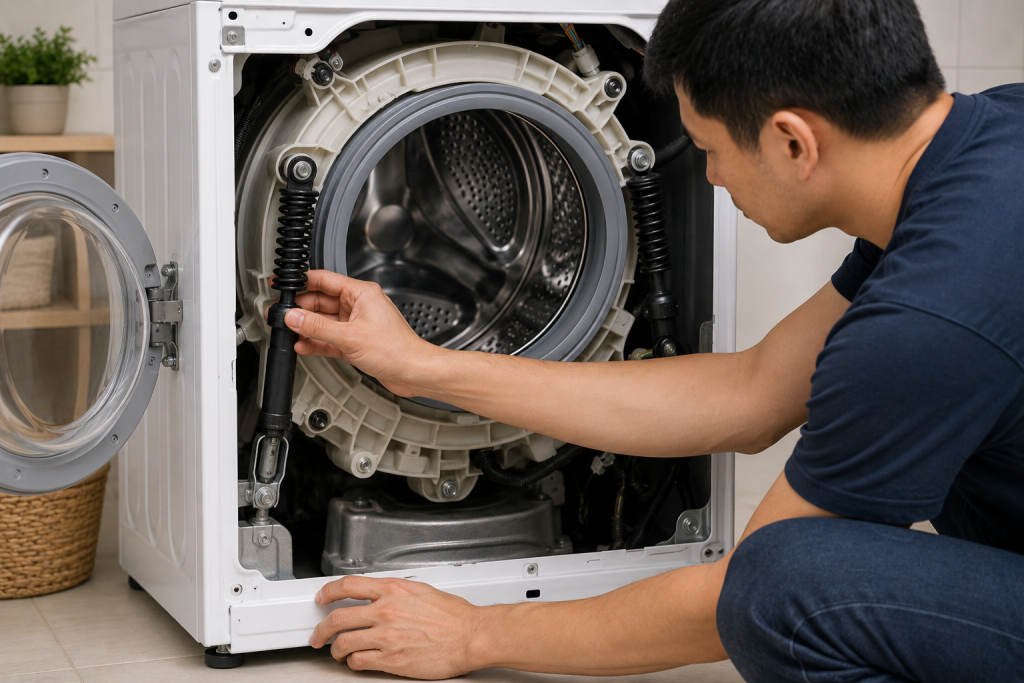
If the UE code keeps returning, worn suspension components may be the cause.
Common Suspension Problems
- Weak suspension rods
- Worn shock absorbers
- Broken support springs
- Excessive drum movement
Press down gently on the drum. It should bounce slightly and return smoothly.
If the drum feels loose or continues bouncing, suspension parts may need replacement.
You can compare replacement parts and troubleshooting information on LG Support.
Step 6: Run a Spin-Only Cycle
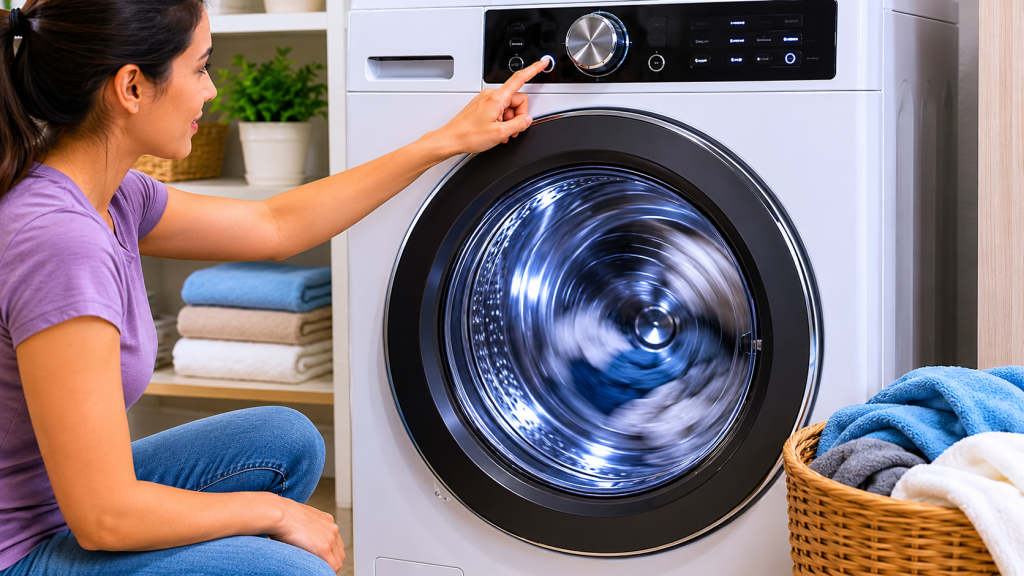
Sometimes the washer simply needs another attempt to balance the load.
How to Test the Washer
- Redistribute the clothing
- Select Spin Only
- Start the cycle
- Observe drum movement
If the washer spins normally, the problem was likely load-related.
If the UE code returns with every load, additional inspection may be necessary.
Step 7: Check for Worn Bearings or Drum Damage
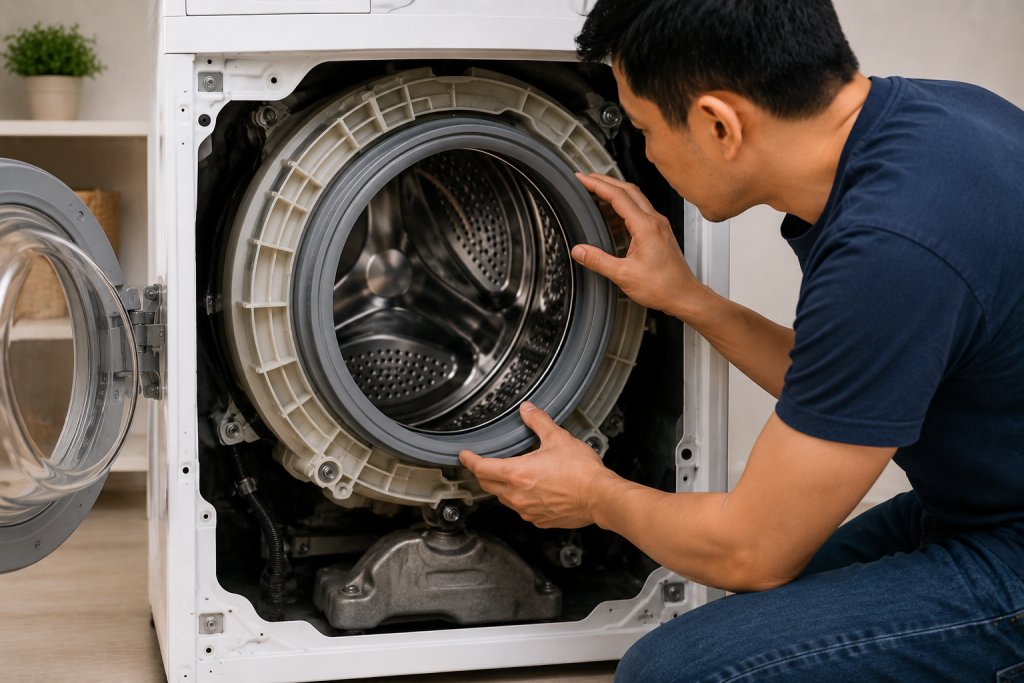
Persistent UE codes can occasionally indicate mechanical failure.
Signs of Internal Damage
- Grinding noises
- Metal scraping sounds
- Excessive drum wobble
- Water leaks near drum
- Burning smell during spin
Worn drum bearings or spider arm damage can prevent smooth spinning.
These repairs are more advanced and may require professional service.
How to Prevent the LG UE Code
Preventing imbalance issues can extend the life of your washer.
Best Practices
- Avoid overloading the drum
- Wash bulky items in smaller loads
- Distribute clothing evenly
- Keep the washer level
- Clean the drum regularly
- Inspect suspension components yearly
Consistent maintenance helps reduce vibration and improves washing performance.
Frequently Asked Questions
Why does my LG washer keep saying UE?
Your washer likely has an uneven load, is overloaded, or is not level. Repeated UE codes may also indicate worn suspension components.
Can I still use my washer with the UE code?
Yes, but repeatedly running an unbalanced washer can damage internal components over time.
Is the UE code serious?
Usually not. Most UE codes are caused by uneven laundry distribution and can be fixed quickly.
Why are my clothes still wet after the UE code?
The washer often stops the spin cycle when it detects imbalance, leaving clothes soaking wet.
Does an uneven floor cause the UE code?
Yes. An unlevel washer is one of the most common causes of persistent UE errors.
When should I call a repair technician?
Consider professional service if:
- The washer shakes violently every cycle
- The drum feels loose
- You hear grinding noises
- The UE code appears constantly even with balanced loads
Troubleshooting a different code? Browse our complete collection of appliance error-code guides.
Final Thoughts
The LG UE code is usually caused by an unbalanced or overloaded washer load, and most homeowners can fix the issue without professional repair. Start by redistributing clothing, reducing load size, and checking whether the washer is level.
If the problem continues after basic troubleshooting, inspect the suspension system and drum components for wear.
With proper loading habits and regular maintenance, you can often prevent the LG UE code from returning.