
Last updated: October 11, 2026
By Home Repair Genie
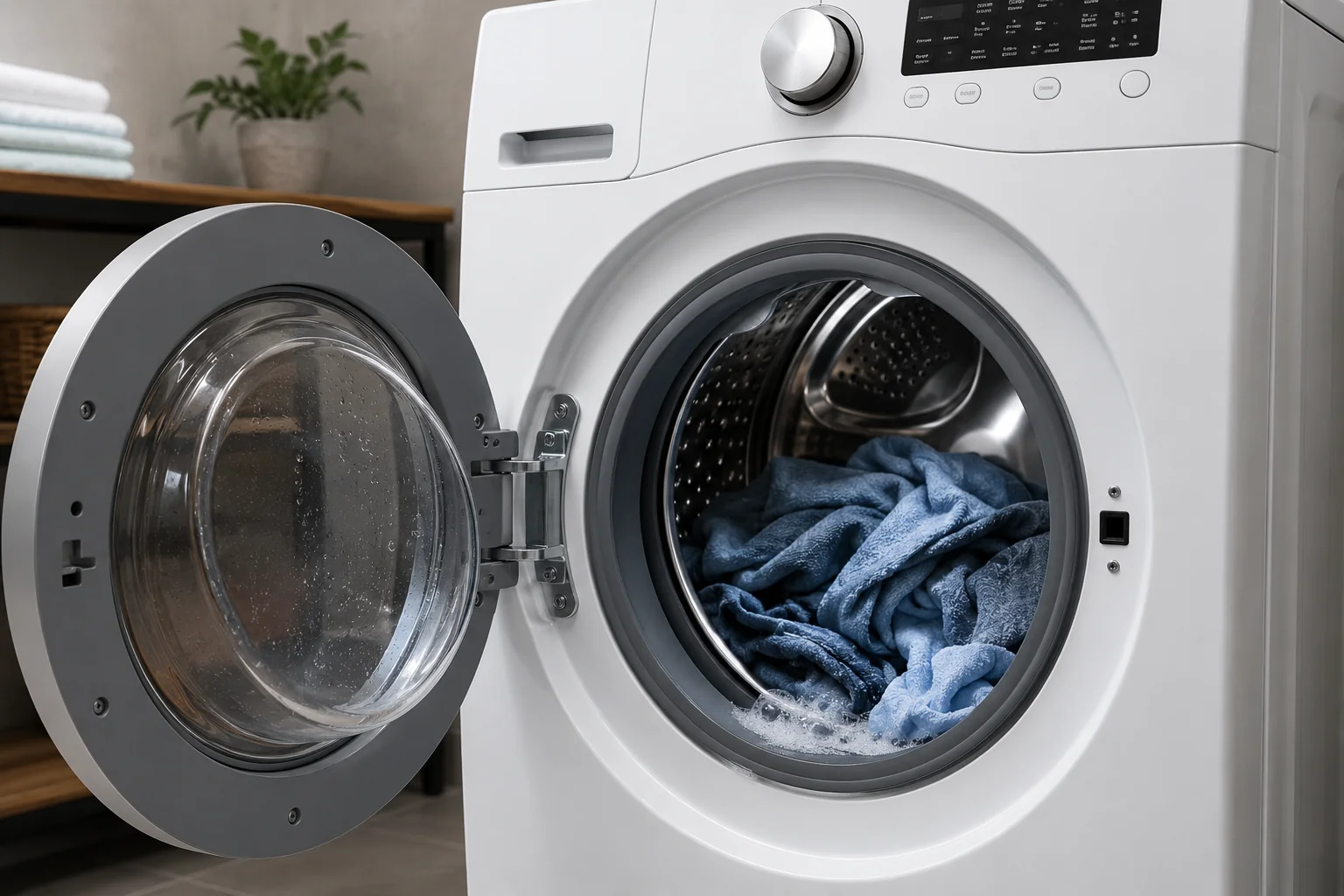
If your Whirlpool washer F9 E1 error code is showing on the display, it usually means the washer is taking too long to drain water. In many cases, the problem is caused by a clogged drain hose, blocked drain pump filter, kinked hose, or a faulty drain pump. Fortunately, many Whirlpool F9 E1 error problems can be fixed at home without calling a repair technician.
Quick Answer
The Whirlpool F9 E1 error code typically indicates a long drain problem. The washer is unable to remove water fast enough during the drain cycle. Common causes include clogged drain hoses, blocked pump filters, drain pump failures, or installation issues. Cleaning the drain system and inspecting the pump often resolves the issue.
What Does the Whirlpool Washer F9 E1 Error Code Mean?
The F9 E1 error on a Whirlpool washer stands for:
- F9 = Long Drain
- E1 = Drain Time Exceeded
This means the washer control board detected that water did not drain within the expected time frame.
You may also notice:
- Standing water inside the drum
- Clothes remaining soaking wet
- The washer stopping mid-cycle
- A humming noise during draining
- Slow draining performance
This issue commonly affects Whirlpool front-load and top-load washers.
Common Causes of the Whirlpool F9 E1 Error
Several issues can trigger this error code:
- Clogged drain pump filter
- Blocked or kinked drain hose
- Faulty drain pump
- Drain hose installed incorrectly
- Clogged household drain pipe
- Excessive detergent suds
- Wiring or control board issues
Many of these problems can be diagnosed without special tools.
Tools and Supplies You May Need
As an Amazon Associate I earn from qualifying purchases.
Before starting, gather these items:
- Bucket or shallow pan
- Towels or microfiber cloths
- Flashlight
- Phillips screwdriver
- Pliers
- Small cleaning brush
You may also want to review our guide on GE Washer Not Draining? 7 Easy Fixes That Actually Work if your washer still holds water after troubleshooting.
Step 1: Reset the Whirlpool Washer
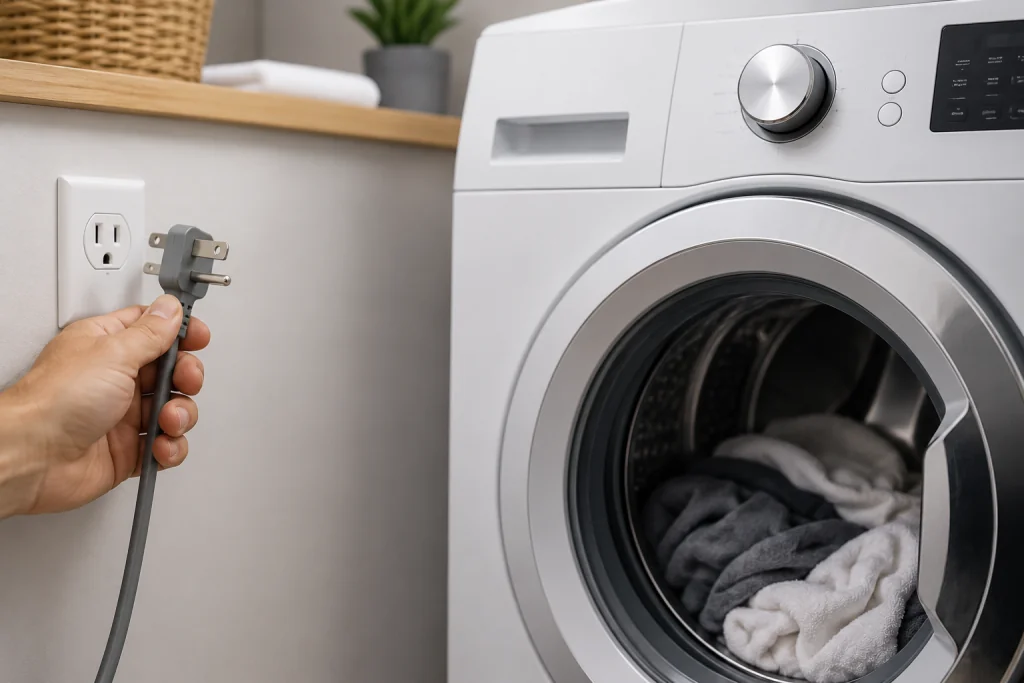
Sometimes the control board simply needs a reset.
How to Reset the Washer
- Unplug the washer from the power outlet.
- Wait about 5 minutes.
- Plug the washer back in.
- Run a drain and spin cycle.
If the F9 E1 error returns, continue with the next steps.
Step 2: Inspect the Drain Hose
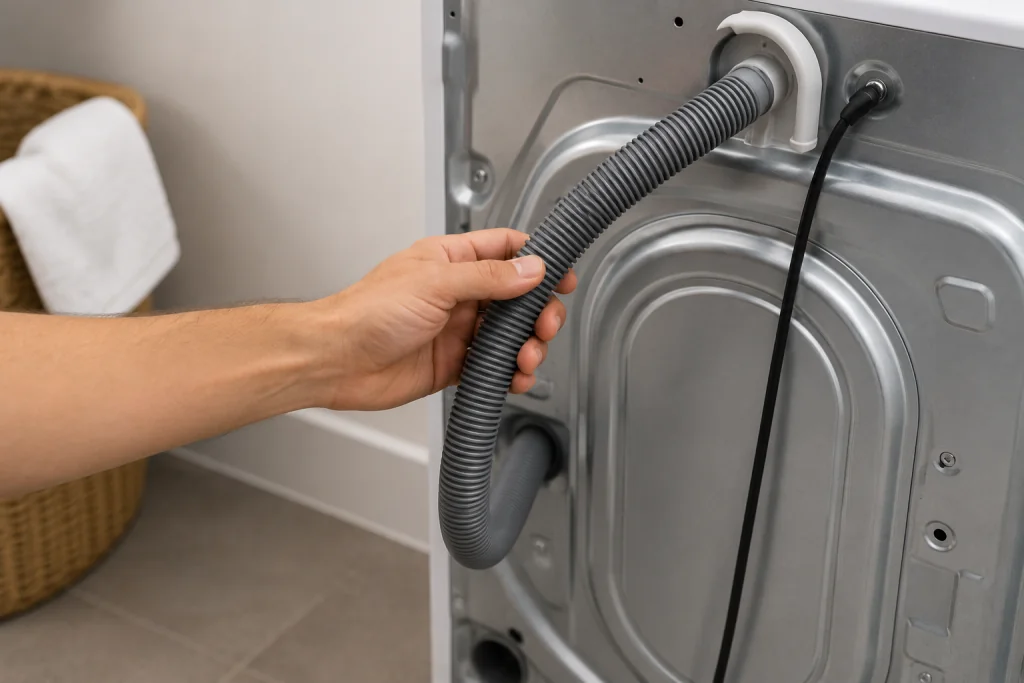
A kinked or clogged drain hose is one of the most common causes of this error.
How to Check the Drain Hose
- Pull the washer slightly away from the wall.
- Locate the drain hose on the back of the machine.
- Look for:
- Sharp bends
- Kinks
- Pinched areas
- Blockages
- Disconnect the hose if necessary and flush it with water.
The hose should allow water to flow freely.
If the hose is cracked or permanently kinked, replace it with a washer drain hose that matches your model’s connection and installation requirements.
Step 3: Clean the Drain Pump Filter
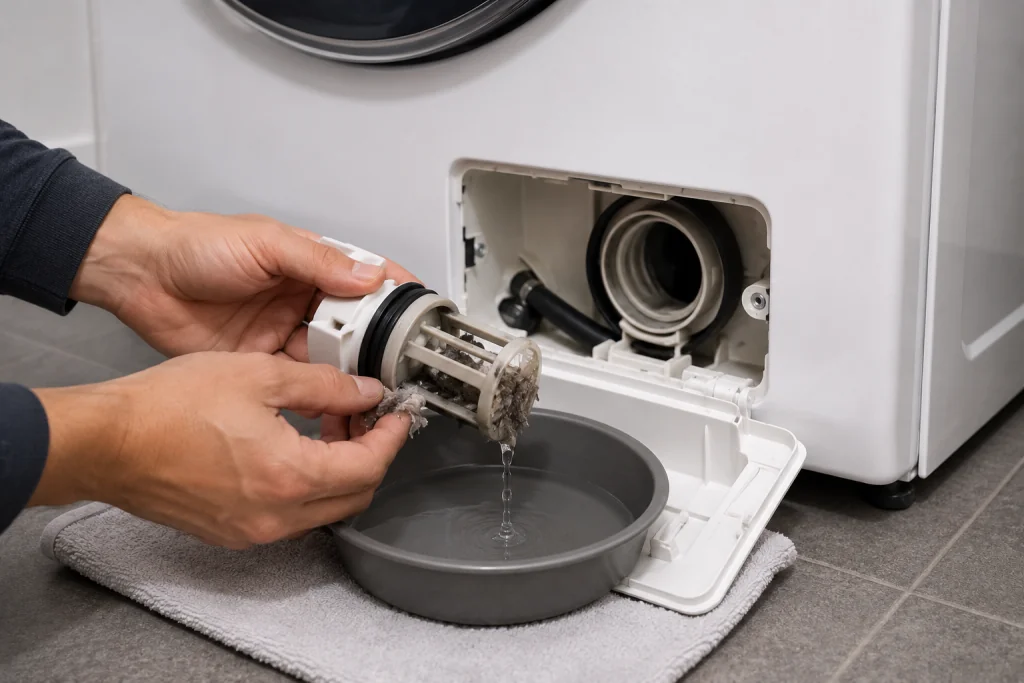
Many Whirlpool front-load washers include a drain pump filter that traps lint, coins, and debris.
How to Clean the Pump Filter
- Disconnect power to the washer.
- Locate the lower access panel.
- Place towels and a shallow drain pan underneath.
- Slowly remove the filter cap.
- Allow water to drain out.
- Use a small nylon cleaning brush to loosen debris from the removable filter, then rinse it thoroughly.
- Reinstall the filter securely.
A clogged filter can severely restrict draining performance.
You can also check our article on Maytag Washer Stuck on Sensing Cycle since drain issues sometimes affect cycle detection.
Step 4: Inspect the Drain Pump
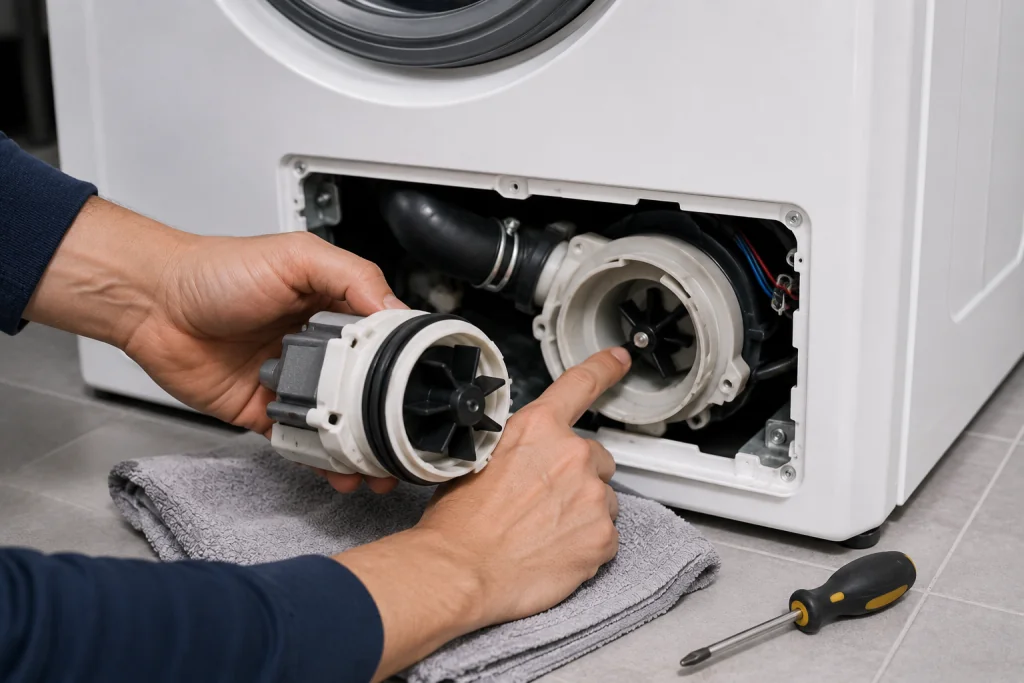
If the washer still will not drain properly, the drain pump itself may be failing.
Signs of a Bad Drain Pump
- Loud grinding noises
- Humming without draining
- Burning smell
- No drain activity
- Intermittent draining
How to Check the Pump
- Disconnect power.
- Access the drain pump area.
- Inspect for debris inside the impeller.
- Spin the impeller gently by hand.
- Look for broken or damaged components.
If the pump is damaged, replacement may be necessary.
If the pump is confirmed faulty, use your washer’s full model number to identify a compatible replacement drain pump before ordering.
Step 5: Check for Excessive Detergent Suds
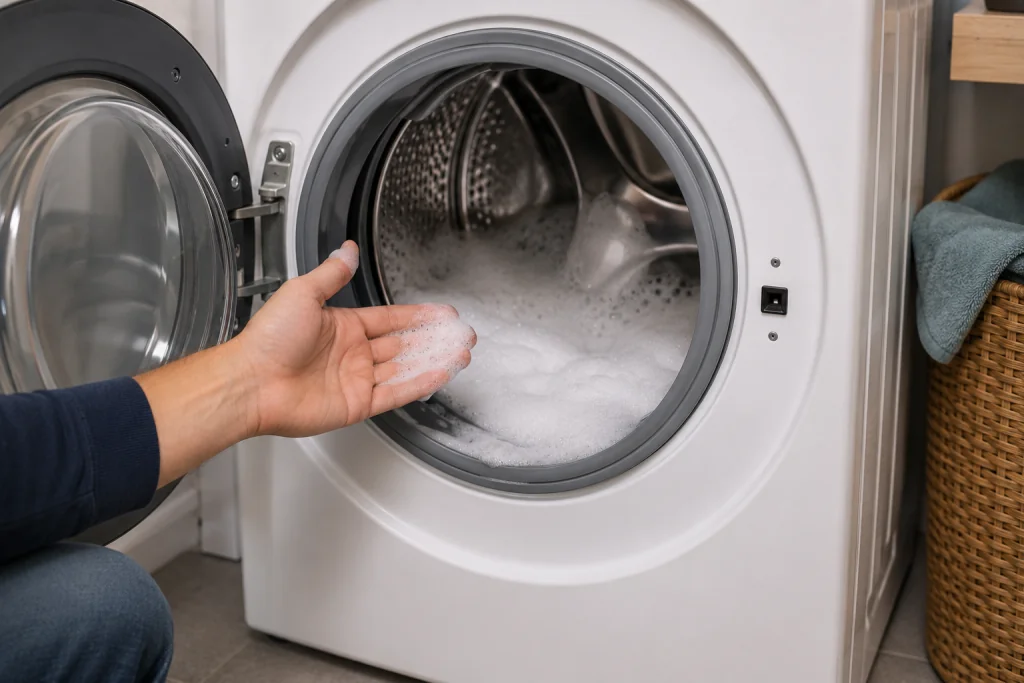
Using too much detergent can create excessive suds that interfere with draining.
What to Do
- Run a rinse and spin cycle without detergent.
- Use only HE detergent if your washer requires it.
- Follow the recommended detergent amount.
Too many suds can confuse the washer’s pressure sensing system.
Step 6: Inspect the Household Drain System
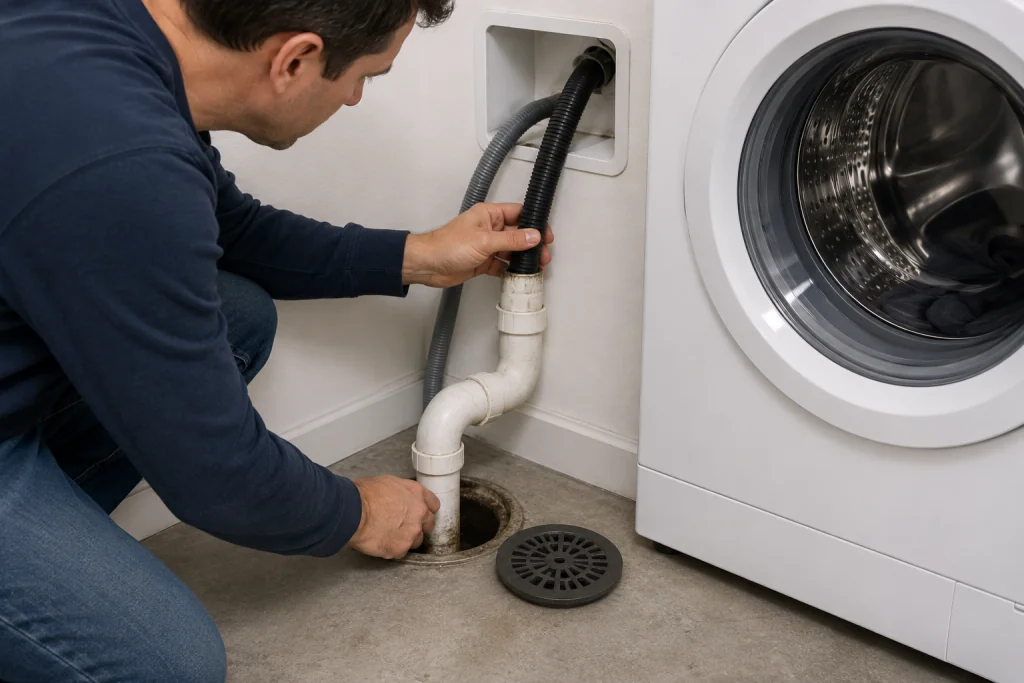
Sometimes the washer itself is not the problem.
Check for Drain Problems
- Slow laundry sink drainage
- Water backing up
- Gurgling sounds
- Shared drain line clogs
A partially clogged household drain can trigger the F9 E1 code.
You may also find our article on Toilet Bubbles When Shower Runs? 7 Proven Fixes That Work helpful if multiple drains in your home are acting strangely.
Step 7: Consider a Faulty Pressure Switch or Control Board
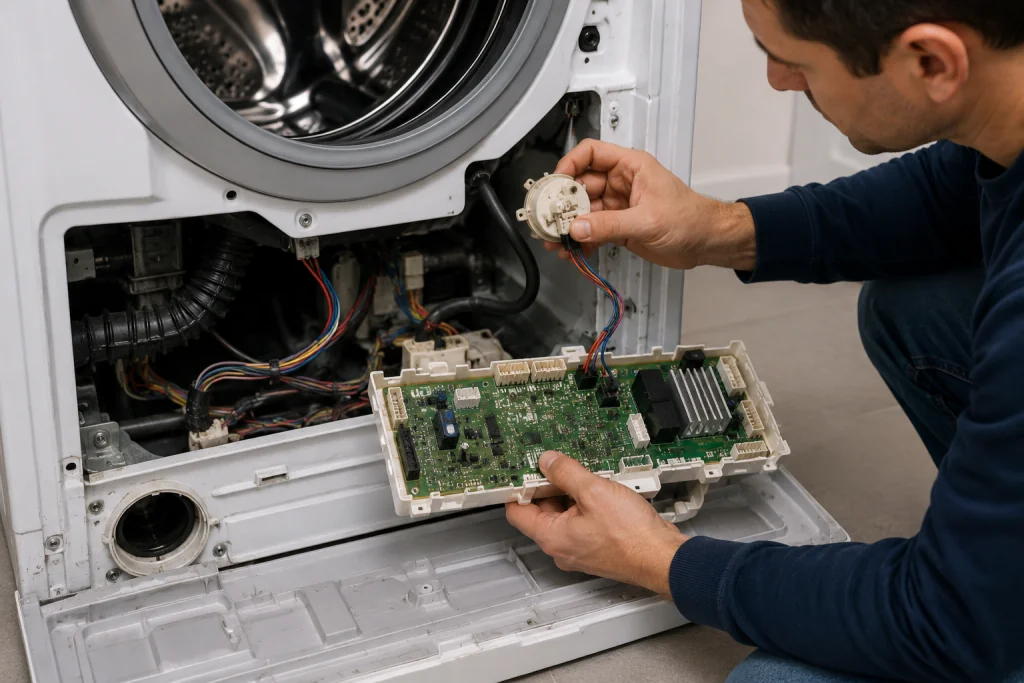
If all draining components appear normal, the issue could involve the pressure switch or main control board.
Possible Symptoms
- Washer drains normally but still shows the error
- Random cycle interruptions
- Multiple error codes
- Inconsistent operation
These repairs are more advanced and may require professional diagnosis.
For additional Whirlpool washer troubleshooting information, you can also review the appliance repair guidance from Whirlpool Support.
How to Prevent the Whirlpool F9 E1 Error
Preventative maintenance can help reduce future draining problems.
Helpful Maintenance Tips
- Clean the drain pump filter regularly
- Avoid overloading the washer
- Use the correct HE detergent
- Inspect hoses periodically
- Check pockets before washing clothes
- Run periodic washer cleaning cycles
Routine maintenance helps extend washer life and improve performance.
When to Call a Professional
You may need professional service if:
- The drain pump has failed
- Wiring damage is present
- The control board is malfunctioning
- The washer repeatedly shows the error after cleaning
- Water leaks occur during operation
Electrical repairs should always be handled carefully.
Frequently Asked Questions
Why is my Whirlpool washer showing F9 E1?
The Whirlpool washer F9 E1 error code usually means the washer cannot drain water fast enough due to a clog, pump issue, or drain restriction.
Can I still use my washer with the F9 E1 error?
It is best not to continue using the washer until the issue is fixed. Running the washer repeatedly with poor drainage can place extra strain on the pump and control board.
How do I reset a Whirlpool washer F9 E1 error?
Unplug the washer for about 5 minutes, reconnect power, and try running a drain and spin cycle. If the error returns, further troubleshooting is needed.
Does the Whirlpool F9 E1 error always mean the drain pump is bad?
No. Many F9 E1 errors are caused by simple clogs in the filter or drain hose rather than a failed pump.
How much does it cost to fix a Whirlpool F9 E1 error?
Costs vary depending on the issue:
- Cleaning a clog may cost little or nothing
- Replacing a drain pump is typically moderate
- Control board repairs are more expensive
DIY troubleshooting can often save money before scheduling professional repair.
Troubleshooting a different code? Browse our complete collection of appliance error-code guides.
Final Thoughts
The Whirlpool F9 E1 error code is usually related to a drainage problem that prevents the washer from completing the cycle properly. Fortunately, many causes — including clogged filters, blocked hoses, and minor pump obstructions — can often be fixed at home.
By following these troubleshooting steps, you may be able to restore proper draining performance and avoid unnecessary repair costs.