Last updated: May 31, 2026
By Home Repair Genie
Quick Answer
A Samsung washer UR code indicates that the washer has detected an unstable condition during the spin cycle, usually caused by an unbalanced load, overloaded drum, uneven flooring, worn suspension components, or issues with the washer’s ability to distribute laundry properly. In most cases, redistributing the load and leveling the washer will resolve the error.
What Does the Samsung Washer UR Code Mean?
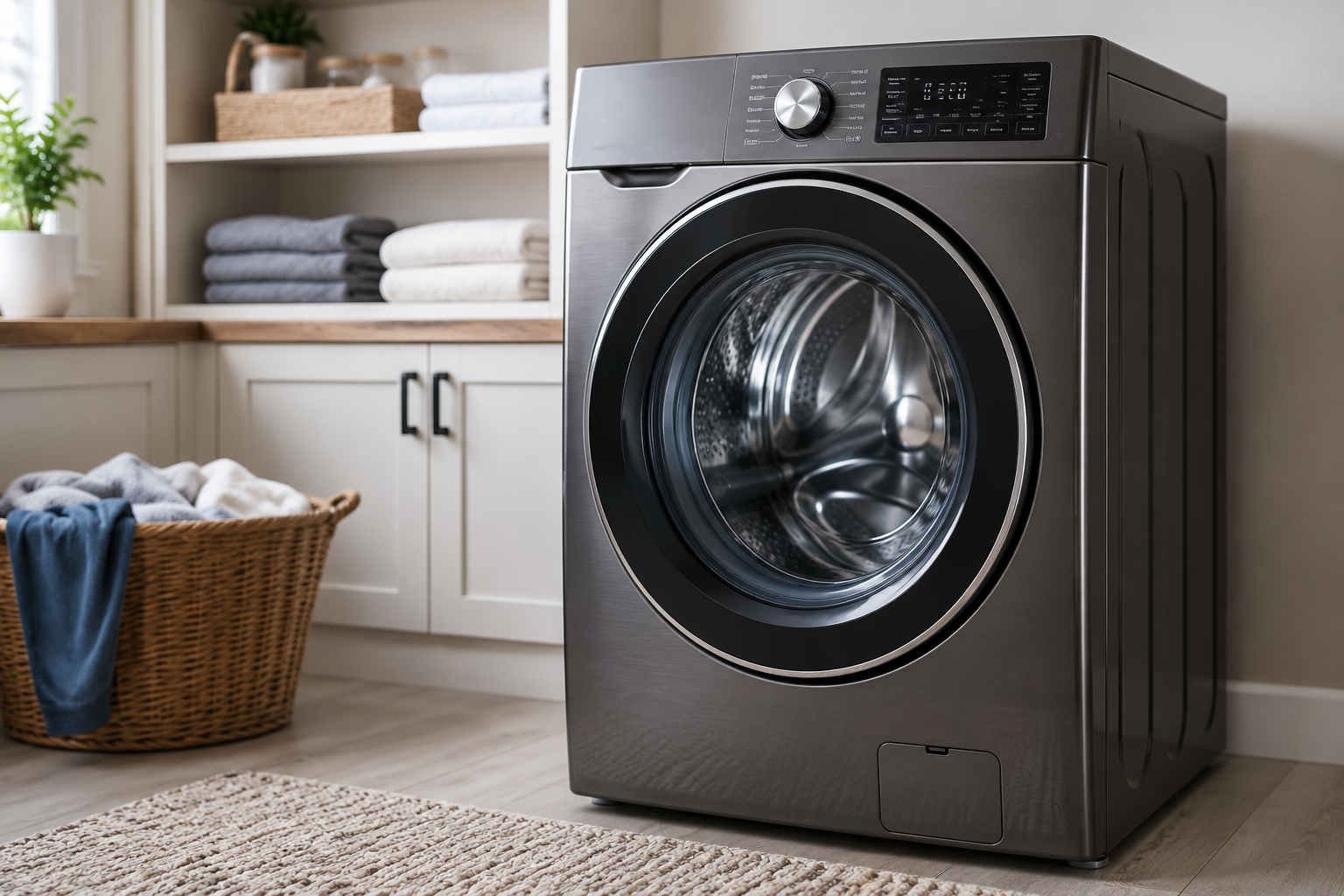
The Samsung washer UR code stands for an unbalanced load condition. During the spin cycle, the washer monitors drum movement. If the drum begins to vibrate excessively or cannot reach proper spin speed safely, the washer stops the cycle and displays the UR error code.
This safety feature helps prevent damage to the drum, suspension system, motor, and internal components.
Common Causes of a Samsung Washer UR Code
Several issues can trigger the UR error:
- Overloaded washer drum
- Single heavy items causing imbalance
- Uneven flooring
- Washer not properly leveled
- Tangled bedding or clothing
- Worn suspension rods
- Damaged shock absorbers
- Excessive vibration during spin cycles
Fortunately, most causes can be corrected without professional service.
How to Fix a Samsung Washer UR Code
Step 1: Pause the Cycle and Redistribute the Load
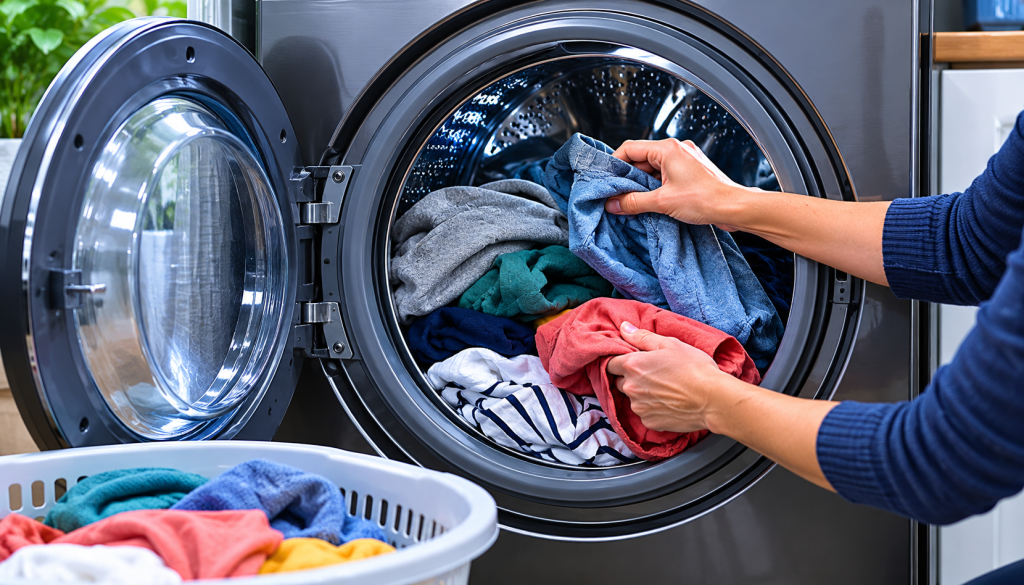
The most common cause of a UR code is an uneven load.
- Pause the washer.
- Open the door once it unlocks.
- Rearrange clothing evenly around the drum.
- Separate tangled sheets, blankets, or towels.
- Restart the spin cycle.
If the washer completes the cycle normally, the issue was likely load distribution.
For additional washer troubleshooting, see our guide on Washing Machine Not Spinning.
Step 2: Remove Excess Laundry
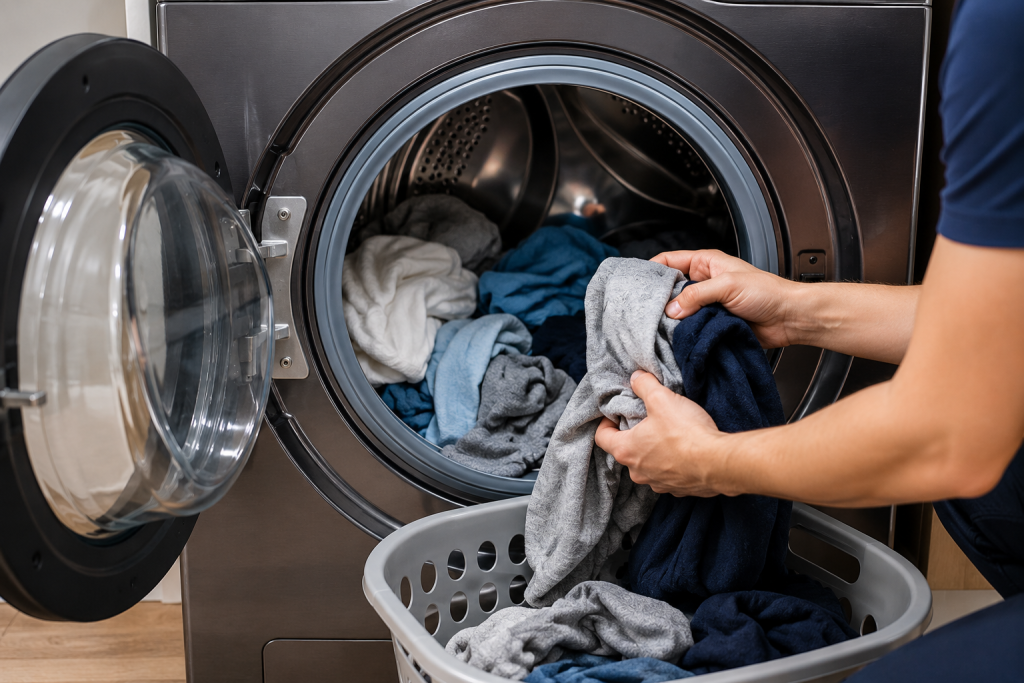
An overloaded drum can prevent proper balancing.
- Stop the washer.
- Remove several items.
- Restart the cycle.
- Observe whether the UR code returns.
Samsung washers perform best when the drum is filled but not tightly packed.
Step 3: Check That the Washer Is Level
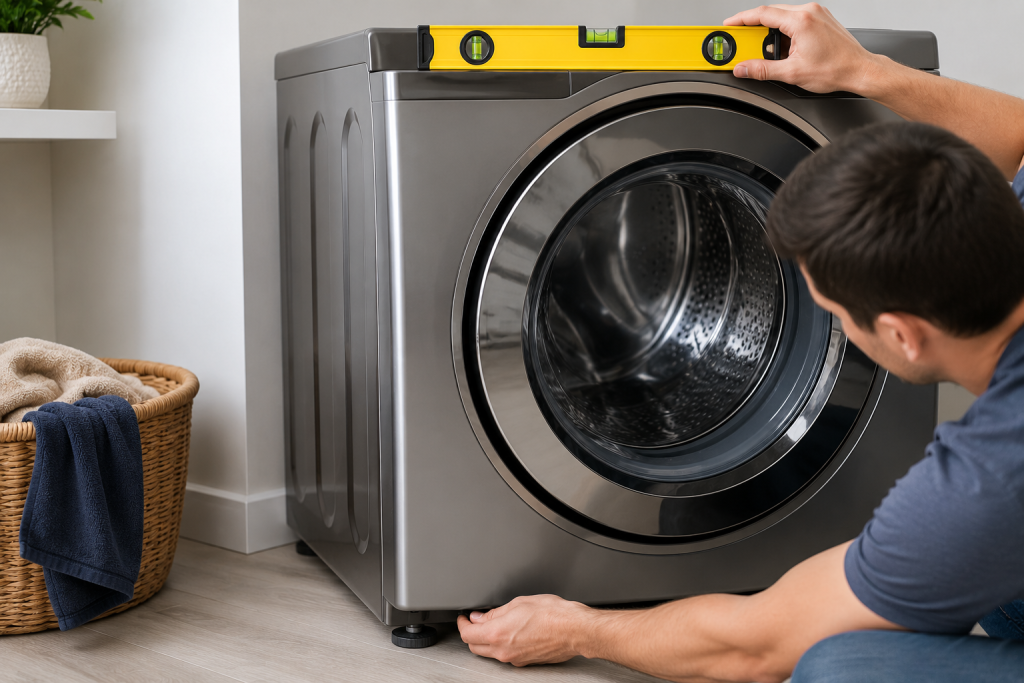
Even a slight tilt can cause excessive vibration.
- Place a level on top of the washer.
- Check both front-to-back and side-to-side alignment.
- Adjust the leveling feet as needed.
- Tighten the lock nuts after adjustment.
A properly leveled washer reduces vibration and helps prevent future UR errors.
Step 4: Verify the Flooring Is Stable
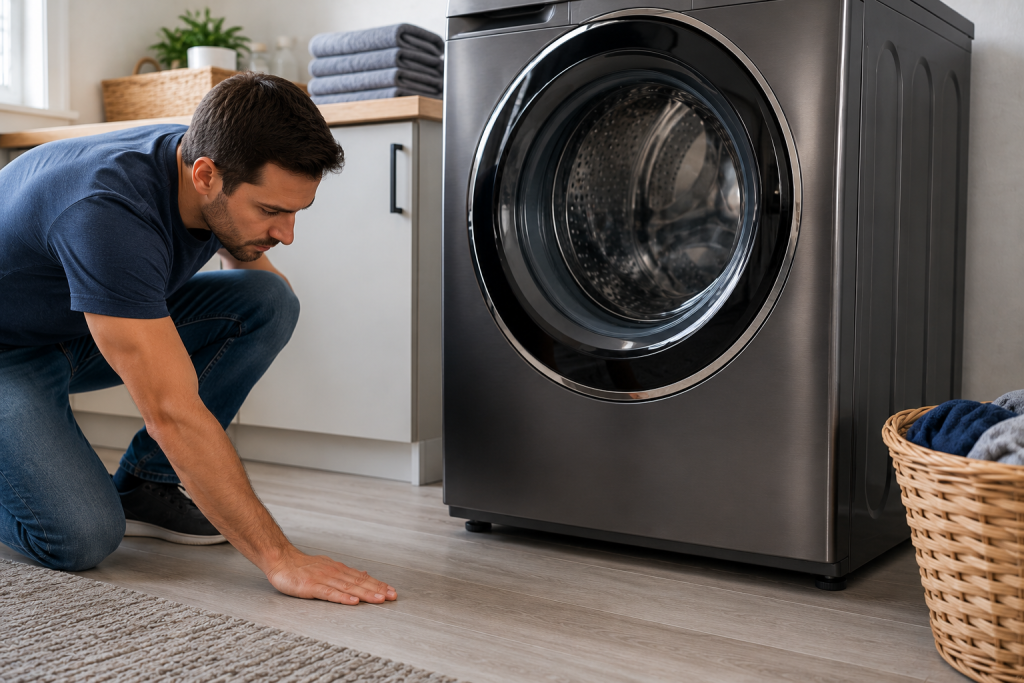
Weak or flexible flooring can contribute to imbalance issues.
- Observe the washer during a spin cycle.
- Check for excessive movement.
- Inspect the floor beneath the appliance.
- Reinforce flooring if necessary.
Upper-level laundry rooms and older homes are more prone to vibration-related issues.
Step 5: Run a Small Test Load
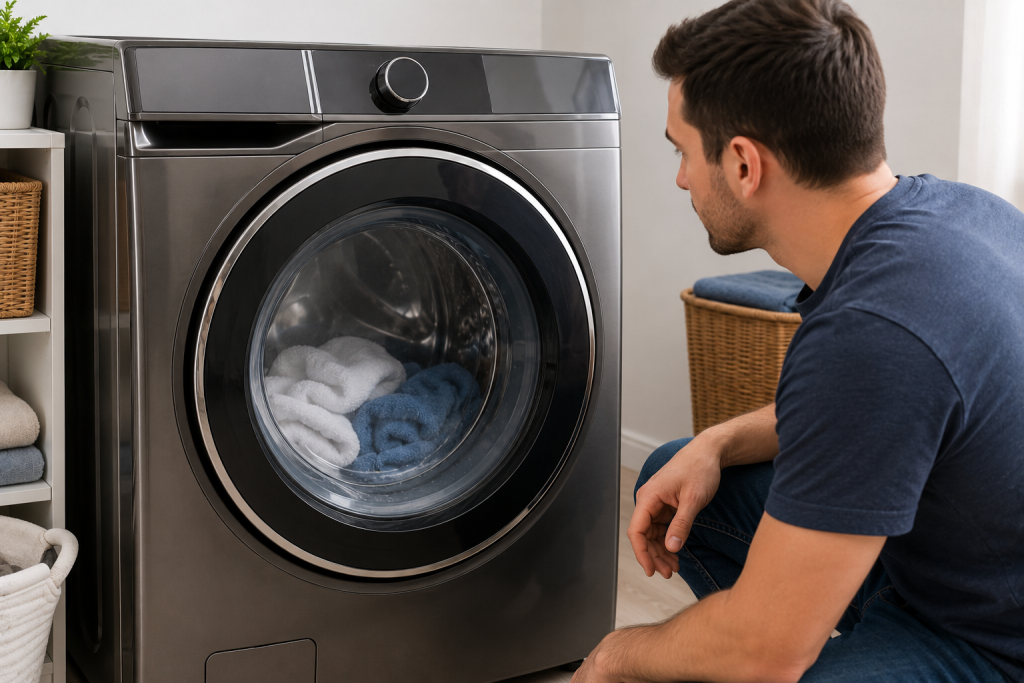
Testing with a smaller load helps identify whether the issue is load-related.
- Add a few lightweight items.
- Run a rinse and spin cycle.
- Monitor performance.
If the washer operates normally, previous loads may have been overloaded or improperly balanced.
You may also find our article on Washer Shaking Violently During Spin Cycle helpful.
Step 6: Inspect the Suspension Rods or Shock Absorbers
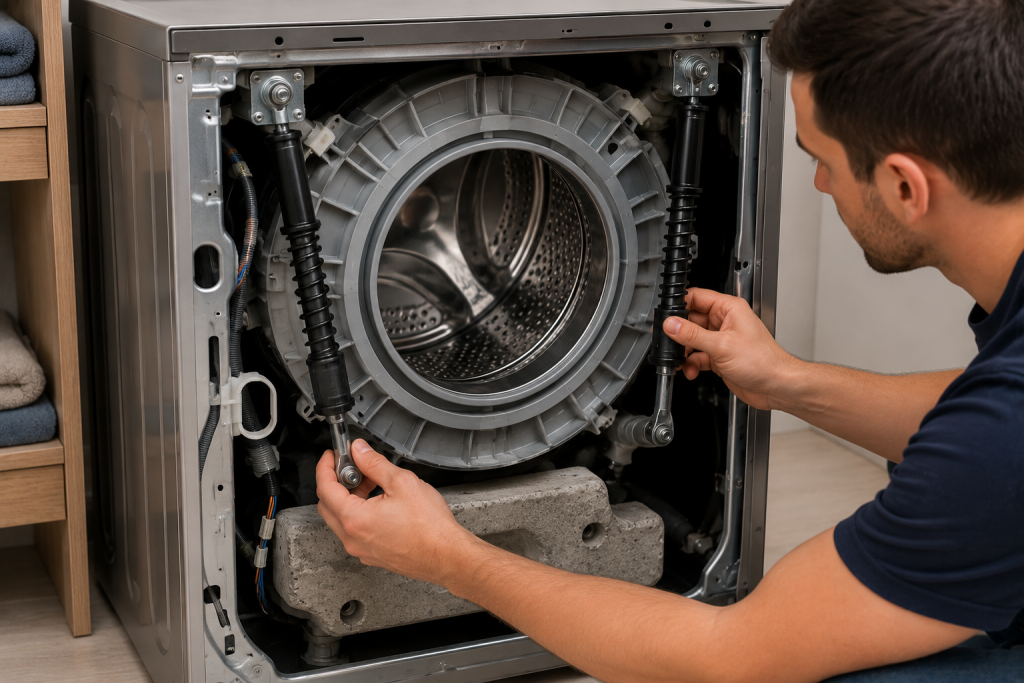
Worn suspension components can prevent proper balancing.
- Disconnect power to the washer.
- Access the suspension system according to your model’s instructions.
- Look for:
- Broken rods
- Leaking shocks
- Excessive wear
- Loose mounting points
- Replace damaged components as needed.
These parts absorb movement and stabilize the drum during high-speed spinning.
Step 7: Run Samsung Diagnostic or Calibration Mode
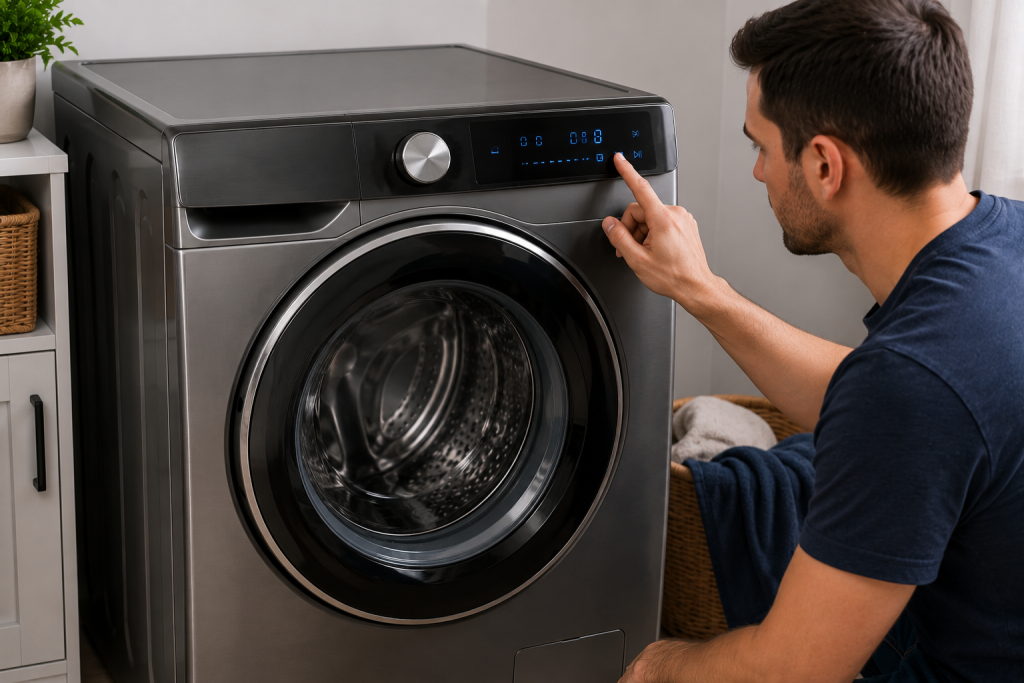
Many Samsung washers include a calibration feature.
- Empty the washer completely.
- Follow your owner’s manual instructions for calibration mode.
- Allow the calibration cycle to complete.
- Test the washer afterward.
Samsung provides model-specific support and troubleshooting information through its official support center at Samsung Support.
When to Call a Professional
Professional service may be needed if:
- The UR code appears with every load.
- The washer remains unbalanced after leveling.
- Suspension rods are damaged.
- Excessive noise accompanies the error.
- The drum appears loose or unstable.
- The control board may be malfunctioning.
A technician can inspect the suspension system and verify proper operation of the washer’s sensors.
How to Prevent Samsung Washer UR Errors
To minimize future UR codes:
- Avoid overloading the drum.
- Mix large and small items together.
- Wash bulky blankets separately.
- Keep the washer level.
- Inspect suspension components periodically.
- Avoid washing single heavy items alone.
Following these practices helps maintain smooth spin-cycle performance.
Frequently Asked Questions
Is the Samsung washer UR code serious?
Usually not. Most UR errors are caused by an unbalanced load and can be corrected by redistributing laundry.
Can overloading cause a Samsung UR code?
Yes. Overloading is one of the most common causes of the error.
Will resetting the washer fix a UR code?
A reset may clear the code temporarily, but correcting the underlying imbalance is typically necessary.
Can an uneven floor cause a UR code?
Yes. An unstable or uneven floor can create excessive vibration that triggers the error.
Do worn suspension rods cause UR errors?
Yes. Worn suspension rods or shock absorbers may allow excessive drum movement and lead to repeated UR codes.
Conclusion
A Samsung washer UR code indicates that the machine has detected an unbalanced condition during the spin cycle. Start by redistributing the load, reducing laundry volume, and ensuring the washer is properly leveled. If the problem continues, inspect the suspension system and run the washer’s calibration mode. In most cases, these steps will restore normal operation and eliminate the UR error.