
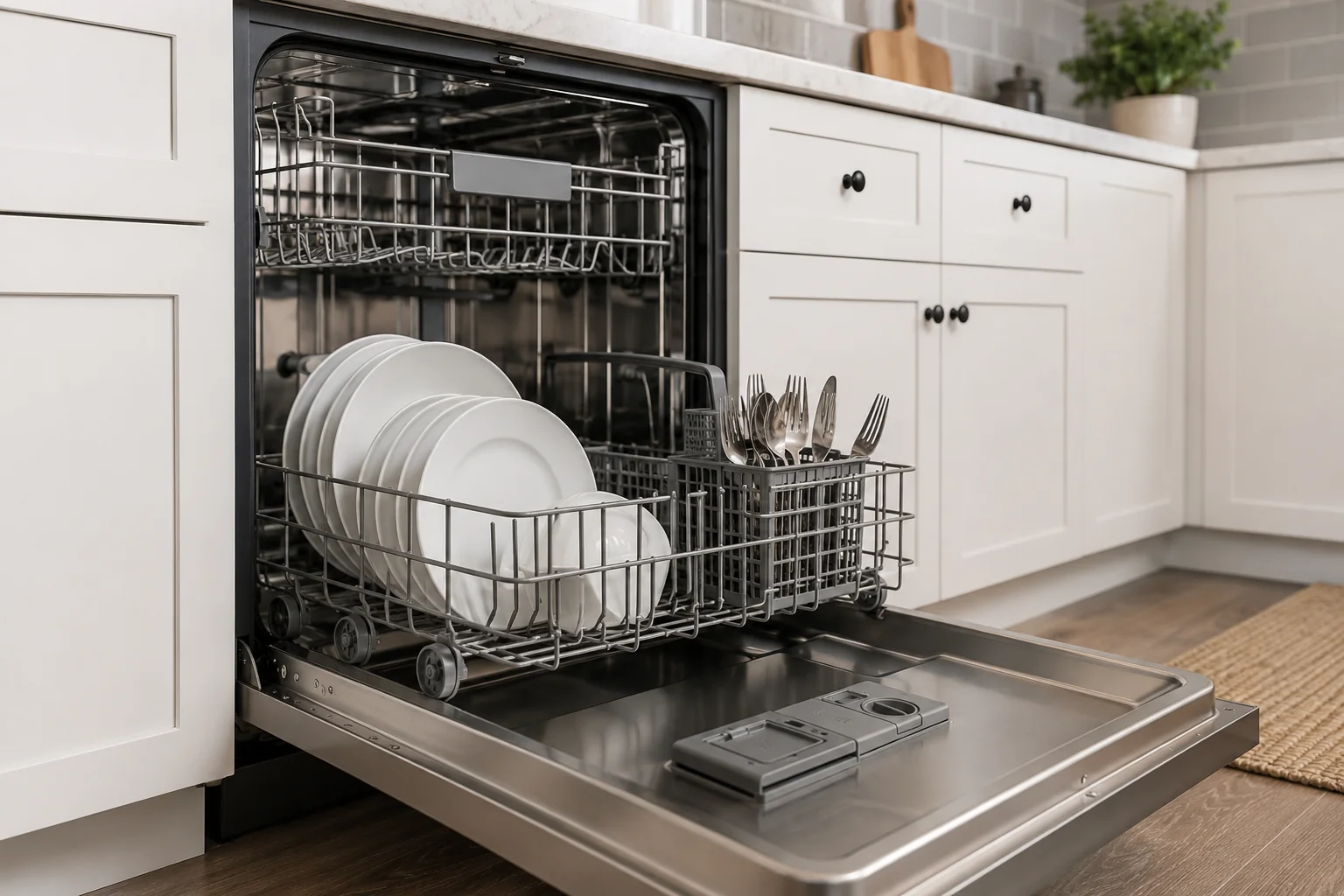
Last updated: October 11, 2026
By Home Repair Genie
If your GE dishwasher is displaying the H2O error code, it usually means the appliance is not getting enough water during the fill cycle. This can happen because of a closed water supply valve, a kinked inlet hose, a clogged water inlet screen, low household water pressure, or a faulty water inlet valve. In many cases, you can fix the problem yourself without calling a technician.
Quick Answer
The GE dishwasher H2O error code typically appears when the dishwasher detects a water fill problem. Start by checking that the water supply valve is fully open, inspect the inlet hose for kinks, clean the inlet filter screen, and restart the dishwasher. If the error continues, the water inlet valve or pressure sensor may need replacement.
What Does the GE Dishwasher H2O Error Code Mean?
The H2O error code on a GE dishwasher indicates that the dishwasher is not filling with water properly. The control board monitors the fill cycle, and if it does not detect enough incoming water within a specific time, it triggers the error.
Common causes include:
- Closed or partially closed water supply valve
- Kinked or blocked inlet hose
- Dirty inlet filter screen
- Low household water pressure
- Faulty water inlet valve
- Malfunctioning pressure sensor or float switch
Signs Your Dishwasher Has a Water Fill Problem
You may notice several symptoms along with the H2O error code:
- Dishwasher starts but stops shortly afterward
- Dishes remain dirty after the cycle
- Little or no water inside the tub
- Humming noises during startup
- Standing water at the bottom
- Cycle cancellation before washing begins
If your dishwasher is also not draining correctly, you may want to read our guide on fixing a dishwasher that will not drain naturally: Dishwasher Not Draining? 7 Easy Fixes That Actually Work
As an Amazon Associate I earn from qualifying purchases.
Tools and Supplies You May Need
Step-by-Step GE Dishwasher H2O Error Code Troubleshooting
Step 1: Reset the Dishwasher
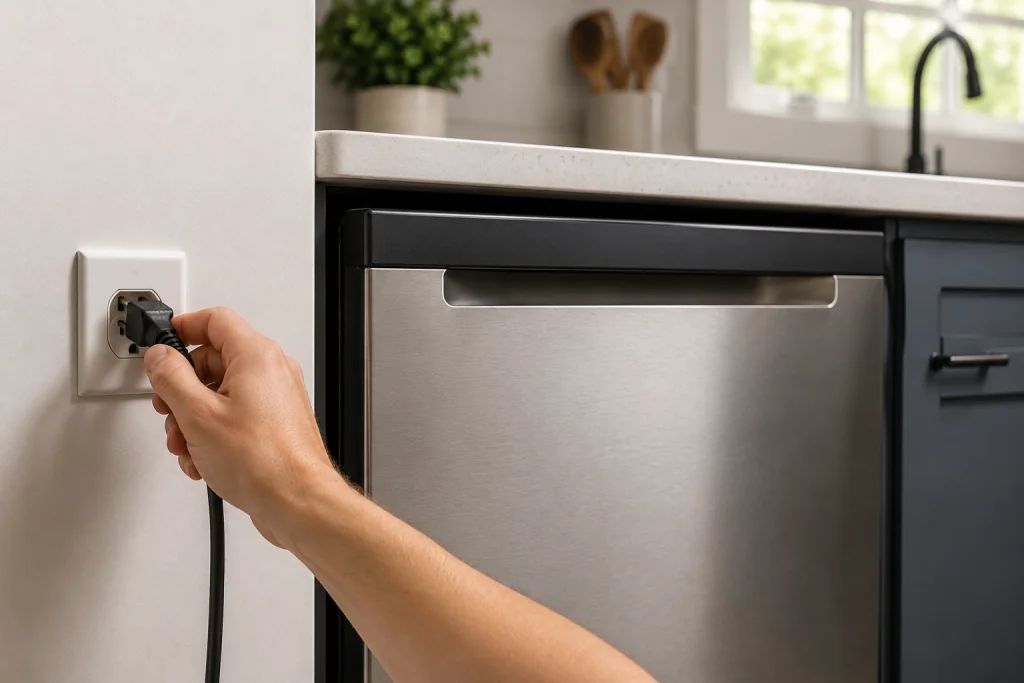
Sometimes the error is temporary and can be cleared with a reset.
How to Reset a GE Dishwasher
- Turn off the dishwasher.
- Unplug it from the outlet or switch off the breaker.
- Wait about 5 minutes.
- Restore power and start a new cycle.
If the H2O code returns, continue with the next steps.
Step 2: Check the Water Supply Valve
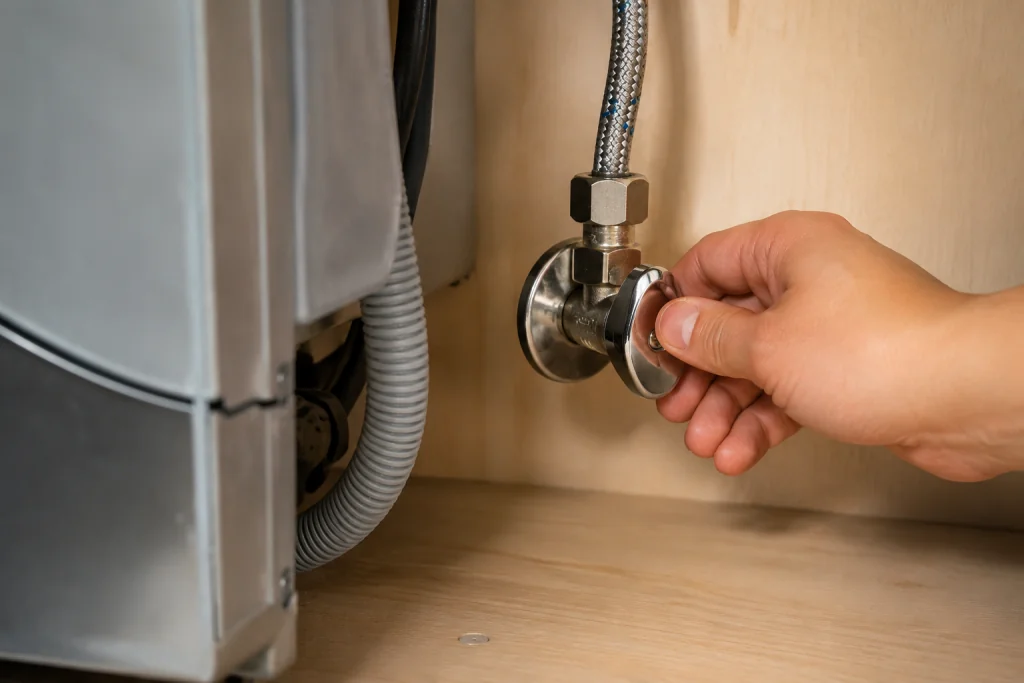
The dishwasher needs a steady water supply to operate correctly.
How to Inspect the Water Valve
- Locate the shutoff valve under the sink.
- Make sure the valve is fully open.
- Check for leaks or corrosion around the valve.
- Run the kitchen faucet to confirm normal water pressure.
A partially closed valve can easily trigger the GE dishwasher H2O error code.
Step 3: Inspect the Water Inlet Hose
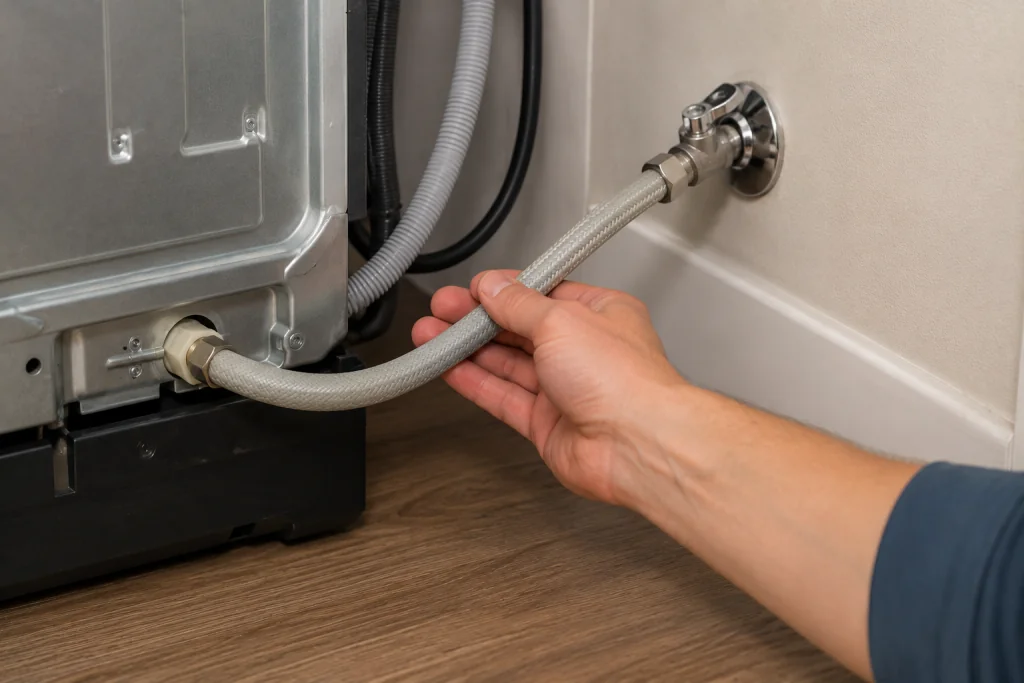
A kinked or blocked hose can restrict water flow.
How to Check the Inlet Hose
- Turn off the water supply.
- Pull the dishwasher forward carefully.
- Inspect the hose behind the dishwasher.
- Straighten any bends or kinks.
- If the supply line is damaged or sharply kinked, check the connection type and length before shopping for a replacement dishwasher water supply line.
Step 4: Clean the Water Inlet Screen
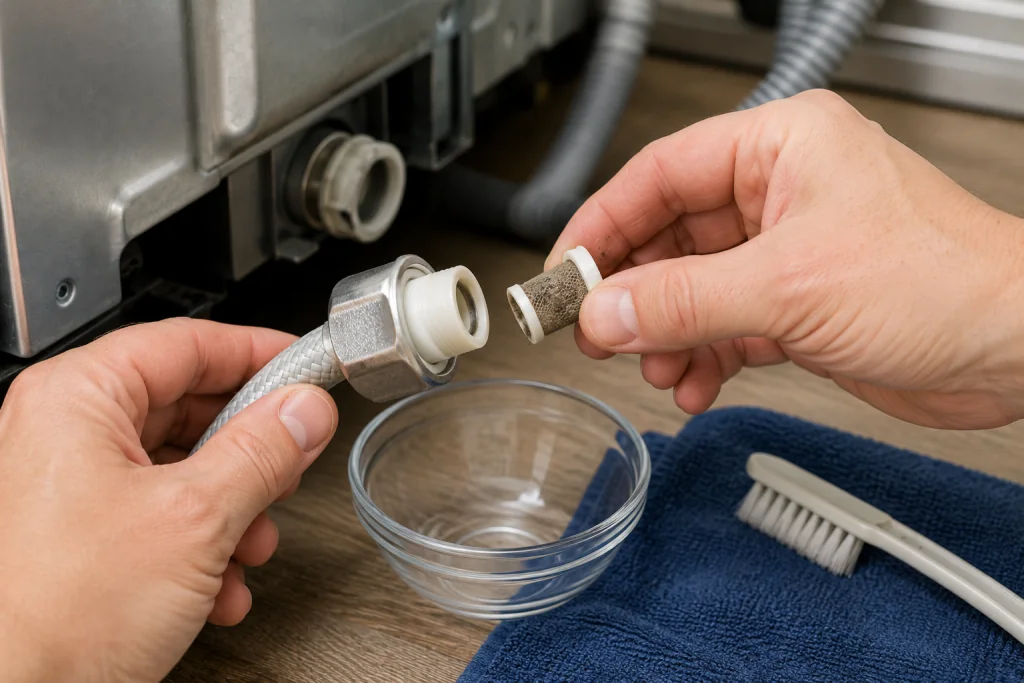
Many GE dishwashers have a small filter screen where the inlet hose connects to the dishwasher.
How to Clean the Inlet Screen
- Turn off power and water supply.
- Disconnect the inlet hose.
- Locate the small mesh filter screen.
- Gently clean debris using a soft brush.
- Reconnect the hose securely.
Mineral buildup and sediment can reduce water flow enough to cause the H2O code.
If you find that your dishwasher smells, learn how to fix it here: Dishwasher Smells Bad? 7 Easy Fixes That Actually Work Fast (Step-by-Step Guide)
Step 5: Test Household Water Pressure
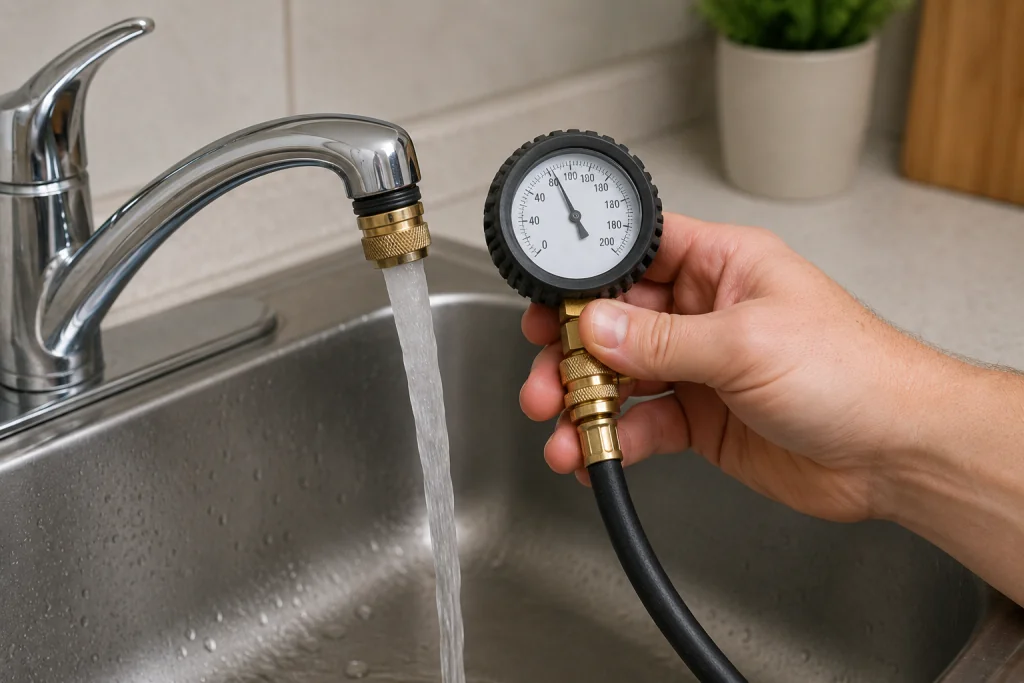
Low water pressure can prevent proper filling.
How to Check Water Pressure
- Turn on the kitchen faucet fully.
- Observe whether water flow seems weak.
- Check if other fixtures in the home also have low pressure.
Most dishwashers require at least 20 PSI of water pressure for proper operation.
For additional dishwasher maintenance guidance, you can review the tips from GE Appliances Support.
Step 6: Inspect the Water Inlet Valve
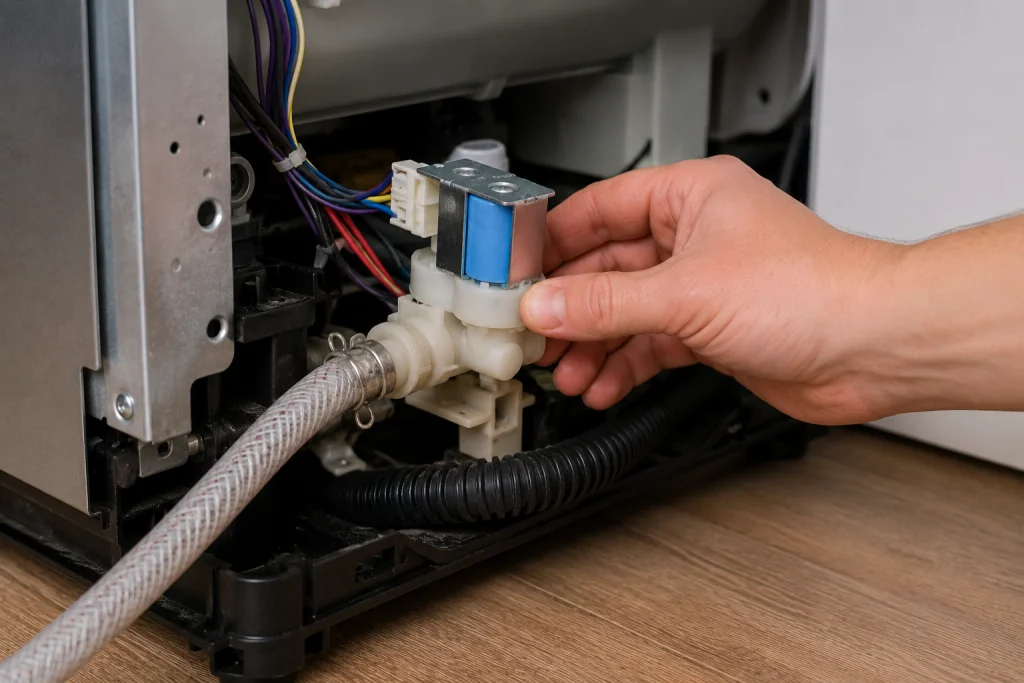
The inlet valve opens to allow water into the dishwasher during the fill cycle.
Signs of a Bad Water Inlet Valve
- Buzzing or humming without filling
- Dishwasher fills slowly
- No water entering the tub
- Intermittent H2O errors
How to Access the Valve
- Disconnect power to the dishwasher.
- Remove the lower access panel.
- Locate the water inlet valve near the bottom front.
- Inspect for debris, leaks, or damaged wiring.
If the valve appears defective, replacement is usually the best solution.
Step 7: Check the Float Assembly or Pressure Sensor
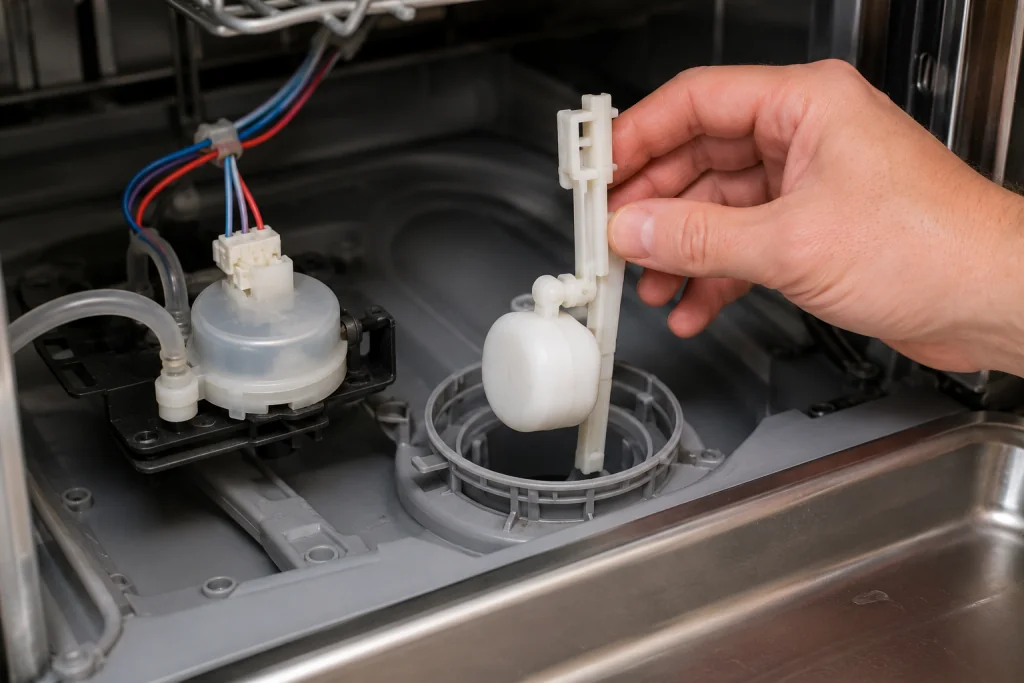
The float assembly helps prevent overfilling by monitoring water levels.
How to Inspect the Float
- Open the dishwasher door.
- Locate the float near the bottom of the tub.
- Move it up and down gently.
- Ensure it moves freely and is not stuck.
A stuck float may falsely signal that the dishwasher already contains enough water.
If grease or mineral buildup is present inside the dishwasher, running a dishwasher cleaning cycle with dishwasher cleaning tablets may help prevent future sensor problems.
When to Replace the Water Inlet Valve
You may need a new inlet valve if:
- Cleaning the screen does not help
- The valve receives power but will not open
- Water flow remains weak
- The dishwasher repeatedly displays the H2O error
Replacing the valve is a common repair and is usually less expensive than replacing the dishwasher.
Be sure to use a dishwasher-compatible OEM replacement inlet valve designed for your specific GE dishwasher model. Valve designs vary by model.
How to Prevent the GE Dishwasher H2O Error Code
You can reduce the chances of future fill problems by:
- Periodically checking the water hose
- Cleaning the inlet screen yearly
- Running hot water before starting a cycle
- Avoiding sharp bends behind the dishwasher
- Monitoring household water pressure
Regular maintenance helps improve dishwasher performance and reliability.
When to Call a Professional
Contact an appliance technician if:
- The dishwasher still will not fill after troubleshooting
- Wiring appears damaged
- The control board may be defective
- You are uncomfortable working with plumbing or electrical connections
A professional can diagnose advanced electrical or sensor-related issues safely.
Troubleshooting a different code? Browse our complete collection of appliance error-code guides.
Final Thoughts
The GE dishwasher H2O error code is usually related to restricted water flow or a faulty fill component. In many cases, simple fixes like opening the water valve, cleaning the inlet screen, or straightening the hose can restore normal operation quickly. Working through the troubleshooting steps methodically can help you identify the exact cause and avoid unnecessary repairs.