
Last updated: September 20, 2026
By Home Repair Genie
Quick Answer
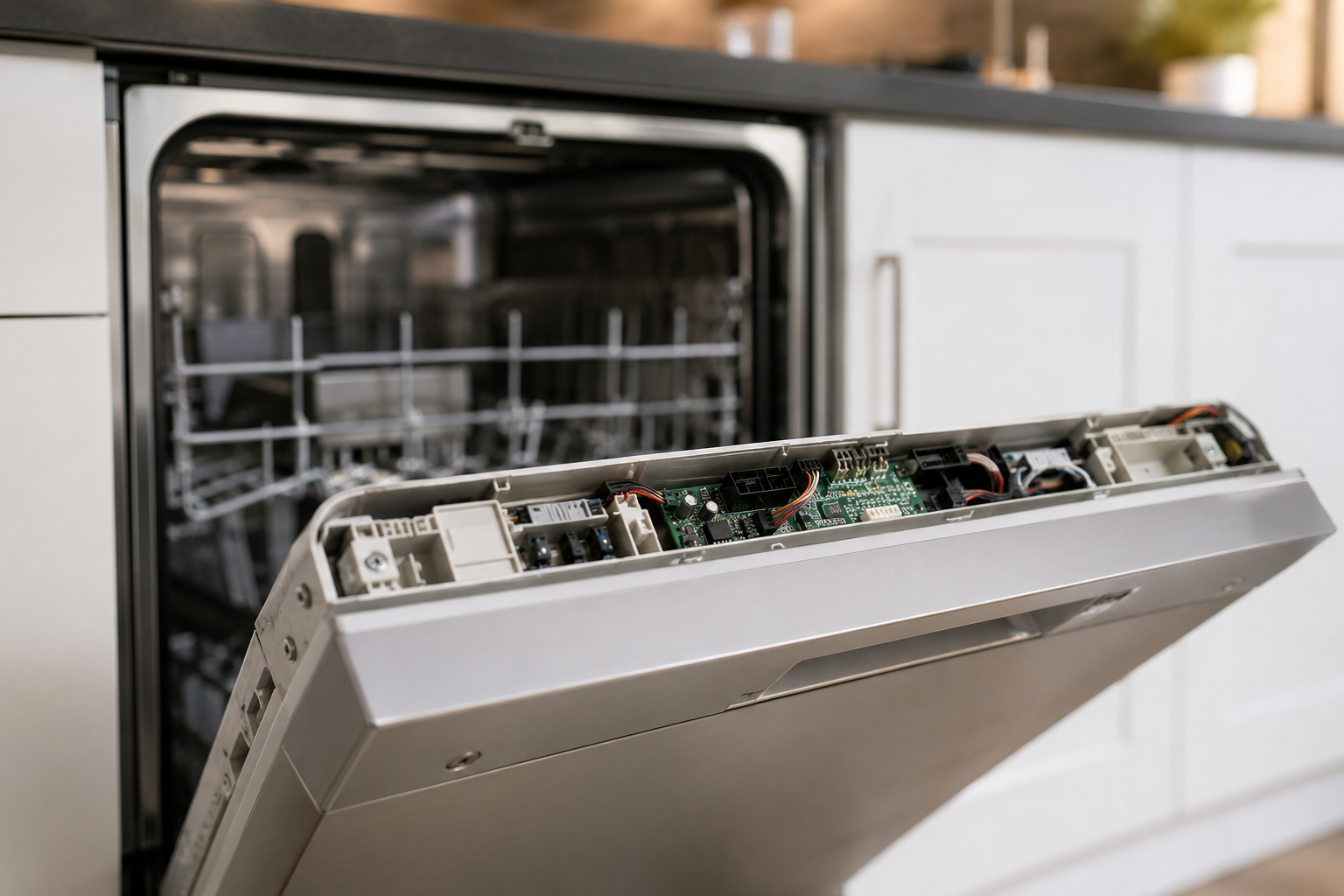
A GE Dishwasher 815 error typically indicates a communication or control system issue within the dishwasher. In many cases, the error can be cleared by resetting the appliance, checking wiring connections, inspecting the user interface board, and verifying proper communication between the control board and display panel. If the error persists after troubleshooting, a failed control board or user interface board may need replacement.
What Does the GE Dishwasher 815 Error Mean?
The GE Dishwasher 815 error is generally associated with a communication failure between electronic components inside the dishwasher. The main control board and user interface must exchange information continuously during operation. If this communication is interrupted, the dishwasher may stop functioning and display the 815 error code.
Common causes include:
- Temporary software glitches
- Loose wiring connections
- Faulty user interface board
- Damaged wiring harness
- Defective main control board
- Power supply interruptions
Fortunately, many cases can be resolved without replacing parts.
Step 1: Reset the Dishwasher
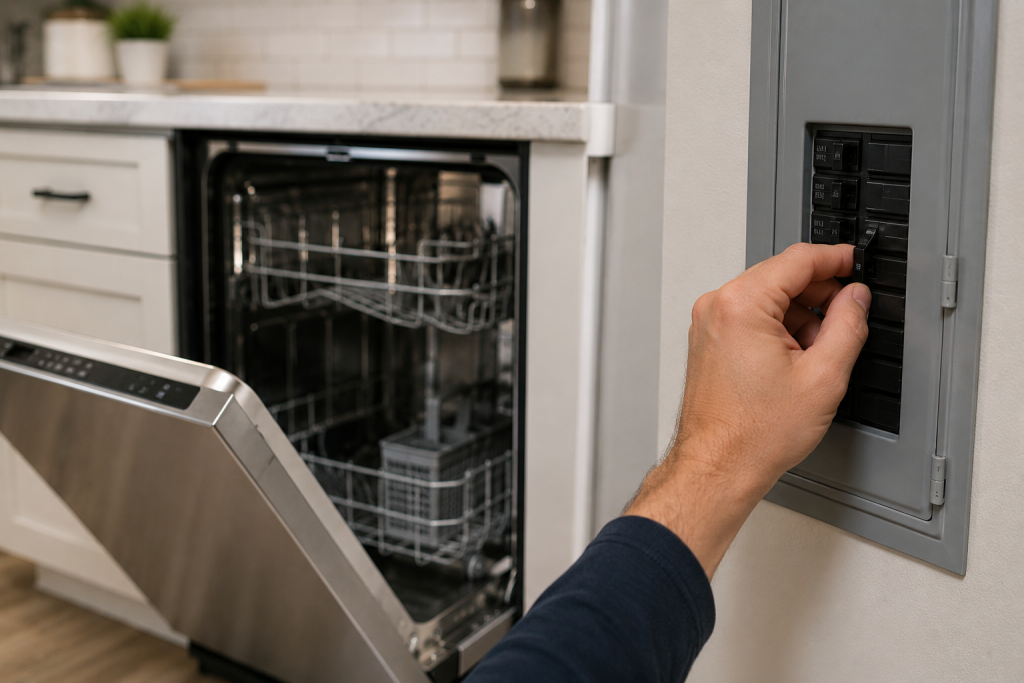
Disconnect Power
A simple reset can often clear temporary electronic faults.
- Turn off the dishwasher.
- Switch off the circuit breaker supplying power.
- Wait 5 minutes.
- Restore power and restart the dishwasher.
If the error disappears, the issue was likely a temporary control board glitch.
For additional dishwasher troubleshooting, see our guide on Dishwasher Not Starting.
Step 2: Check the Power Supply
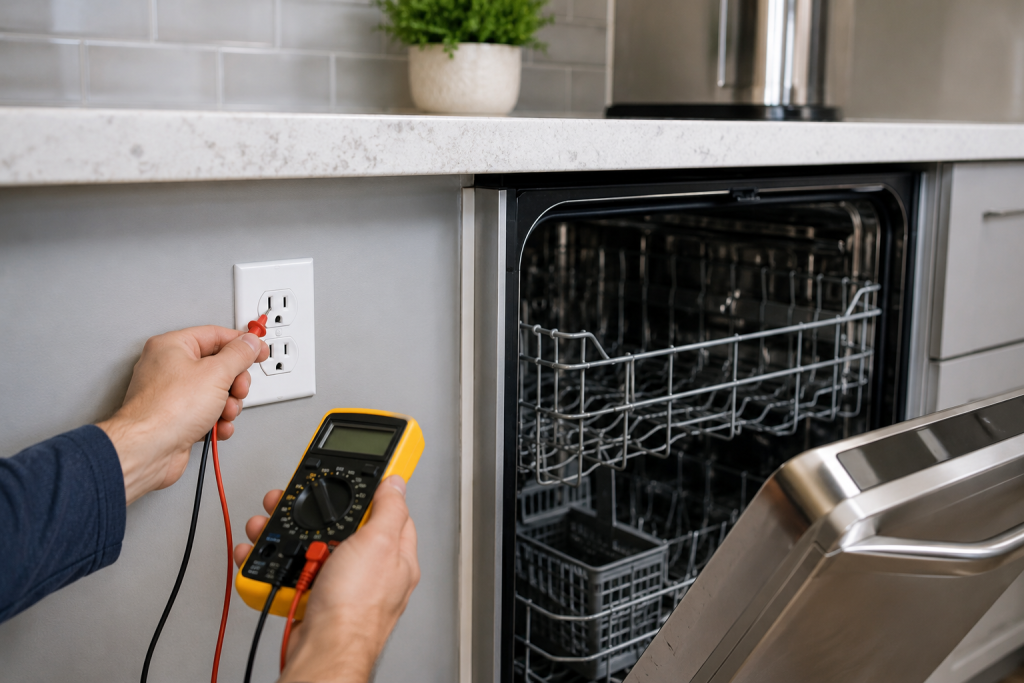
Verify Proper Voltage
Unstable voltage can disrupt communication between electronic components.
- Ensure the dishwasher is receiving power.
- Confirm the breaker is fully engaged.
- Check for recent power outages or electrical surges.
- Inspect the outlet if your dishwasher uses a plug connection.
If power delivery is inconsistent, correct the electrical issue before continuing.
Step 3: Inspect Wiring Connections
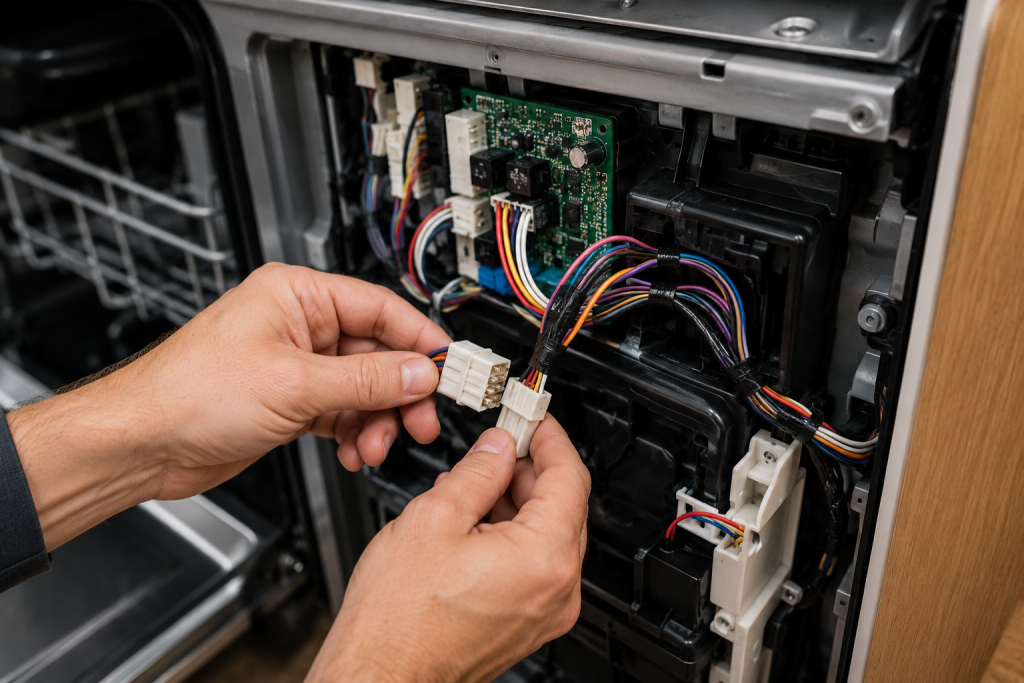
Check Internal Wiring Harnesses
Loose wiring can interrupt signals between the control board and user interface.
- Disconnect power to the dishwasher.
- Remove the inner door panel.
- Locate wiring connectors running between the control board and control panel.
- Ensure all connections are secure.
- Look for corrosion, moisture damage, or burnt terminals.
Reconnect any loose wiring and test the dishwasher.
Step 4: Examine the User Interface Board
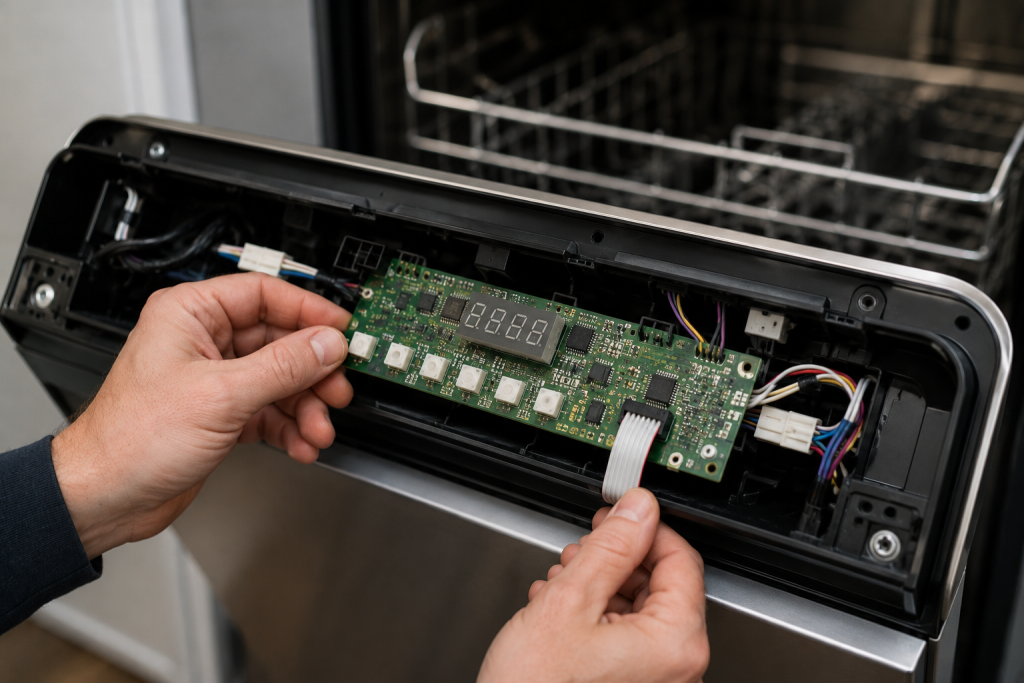
Look for Signs of Failure
The user interface board contains the buttons and display used to operate the dishwasher.
Signs of failure include:
- Unresponsive buttons
- Flickering display
- Blank control panel
- Intermittent operation
Inspect the board for:
- Burn marks
- Corrosion
- Damaged ribbon cables
- Cracked solder joints
If visible damage is present, replacement may be necessary.
You may also find our guide on Dishwasher Buttons Not Working helpful.
Step 5: Inspect the Main Control Board
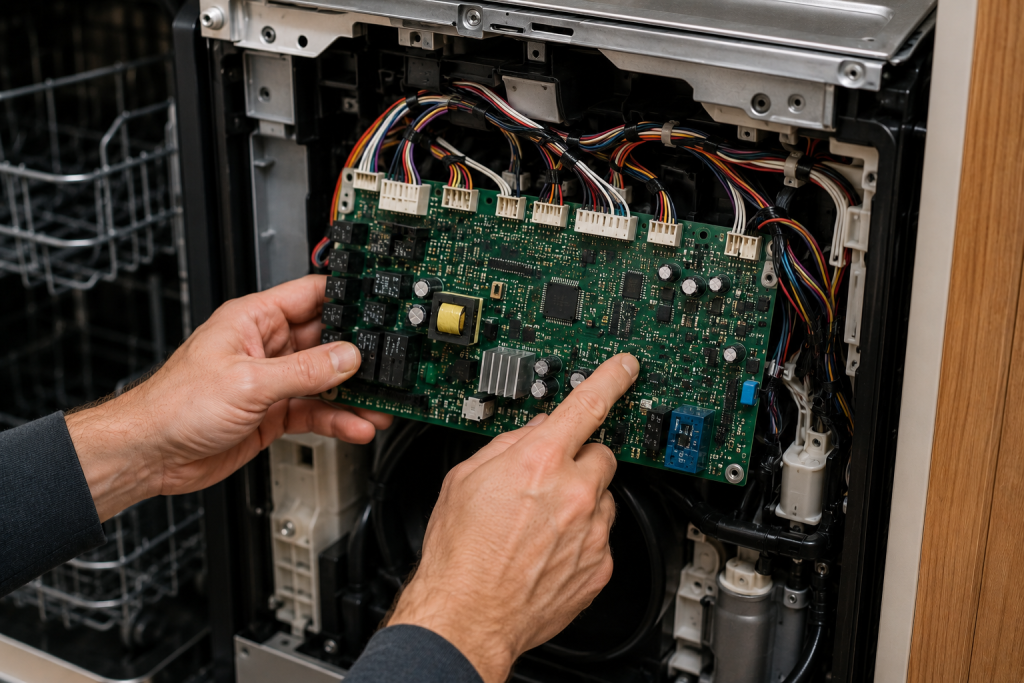
Check for Electronic Damage
The main control board coordinates all dishwasher functions.
- Disconnect power.
- Access the control board compartment.
- Inspect the board carefully.
- Look for:
- Burnt components
- Swollen capacitors
- Moisture damage
- Loose connectors
Any visible damage usually indicates the board should be replaced.
Step 6: Check for Moisture Intrusion
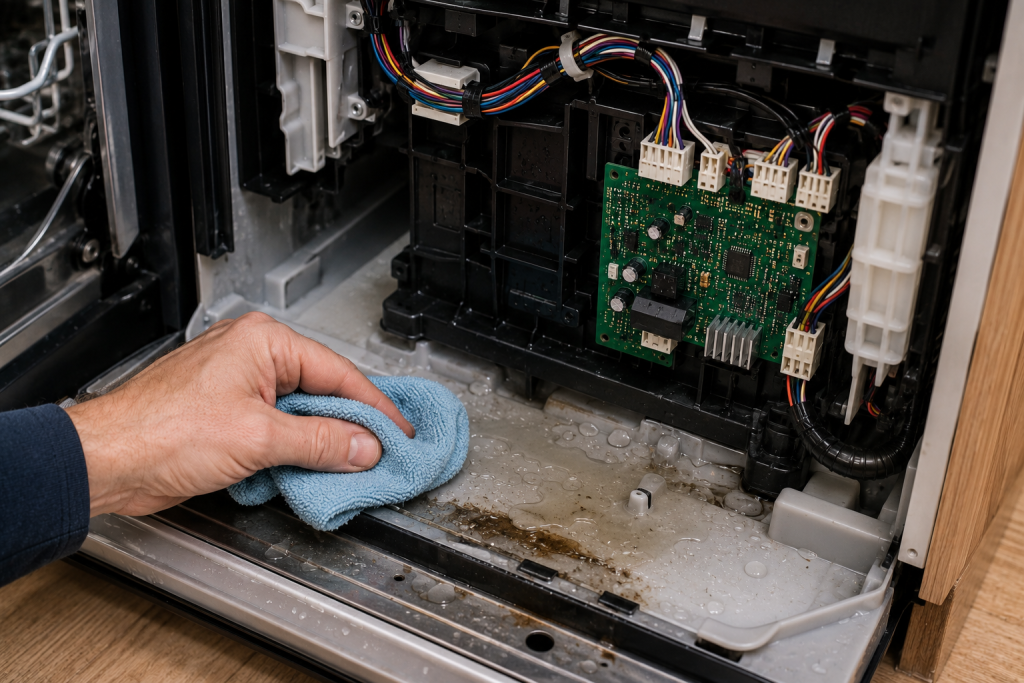
Look for Water Around Electronic Components
Dishwasher leaks can damage sensitive electronics and trigger communication errors.
Inspect:
- Door gasket
- Vent assembly
- Control panel area
- Wiring harness connections
If water intrusion is found, repair the leak before replacing electronic components.
For more information about dishwasher maintenance, visit the official GE Appliances support page.
Step 7: Run a Diagnostic Cycle
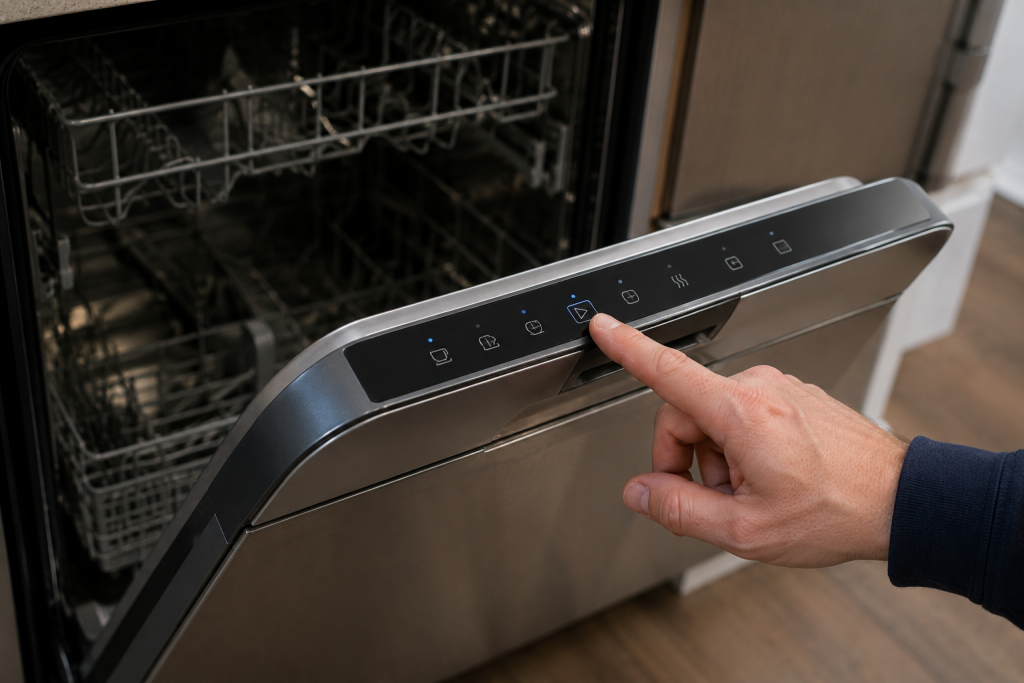
Verify System Operation
Many GE dishwashers include a built-in diagnostic mode.
- Follow your model’s service instructions.
- Enter diagnostic mode.
- Run available system tests.
- Record any additional error codes.
Additional codes can help pinpoint the exact component causing the communication failure.
When to Replace Parts
After completing the troubleshooting steps above, replacement may be required if:
- The error immediately returns after resetting.
- Wiring connections are secure.
- Moisture damage is not present.
- Diagnostic testing identifies a failed component.
Common replacement parts include:
- User interface board
- Main control board
- Wiring harness assembly
Preventing Future GE Dishwasher Errors
To reduce the likelihood of future electronic faults:
- Use a surge protector if permitted by local electrical code.
- Inspect door seals regularly.
- Address leaks promptly.
- Avoid slamming the dishwasher door.
- Keep the control panel dry during cleaning.
Routine maintenance can help extend the life of electronic components.
Frequently Asked Questions
Can I continue using my dishwasher with an 815 error?
Generally no. The dishwasher may not operate correctly because communication between control components has been interrupted.
Will unplugging the dishwasher clear the 815 error?
Sometimes. A power reset can clear temporary software glitches, but recurring errors usually indicate an underlying problem.
Is the 815 error caused by a bad control board?
It can be. However, loose wiring, moisture intrusion, or a faulty user interface board can produce the same error.
How much does it cost to repair a GE Dishwasher 815 error?
Costs vary depending on the failed component. Wiring repairs are often inexpensive, while control board replacement can be more costly.
Should I replace the control board myself?
If you are comfortable working with appliance electronics and can safely disconnect power, replacement may be possible. Otherwise, professional service is recommended.
Troubleshooting a different code? Browse our complete collection of appliance error-code guides.
Final Thoughts
A GE Dishwasher 815 error usually points to a communication problem involving the user interface board, main control board, or connecting wiring. Start with a power reset, inspect wiring and connectors, check for moisture damage, and run diagnostic tests. In many cases, identifying the failed electronic component will restore normal dishwasher operation and eliminate the error.