
Last updated: September 20, 2026
By Home Repair Genie
Quick Answer
If your KitchenAid Dishwasher Clean Light Blinking issue occurs during a wash cycle, the appliance has detected a fault and may have paused operation. Common causes include a failed wash cycle, heating element issues, dirty filters, control board glitches, or problems with water temperature. In many cases, resetting the dishwasher and running the built-in diagnostic cycle can clear the blinking clean light.
What Does a KitchenAid Dishwasher Clean Light Blinking Error Mean?
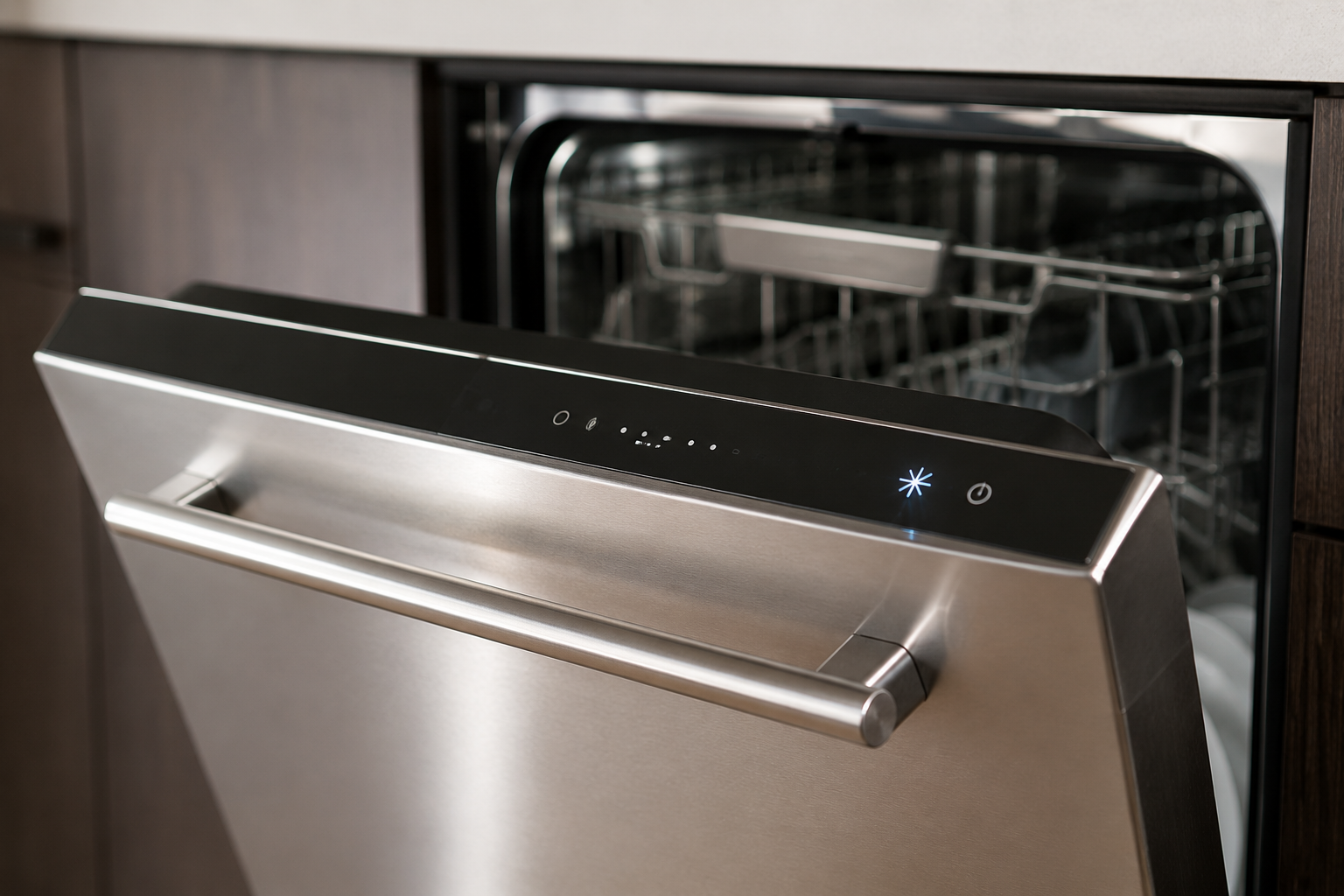
A KitchenAid Dishwasher Clean Light Blinking warning can be caused by several different issues. The control board uses the clean light to alert you when it detects a problem during the wash cycle.
Common symptoms include:
- Clean light flashing repeatedly
- Dishwasher not starting
- Cycle stopping unexpectedly
- Dishes not drying properly
- Water remaining in the tub
Fortunately, many blinking clean light issues can be resolved without replacing major components.
Common Causes of a KitchenAid Dishwasher Clean Light Blinking
Several issues can trigger the blinking clean light:
- Temporary control board malfunction
- Failed heating element
- Water not reaching proper temperature
- Dirty dishwasher filter
- Blocked spray arms
- Faulty thermostat
- Electronic control board problems
Identifying the root cause helps prevent unnecessary repairs.
Step 1: Reset the Dishwasher
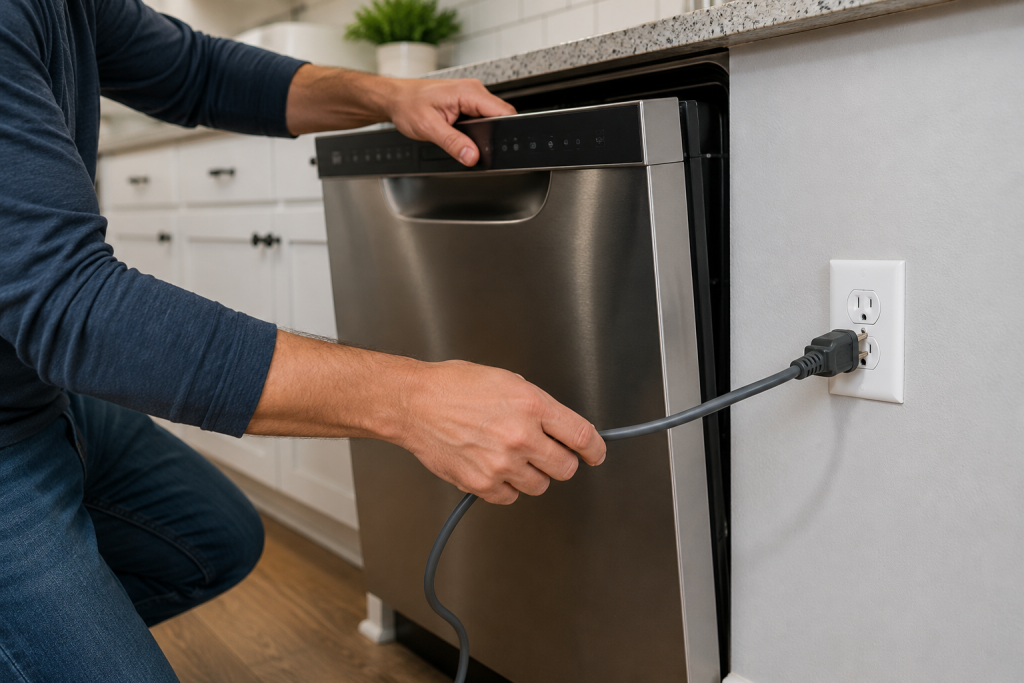
A simple reset often clears temporary electronic faults.
To reset the dishwasher:
- Turn off the dishwasher.
- Disconnect power at the breaker or unplug the unit.
- Wait 5 minutes.
- Restore power.
- Start a normal wash cycle.
If the blinking light disappears, the issue was likely a temporary control board glitch.
For additional dishwasher troubleshooting, see our guide on Dishwasher Not Draining? 7 Easy Fixes That Actually Work.
Step 2: Run the Diagnostic Cycle
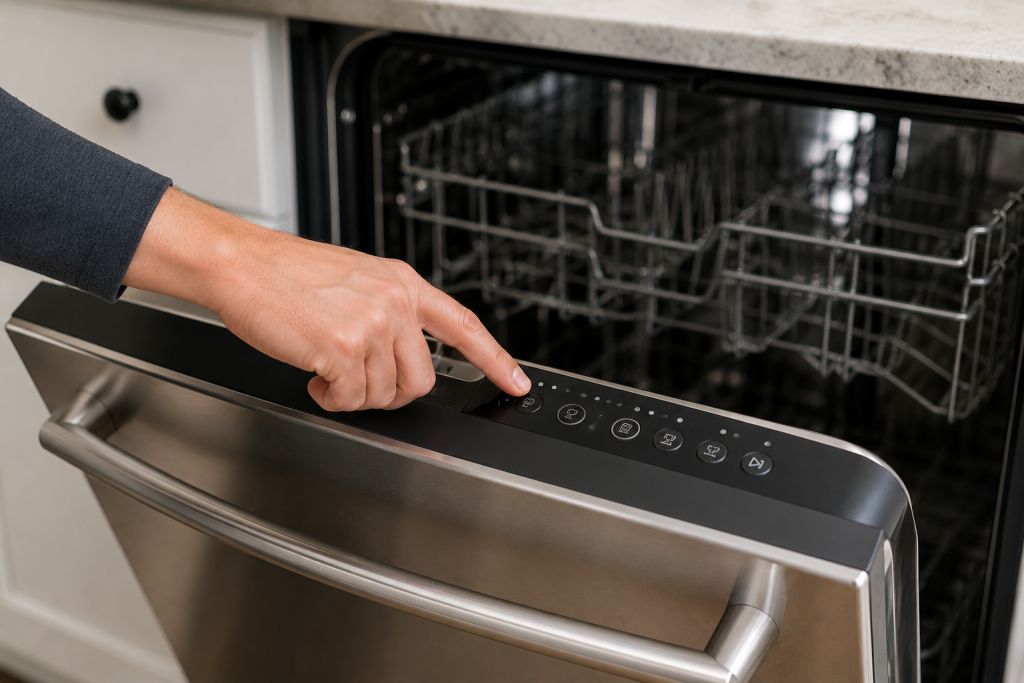
Many KitchenAid dishwashers include a built-in diagnostic mode.
The exact button sequence varies by model, but most units allow access through a combination of keypad presses.
Running diagnostics can:
- Clear stored fault codes
- Test dishwasher components
- Identify specific failures
Consult your owner’s manual for the correct diagnostic sequence.
Step 3: Clean the Dishwasher Filter
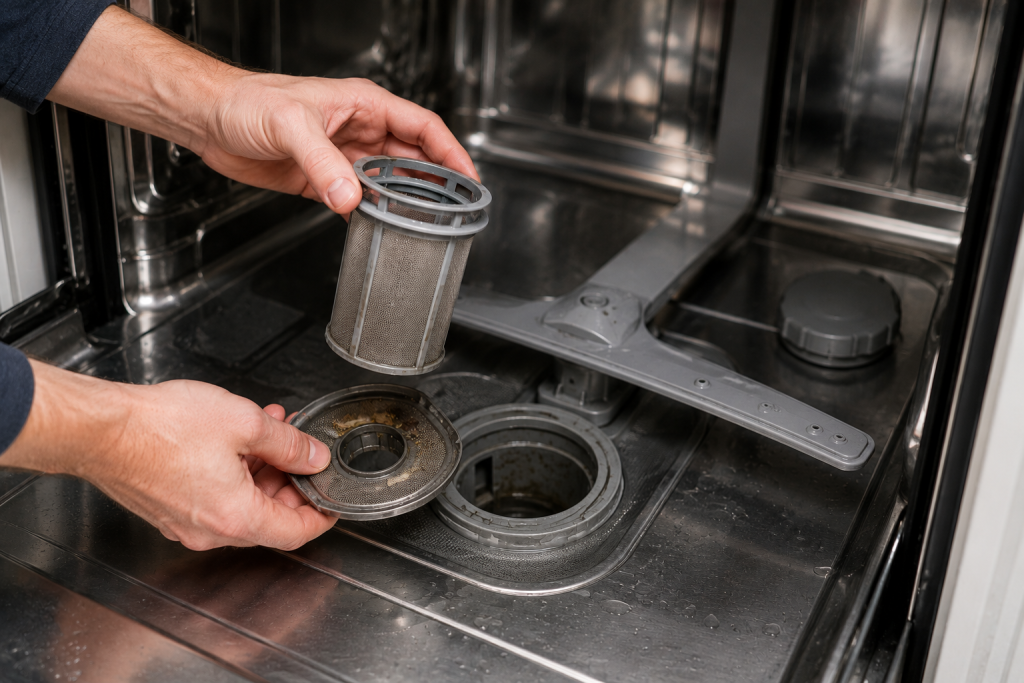
A clogged filter can restrict water flow and cause cycle errors.
To clean the filter:
- Remove the lower dish rack.
- Locate the filter assembly at the bottom of the tub.
- Twist and remove the filter.
- Rinse thoroughly under warm water.
- Reinstall securely.
A clean filter improves performance and helps prevent future error conditions.
Step 4: Inspect the Heating Element
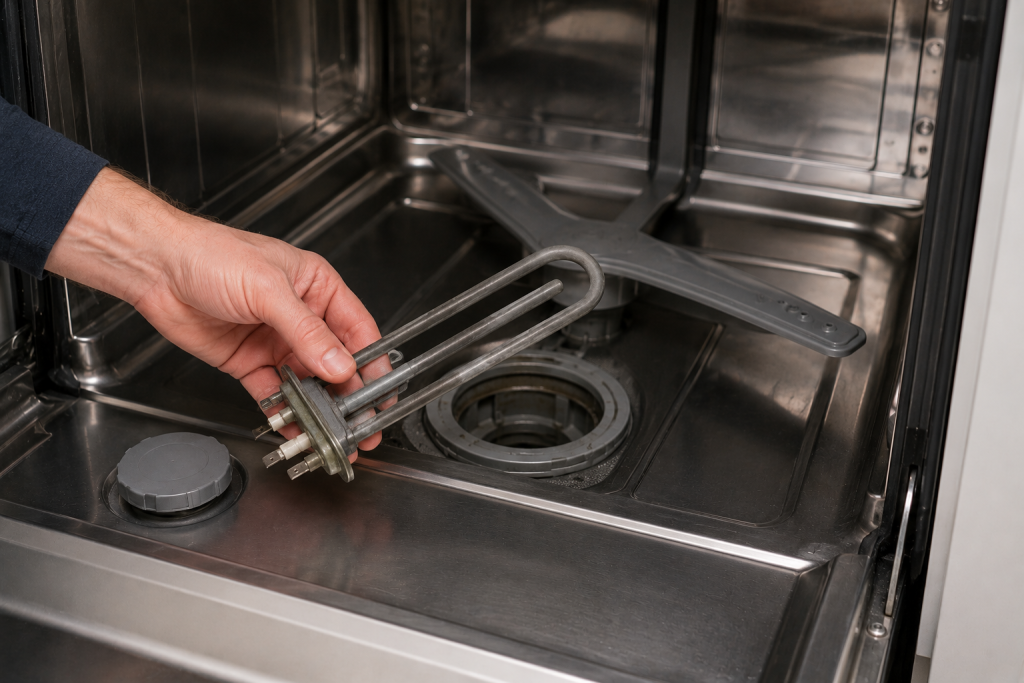
The heating element helps heat the wash water and dry dishes.
Inspect for:
- Visible damage
- Burn marks
- Corrosion
- Broken sections
A failed heating element is one of the most common causes of a blinking clean light because the dishwasher cannot achieve the required water temperature.
Step 5: Check the Water Temperature
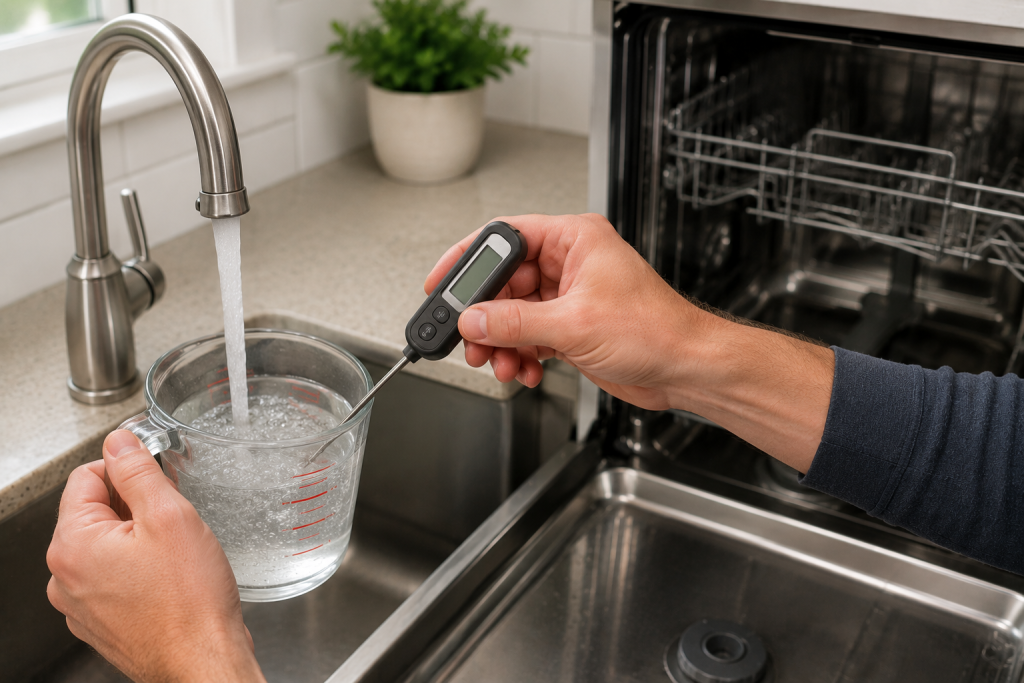
KitchenAid dishwashers typically require incoming water temperatures near 120°F.
To verify:
- Run hot water at the kitchen sink.
- Measure the temperature using a thermometer.
- Adjust the water heater if necessary.
Water that is too cool can cause wash cycle failures and trigger warning lights.
You may also find our article on Dishwasher Not Cleaning Dishes Properly? 7 Easy Fixes That Actually Work helpful if your dishwasher is not cleaning effectively.
Step 6: Inspect the Spray Arms
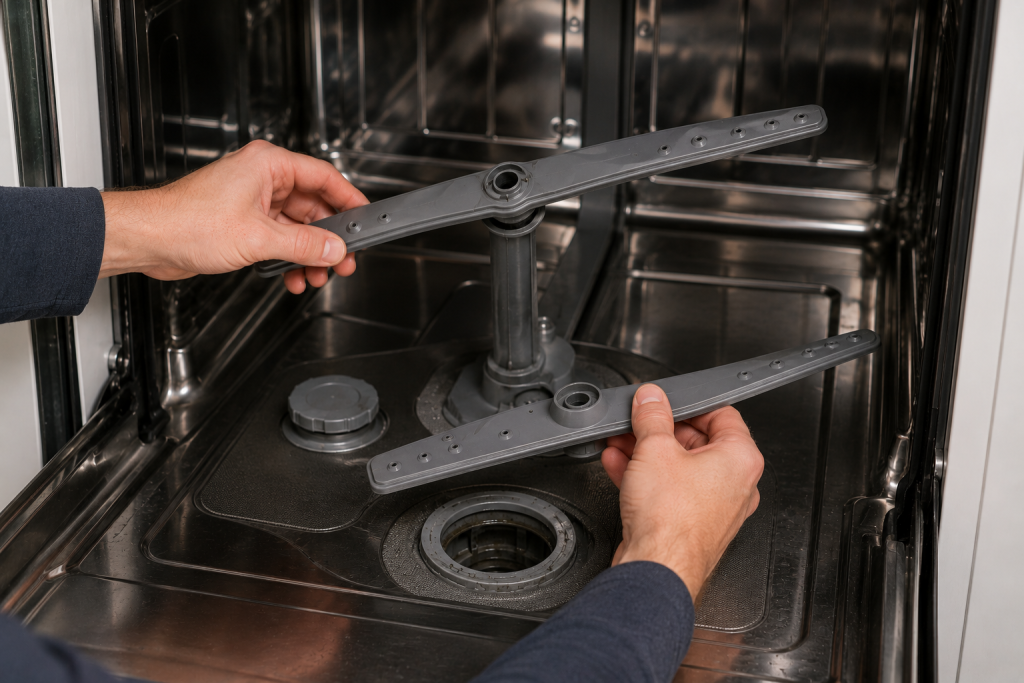
Blocked spray arms can reduce cleaning performance and interfere with cycle completion.
Check for:
- Food debris
- Mineral buildup
- Clogged spray holes
- Physical damage
Remove debris and rinse thoroughly before reinstalling.
Step 7: Examine the Control Board
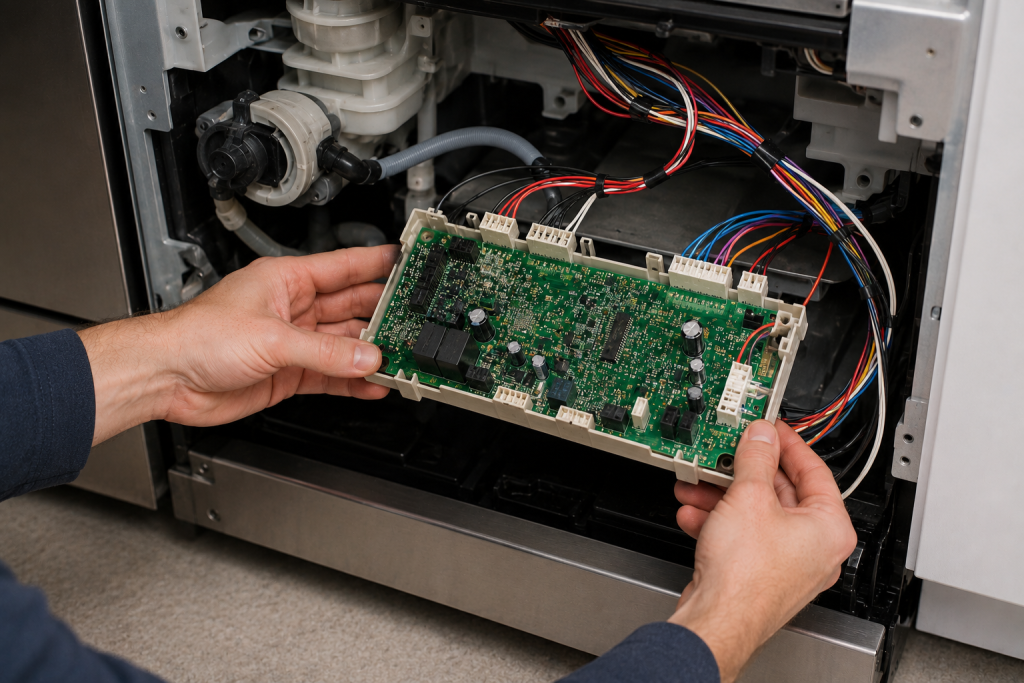
If the blinking clean light remains after completing the previous steps, the electronic control board may be malfunctioning.
Inspect for:
- Burn marks
- Loose wiring
- Damaged connectors
- Signs of moisture intrusion
Control board issues typically require replacement if visible damage is present.
When to Call a Professional
Consider contacting an appliance technician if:
- The clean light continues blinking after diagnostics
- The heating element tests faulty
- The control board appears damaged
- Electrical testing is required
A professional can safely diagnose advanced electrical faults and component failures.
For additional troubleshooting resources, visit the official KitchenAid support website.
How to Prevent a Blinking Clean Light
Follow these maintenance tips:
- Clean the filter monthly
- Use dishwasher-safe detergent
- Keep spray arms free of debris
- Run hot water before starting a cycle
- Address drainage issues promptly
- Inspect components during routine maintenance
Preventive maintenance helps reduce dishwasher errors and improves performance.
Frequently Asked Questions
Why is my KitchenAid dishwasher clean light blinking 7 times?
A repeated blinking pattern often indicates a heating-related fault. Running diagnostics can help identify the exact problem.
Will unplugging the dishwasher reset the blinking clean light?
Yes. A power reset can clear temporary electronic glitches and stored faults.
Can a dirty filter cause the clean light to blink?
Yes. Restricted water flow can interfere with cycle operation and trigger warning indicators.
How do I stop my KitchenAid clean light from flashing?
Start by resetting the dishwasher, cleaning the filter, checking water temperature, and running the diagnostic cycle.
Does a blinking clean light mean the control board is bad?
Not necessarily. The issue may be caused by water temperature problems, clogged filters, spray arm blockages, or heating element failures.
Looking for help with another appliance problem? Browse our complete collection of appliance repair guides and error-code fixes.
Final Thoughts
A KitchenAid Dishwasher Clean Light Blinking warning is usually a sign that the dishwasher detected a fault during operation. Start with simple troubleshooting steps such as resetting the appliance, cleaning the filter, and checking the water temperature. If the problem persists, inspect the heating element and control board to identify the underlying cause and restore normal dishwasher operation.