
Last updated: September 20, 2026
By Home Repair Genie
Quick Answer
If your dishwasher is not starting, the most common causes include a tripped circuit breaker, faulty door latch, control panel issues, delayed start settings, power supply problems, or a defective control board. Start by verifying power to the appliance, ensuring the door is fully latched, and resetting the dishwasher before moving on to more advanced troubleshooting.
Dishwasher Not Starting: Common Causes
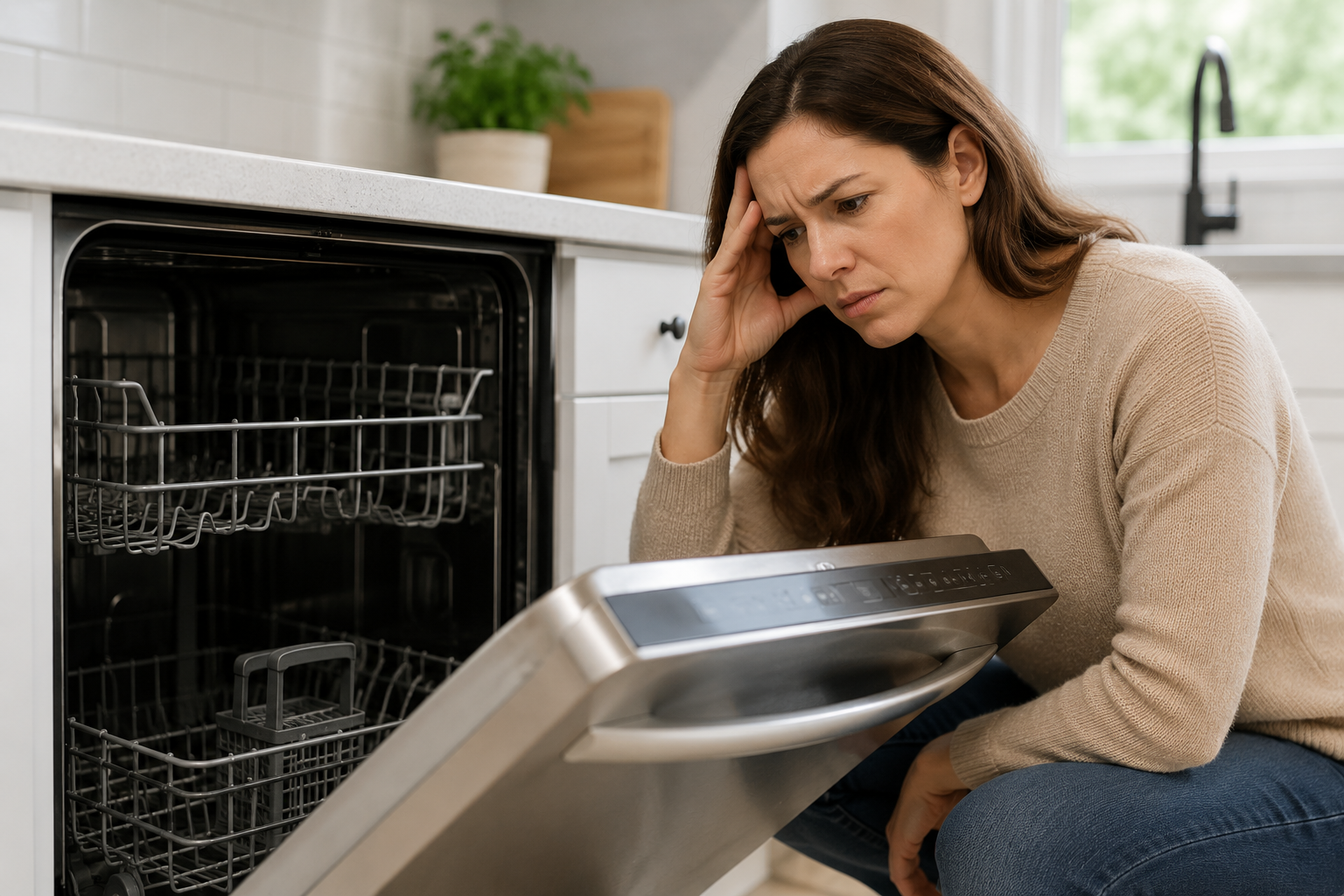
A dishwasher that won’t start can be frustrating, especially when dirty dishes are piling up. Fortunately, many starting issues are caused by simple problems that homeowners can fix themselves.
Common causes include:
- No power to the dishwasher
- Tripped circuit breaker
- Faulty door latch assembly
- Control lock activated
- Delayed start feature enabled
- Failed control panel
- Defective main control board
- Damaged wiring connections
Follow the troubleshooting steps below to identify the cause and get your dishwasher running again.
Step 1: Check the Power Supply
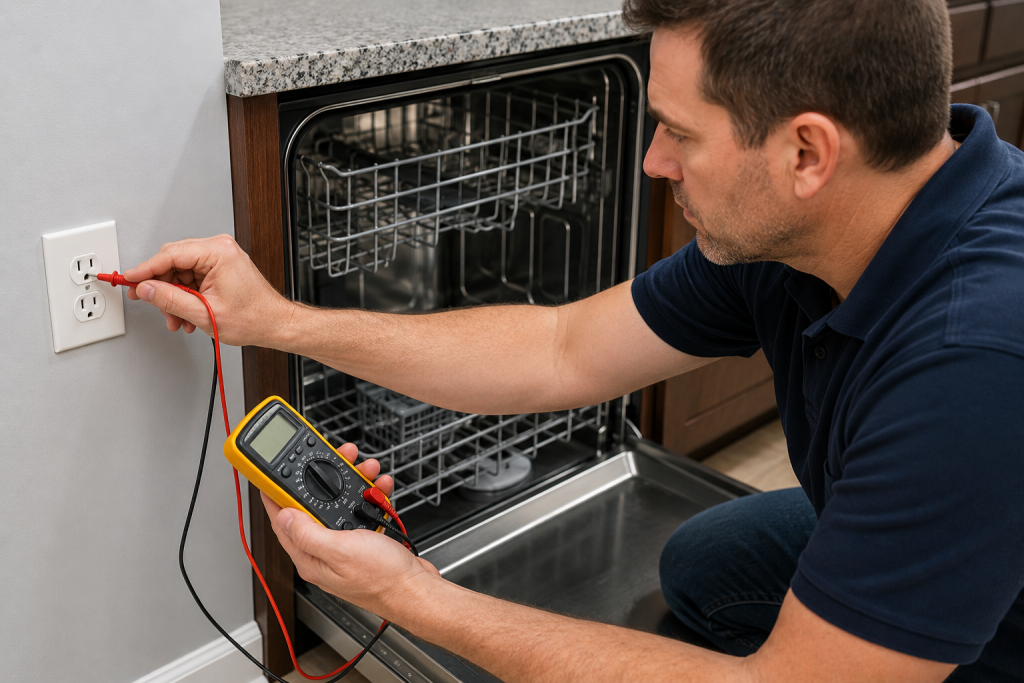
Verify Electrical Power
A dishwasher cannot start if it is not receiving power. When a dishwasher not starting occurs, the first thing to verify is that electrical power is reaching the appliance.
- Confirm the dishwasher display is illuminated.
- Check the circuit breaker for a trip.
- Reset the breaker if necessary.
- Verify the outlet has power if your dishwasher uses a plug connection.
- Look for any signs of damaged wiring.
A power interruption is one of the most common reasons a dishwasher will not start. Your outlet may not be working, we can help with: How to Fix an Outlet That’s Not Working (Step-by-Step Guide).
Step 2: Reset the Dishwasher
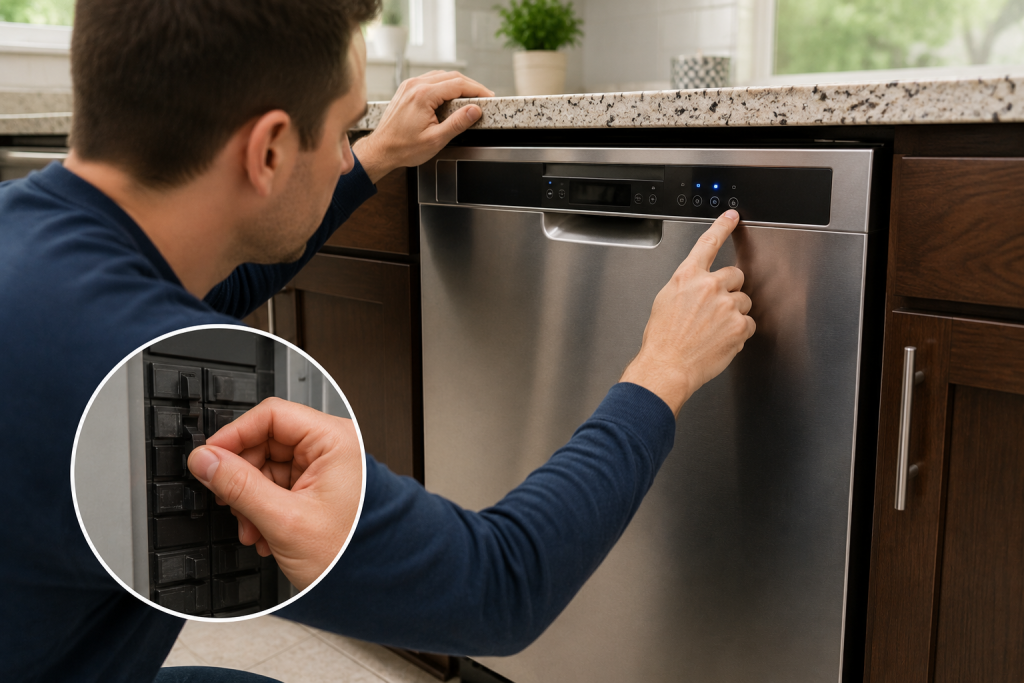
Clear Temporary Electronic Glitches
Modern dishwashers occasionally experience software or control board errors.
- Turn off the dishwasher.
- Switch off power at the breaker.
- Wait 5 minutes.
- Restore power.
- Attempt to start a cycle.
This simple reset can often resolve minor electronic issues.
If your dishwasher displays an error code after restarting, check out our guide on GE Dishwasher 815 Error for additional troubleshooting steps.
Step 3: Make Sure the Door Is Fully Latched
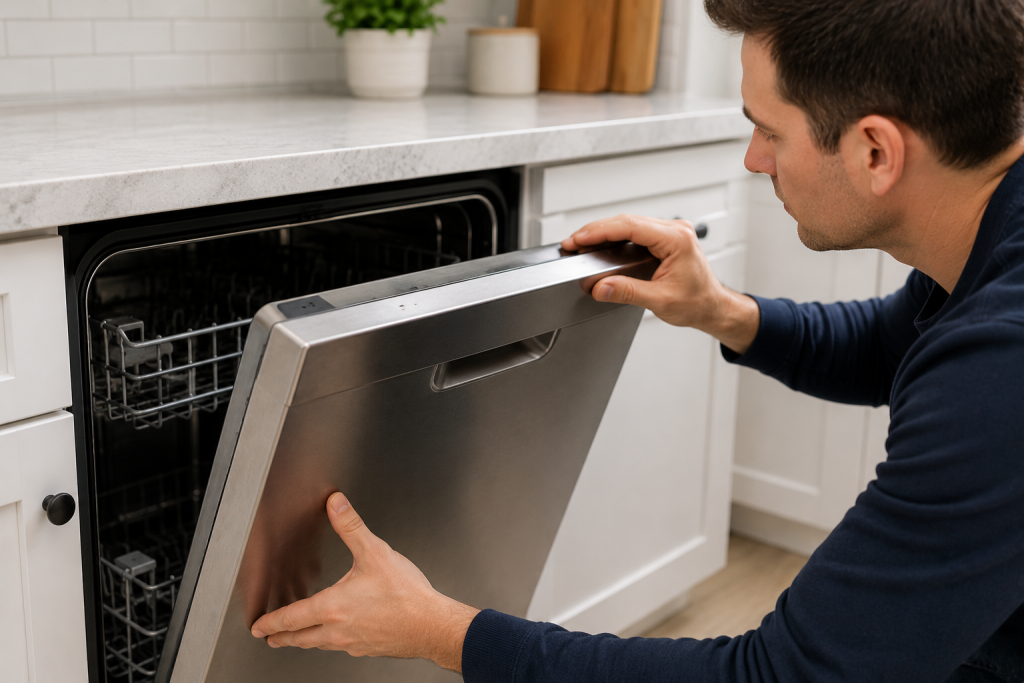
Inspect the Door Latch Assembly
Dishwashers will not start if the door is not securely closed. A faulty door latch is one of the most common causes of a dishwasher not starting.
- Open and close the door firmly.
- Listen for the latch clicking into place.
- Check for debris around the latch.
- Inspect the latch for damage or wear.
- Verify the strike plate is properly aligned.
A faulty latch prevents the dishwasher from recognizing that the door is safely closed.
Step 4: Check for Control Lock Mode
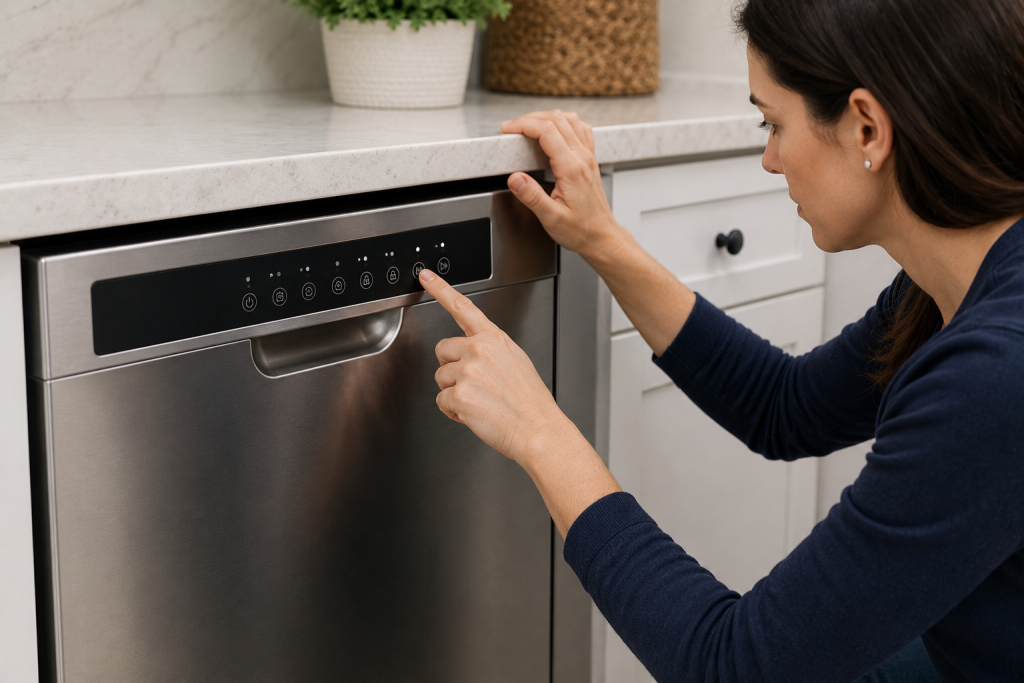
Disable the Child Lock Feature
Many dishwashers include a control lock that disables the buttons.
- Look for a lock icon on the display.
- Press and hold the Lock or Control Lock button.
- Follow your owner’s manual instructions if necessary.
- Attempt to start a wash cycle again.
Control lock is frequently mistaken for a major appliance failure.
Step 5: Verify Delayed Start Settings
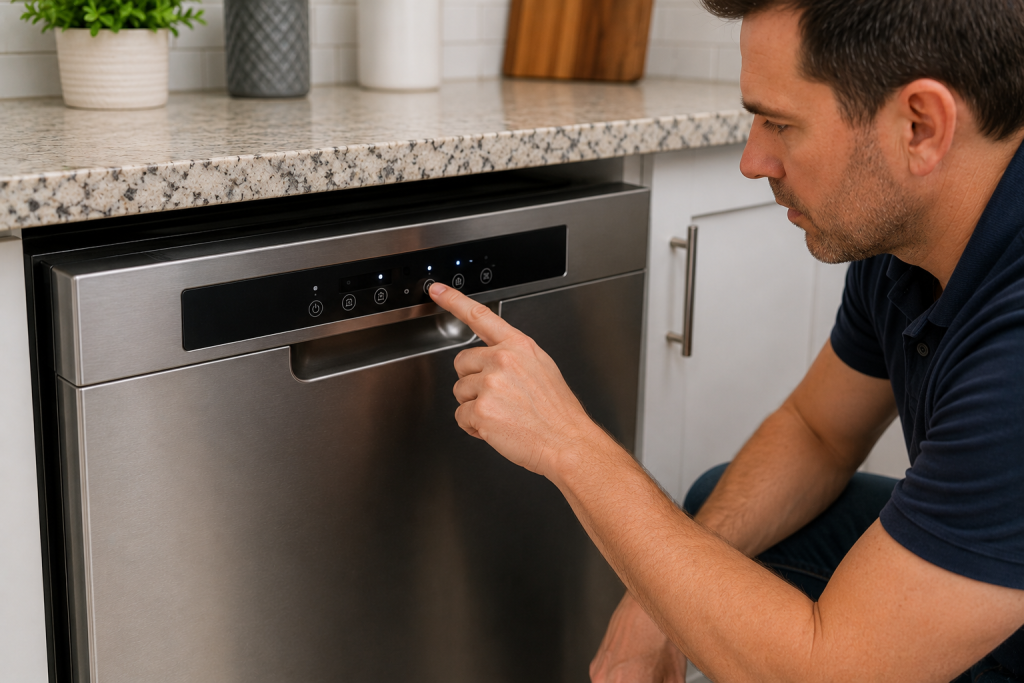
Cancel Any Scheduled Cycle
The delayed start feature can prevent the dishwasher from beginning immediately.
- Check the control panel for a delay indicator.
- Cancel any active delay cycle.
- Select a new wash cycle.
- Press Start.
Many homeowners accidentally activate this feature without realizing it.
Step 6: Inspect the Control Panel
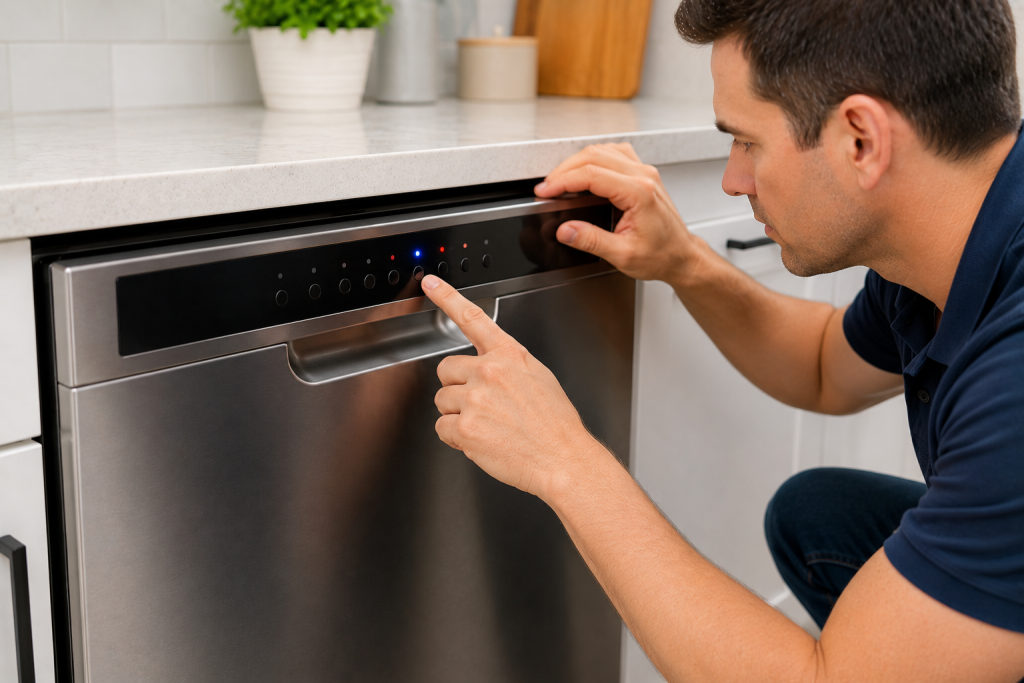
Check for Unresponsive Buttons
If you are dealing with a Dishwasher Not Starting problem and the buttons are unresponsive, the control panel may be defective.
- Press several buttons on the panel.
- Look for buttons that do not respond.
- Check for a blank or flickering display.
- Inspect for moisture around the controls.
If the buttons are unresponsive, you may find our guide on Dishwasher Buttons Not Working helpful.
Step 7: Examine the Main Control Board
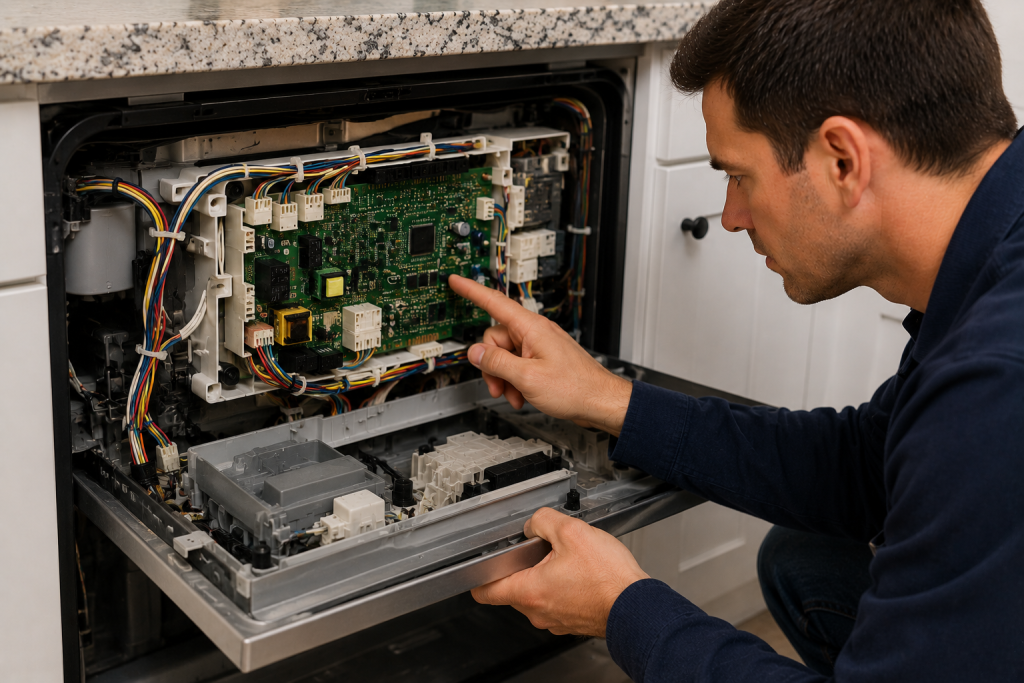
Look for Signs of Electronic Failure
In some cases, a Dishwasher Not Starting issue can be traced to a failed main control board. The control board manages all dishwasher functions.
- Disconnect power to the dishwasher.
- Access the control board compartment.
- Inspect for burnt components.
- Check wiring connections.
- Look for moisture damage.
Visible damage often indicates the control board requires replacement.
Step 8: Inspect Internal Wiring
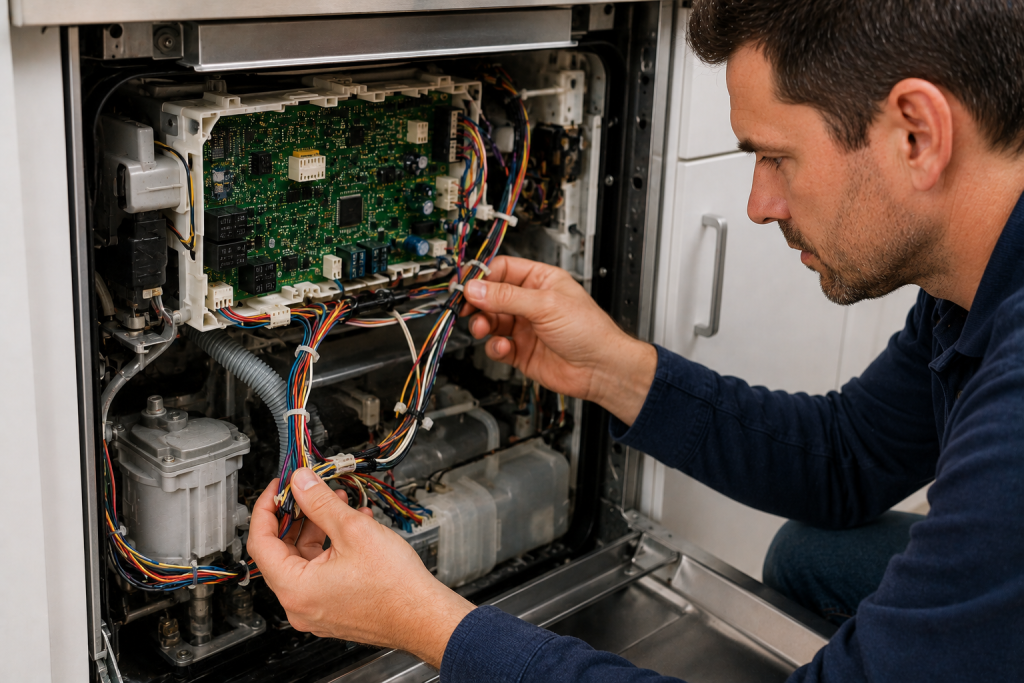
Check Electrical Connections
Loose or damaged wiring can interrupt communication between components.
- Disconnect power.
- Access wiring harnesses.
- Inspect connectors for corrosion.
- Verify connections are secure.
- Replace damaged wiring as needed.
Wiring problems can mimic control board failures.
When to Call a Professional
If you’ve completed the troubleshooting steps above and your dishwasher still won’t start, professional diagnosis may be necessary.
Common repairs include:
- Door latch replacement
- User interface replacement
- Control board replacement
- Wiring repairs
- Electrical troubleshooting
Professional service may be the fastest solution when electronic components have failed.
For additional dishwasher support and maintenance information, visit the official consumer resources provided by Energy.gov.
How to Prevent Dishwasher Starting Problems
Regular maintenance can reduce the likelihood of future issues.
- Avoid slamming the dishwasher door.
- Keep the control panel dry.
- Inspect the door latch periodically.
- Use surge protection when possible.
- Address leaks promptly.
- Follow manufacturer maintenance recommendations.
Preventive care helps extend the life of dishwasher components. Take a look at this helpful article: How to Clean a Dishwasher: 7 Easy Steps for Sparkling Results (DIY Guide).
Frequently Asked Questions
Why does my dishwasher have power but won’t start?
A faulty door latch, control panel issue, delayed start setting, or failed control board may prevent the dishwasher from starting even when power is available.
Can a tripped breaker cause a dishwasher not to start?
Yes. A tripped breaker will prevent electrical power from reaching the appliance.
How do I reset my dishwasher?
Turn off power at the circuit breaker for approximately 5 minutes, then restore power and restart the dishwasher.
Why are my dishwasher buttons not responding?
Control lock mode, moisture intrusion, a failed user interface board, or damaged wiring can cause unresponsive buttons.
Is it worth repairing a dishwasher that won’t start?
In many cases, yes. Common repairs such as replacing a door latch or user interface board are often less expensive than replacing the entire appliance.
Looking for help with another appliance problem? Browse our complete collection of appliance repair guides and error-code fixes.
Conclusion
If your dishwasher is not starting, begin with the simplest fixes such as checking power, resetting the appliance, verifying the door latch, and disabling control lock mode. If those steps do not resolve the issue, inspect the control panel, wiring, and control board. Systematic troubleshooting can often identify the problem and restore normal dishwasher operation without the need for a full replacement.