
Last updated: September 20, 2026
By Home Repair Genie
Quick Answer
If your dishwasher buttons are not working, the most common causes include a control lock setting, power supply issues, moisture behind the control panel, a faulty user interface board, damaged wiring, or a failed control board. Start by resetting the dishwasher and checking for control lock mode before inspecting electronic components.
Dishwasher Buttons Not Working: Common Causes
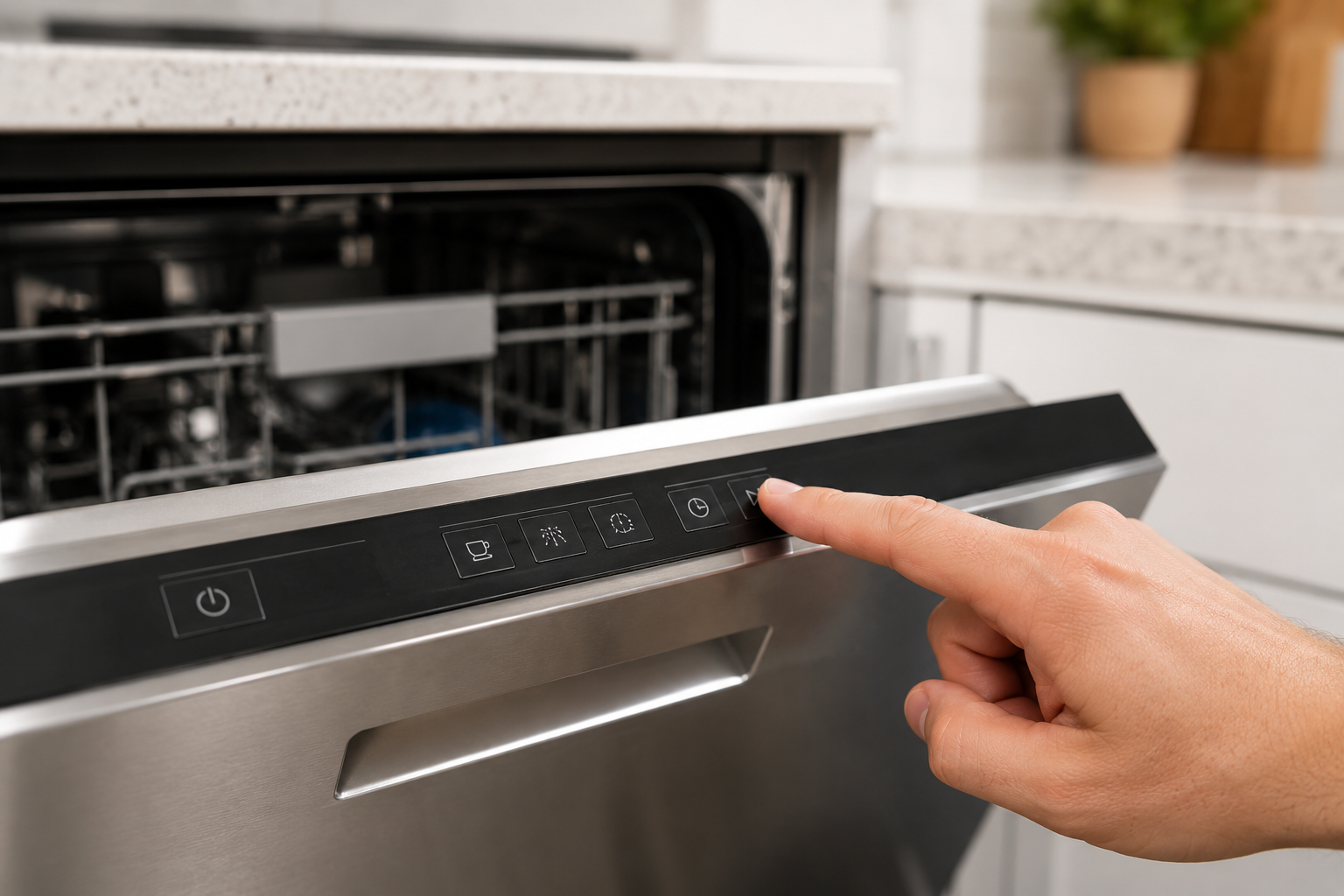
A Dishwasher Buttons Not Working problem can prevent you from starting cycles, changing settings, or operating the appliance altogether. While it may seem like a major failure, many button issues are caused by simple problems that homeowners can troubleshoot themselves.
Common causes include:
- Control lock enabled
- Power interruptions
- Software glitches
- Moisture intrusion
- Dirty or damaged control panel
- Faulty user interface board
- Loose wiring connections
- Failed main control board
Follow the steps below to identify the cause and restore normal operation.
Step 1: Reset the Dishwasher
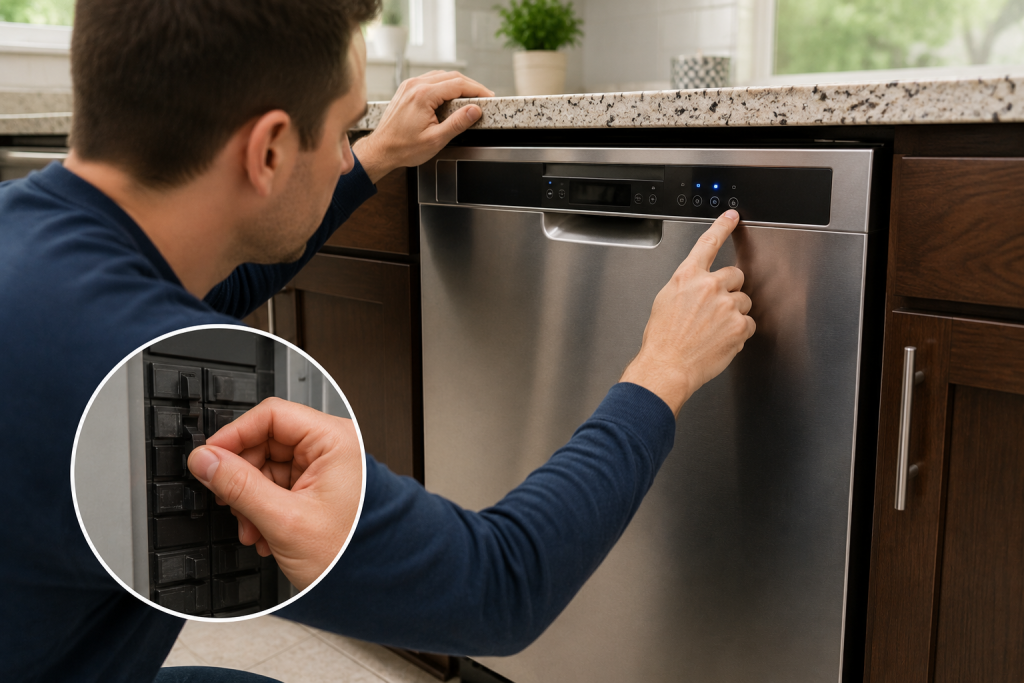
Perform a Power Reset
Electronic glitches can sometimes cause a Dishwasher Buttons Not Working condition.
- Turn off the dishwasher.
- Switch off the circuit breaker.
- Wait 5 minutes.
- Restore power.
- Test the buttons again.
A simple reset often clears temporary software errors.
If the dishwasher will not start after resetting, see our guide on Dishwasher Not Starting for additional troubleshooting.
Step 2: Check for Control Lock Mode
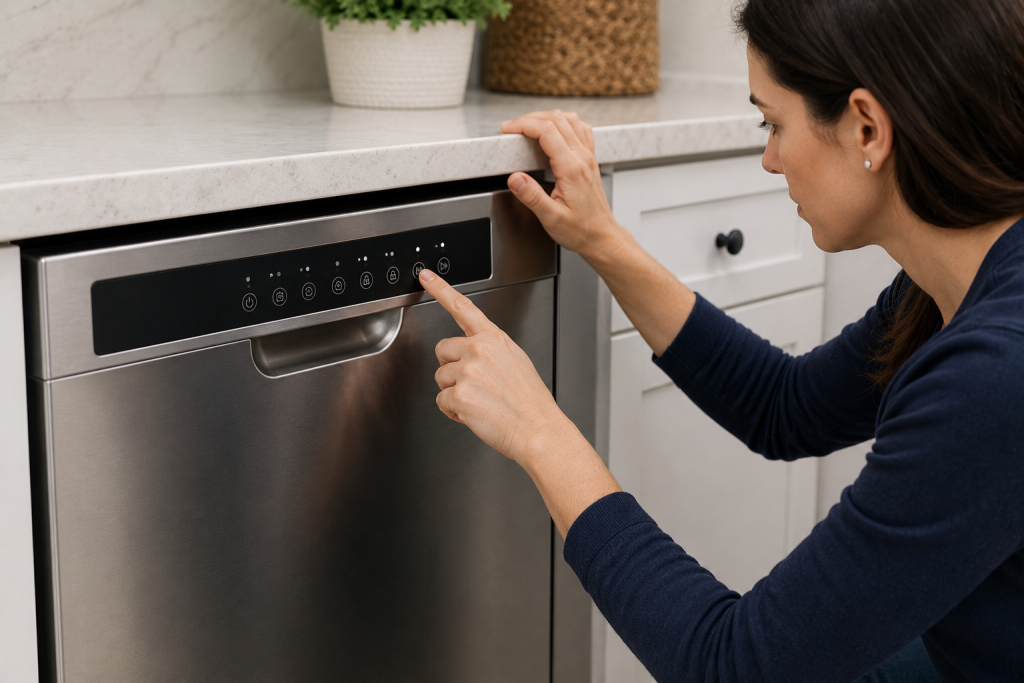
Disable the Child Lock Feature
Many dishwashers include a control lock feature that disables all buttons.
- Look for a lock icon on the display.
- Press and hold the Lock or Control Lock button.
- Wait several seconds.
- Test the controls.
Control lock activation is one of the most common causes of a Dishwasher Buttons Not Working issue.
Step 3: Clean the Control Panel
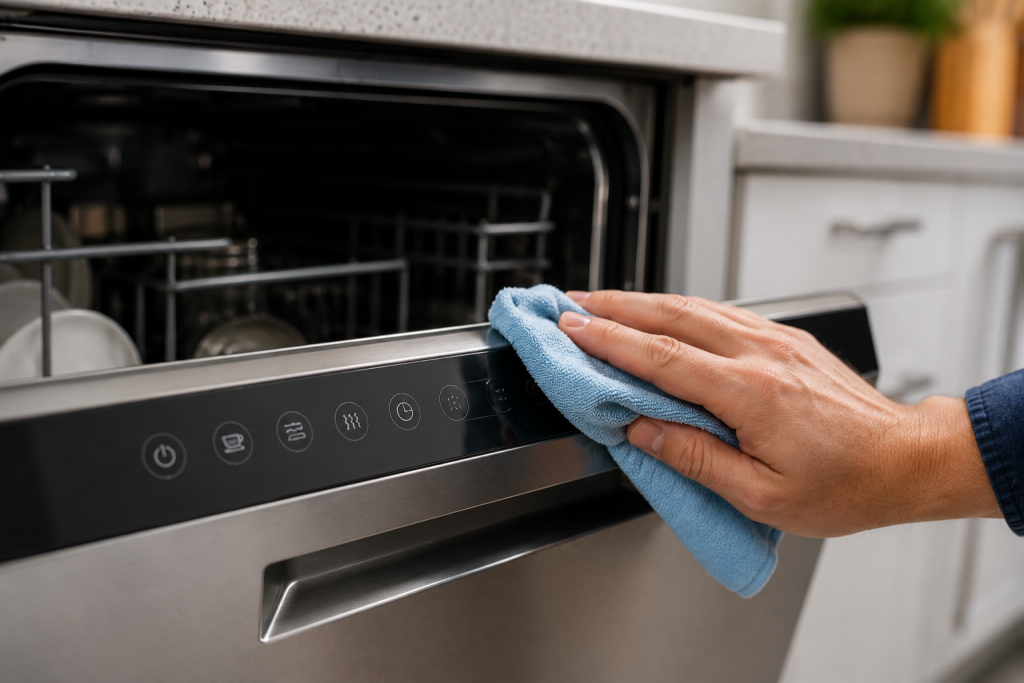
Remove Dirt and Residue
Grease, detergent residue, and moisture can interfere with touch-sensitive controls.
- Disconnect power if recommended by the manufacturer.
- Wipe the control panel with a soft cloth.
- Use a mild cleaner if necessary.
- Dry the surface completely.
- Test all buttons.
Avoid using abrasive cleaners that could damage the panel.
Step 4: Check for Moisture Behind the Control Panel
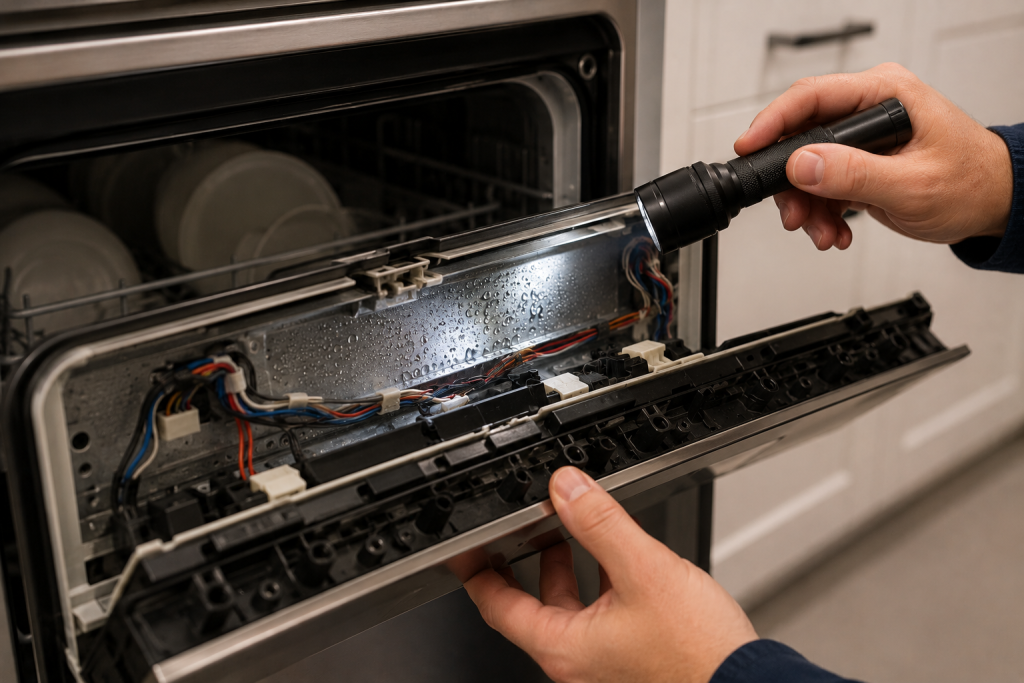
Inspect for Water Intrusion
Moisture can disrupt electronic communication and cause button failures.
- Examine the control panel area.
- Look for condensation or water damage.
- Check door seals for leaks.
- Allow damp components to dry completely.
Moisture-related failures often cause intermittent button problems.
For additional dishwasher troubleshooting, you may find our GE Dishwasher 815 Error guide helpful.
Step 5: Inspect Wiring Connections
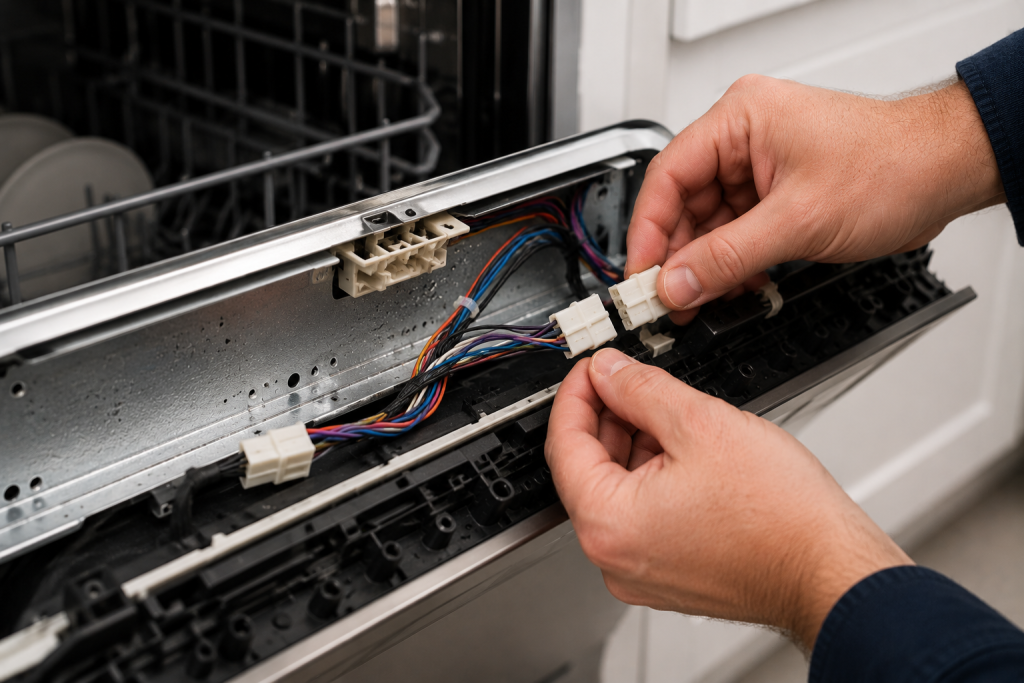
Check Internal Connectors
Loose wiring can interrupt communication between the control panel and control board.
- Disconnect power.
- Remove the inner door panel.
- Locate wiring harnesses.
- Verify all connectors are secure.
- Inspect for corrosion or damaged wires.
A wiring issue can create a Dishwasher Buttons Not Working condition even when the display remains illuminated.
Step 6: Examine the User Interface Board
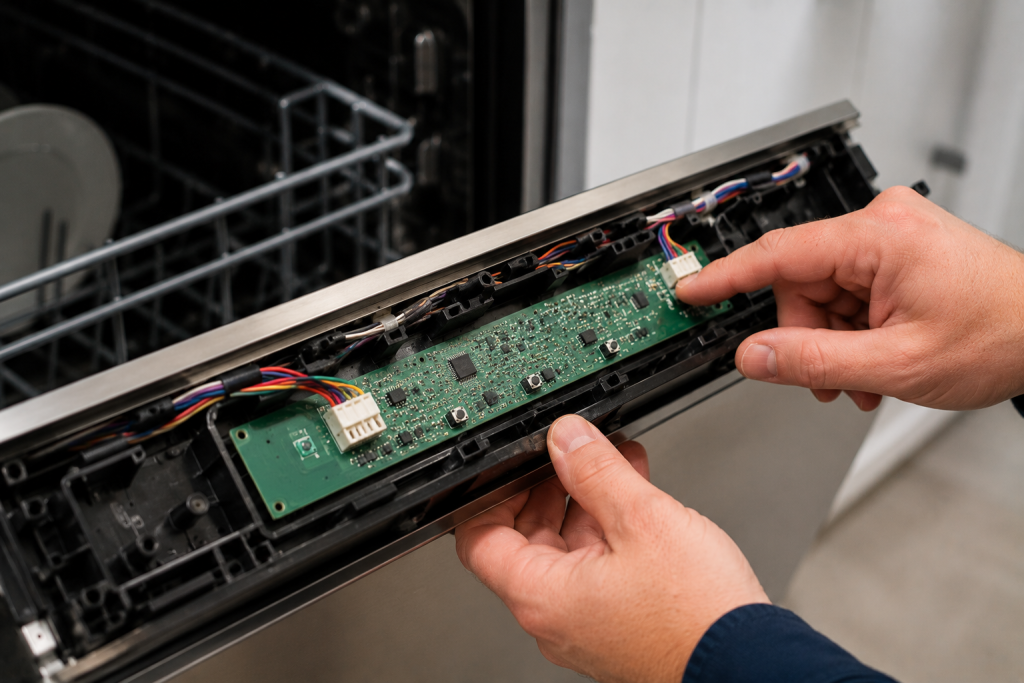
Look for Electronic Damage
The user interface board processes button inputs and sends commands to the control board.
Inspect for:
- Burn marks
- Corrosion
- Damaged ribbon cables
- Loose connections
- Cracked components
If visible damage is present, replacement may be necessary.
Step 7: Inspect the Main Control Board
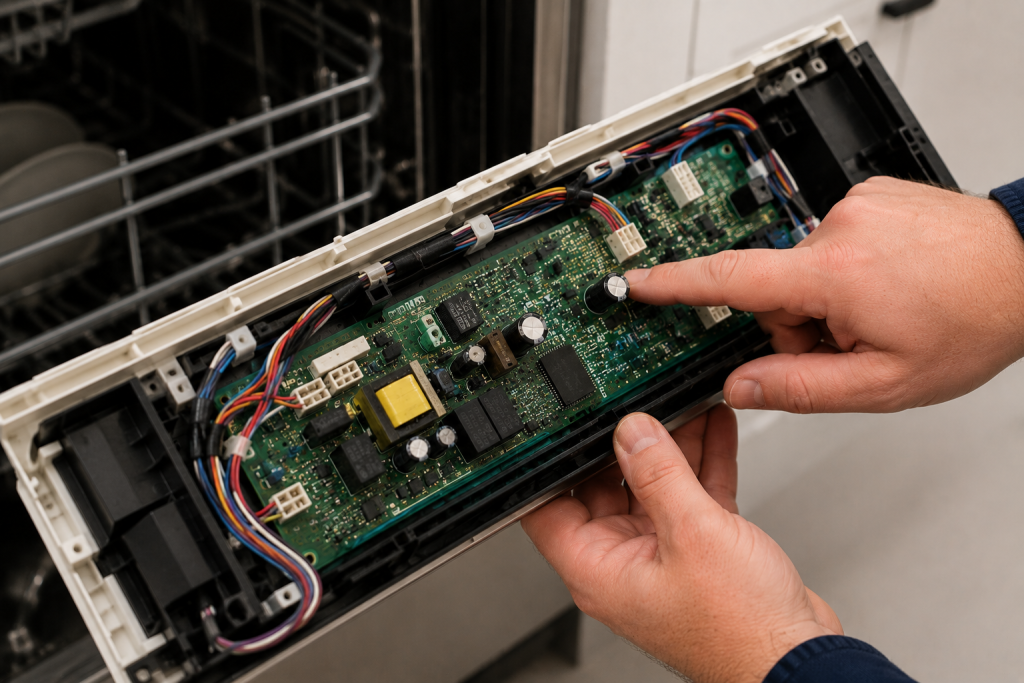
Check the Dishwasher’s Electronic Brain
The main control board controls all dishwasher functions.
- Disconnect power.
- Access the control board compartment.
- Inspect for burnt components.
- Check all connectors.
- Look for moisture damage.
In some cases, a Dishwasher Buttons Not Working problem originates from a failed control board rather than the button panel itself.
When to Replace Parts
If troubleshooting does not resolve the issue, replacement parts may be required.
Common repairs include:
- User interface board replacement
- Touchpad replacement
- Wiring harness repair
- Main control board replacement
Always verify the failed component before ordering parts.
Preventing Future Button Problems
Regular maintenance can help prevent control panel failures.
- Keep the control panel dry.
- Avoid excessive force when pressing buttons.
- Address leaks promptly.
- Clean the control panel regularly.
- Use surge protection where appropriate.
Routine care can extend the lifespan of dishwasher electronics.
For appliance maintenance recommendations, visit the official consumer guidance from Energy.gov.
Frequently Asked Questions
Why are my dishwasher buttons not working but the display is on?
This usually indicates a failed user interface board, control lock activation, wiring problem, or communication issue between electronic components.
Can moisture cause dishwasher buttons not working?
Yes. Moisture behind the control panel can interfere with electronic circuits and cause buttons to stop responding.
How do I reset a dishwasher with buttons not working?
Turn off power at the circuit breaker for approximately five minutes, then restore power and test the controls.
Should I replace the control panel or the control board?
The correct repair depends on which component has failed. Inspect wiring, user interface components, and the main control board before replacing parts.
Is a dishwasher worth repairing if the buttons stop working?
In many cases, yes. User interface boards and wiring repairs are often significantly less expensive than replacing the entire dishwasher.
Looking for help with another appliance problem? Browse our complete collection of appliance repair guides and error-code fixes.
Conclusion
A Dishwasher Buttons Not Working issue is commonly caused by control lock settings, power interruptions, moisture intrusion, wiring problems, or failed electronic components. Start with simple troubleshooting steps such as resetting the dishwasher and disabling control lock mode before moving on to wiring and control board inspections. In many cases, the problem can be identified and repaired without replacing the entire appliance.