
Last updated: October 4, 2026
By Home Repair Genie
A ceiling fan that suddenly stops working can make a room uncomfortable fast, especially during hot weather. The good news is that many ceiling fan problems are caused by simple issues you can fix yourself without calling an electrician.
In this guide, you’ll learn how to troubleshoot a ceiling fan not working step-by-step using simple DIY methods. If your ceiling fan not working issue started suddenly, these simple fixes can often solve the problem in under 30 minutes.
Tools You May Need
As an Amazon Associate I earn from qualifying purchases.
Step 1: Check the Circuit Breaker
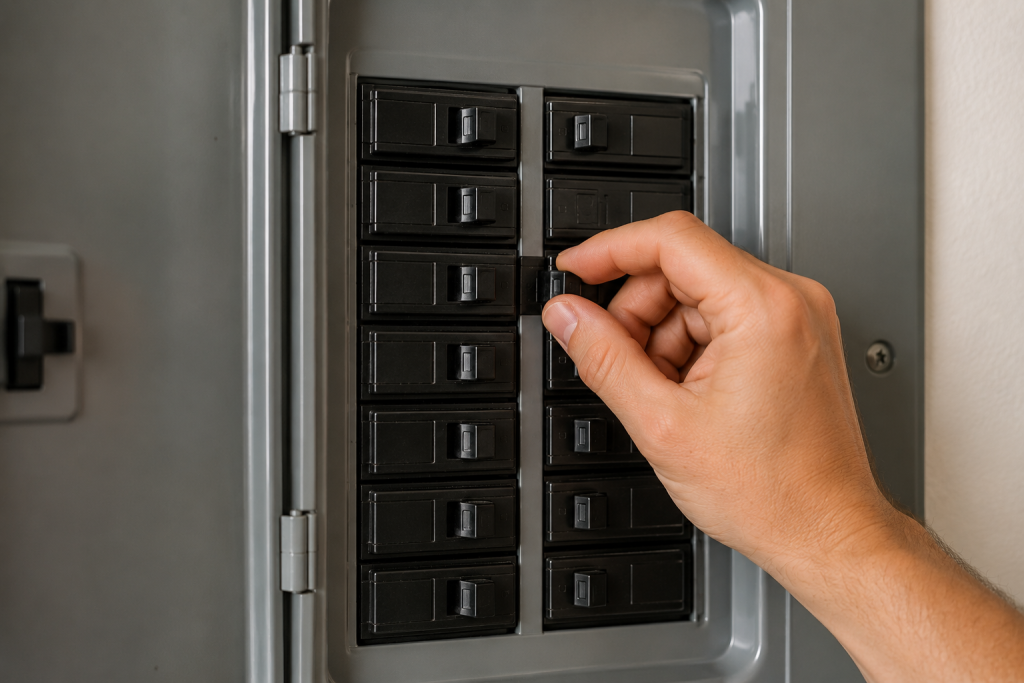
One of the most common reasons for a ceiling fan not working is a tripped breaker.
What to do
- Go to your home’s electrical panel
- Look for a breaker that is partially flipped or fully off
- Reset the breaker by turning it OFF and then back ON
- Test the fan again
Sometimes ceiling fans share circuits with lights or outlets, so a tripped breaker may affect multiple items in the room.
If your breaker keeps tripping repeatedly, you may have an overloaded circuit or wiring problem.
For help troubleshooting electrical issues, read our guide on how to fix a tripped circuit breaker.
Step 2: Check the Wall Switch
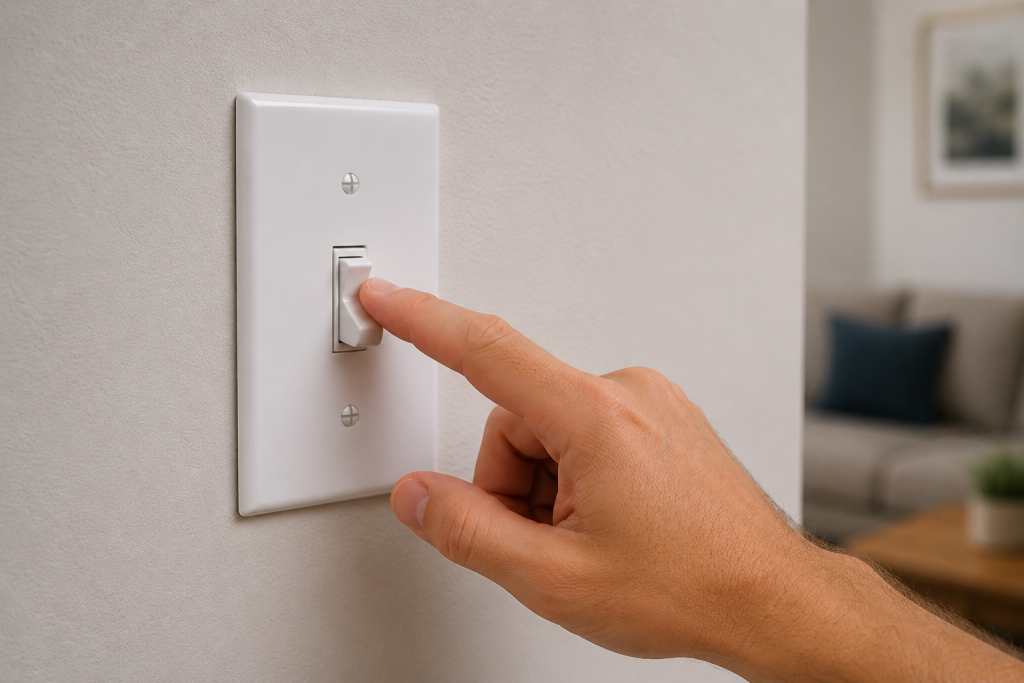
Many homeowners forget that ceiling fans often have separate wall switches for the light and fan.
What to do
- Flip the wall switch on and off several times
- Test nearby outlets or lights
- Listen for humming sounds from the fan
- Check for loose switch plates or visible damage
If the switch feels loose or the room has flickering lights, the switch itself may be faulty.
You may also want to read our article on why lights are flickering.
Step 3: Replace the Remote Batteries
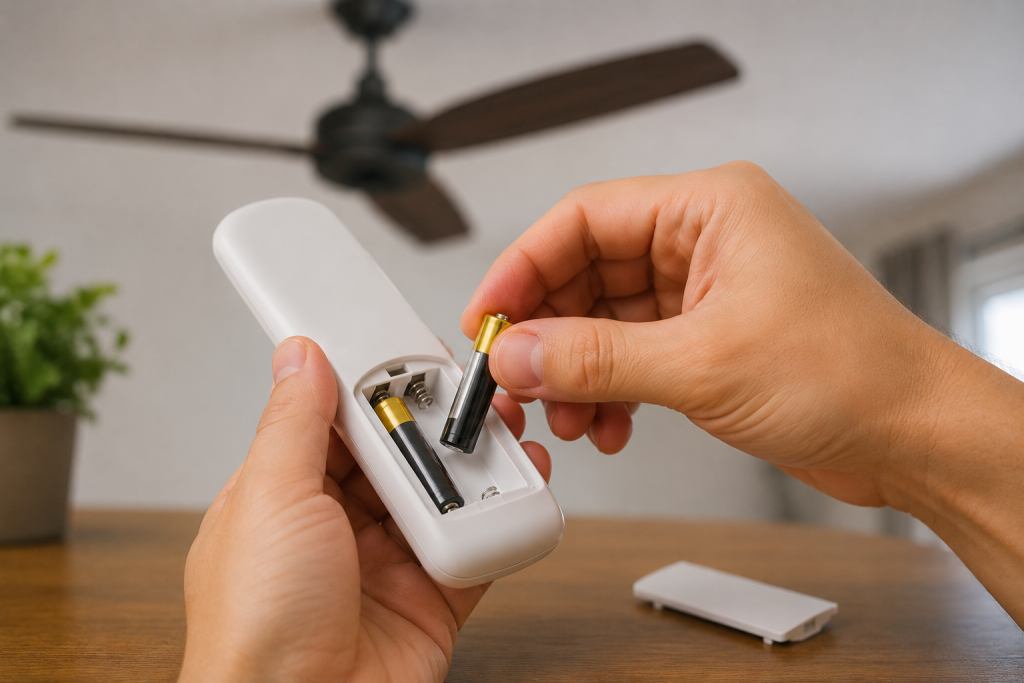
If your ceiling fan uses a remote control, dead batteries are often the problem.
What to do
- Replace the batteries with fresh ones
- Make sure the battery contacts are clean
- Verify the remote’s DIP switch settings match the receiver
- Try turning the fan on again
Some ceiling fan remotes also need to be re-paired after power outages.
Check your manufacturer’s instructions for reset procedures.
Step 4: Pull the Fan Chain
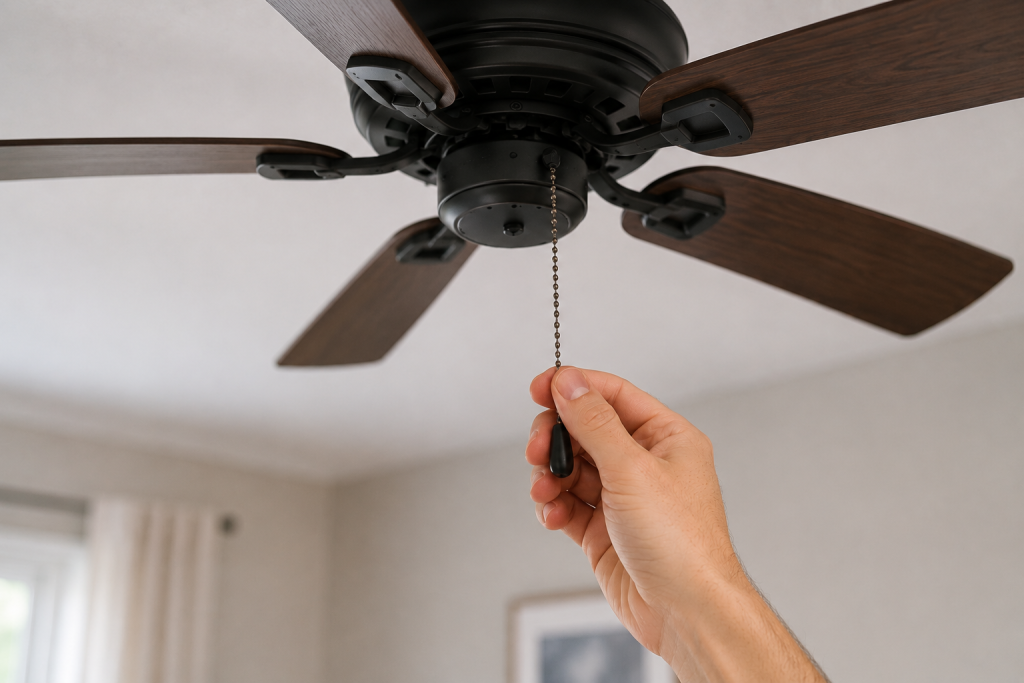
Many ceiling fans have pull chains that control speed and power.
What to do
- Turn the wall switch ON
- Pull the fan chain several times slowly
- Wait a few seconds between pulls
- Listen for motor activity
Sometimes the fan is simply set to OFF using the chain.
If the chain feels stuck or broken, the internal switch may need replacement.
Step 5: Inspect the Ceiling Fan Wiring
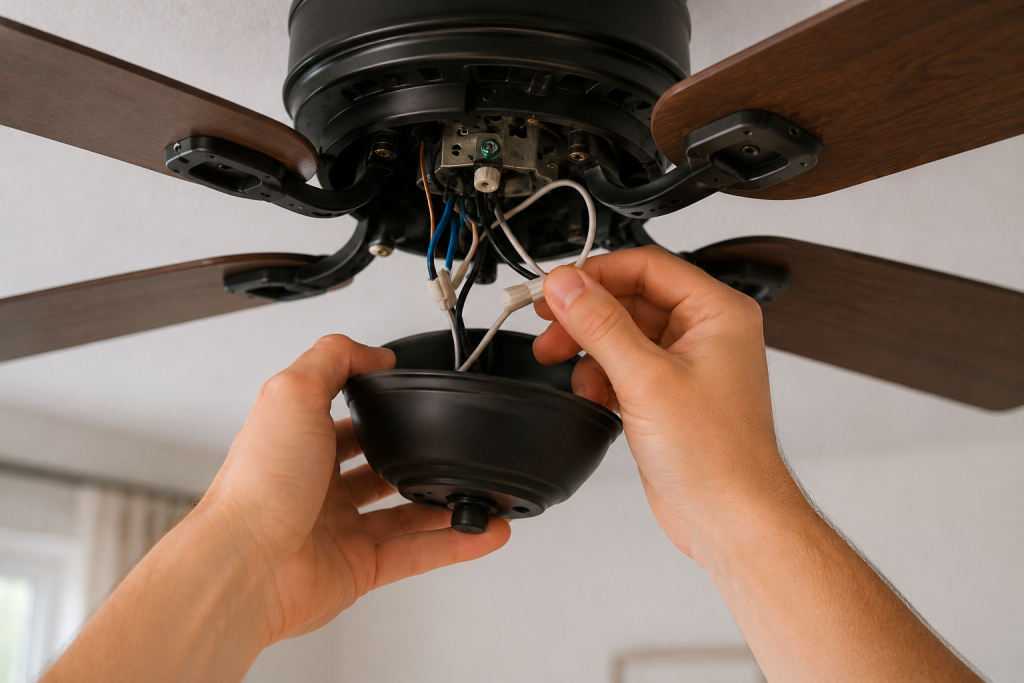
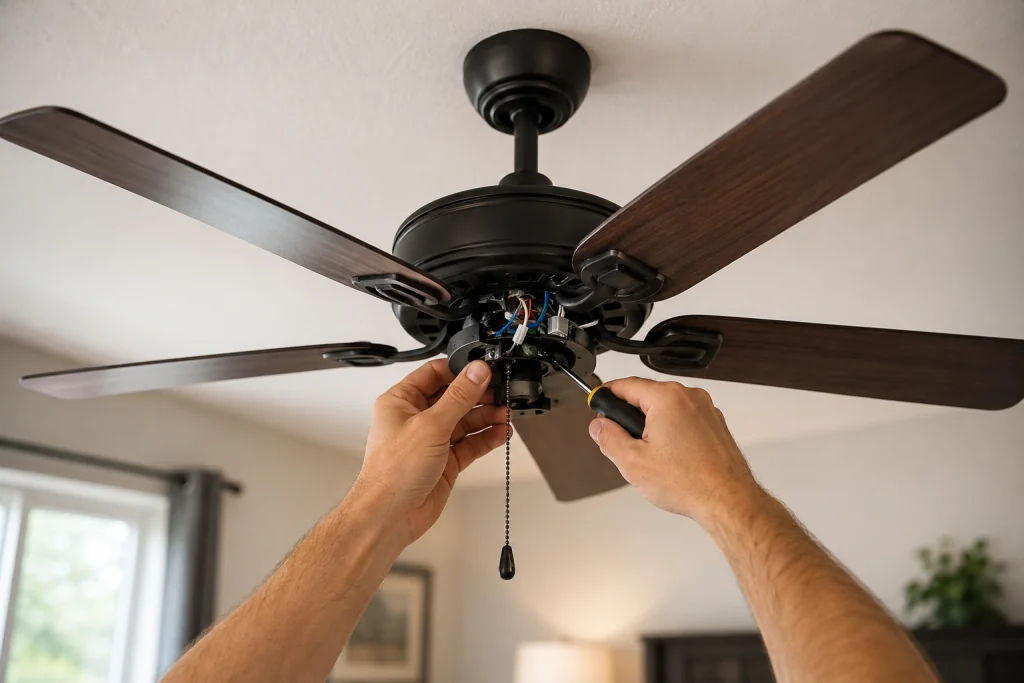
Loose wiring connections can stop the fan from receiving power. In many cases, a ceiling fan not working problem is caused by loose wiring connections inside the fan housing.
Safety First
Turn OFF power at the breaker before removing the fan cover.
What to do
- Remove the canopy cover near the ceiling
- Inspect wire nuts and wiring connections
- Look for loose, burned, or disconnected wires
- Tighten loose wire nuts carefully
- Restore power and test the fan
If you notice burned wiring or melted insulation, stop immediately and contact a licensed electrician.
For more electrical troubleshooting tips, read our guide on how to fix an outlet not working.
Step 6: Check the Fan Motor
If the fan still does not work, the motor itself may be failing.
Signs of a bad motor
- Humming noise but blades do not spin
- Burning smell
- Slow spinning speeds
- Fan stops randomly
- Motor housing feels extremely hot
Dust buildup can also overheat the motor over time.
What to do
- Turn power OFF
- Clean dust from the fan motor and vents
- Spin the blades manually
- Check for resistance or grinding
If the blades do not move freely, the motor bearings may be worn out.
Step 7: Replace the Ceiling Fan
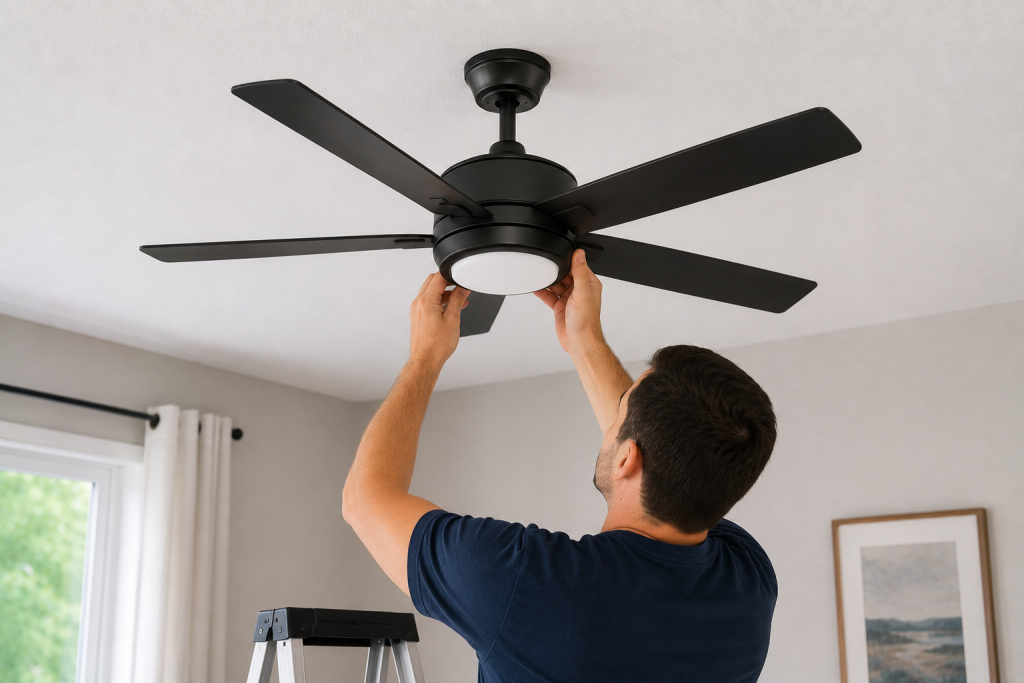
Sometimes replacement is more cost-effective than repair, especially for older fans.
Consider replacing the fan if:
- The motor has failed
- Wiring is damaged internally
- The fan is over 10–15 years old
- Replacement parts are unavailable
- The fan wobbles excessively despite repairs
Modern ceiling fans are often more energy-efficient and quieter than older models.
If the motor has failed or replacement parts are unavailable, compare replacement ceiling fans by room size, mounting height, light kit, and control type before choosing one.
You can also review electrical safety recommendations from This Old House
Common Causes of a Ceiling Fan Not Working
Here are the most common reasons ceiling fans stop working:
| Problem | Possible Cause |
|---|---|
| Fan completely dead | Tripped breaker or no power |
| Light works but fan does not | Bad capacitor or pull chain |
| Fan hums but won’t spin | Failed motor capacitor |
| Remote not working | Dead batteries or pairing issue |
| Fan works intermittently | Loose wiring |
When to Call a Professional
Call a licensed electrician if:
- Breakers repeatedly trip
- You smell burning odors
- Wiring appears damaged
- The ceiling box feels loose
- You are uncomfortable working with electrical systems
Electrical repairs can become dangerous if handled improperly.
Frequently Asked Questions
Why did my ceiling fan suddenly stop working?
A ceiling fan not working can be caused by power issues, bad switches, remote problems, or loose wiring.
Why does my ceiling fan hum but not spin?
This often points to a failed capacitor or motor issue.
Can a ceiling fan motor be repaired?
Sometimes, but replacement is often more affordable for older ceiling fans.
Is it safe to replace a ceiling fan yourself?
Yes, if you are comfortable working with electrical wiring and always turn power OFF at the breaker first.
Looking for help with another electrical problem? Browse our complete collection of electrical repair and troubleshooting guides.
Final Thoughts
A ceiling fan not working does not always mean you need a new fan. Most ceiling fan not working problems are simple DIY repairs homeowners can safely troubleshoot themselves. In many cases, the problem is something simple like a tripped breaker, dead remote batteries, or a loose wiring connection.
By following these step-by-step troubleshooting tips, many homeowners can safely diagnose and fix the issue themselves.