
Last updated: October 11, 2026
By Home Repair Genie
Quick Answer
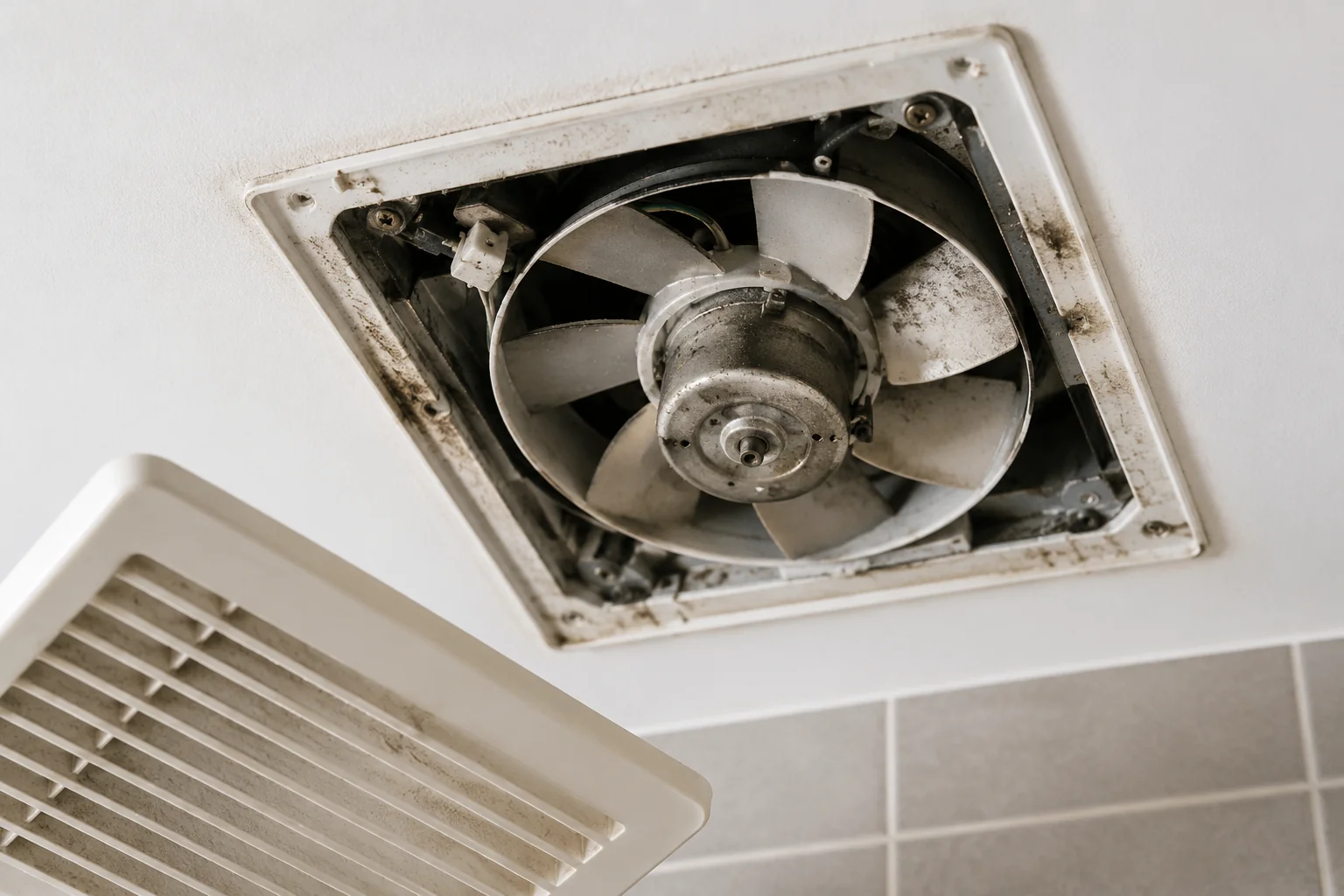
If your bathroom fan humming but not spinning issue started recently, the problem is usually related to a blocked fan blade, worn motor bearings, a failed capacitor, or a bad motor. In many cases, cleaning the fan can restore operation, but older units often require motor or fan replacement.
Why Is My Bathroom Fan Humming But Not Spinning?
A humming bathroom exhaust fan indicates that electricity is reaching the motor, but something is preventing the fan blades from turning properly. The issue may be mechanical, electrical, or related to normal wear and tear.
Fortunately, most causes can be diagnosed with a simple inspection.
Step 1: Turn Off Power and Inspect the Fan Blades
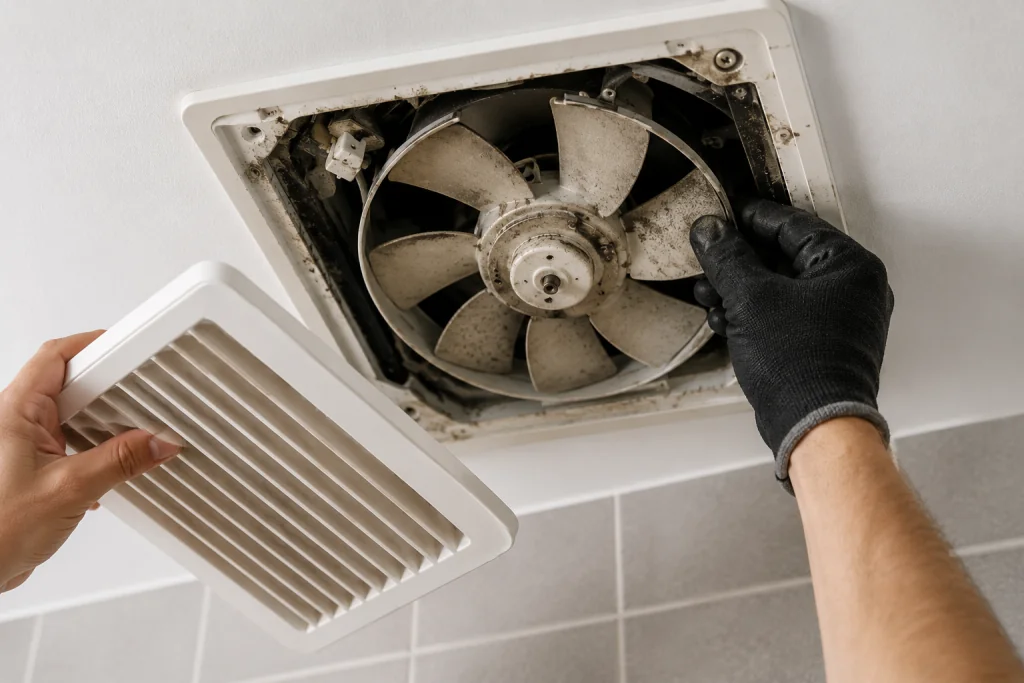
Before performing any repairs, switch off power to the bathroom fan at the circuit breaker.
Remove the fan grille and carefully examine the fan blades.
Look for:
- Dust buildup
- Hair wrapped around the shaft
- Insulation debris
- Broken fan blades
- Foreign objects inside the housing
Try spinning the blades by hand.
If the blades are difficult to turn or completely stuck, accumulated debris is likely causing the problem.
For additional electrical troubleshooting tips, see our guide on Bathroom Exhaust Fan Not Working.
Step 2: Clean the Fan Assembly Thoroughly
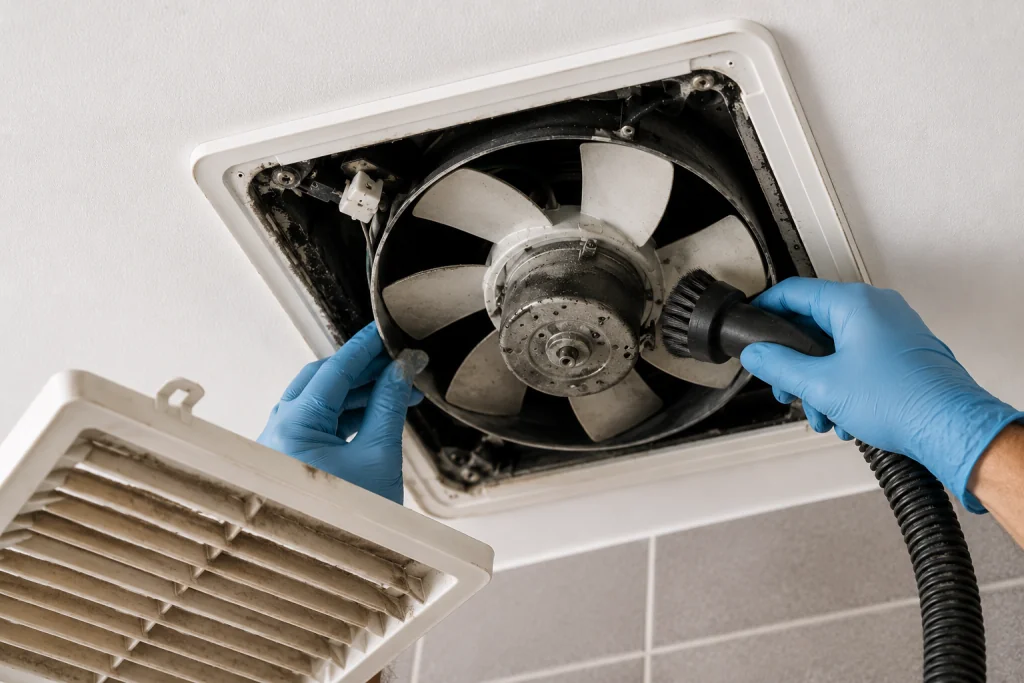
Cleaning is often the easiest fix for a bathroom fan humming but not spinning because dust buildup can prevent the blades from rotating freely. Dust and lint can build up inside bathroom fans over many years of operation.
As an Amazon Associate I earn from qualifying purchases.
Use:
Clean:
- Fan blades
- Motor housing
- Vent opening
- Grille cover
After cleaning, manually spin the fan again.
If the fan moves freely, restore power and test operation.
Step 3: Check for Worn Motor Bearings
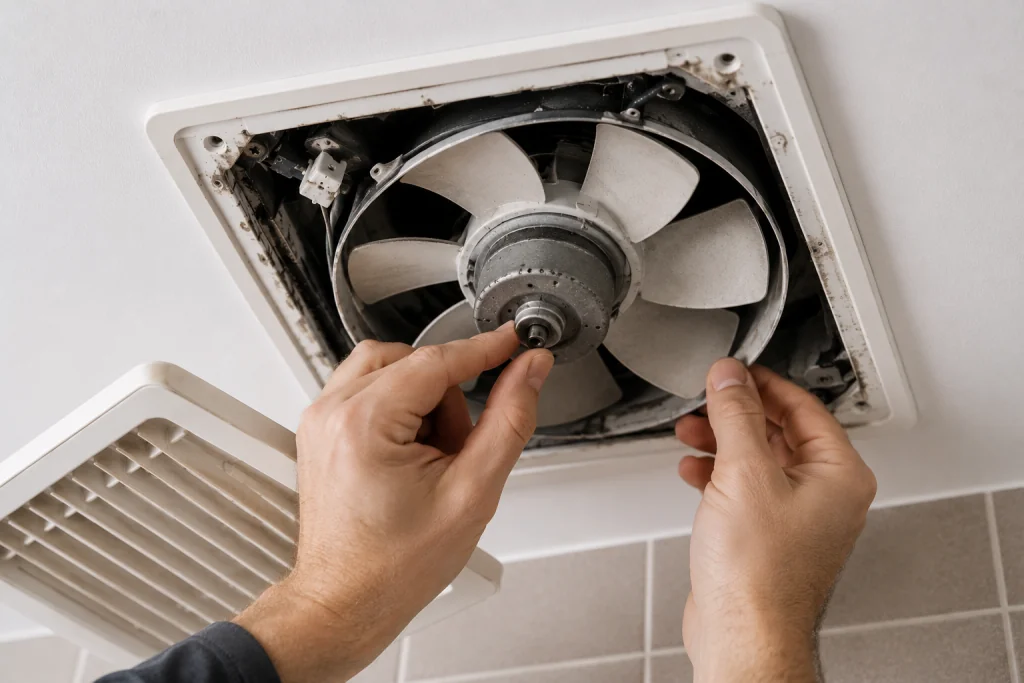
Most bathroom fan motors use bearings that can wear out over time.
Common signs include:
- Loud humming
- Grinding noises
- Squealing sounds
- Fan blades that stop quickly after spinning by hand
With power disconnected, spin the blades manually.
A healthy fan should continue rotating briefly after being released.
If it stops immediately or feels rough, the bearings are likely worn.
At that point, replacing the motor is often more cost-effective than attempting repairs.
Step 4: Inspect the Fan Capacitor
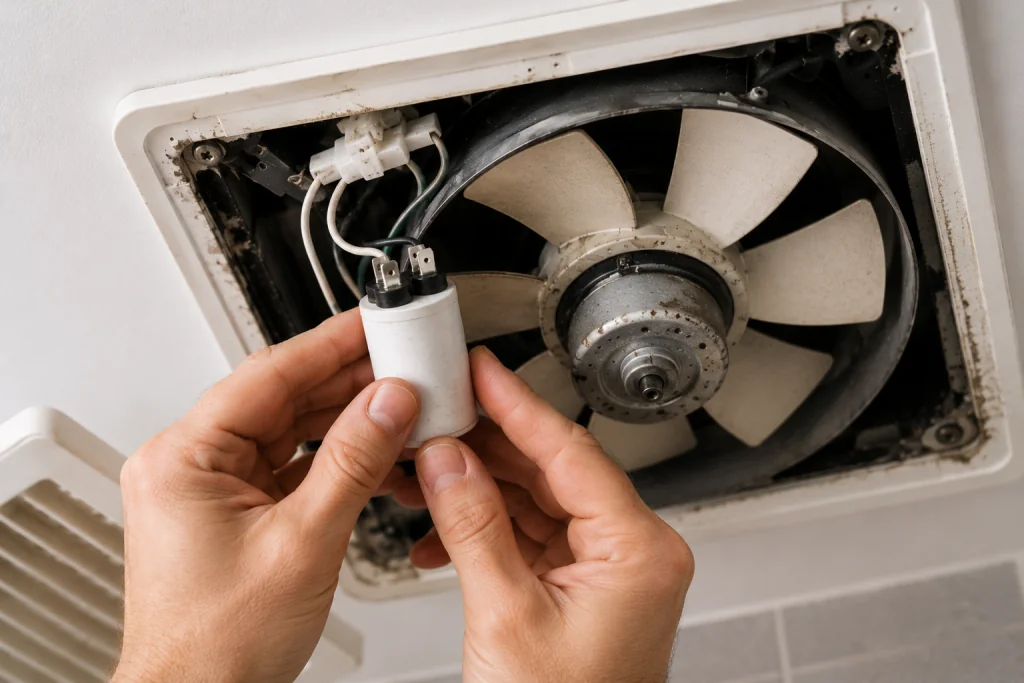
A failed capacitor is one of the most common electrical causes of a bathroom fan humming but not spinning condition. Some bathroom exhaust fans use a start capacitor to help the motor begin spinning.
When the capacitor fails:
- The motor receives power
- A humming sound occurs
- The blades never start rotating
Signs of capacitor failure include:
- Bulging casing
- Burn marks
- Leaking fluid
If your fan model uses a capacitor and it appears damaged, replace it with an identical rated component.
You can learn more about capacitor testing from the experts at Family Handyman.
Step 5: Test the Motor Shaft
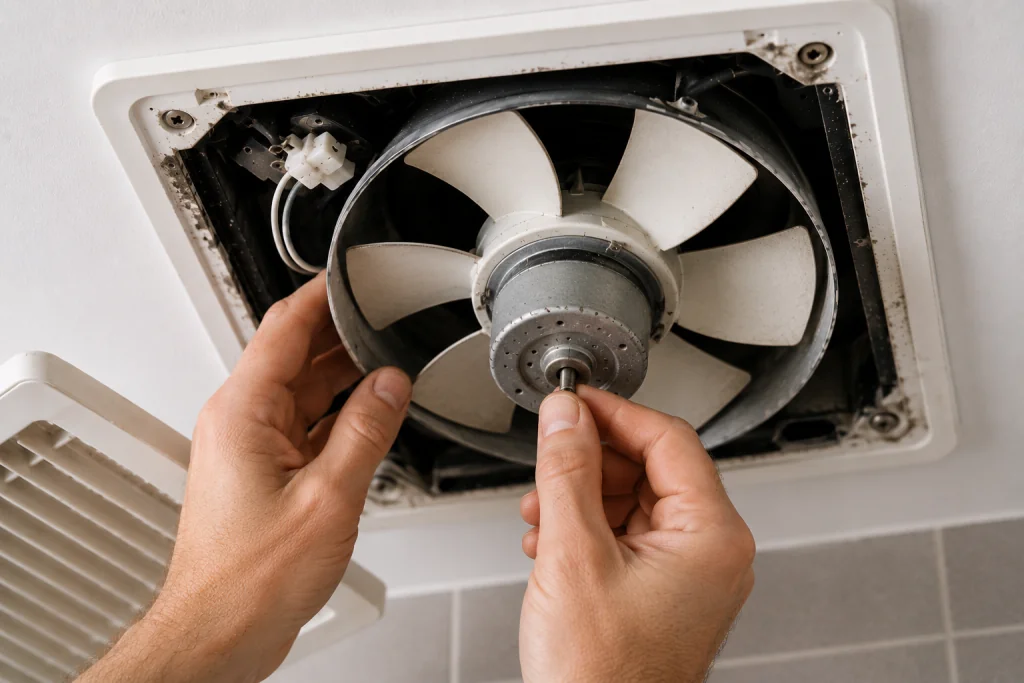
A seized motor shaft can prevent the fan from operating.
With power disconnected:
- Locate the motor shaft.
- Attempt to rotate it manually.
- Check for excessive resistance.
If the shaft will not move, the motor has likely failed internally.
Most bathroom fan motors are not designed to be rebuilt, making replacement the preferred solution.
Step 6: Inspect Wiring Connections
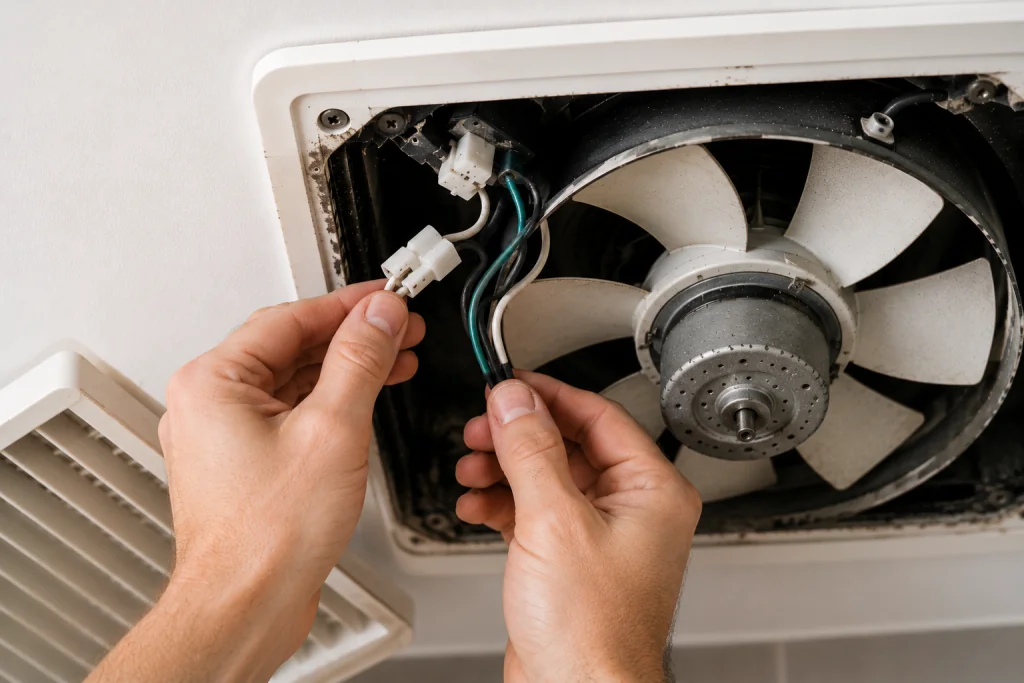
Loose wiring can sometimes allow enough power to create a humming sound without properly starting the motor.
Inspect:
- Wire nuts
- Motor terminals
- Internal connectors
- Switch connections
Look for:
- Burned wires
- Loose connections
- Corrosion
- Melted insulation
If wiring damage is present, repair or replace the affected components before testing the fan again.
For additional household electrical troubleshooting, see our guide on Light Switch Not Working.
Step 7: Replace the Motor or Entire Fan
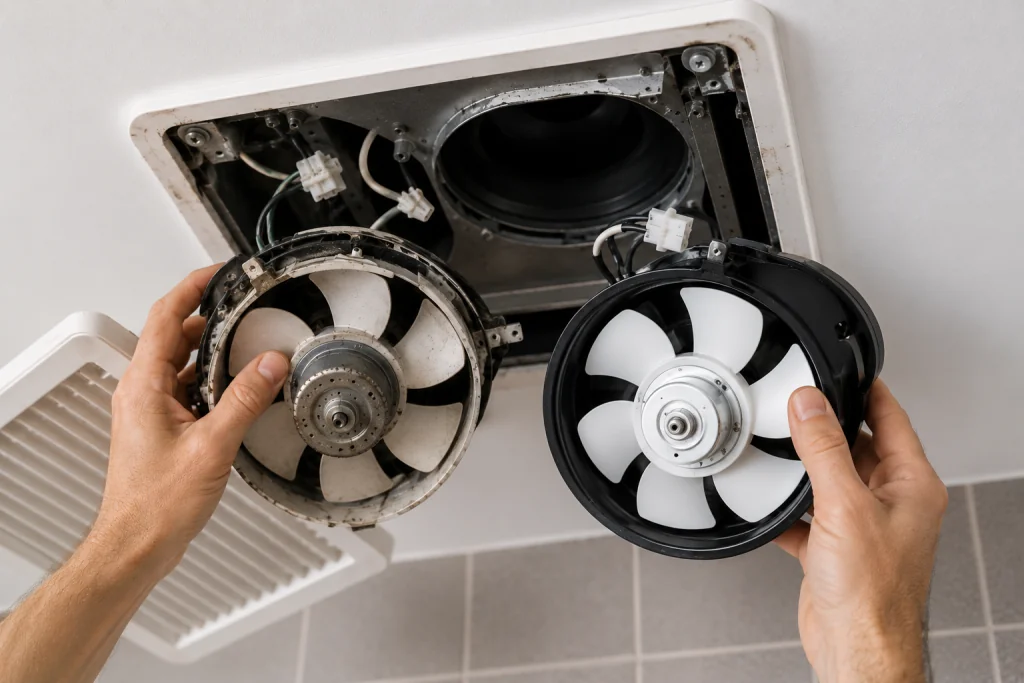
If all previous steps fail to solve the issue, replacement is usually the best option.
Consider replacing the entire fan if:
- The unit is over 10 years old
- The motor has failed
- Replacement parts are unavailable
- The fan is excessively noisy
Modern bathroom fans are typically quieter, more energy-efficient, and provide better ventilation than older models.
If your home has multiple ventilation issues, you may also find our guide on Ceiling Fan Not Working helpful.
When to Call a Professional
Contact an electrician if:
- The circuit breaker trips repeatedly
- Wiring appears damaged
- The fan sparks when switched on
- You are uncomfortable working with electrical components
Professional diagnosis can prevent further damage and ensure safe repairs.
How to Prevent Bathroom Fan Problems
To extend the life of your bathroom fan:
- Clean the grille every 6 months
- Vacuum dust from the fan annually
- Run the fan during showers
- Continue running the fan for 20 minutes after bathing
- Replace excessively noisy fans before complete failure
Routine maintenance helps prevent motor overheating and premature wear.
Frequently Asked Questions
Why is my bathroom fan humming but not spinning?
The most common causes are dust buildup, a stuck fan blade, worn bearings, a failed capacitor, or a bad motor.
Can I spray lubricant into a bathroom fan motor?
Some older motors have lubrication ports, but most modern bathroom fan motors are permanently sealed and cannot be lubricated.
Is it safe to run a humming bathroom fan?
No. A motor that hums without spinning can overheat and eventually fail. Turn off the fan until the problem is diagnosed.
How long do bathroom exhaust fans last?
Most bathroom exhaust fans last between 10 and 15 years with proper maintenance.
Should I replace the motor or the entire fan?
If the fan is older or replacement motors are difficult to find, replacing the entire fan is usually the better long-term solution.
Looking for help with another heating or cooling problem? Browse our complete collection of HVAC repair and troubleshooting guides.
Final Thoughts
A bathroom fan humming but not spinning is usually caused by a mechanical obstruction, worn bearings, a failed capacitor, or a bad motor. Start by cleaning the fan and checking for stuck blades. If the motor shaft is seized or the bearings are worn, replacing the motor or the entire fan is often the most reliable solution.
Addressing the issue promptly can prevent overheating, improve bathroom ventilation, and extend the life of your home’s exhaust system.