
Last updated: October 9, 2026
By Home Repair Genie
Quick Answer
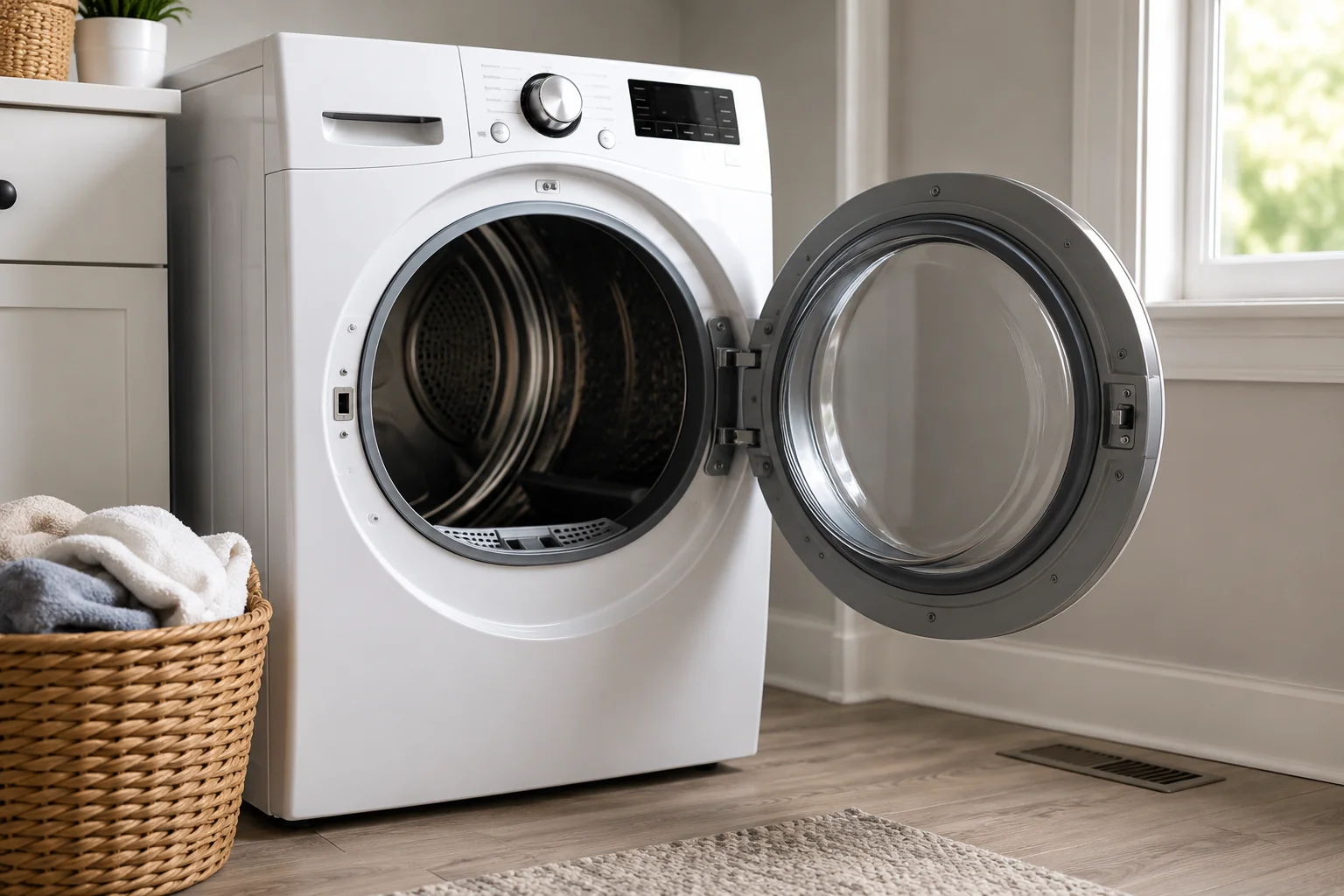
The LG Dryer D90 error code means your dryer has detected approximately a 90% airflow restriction in the exhaust system. In most cases, the problem is caused by a clogged lint filter, blocked vent hose, lint buildup inside the ductwork, or a restricted exterior vent hood. Cleaning the entire vent system usually resolves the error.
What Does the LG Dryer D90 Error Mean?
LG dryers use a feature called Flow Sense that monitors airflow through the exhaust system. When the dryer detects a severe restriction, it displays a D90 error code and may shut down the cycle to prevent overheating and reduce fire risk. A D90 code indicates roughly a 90% blockage somewhere between the dryer and the exterior vent.
Common symptoms include:
- Clothes taking longer to dry
- Dryer shutting off before the cycle finishes
- Excessive heat inside the dryer
- Damp clothing after multiple cycles
- D90 or Flow Sense warnings appearing repeatedly
Common Causes of an LG Dryer D90 Error
Before beginning repairs, it’s helpful to understand what typically causes the error:
- Dirty lint filter
- Crushed or kinked vent hose
- Lint accumulation inside ductwork
- Blocked exterior vent hood
- Excessively long vent runs
- Internal lint buildup
- Faulty airflow-related components
How to Fix an LG Dryer D90 Error
Step 1: Clean the Lint Filter
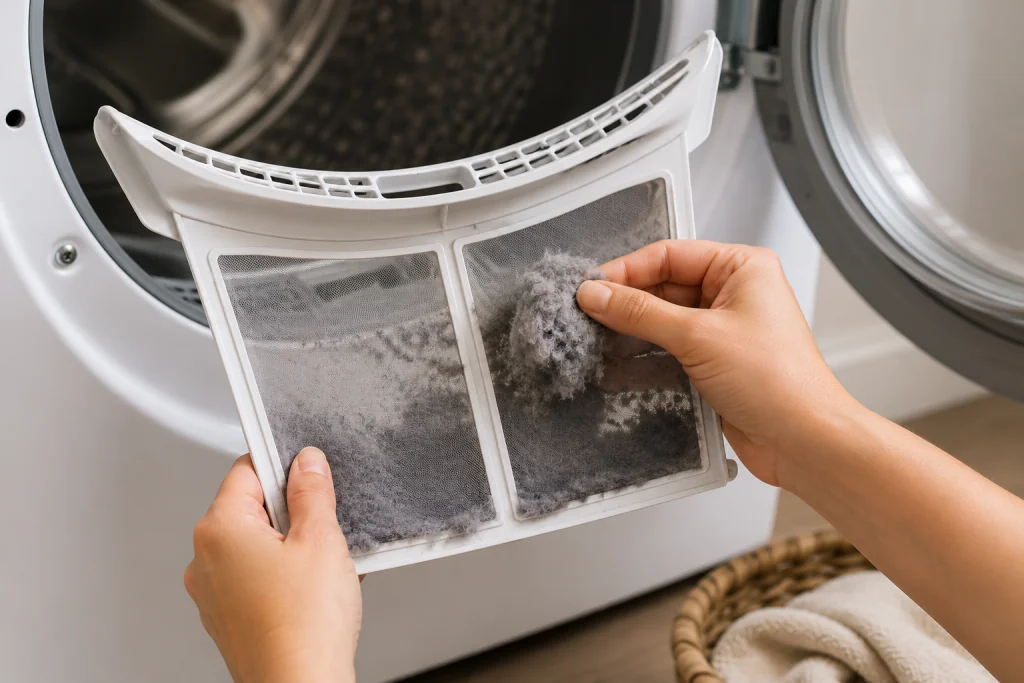
Remove the lint filter and thoroughly clean both sides.
Even if the filter looks clean, dryer sheets can leave a residue that restricts airflow. Wash the filter with warm water and mild dish soap if necessary.
If you need help with dryer maintenance, see our article on How to Clean a Dryer Vent.
Step 2: Inspect the Dryer Vent Hose
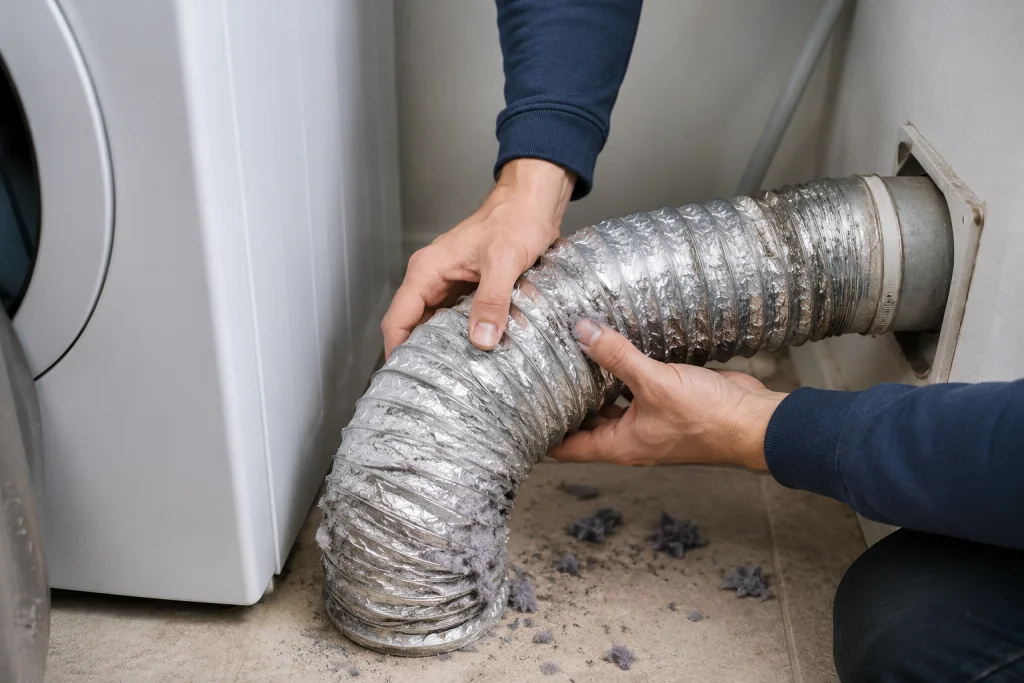
Pull the dryer away from the wall and examine the exhaust hose.
Look for:
- Kinks
- Sharp bends
- Crushed sections
- Excess lint buildup
Replace damaged flexible ducting if necessary.
A smooth, rigid metal duct typically provides better airflow than flexible plastic or foil vents.
Step 3: Disconnect the Vent and Test Airflow
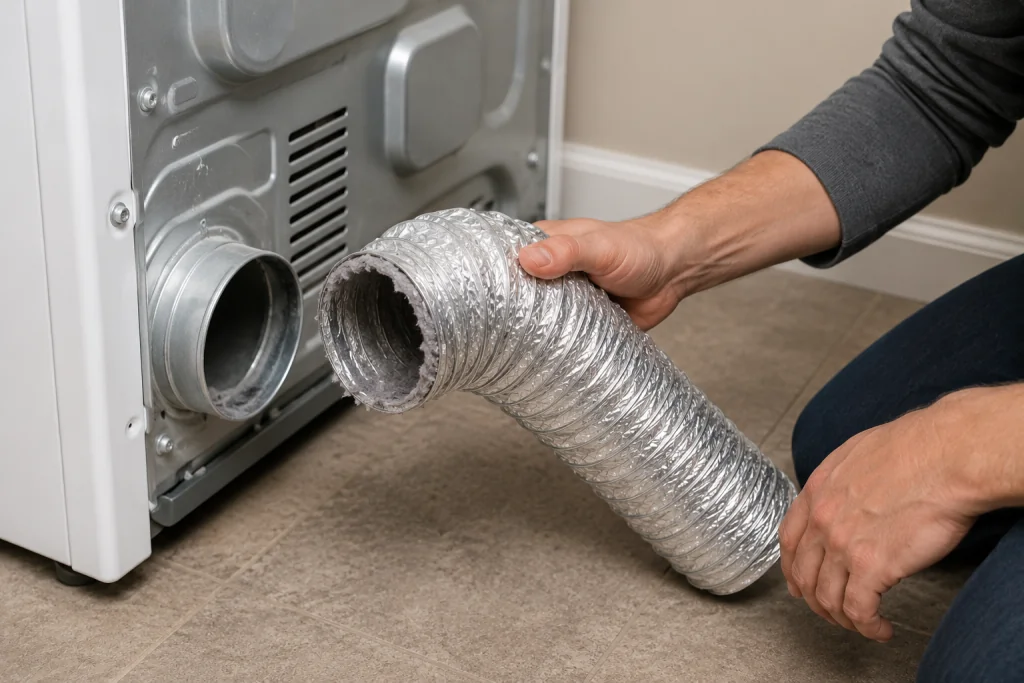
Unplug the dryer and disconnect the exhaust vent.
Run a short drying cycle with the vent disconnected.
If the D90 error disappears, the restriction is likely somewhere in the home’s vent system rather than inside the dryer. This is one of the quickest ways to isolate the problem.
Step 4: Clean the Entire Dryer Vent Duct
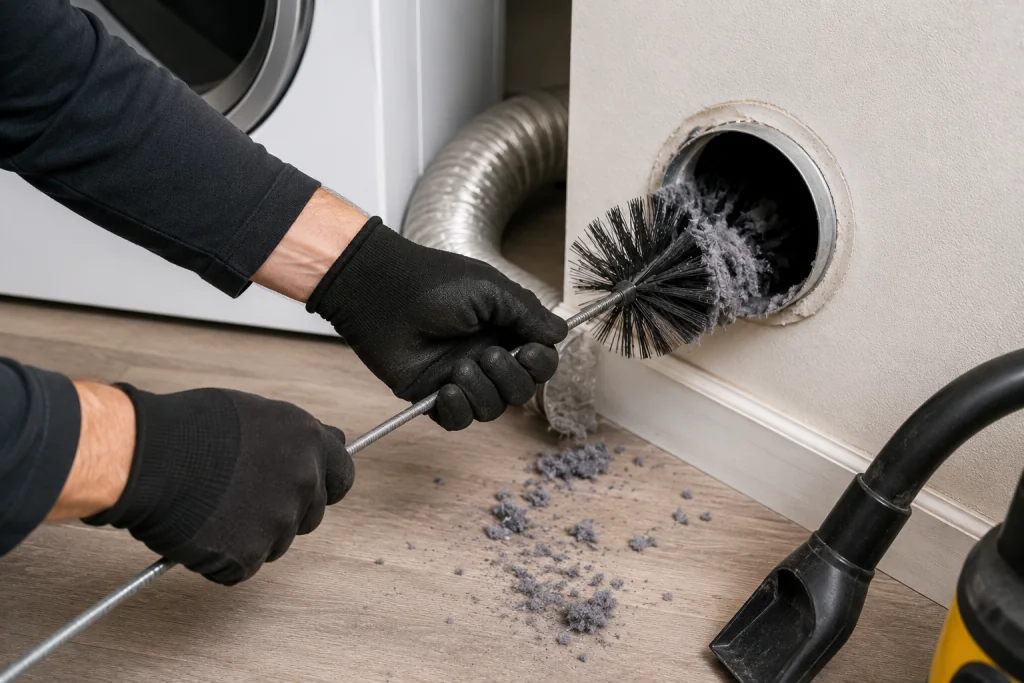
Lint often accumulates deep inside the vent system where it cannot be seen.
As an Amazon Associate I earn from qualifying purchases.
Use:
- A dryer vent brush kit
- Flexible cleaning rods
- A vacuum designed for lint removal
Clean the entire duct run from the dryer to the exterior vent.
The U.S. Fire Administration recommends regular dryer vent cleaning to reduce fire hazards. See the guidance available through the U.S. Fire Administration Dryer Safety Information.
Step 5: Inspect the Exterior Vent Hood
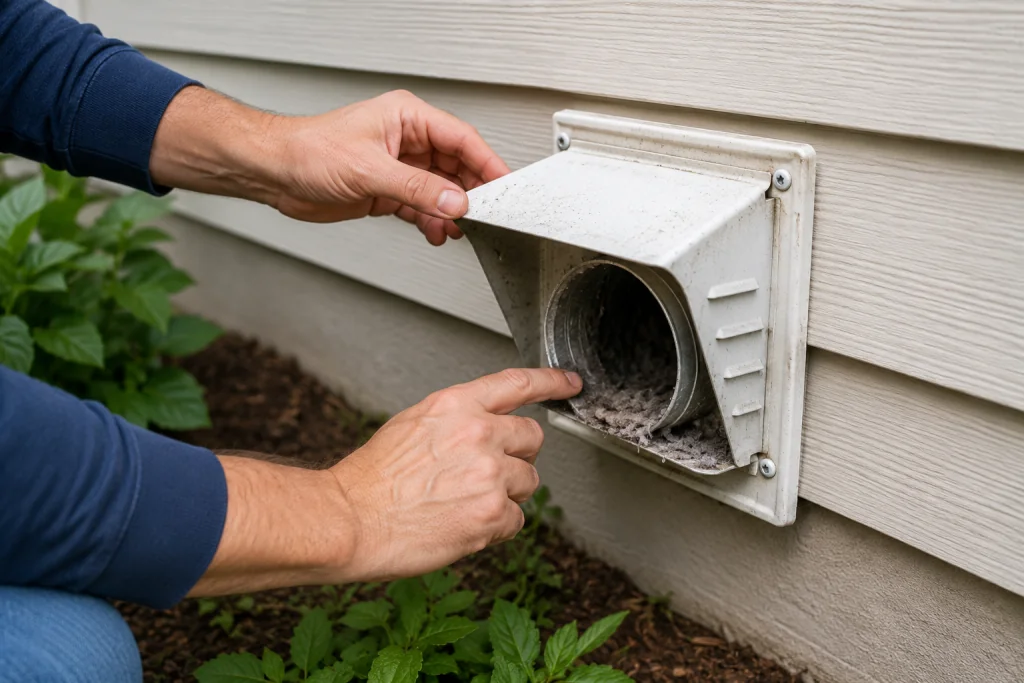
Go outside and inspect the vent termination.
Check for:
- Lint buildup
- Bird nests
- Leaves
- Damaged vent flaps
When the dryer is operating, the vent flap should open fully and airflow should feel strong.
A partially blocked exterior vent is one of the most common causes of recurring D90 errors.
Step 6: Check for Excessive Vent Length

LG dryers can struggle with very long vent runs.
Common airflow problems occur when:
- The vent exceeds manufacturer recommendations
- Multiple 90-degree turns are present
- The duct runs through attics or crawl spaces
Each bend reduces airflow and increases lint accumulation.
If your vent system is unusually long, consider having it professionally inspected.
Step 7: Inspect Internal Dryer Components
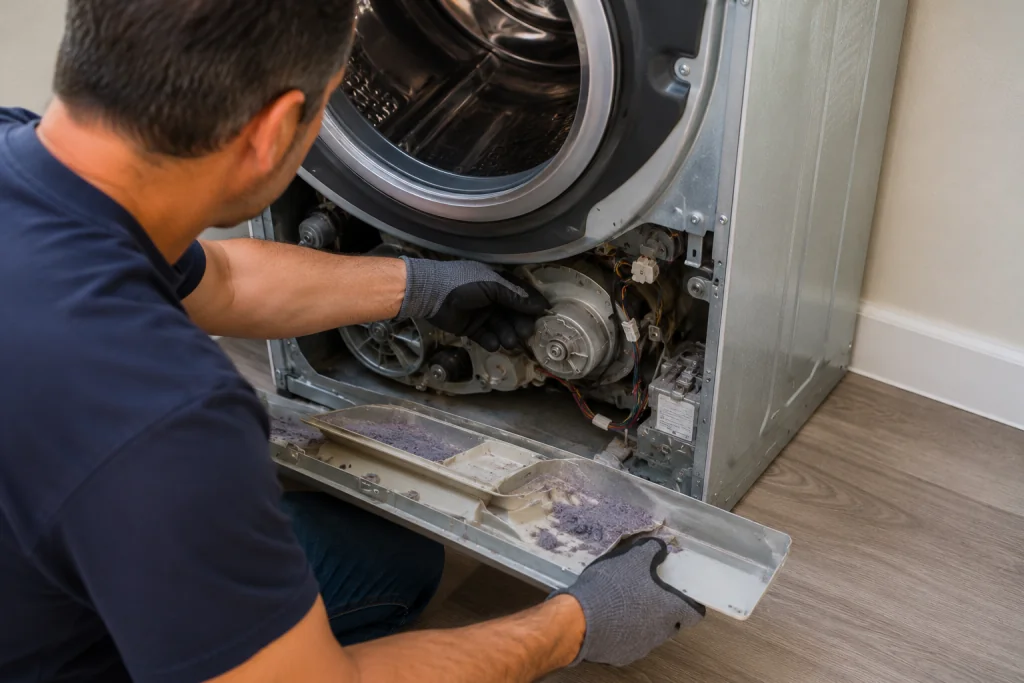
If the vent system is completely clean and the D90 error remains, inspect internal airflow components.
Potential issues include:
- Lint buildup around the blower housing
- Restricted internal air passages
- Damaged blower wheel
- Faulty airflow sensors
- Wiring issues
In rare cases, a defective sensor or control board may trigger false airflow warnings.
When to Call a Professional
Professional service may be necessary if:
- The error returns after vent cleaning
- The vent system runs through walls or ceilings
- Airflow remains weak after cleaning
- The blower assembly requires inspection
- You suspect an electrical fault
A technician can measure airflow and verify proper dryer operation.
How to Prevent Future D90 Errors
Preventative maintenance can significantly reduce airflow problems.
Best practices include:
- Clean the lint filter after every load
- Inspect the vent hose every six months
- Clean the entire vent system annually
- Avoid crushing the vent when moving the dryer
- Check the exterior vent regularly
These simple steps help improve drying performance and extend dryer life.
Frequently Asked Questions
Can I continue using my dryer with a D90 error?
No. A D90 error indicates a severe airflow restriction. Continued operation can lead to overheating, longer drying times, and increased fire risk.
What is the difference between D80, D90, and D95?
The codes indicate increasing airflow restrictions:
- D80 = approximately 80% blockage
- D90 = approximately 90% blockage
- D95 = approximately 95% blockage
Higher numbers indicate more severe restrictions.
Can a dirty lint filter cause a D90 error?
Yes. A clogged or residue-covered lint filter can significantly reduce airflow and trigger Flow Sense warnings.
Why does my LG dryer show D90 even after cleaning the vent?
Possible causes include:
- Hidden blockages deeper in the ductwork
- Excessively long vent runs
- Internal blower restrictions
- Airflow sensor issues
- Control board faults
Further inspection may be required.
How often should a dryer vent be cleaned?
Most homeowners should clean the vent system at least once per year. Larger households or heavy dryer usage may require more frequent cleaning.
Troubleshooting a different code? Browse our complete collection of appliance error-code guides.
Final Thoughts
An LG Dryer D90 error almost always points to a major airflow restriction somewhere in the exhaust system. Start with the lint filter, vent hose, and exterior vent hood before moving on to deeper duct cleaning and internal inspections. In many cases, a thorough vent cleaning restores proper airflow and eliminates the error without replacing any parts.