
Last updated: October 16, 2026
By Home Repair Genie
If you are wondering how to reset an LG refrigerator after a power outage, the process is usually simple and only takes a few minutes. Power outages can cause an LG refrigerator to stop cooling properly, display error codes, or behave unpredictably after electricity is restored. Fortunately, most issues can be fixed with a simple reset before calling for professional service.
Quick Answer
To reset an LG refrigerator after a power outage, unplug the refrigerator for about 5–10 minutes or turn off the circuit breaker. Restore power and allow the control board to reboot completely. If the refrigerator still shows problems, reset the control panel, inspect the breaker, and check for cooling or compressor issues.
Learning how to reset an LG refrigerator after a power outage can help restore cooling, clear temporary error codes, and reboot the refrigerator’s control board safely.
Why an LG Refrigerator May Need a Reset After a Power Outage
A sudden power interruption can confuse the refrigerator’s electronic control board. After power returns, you may notice:
- Flashing display lights
- Error codes
- Cooling problems
- Ice maker issues
- Unresponsive controls
- Constant beeping
- Compressor delays
Many modern LG refrigerators use sensitive electronic components that occasionally need a complete reboot after a voltage interruption.
If your refrigerator is not cooling properly after the outage, you may also want to read our guide on Refrigerator Not Cooling? 7 Easy Fixes That Actually Work.
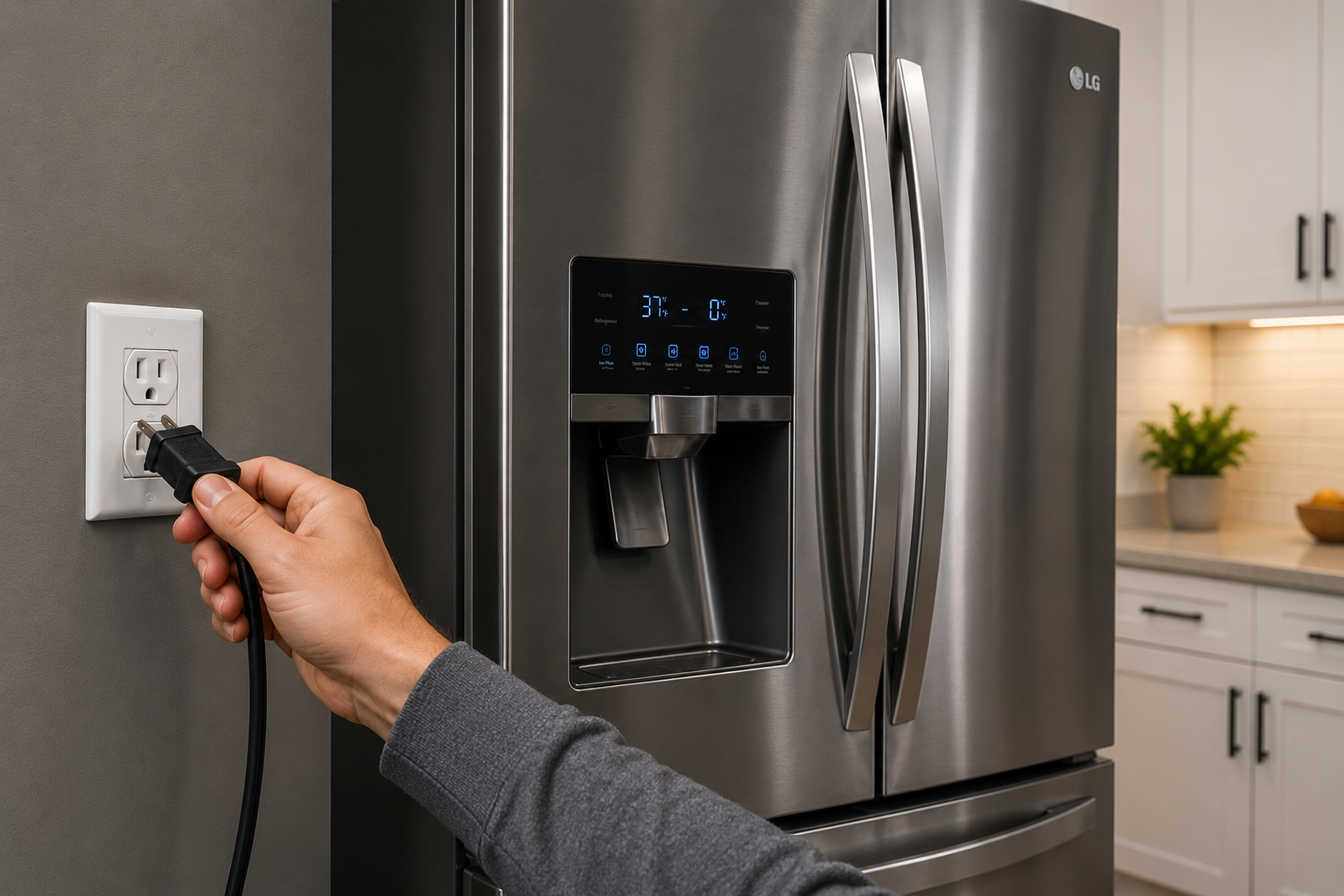
Step 1: Unplug the Refrigerator
Why This Works
Disconnecting power allows the internal control board to fully discharge and reset itself.
How to Do It
- Pull the refrigerator slightly away from the wall.
- Unplug the power cord from the outlet.
- Leave it unplugged for at least 5 minutes.
- For stubborn issues, wait up to 15 minutes.
If the outlet is difficult to reach, you can also turn off the refrigerator circuit breaker instead.
Step 2: Restore Power to the Refrigerator
What to Expect
After restoring power, the refrigerator may take several minutes to fully restart.
How to Restore Power
- Plug the refrigerator back into the outlet.
- Wait for the control panel to illuminate.
- Listen for the compressor and fans to begin operating.
Some LG refrigerators delay compressor startup for several minutes to protect the system after a power interruption.
Step 3: Reset the Control Panel
Why This Helps
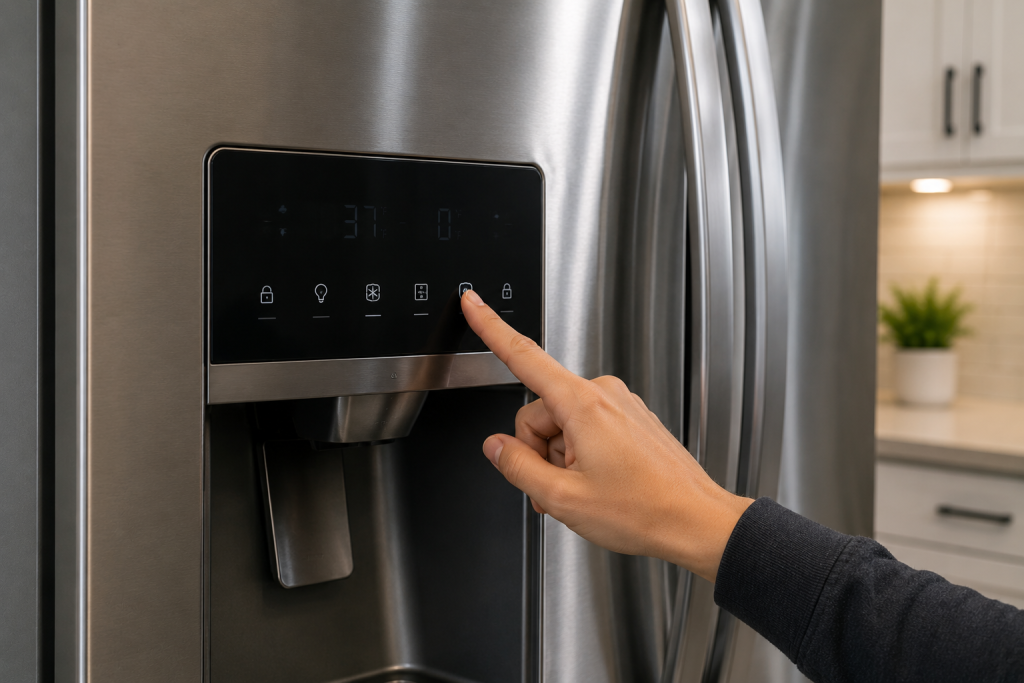
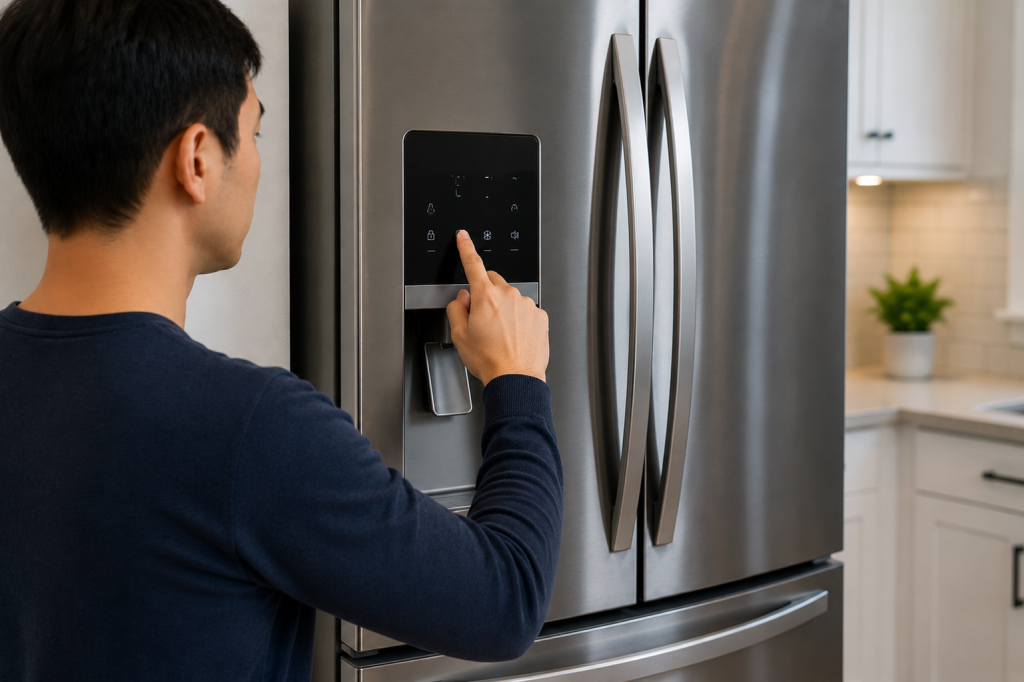
Sometimes the display or touch controls remain frozen even after the refrigerator reboots. If you still need to know how to reset an LG refrigerator after a power outage, performing a control panel reset is often the next recommended troubleshooting step.
How to Reset the Panel
- Locate the control panel on the front dispenser or interior panel.
- Press and hold the “Refrigerator” and “Ice Plus” buttons together for about 5 seconds.
- Release the buttons once the display flashes or resets.
The exact button combination may vary slightly depending on the model.
You can also visit LG Support for model-specific reset instructions.
Step 4: Check the Circuit Breaker and Outlet
Why This Matters
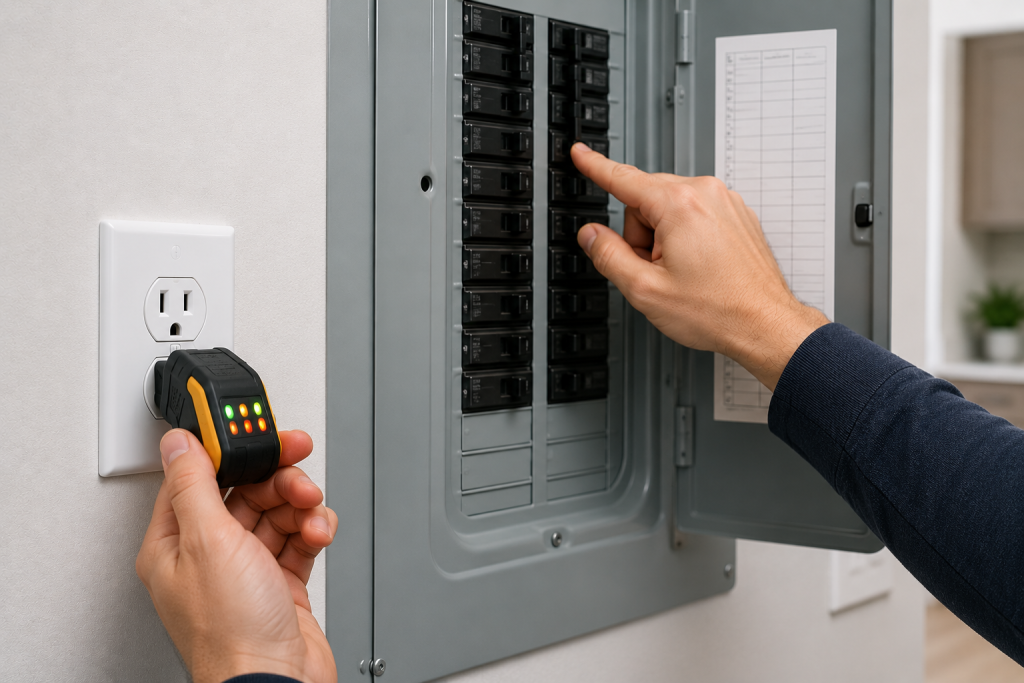
Sometimes the refrigerator itself is fine, but the outlet or breaker was damaged or partially tripped during the outage.
What to Check
- Inspect the home electrical panel.
- Reset any tripped breakers fully.
- Test the outlet with another appliance.
- Avoid using extension cords temporarily.
If the refrigerator still has no power, the issue may be electrical rather than appliance-related.
As an Amazon Associate I earn from qualifying purchases.
A plug-in outlet tester can check an accessible, undamaged standard three-prong receptacle for power and some common wiring faults. It cannot confirm reliable voltage under the refrigerator’s load or rule out intermittent electrical problems. Have a licensed electrician assess loose, scorched, or unreliable outlets.
You may also find our guide on How to Fix an Outlet That’s Not Working (Step-by-Step Guide) helpful.
Step 5: Wait for Cooling to Stabilize
Important Cooling Information
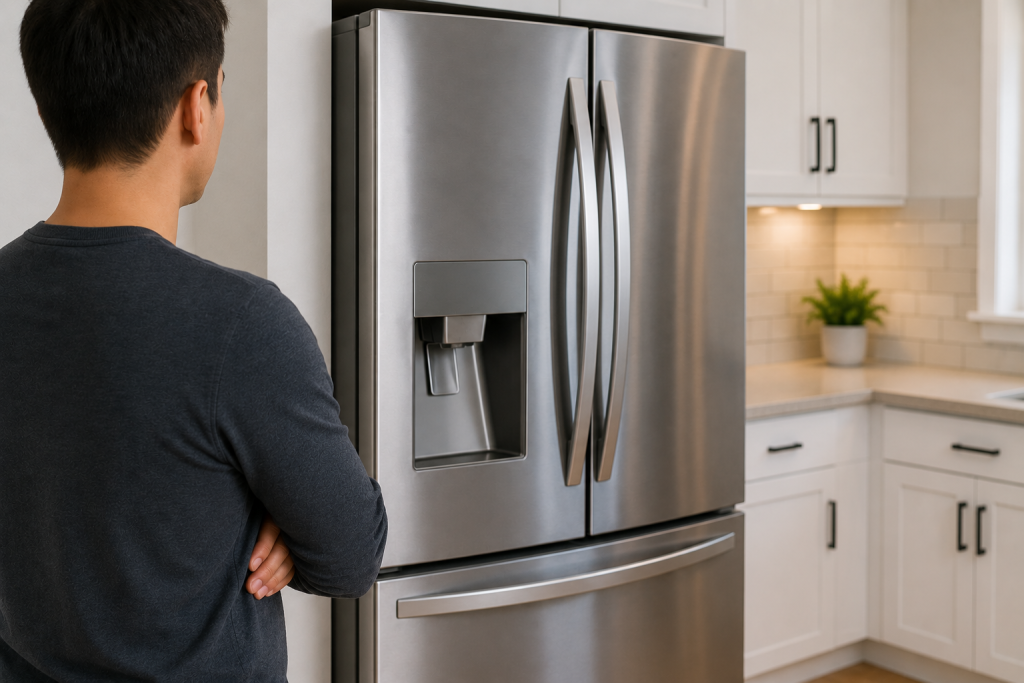
An LG refrigerator may take several hours to return to normal temperatures after a reset.
Use refrigerator and freezer thermometers to monitor actual temperatures after power returns. Keep refrigerated food at 40°F or below and the freezer at 0°F or below. If the compartments are too warm, move perishable food to another working refrigerator or an ice-filled cooler while cooling recovers.
Typical Cooling Times
- Initial cooling: 1–3 hours
- Full refrigerator temperature recovery: up to 24 hours
- Freezer recovery: up to 24 hours
Avoid opening the doors frequently during this period.
Step 6: Check for Error Codes
Common Post-Outage Error Codes
After a power outage, some LG refrigerators may display temporary error codes.
Examples include:
- IF or 1F (ice fan problems)
- ER FF (evaporator fan issue)
- DH F (defrost issue)
- CF (fan problem)
Many codes disappear after a successful reset.
If you see an ice fan error, read our guide on LG IF Error Code: 7 Easy Fixes to Restore Water Flow Fast (DIY Guide).
Step 7: Consider a Failed Control Board or Compressor Issue
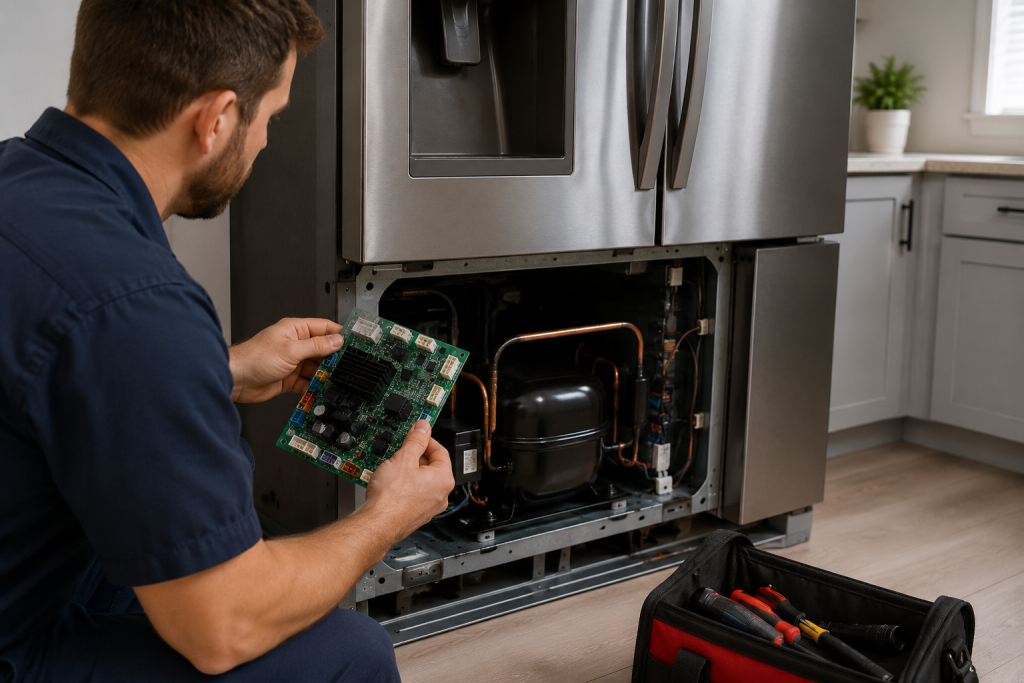
When a Simple Reset Does Not Work
If the refrigerator still will not cool or power on after resetting:
- The main control board may have been damaged
- A voltage surge may have affected electronic components
- The compressor start relay may have failed
- Internal wiring damage could exist
Signs of a more serious issue include:
- Clicking noises
- Burning smells
- Completely dark display
- No cooling after 24 hours
- Repeated tripped breakers
At that point, professional diagnosis may be necessary.
Frequently Asked Questions
How long should I unplug my LG refrigerator to reset it?
Most LG refrigerators reset after being unplugged for 5–10 minutes. Some stubborn electronic issues may require up to 15 minutes without power.
Why is my LG refrigerator not cooling after a power outage?
The control board may still be rebooting, or the outage may have caused an electronic fault. Start with a full reset and allow up to 24 hours for temperatures to stabilize.
Will unplugging my refrigerator erase settings?
Usually no. Most LG refrigerators retain temperature settings in memory even after power loss.
Why is my LG refrigerator beeping after a power outage?
The refrigerator may beep because:
- the doors were left open
- temperatures are too warm
- the control board is rebooting
- an error code is active
A reset often resolves the issue.
Can a power outage damage an LG refrigerator?
Yes. Power surges and abrupt outages can occasionally damage control boards, compressors, or electronic components.
Using a surge protector designed for appliances may help reduce future risks.
Looking for help with another appliance problem? Browse our complete collection of appliance repair guides and error-code fixes.
Final Thoughts
In most cases, learning how to reset an LG refrigerator after a power outage can save you from an unnecessary service call and restore normal refrigerator operation quickly. In many cases, unplugging the refrigerator and rebooting the control board solves cooling and display problems without the need for repairs.
However, if the refrigerator continues showing error codes or fails to cool properly after resetting, the outage may have caused a more serious electrical issue that requires professional service.