
Last updated: October 14, 2026
By Home Repair Genie
Quick Answer
A thermostat blank screen is usually caused by dead batteries, a tripped circuit breaker, a blown HVAC fuse, loose wiring, or a loss of power to the furnace or air handler. Start by replacing the batteries (if applicable), checking your HVAC breaker, and verifying that the furnace or air handler has power. If those steps don’t restore the display, inspect the low-voltage fuse and thermostat wiring before calling an HVAC professional.
Why Is My Thermostat Screen Blank?
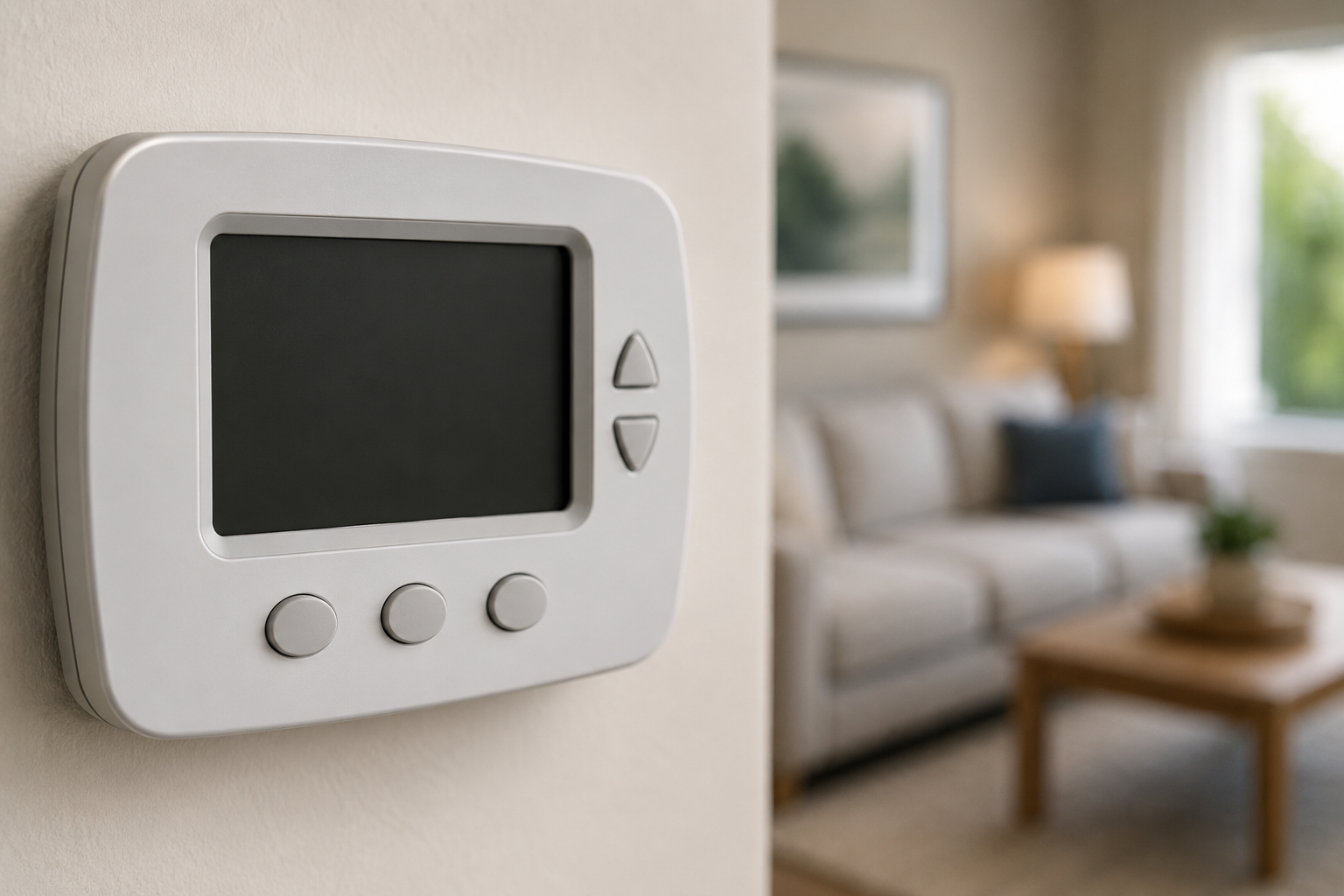
A blank thermostat screen doesn’t always mean the thermostat itself has failed. In many cases, the thermostat has simply lost power from the HVAC system or internal batteries.
Common causes include:
- Dead thermostat batteries
- Tripped HVAC circuit breaker
- Furnace or air handler power switch turned off
- Blown low-voltage fuse
- Loose thermostat wiring
- Tripped condensate overflow safety switch
- Failed thermostat
- Failed transformer
- HVAC control board issues
Fortunately, most of these problems can be checked in just a few minutes.
Step 1: Replace the Thermostat Batteries
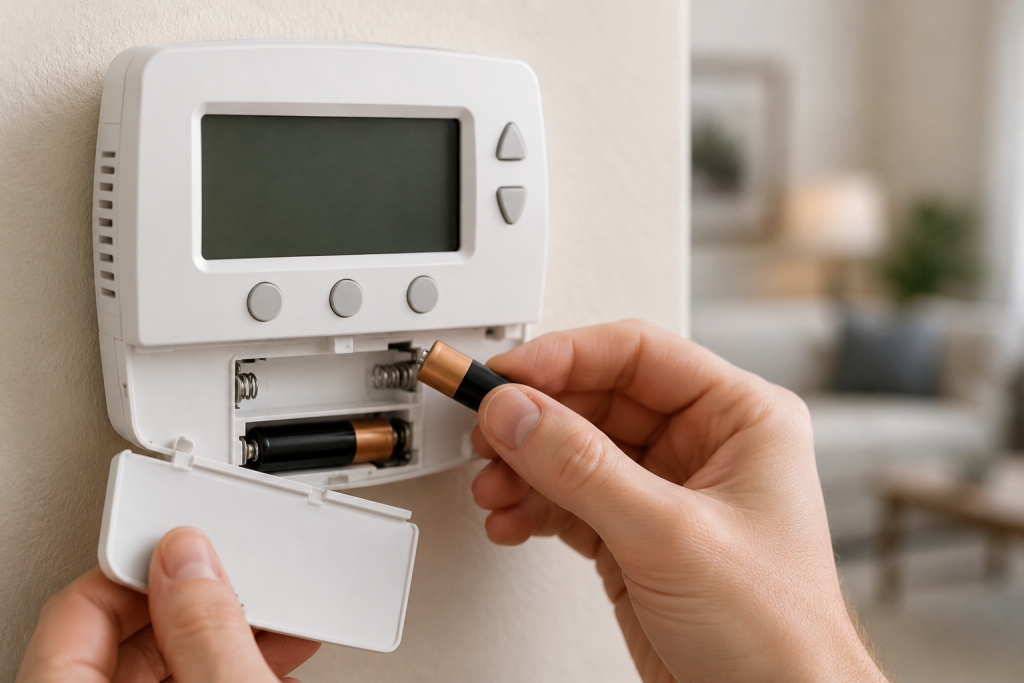
If your thermostat uses batteries, this should always be your first step.
Many digital thermostats continue controlling the HVAC system until the batteries become completely depleted. Once that happens, the display goes blank.
Signs the batteries are the problem:
- Blank display
- Dim screen before going blank
- Thermostat worked normally the previous day
- HVAC system suddenly stopped responding
How to replace them:
- Remove the thermostat from its wall plate.
- Install fresh batteries of the correct type.
- Reattach the thermostat.
- Wait about one minute for it to restart.
As an Amazon Associate I earn from qualifying purchases.
If your thermostat uses replaceable batteries, install fresh batteries of the size and type specified in its manual. You can browse AA alkaline batteries or AAA alkaline batteries on Amazon, depending on what your model requires.
If the display comes back immediately, you’ve solved the problem.
Step 2: Check the HVAC Circuit Breaker
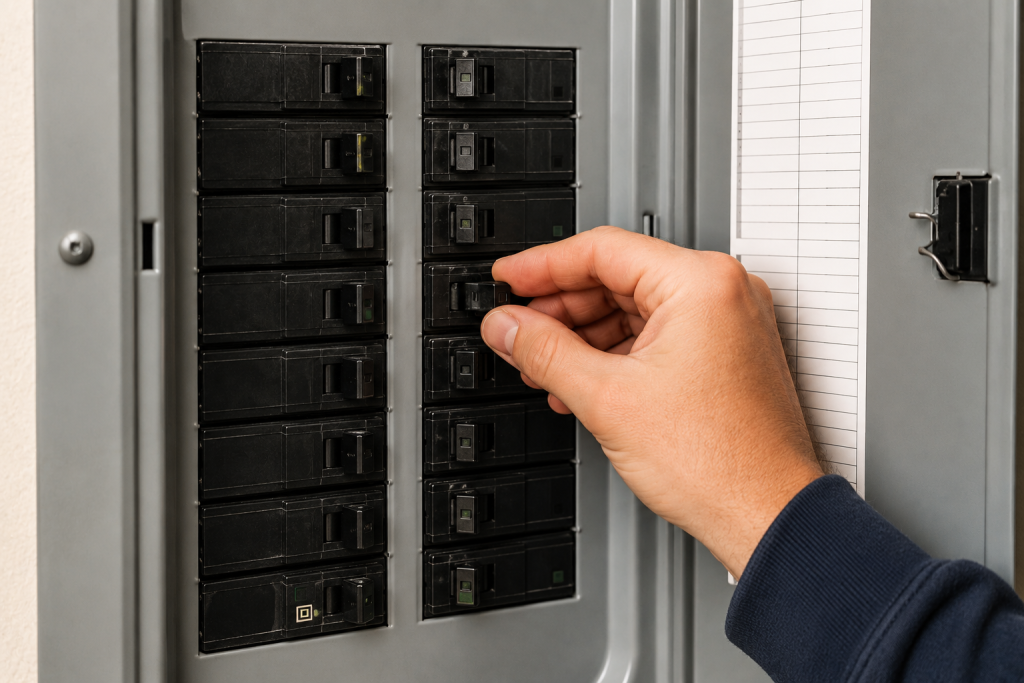
Your thermostat receives power from the heating and cooling system.
If the HVAC breaker has tripped, the thermostat may lose power entirely.
To check:
- Open your home’s electrical panel.
- Locate breakers labeled:
- Furnace
- Air Handler
- HVAC
- AC
- Look for a breaker sitting halfway between ON and OFF.
- Reset it by switching it fully OFF and then back ON.
If it trips again immediately, discontinue troubleshooting and contact an HVAC technician.
Step 3: Verify the Furnace or Air Handler Has Power
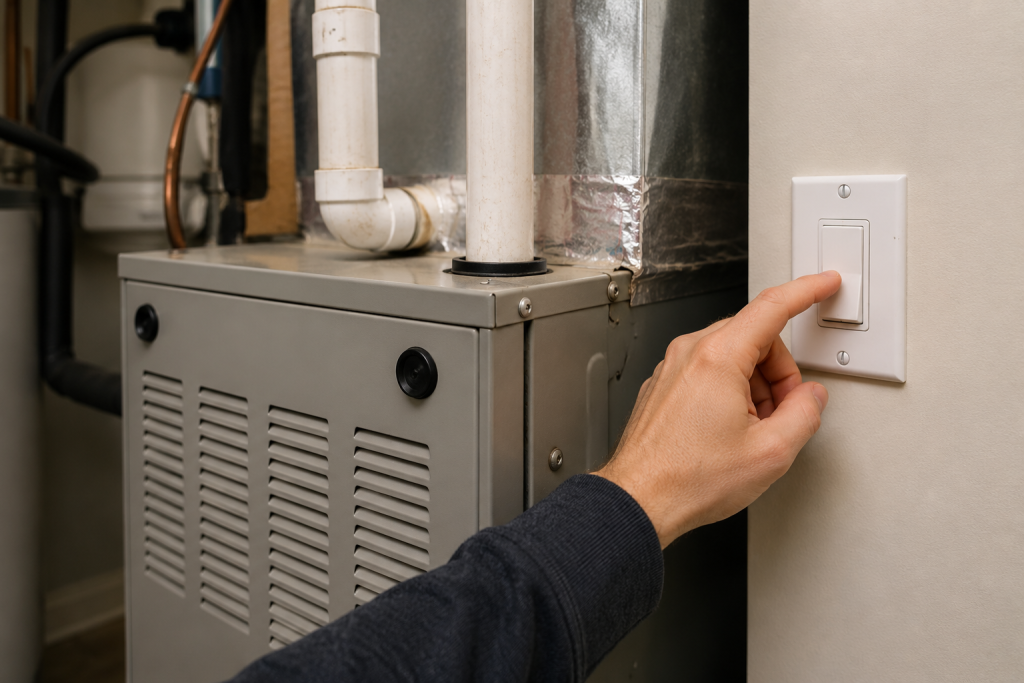
Many homeowners accidentally bump the furnace service switch while changing filters or moving storage items.
This switch looks very similar to a regular light switch.
Check:
- Furnace service switch
- Air handler disconnect
- Nearby electrical disconnect
Also verify:
- The blower compartment door is fully closed.
- Any safety door switch is properly engaged.
Without power to the furnace, the thermostat often goes completely blank.
Related Guide:
Furnace Not Igniting? 7 Easy Fixes That Actually Work (Step-by-Step Guide)
Step 4: Inspect the Low-Voltage Fuse
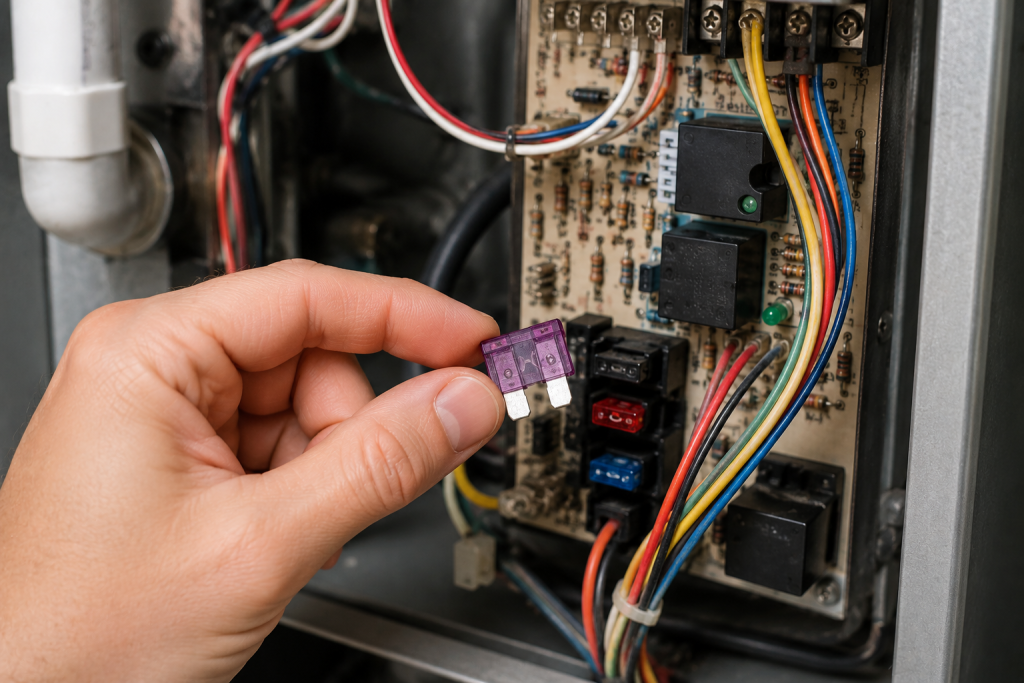
Many modern furnaces include a small automotive-style blade fuse on the control board.
If this fuse blows, the thermostat immediately loses 24-volt power.
To inspect it:
- Turn off power to the furnace.
- Remove the access panel.
- Locate the control board.
- Look for a 3-amp or 5-amp blade fuse.
- Replace it if the metal strip inside is broken.
If the control-board fuse has blown, browse replacement HVAC blade fuses on Amazon. Match the manufacturer’s specified amperage, physical size, and fuse type exactly—never install a higher-amperage fuse. Disconnect equipment power before replacement, and contact an HVAC technician if the new fuse blows again.
If the replacement fuse blows immediately, there is likely a wiring short that requires professional diagnosis.
Step 5: Check for a Tripped Drain Safety Switch
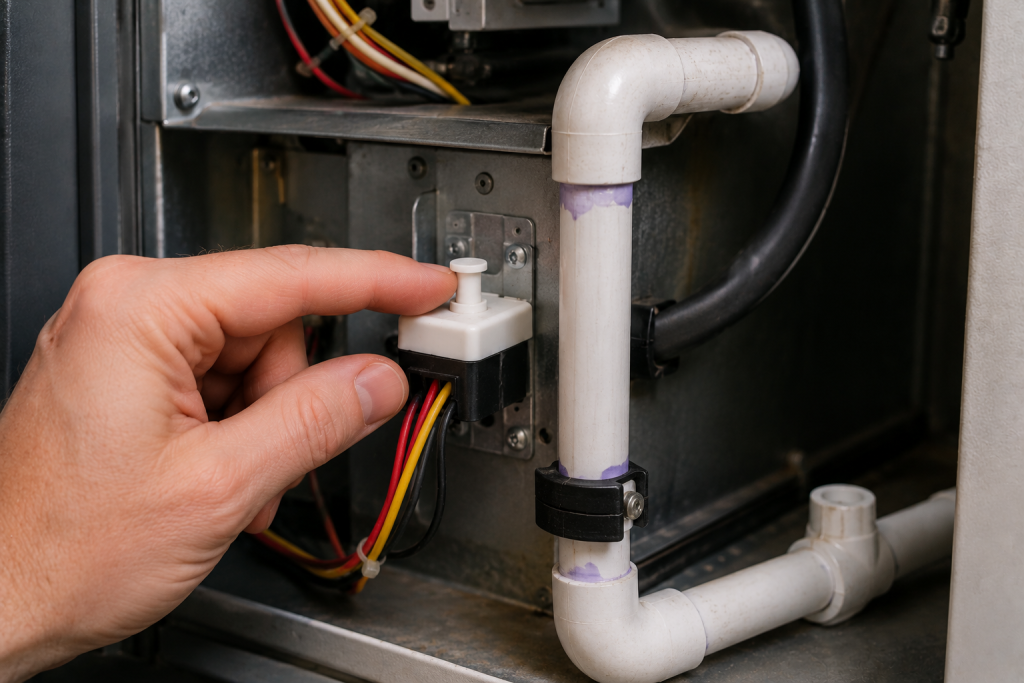
Many air conditioning systems include a condensate overflow safety switch.
If the drain becomes clogged and the water level rises, this switch cuts power to protect your home from water damage.
Signs include:
- Blank thermostat
- AC stopped suddenly
- Water around the indoor unit
- Full drain pan
Inspect the condensate drain line for clogs and empty any overflow pan if necessary.
Related Guide:
How to Unclog a Drain: 7 Easy Fixes That Actually Work Fast
Step 6: Inspect Thermostat Wiring
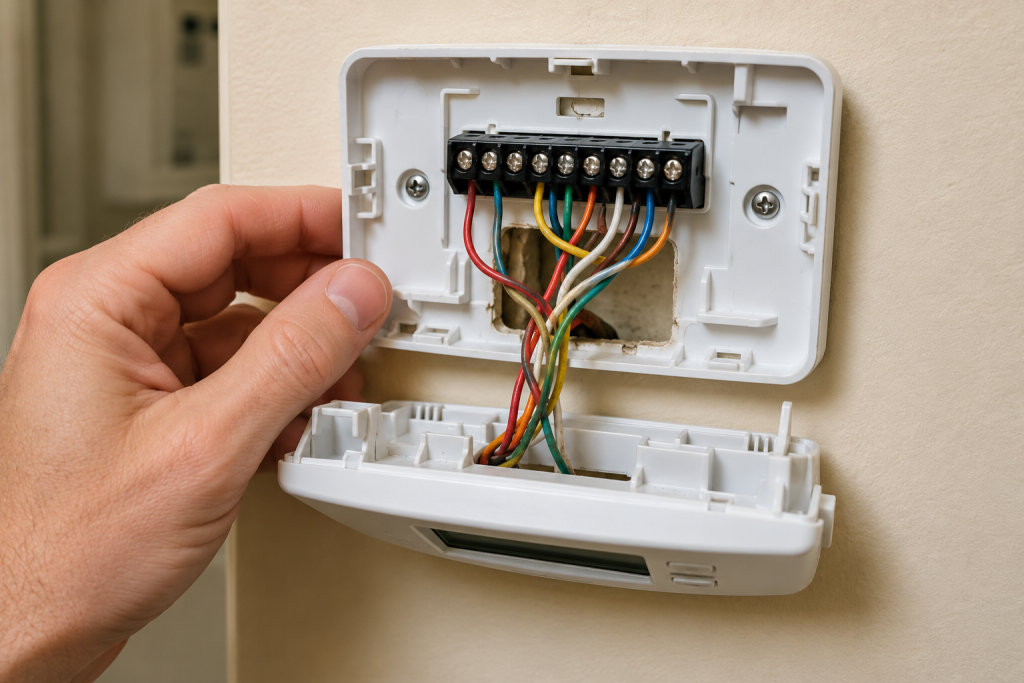
Loose thermostat wires can interrupt communication between the thermostat and HVAC system.
Turn off power before removing the thermostat.
Look for:
- Loose terminals
- Corroded wires
- Broken wire ends
- Damaged insulation
Reconnect any loose wires according to the manufacturer’s wiring diagram.
If you’re uncomfortable working with low-voltage wiring, contact an HVAC professional.
Step 7: Reset the Thermostat
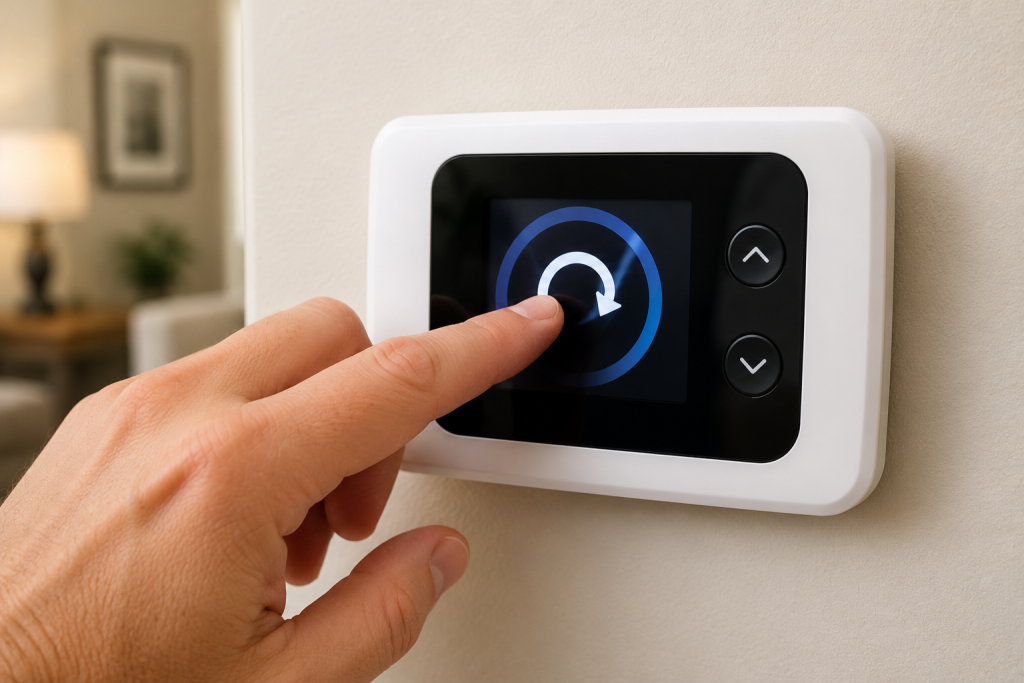
Sometimes the thermostat software simply locks up.
Many models include a reset procedure.
Common reset methods include:
- Removing batteries for several minutes
- Pressing a recessed reset button
- Holding specific buttons
- Cycling HVAC power
Consult your thermostat’s owner’s manual for the correct reset procedure.
Step 8: Test the Transformer
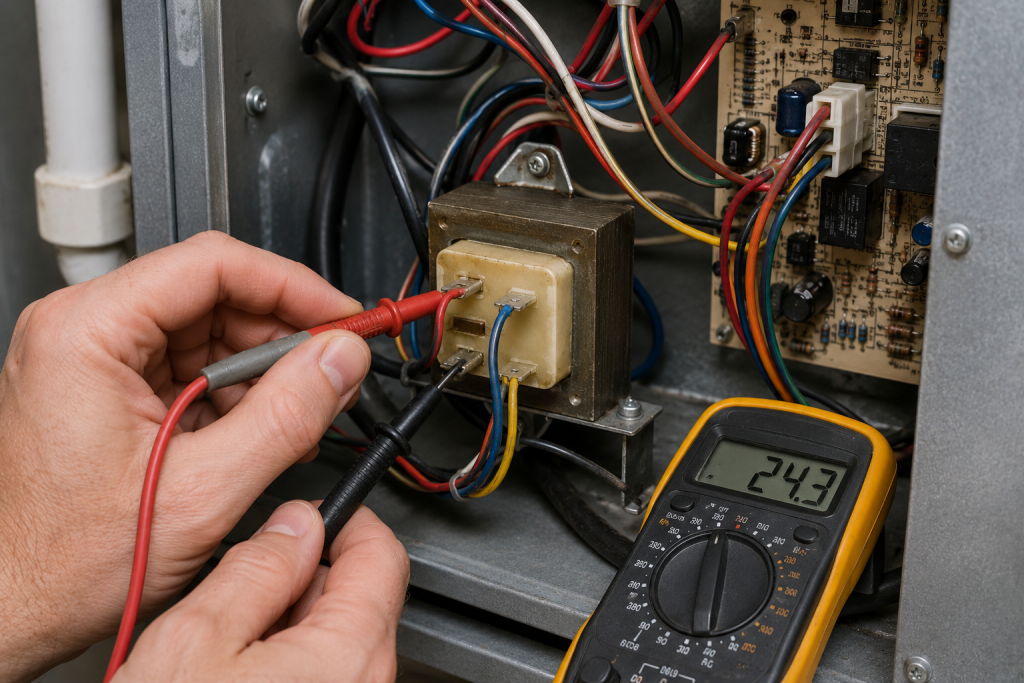
Most thermostats receive 24 volts from a transformer inside the furnace or air handler.
If the transformer fails:
- Display goes blank
- Heating won’t operate
- Cooling won’t operate
Testing requires a multimeter and knowledge of electrical safety.
If you suspect a failed transformer, it’s usually best to have an HVAC technician perform the diagnosis.
Step 9: Replace the Thermostat
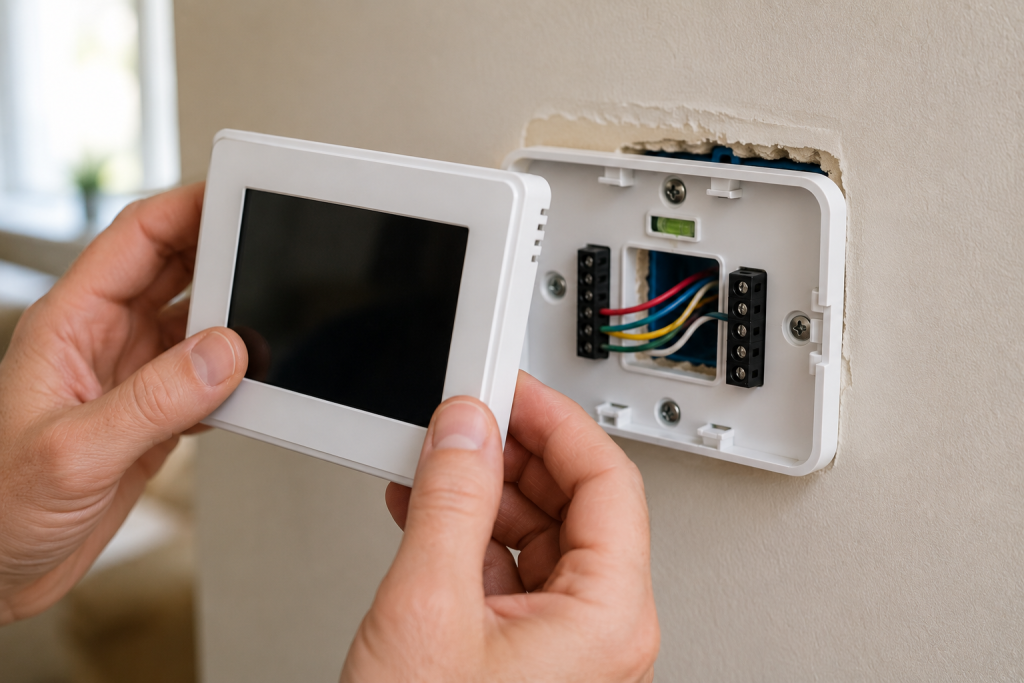
If all power sources are working correctly and the thermostat still has no display, the thermostat itself may have failed.
Common signs include:
- No display despite confirmed 24-volt power
- Intermittent display
- Screen flickers
- Buttons stop responding
Replacing the thermostat is often straightforward if the wiring is labeled correctly.
If you’re upgrading, ensure the new thermostat is compatible with your HVAC system.
If troubleshooting confirms that the thermostat has failed, browse replacement digital thermostats on Amazon. Before buying, check compatibility with your system’s voltage, heating and cooling stages, and heat-pump configuration. If you choose a smart thermostat, also verify its C-wire or power-adapter requirements.
When to Call an HVAC Professional
Call an HVAC technician if:
- Breakers continue tripping
- The low-voltage fuse repeatedly blows
- Wiring appears damaged
- The transformer has failed
- The control board appears burned
- You’re uncomfortable working around electrical components
Attempting advanced electrical repairs without proper tools can damage your HVAC system.
Preventing Future Blank Thermostat Screens
A little maintenance can help prevent future problems.
Helpful tips include:
- Replace batteries every year.
- Change HVAC filters regularly.
- Keep condensate drains clean.
- Inspect wiring during annual maintenance.
- Schedule yearly HVAC tune-ups.
- Keep furnace panels securely installed.
Regular maintenance helps ensure your thermostat continues receiving consistent power.
Frequently Asked Questions
Why did my thermostat suddenly go blank?
The most common causes are dead batteries, a tripped breaker, a blown HVAC fuse, or loss of power to the furnace or air handler.
Can a blank thermostat fix itself?
Usually not. The underlying power issue needs to be identified and corrected before the display returns.
Will replacing the batteries erase my thermostat settings?
Most modern thermostats retain their programming, but some older models may lose the time and schedule after battery replacement.
Can a clogged AC drain cause a blank thermostat?
Yes. Many HVAC systems include a condensate overflow safety switch that cuts power to the thermostat when the drain becomes clogged.
How do I know if my thermostat is bad?
If you’ve confirmed the thermostat is receiving the proper voltage and the display remains blank, the thermostat itself has likely failed.
Is a blank thermostat an emergency?
Not usually. However, if it occurs during extremely hot or cold weather, restoring HVAC operation quickly is important to maintain a safe indoor temperature.
Looking for help with another heating or cooling problem? Browse our complete collection of HVAC repair and troubleshooting guides.
Final Thoughts
If you’re dealing with a thermostat blank screen, following these troubleshooting steps in order can help you identify the cause and restore your HVAC system quickly.
For additional thermostat troubleshooting information, the U.S. Department of Energy’s heating and cooling guidance provides helpful maintenance recommendations and energy-saving tips.