
Last updated: September 20, 2026
By Home Repair Genie
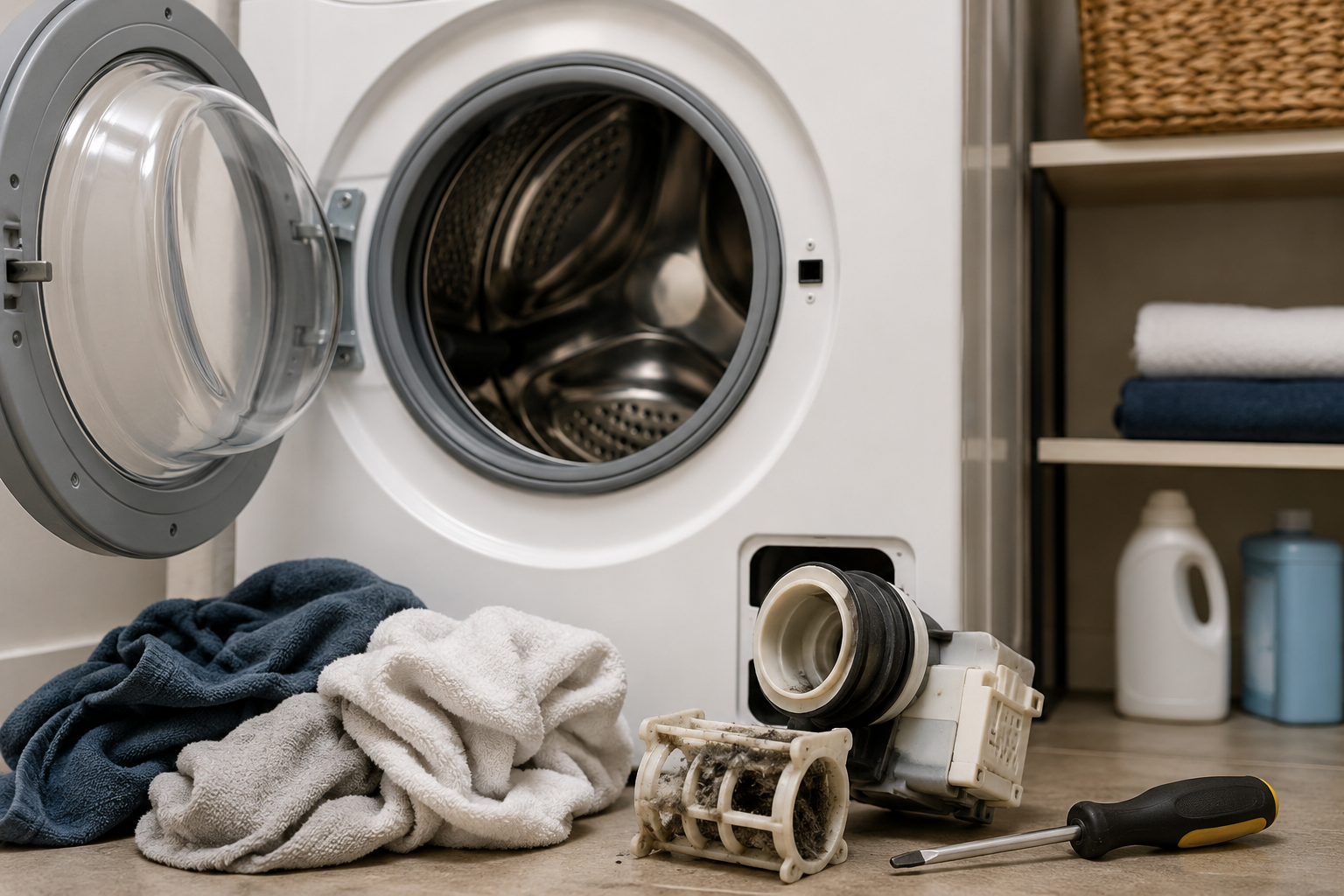
Washing machine not spinning? The most common causes are an unbalanced load, clogged drain pump, faulty lid switch, or worn drive belt. Many washer spin problems can be fixed at home by checking the drain system, redistributing laundry, or resetting the machine before calling a repair technician
Quick Answer
A washing machine that won’t spin is often caused by an unbalanced load, blocked drain system, or safety switch issue. Start by redistributing the clothes, checking for standing water, and inspecting the lid or door latch before moving to more advanced fixes.
If your appliance keeps losing power during operation, read our guidebreaker keeps tripping.
Why Your Washing Machine Is Not Spinning
During the spin cycle, the washer removes water from clothes using high-speed drum rotation. If something prevents the drum from spinning safely, the machine may stop the cycle completely.
Common causes include:
- Unbalanced laundry loads
- Clogged drain pump
- Broken lid switch
- Worn drive belt
- Faulty motor coupling
- Drainage problems
Step 1: Redistribute the Laundry Load
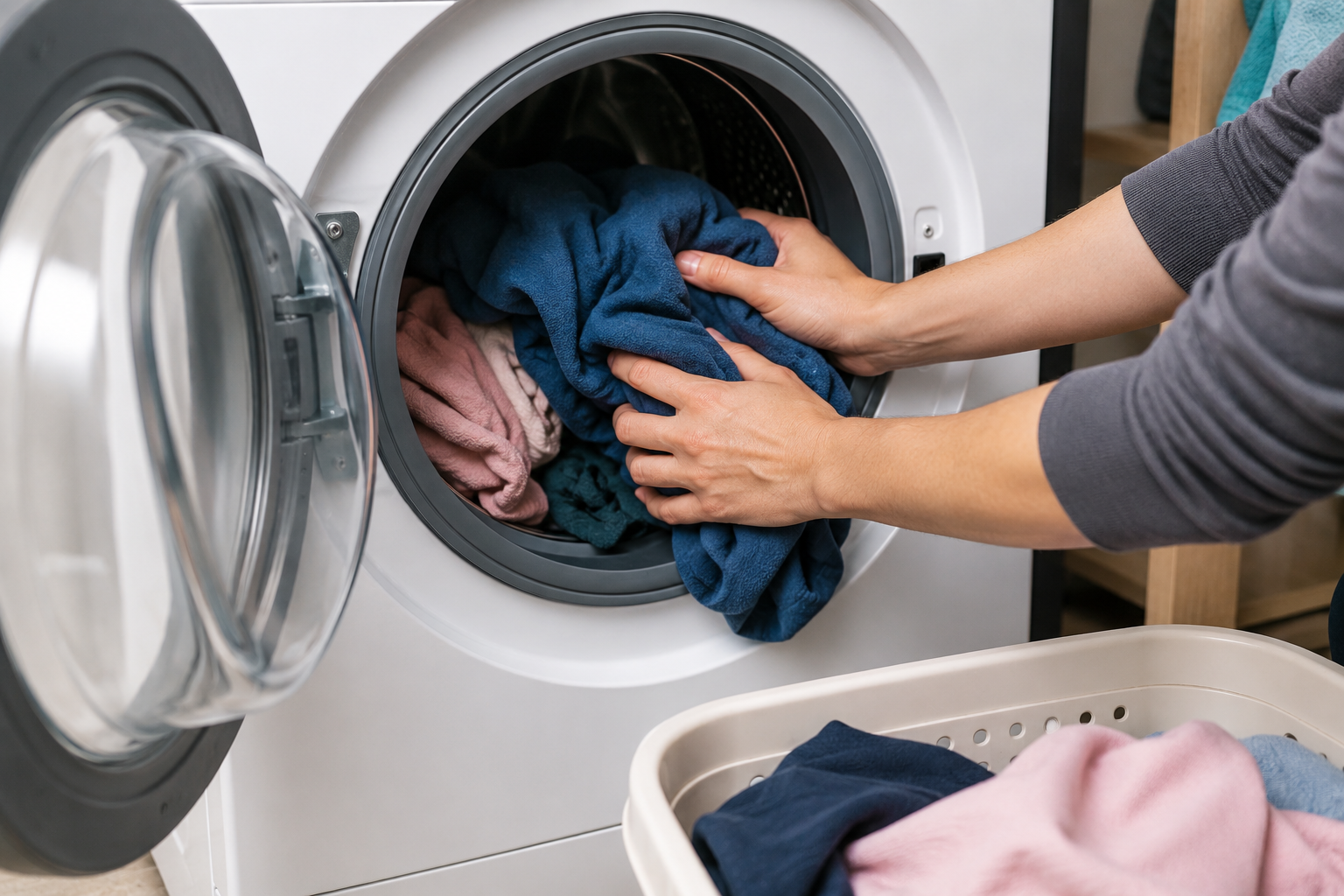
An uneven load is one of the most common reasons a washer stops spinning.
How to Fix It
- Pause the washer cycle.
- Open the lid or door.
- Rearrange heavy items evenly around the drum.
- Remove bulky items if necessary.
- Restart the spin cycle.
Large towels, blankets, and comforters can easily throw the drum off balance.
Step 2: Check for Standing Water
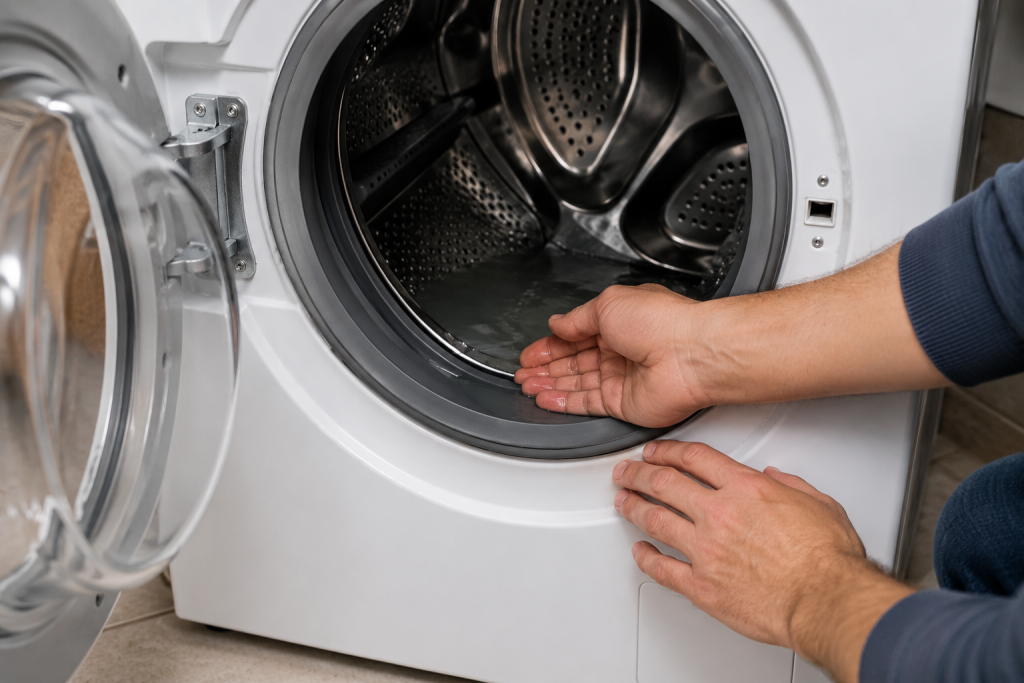
A washing machine not spinning often happens when water cannot drain properly from the tub.
What to Look For
- Water remaining inside the drum
- Slow draining
- Gurgling sounds
- Drain errors on the display
Standing water often points to a clogged drain hose or pump.
If you’re dealing with another draining appliance problem, read about: dishwasher not draining.
Step 3: Inspect the Lid Switch or Door Lock
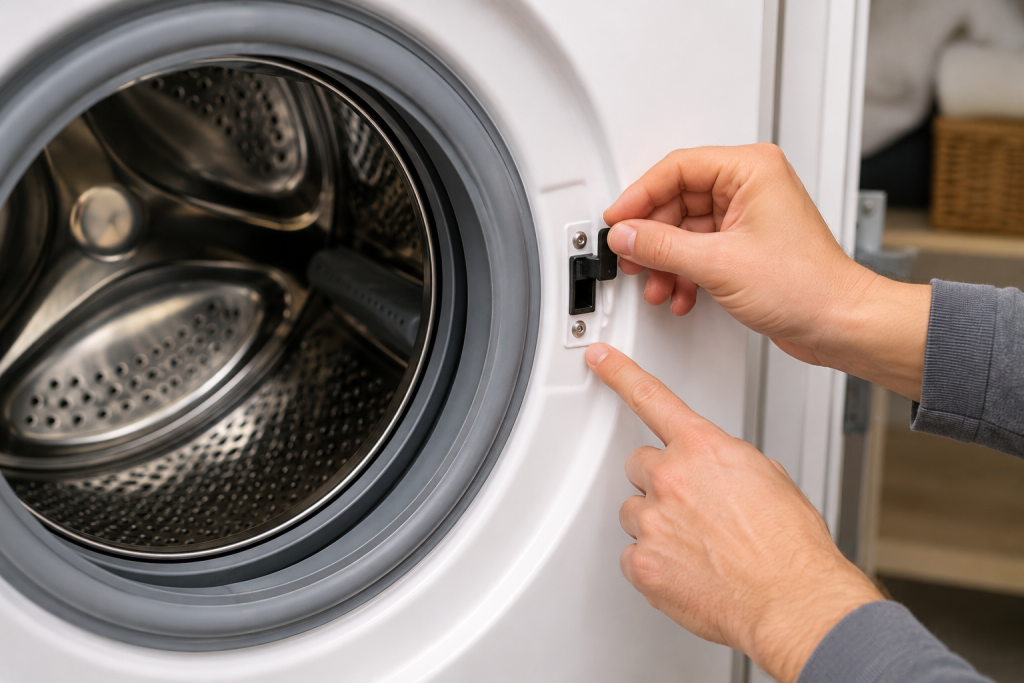
Most washers have a safety switch that prevents spinning when the lid or door is open.
Signs of a Bad Switch
- Washer fills but won’t spin
- No clicking sound when closing the lid
- Washer stops suddenly during cycles
Try pressing the lid switch manually to see if the washer responds.
Step 4: Check the Drain Hose for Clogs
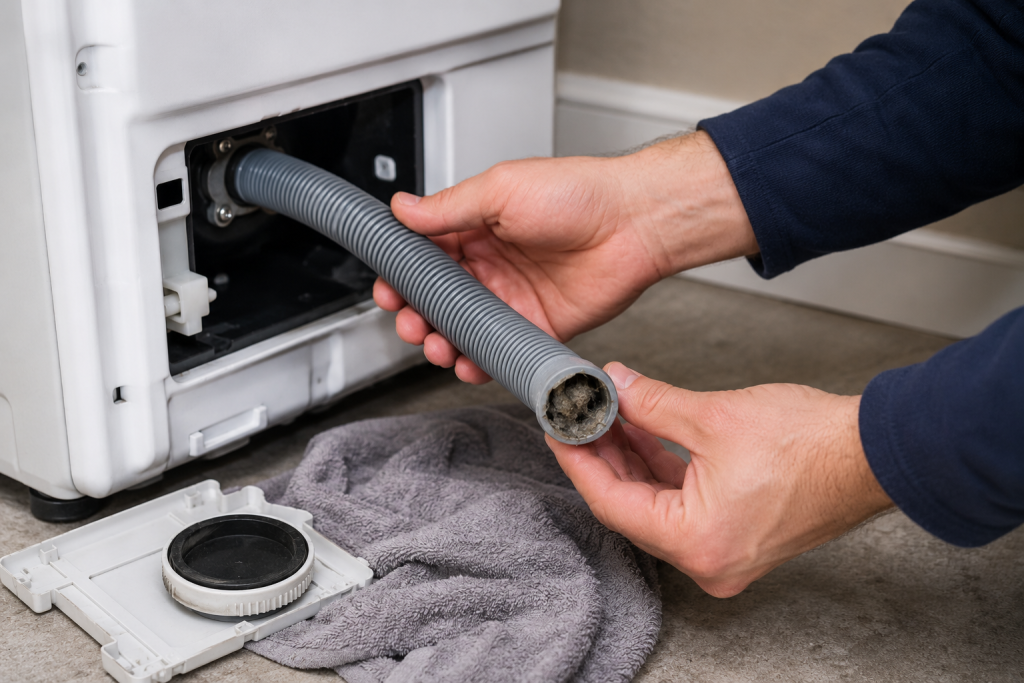
A blocked drain hose can prevent proper draining and stop the spin cycle.
How to Inspect It
- Unplug the washer.
- Pull the machine away from the wall.
- Inspect the hose for kinks or clogs.
- Remove lint or debris buildup.
- Reconnect the hose securely.
Restricted drainage is a common cause of spin problems.
Step 5: Inspect the Drive Belt
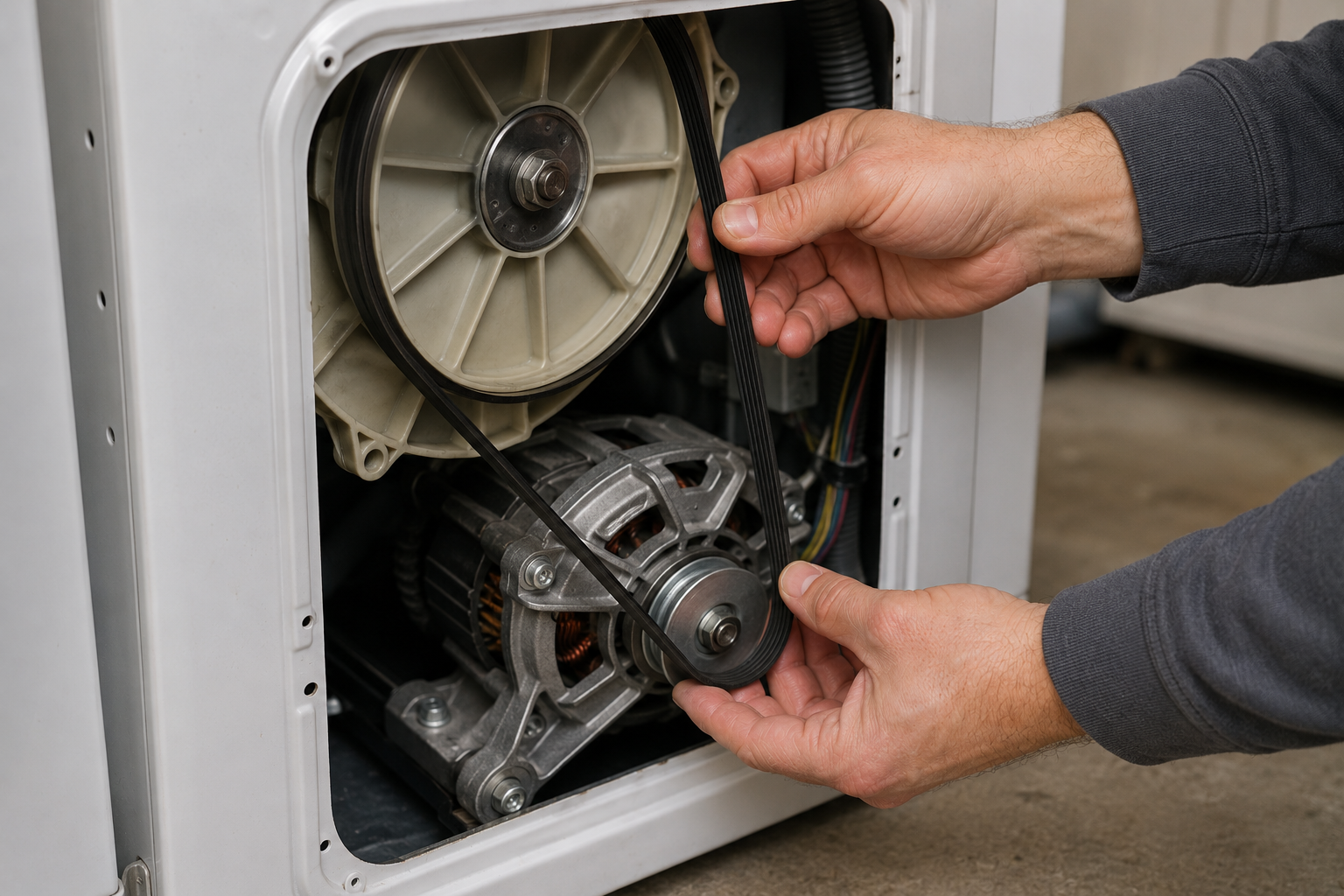
If your washing machine not spinning issue started after hearing squealing noises, the drive belt may be slipping.
Signs of a Worn Belt
- Drum does not rotate
- Burning rubber smell
- Squealing noises
- Loose belt underneath the washer
A damaged belt may slip or break completely over time.
Step 6: Check the Drain Pump
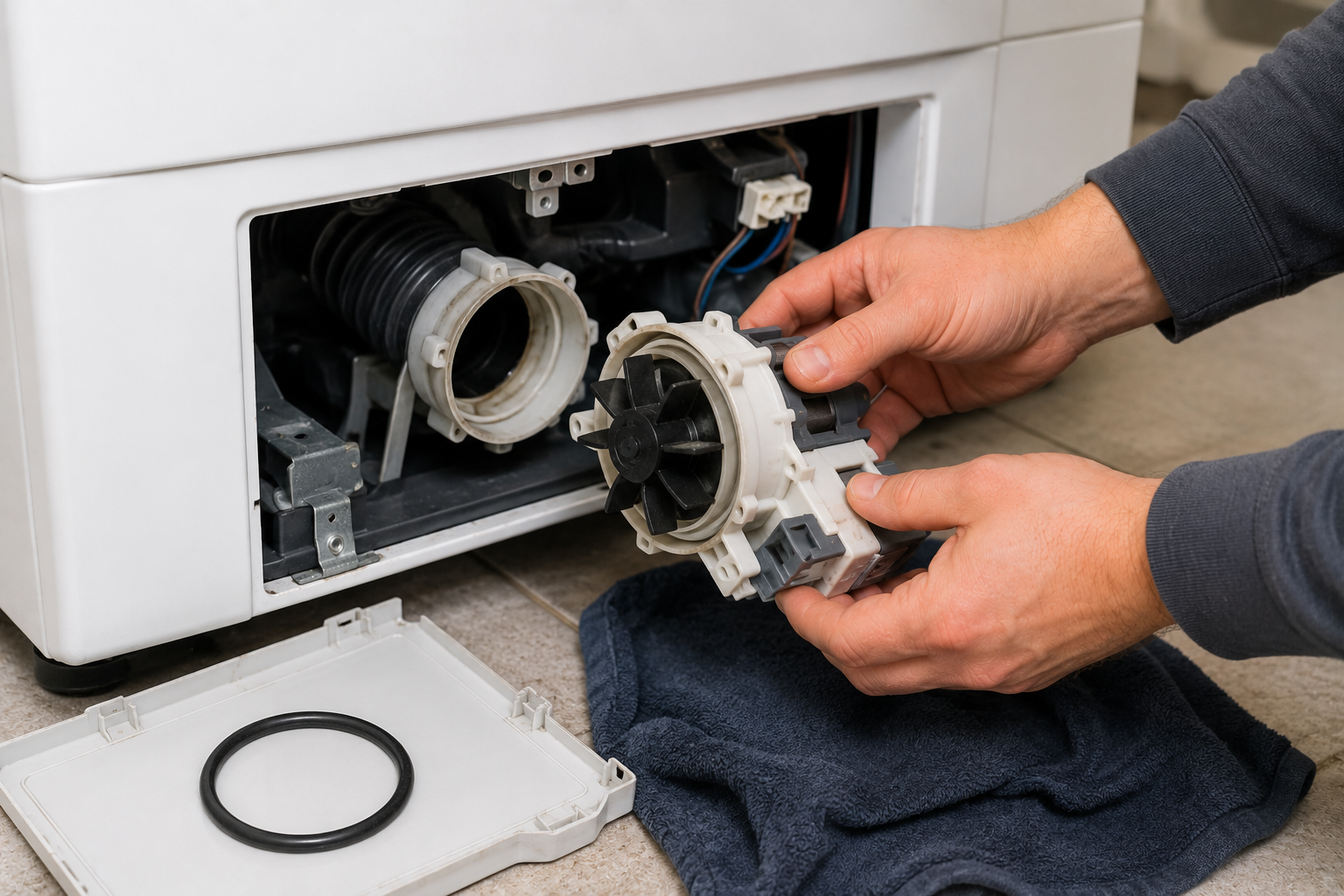
The drain pump removes water before the spin cycle begins.
Symptoms of Pump Problems
- Washer hums but does not drain
- Loud grinding noises
- Water left inside the tub
- Slow drainage
Small clothing items and debris can clog the pump housing.
If you’re troubleshooting another household mechanical issue, read about garage door won't close all the way.
Step 7: Reset the Washing Machine
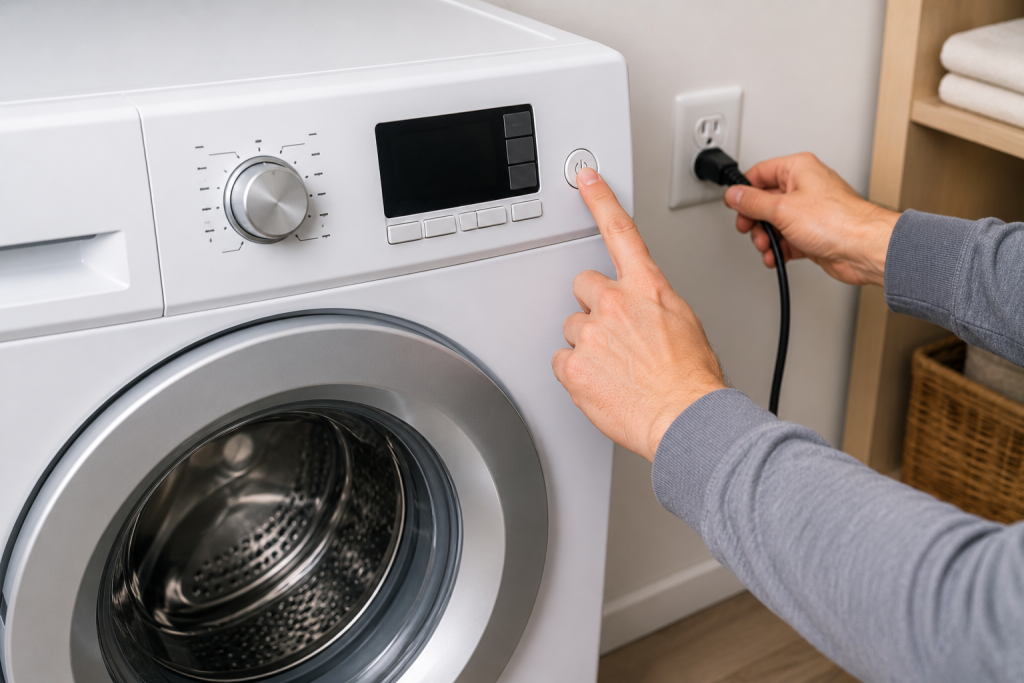
Some electronic washers stop spinning because of temporary control board errors.
How to Reset It
- Unplug the washer for 5 minutes.
- Plug it back in.
- Run a small spin-only cycle.
A simple reset can sometimes restore normal operation after power interruptions.
When to Call a Professional
Contact an appliance repair technician if:
- The washer smells like burning
- The motor hums loudly
- The drum will not move by hand
- Water leaks underneath the washer
- Error codes continue appearing
Motor or transmission repairs may require professional service.
Tips to Prevent Washer Spin Problems
To reduce future issues:
- Avoid overloading the washer
- Clean the drain filter regularly
- Inspect hoses for kinks
- Wash bulky items separately
- Use the correct detergent amount
Routine maintenance helps washers spin more efficiently and last longer.
Looking for help with another appliance problem? Browse our complete collection of appliance repair guides and error-code fixes.
For additional washer maintenance and troubleshooting tips, see The Spruce’s washing machine repair guide.
FAQ
If your washing machine not spinning problem continues after trying these fixes, the motor or control board may need professional repair.
Why does my washer drain but not spin?
This is commonly caused by a faulty lid switch, worn belt, or motor problem.
Can too many clothes stop a washer from spinning?
Yes. Overloading creates imbalance and may trigger the washer’s safety system.
Why is my washer making a humming noise?
A humming sound often points to a clogged drain pump or failing motor component.
Is it expensive to repair a washer that won’t spin?
Minor repairs like belts or switches are usually inexpensive. Major motor or transmission repairs cost more.