
Last updated: October 16, 2026
By Home Repair Genie
Quick Answer
The LG IF error code usually means your refrigerator is not getting proper airflow through the ice maker or freezer compartment. This is commonly caused by frost buildup, blocked vents, a faulty fan motor, or airflow restrictions inside the freezer. In many cases, defrosting the freezer and checking for blocked air passages can solve the issue quickly.
What Does the LG IF Error Code Mean?
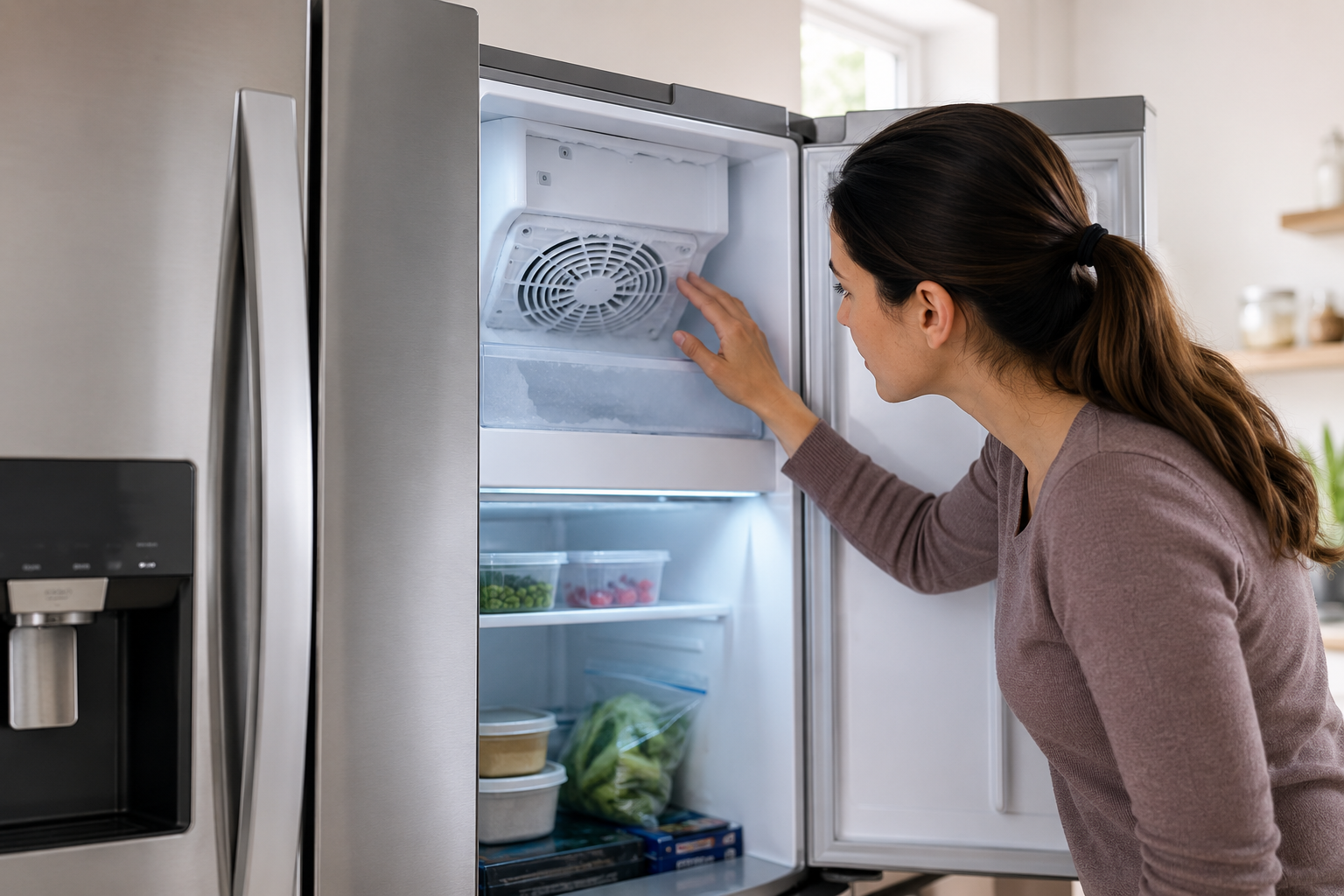
The LG IF error code typically stands for Ice Fan Error. This error appears when the refrigerator detects a problem with the ice compartment fan or airflow system.
The ice fan helps circulate cold air from the freezer to the ice maker area. If airflow becomes blocked or the fan stops working correctly, ice production can fail and temperatures may rise.
Common causes include:
- Frost buildup around the fan
- Blocked freezer vents
- Faulty ice fan motor
- Door left open too long
- Ice accumulation inside the compartment
- Wiring or control board issues
If the issue continues, your refrigerator may stop making ice entirely.
Signs of an LG IF Error
Before the IF code appears, you may notice several warning signs.
Common Symptoms
- Ice maker stops producing ice
- Weak airflow from freezer vents
- Frost buildup near the ice maker
- Unusual buzzing or grinding noises
- Refrigerator temperature fluctuations
- Water leaking from melting frost
These symptoms often indicate restricted airflow inside the freezer or ice compartment.
Step-by-Step Fixes for the LG IF Error Code
Step 1: Reset the Refrigerator
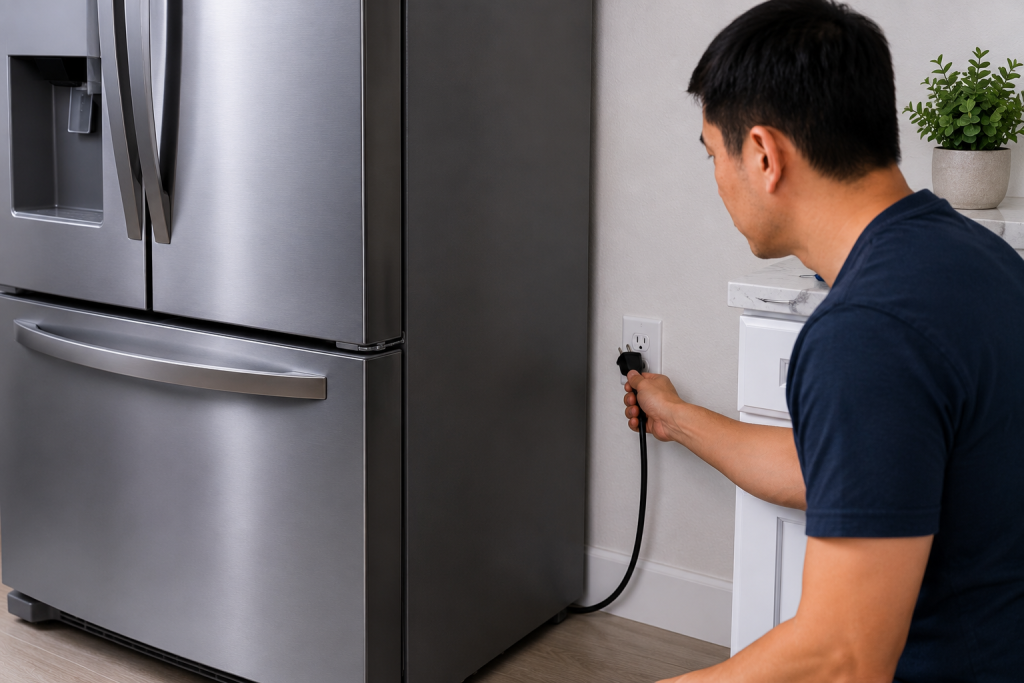
Sometimes the IF error is caused by a temporary electronic glitch.
How to Reset an LG Refrigerator
- Unplug the refrigerator
- Wait about 5 minutes
- Plug the unit back in
- Allow the refrigerator to restart fully
A simple reset may clear the error if the fan temporarily malfunctioned.
You may also like: How to Reset an LG Refrigerator After a Power Outage
Step 2: Check for Frost Buildup
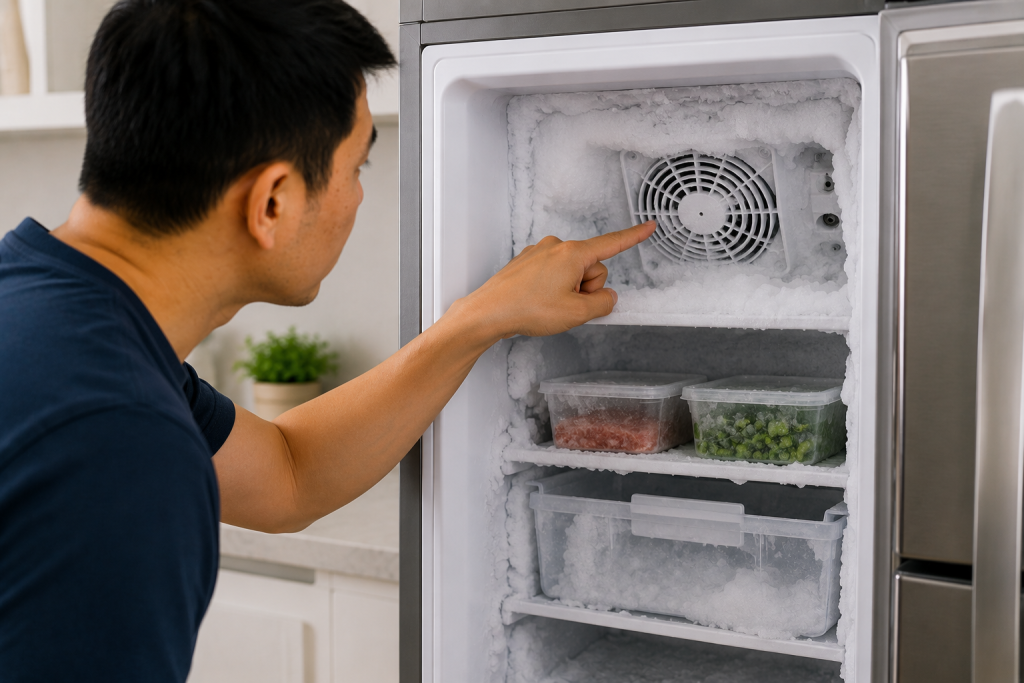
Frost accumulation is one of the most common causes of the IF error.
How Frost Causes Problems
Excess frost can block the ice fan blades or restrict airflow through the compartment.
Inspect the freezer and ice maker area carefully for:
- Thick ice buildup
- Frost around vents
- Frozen fan blades
- Ice near the rear panel
If frost is visible, a manual defrost may solve the issue.
Step 3: Perform a Manual Defrost
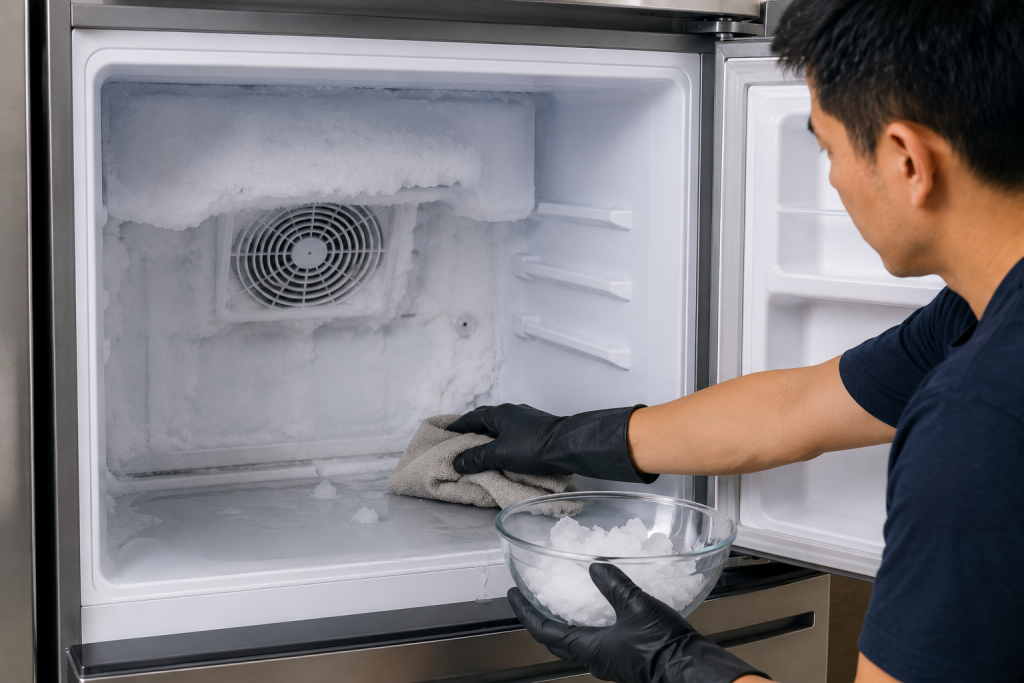
Defrosting the refrigerator often restores normal airflow.
As an Amazon Associate I earn from qualifying purchases.
Before unplugging the refrigerator for an extended defrost, move perishable food to another working refrigerator or an ice-filled cooler. Use refrigerator and freezer thermometers to monitor storage temperatures and check cooling after restarting. Keep refrigerated food at 40°F or below and the freezer at 0°F or below.
How to Defrost the Refrigerator
- Remove food from the freezer
- Unplug the refrigerator
- Leave freezer doors open
- Allow 12–24 hours for ice to melt
- Dry excess moisture before restarting
Avoid using sharp tools to chip away ice because this can damage internal components.
Related guide: How to Fix a Refrigerator Not Cooling Properly
Step 4: Inspect the Ice Fan Motor
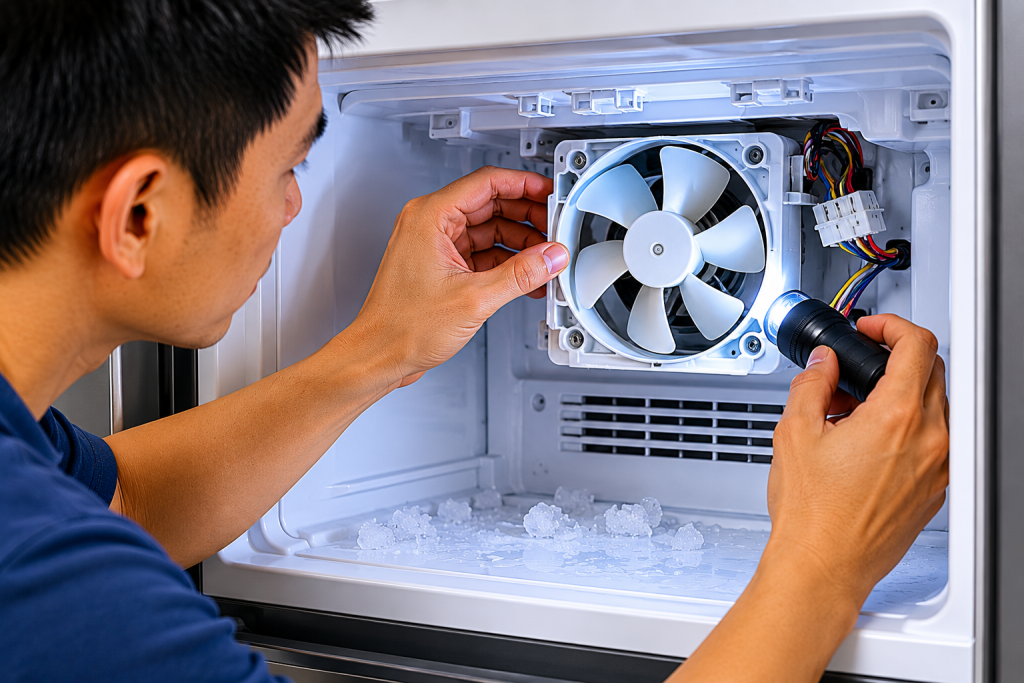
If the IF code returns after defrosting, the ice fan motor may be faulty.
Signs of a Bad Ice Fan
- Fan not spinning
- Loud grinding noise
- Clicking sounds
- Weak airflow
- Intermittent operation
Open the freezer compartment and listen for fan movement.
If model-specific diagnostic testing confirms a failed fan motor, look for a replacement LG refrigerator ice fan motor compatible with your complete refrigerator model number. Verify the manufacturer’s part number before ordering; the ice fan, freezer fan, and complete ice-maker assembly are different parts.
You can compare troubleshooting instructions and replacement parts on LG Support.
Step 5: Check the Freezer Air Vents
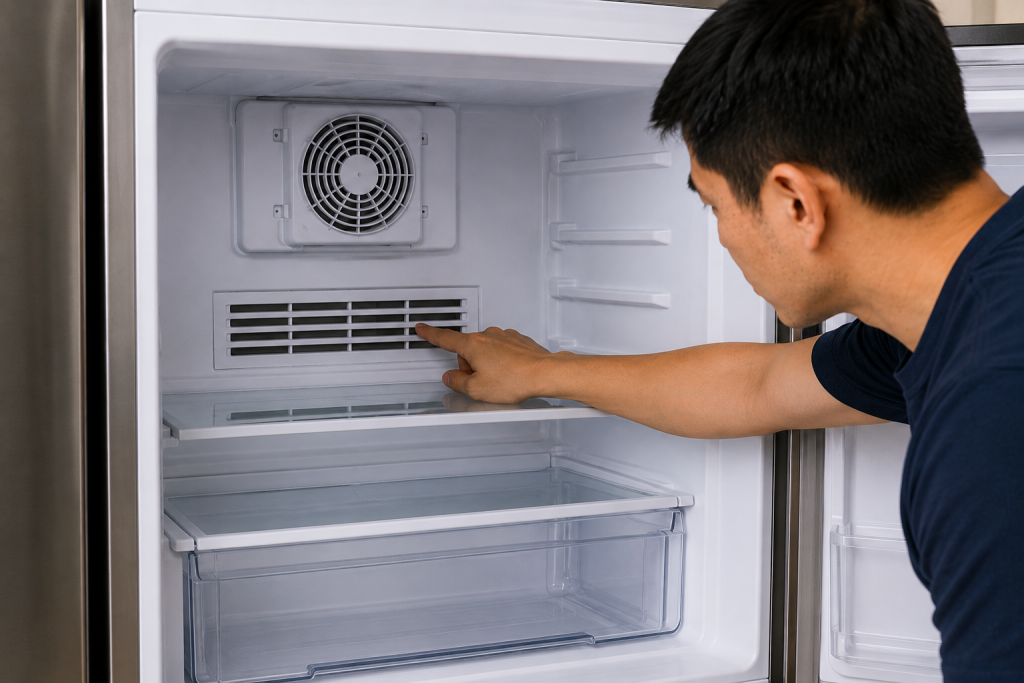
Blocked vents can prevent cold air from reaching the ice maker.
Common Vent Blockages
- Overpacked freezer shelves
- Food containers covering vents
- Ice buildup inside air channels
Move items away from vents to improve airflow.
LG refrigerators require adequate air circulation to maintain proper temperatures.
You may also like: Refrigerator Freezer Cold but Fridge Warm? Common Fixes
Step 6: Inspect the Door Seal
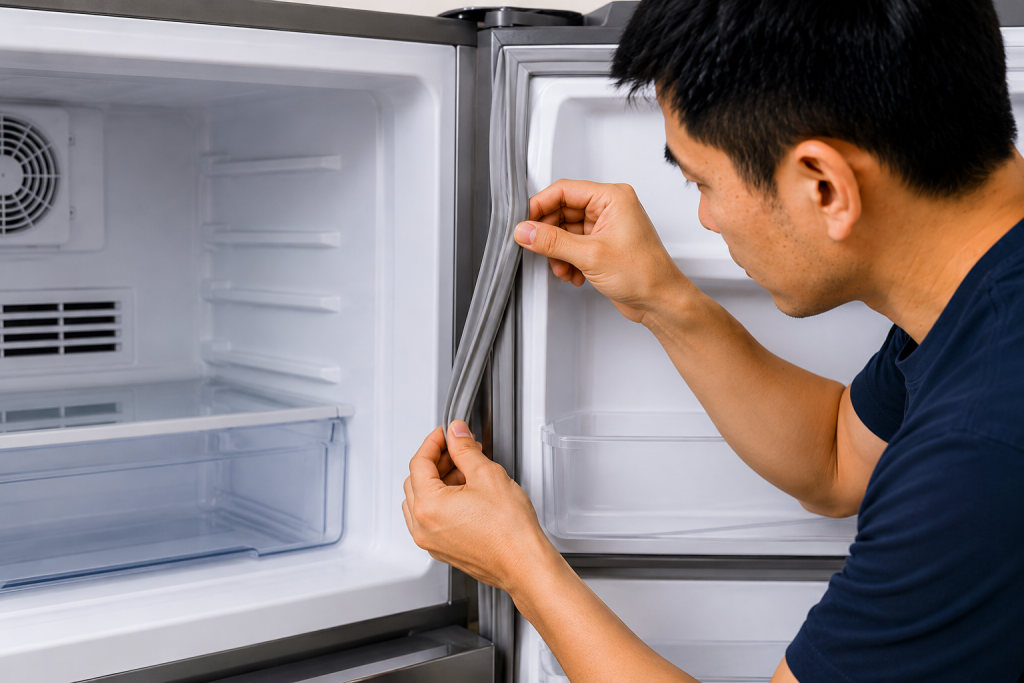
Warm air entering the freezer can create excess frost.
How to Check the Door Gasket
- Inspect the gasket for cracks or tears
- Clean debris from the seal
- Ensure the door closes fully
- Test for loose sealing areas
A damaged gasket allows humidity into the freezer, leading to ice buildup around the fan system.
Use a soft microfiber cleaning cloth with warm water and mild soap, if permitted by your manufacturer, to remove residue from the gasket and its contact surface. Wipe away cleaning residue and dry thoroughly before checking whether the door seals properly.
Step 7: Consider a Faulty Control Board or Wiring Issue
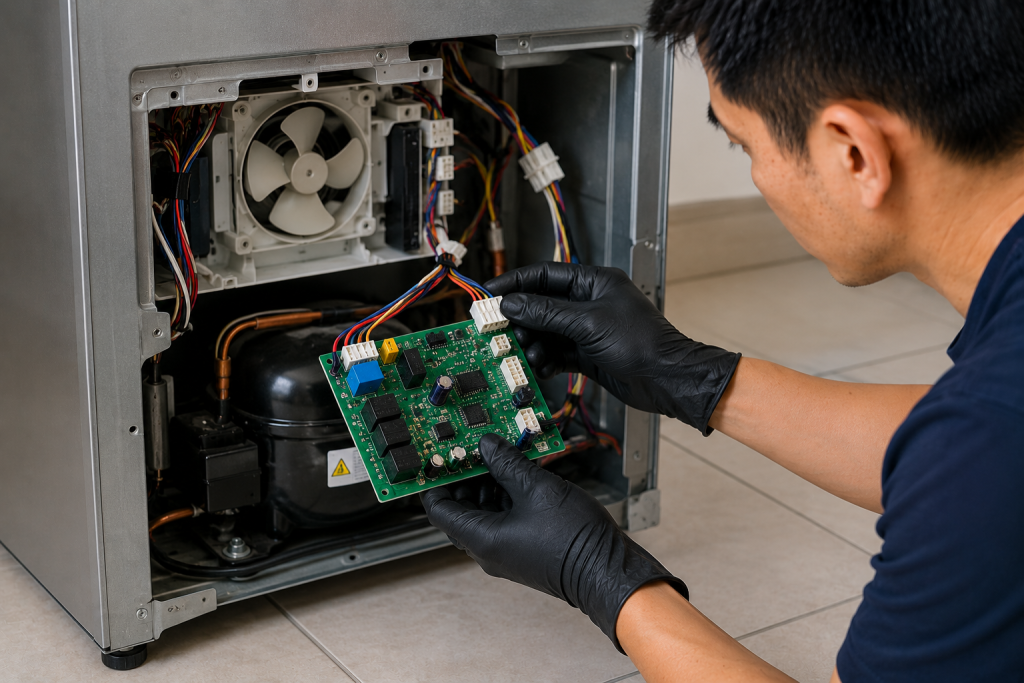
If all airflow components appear normal, an electrical problem may exist.
Possible Electrical Problems
- Failed control board
- Loose fan wiring
- Damaged connectors
- Sensor malfunction
These issues are more advanced and may require professional diagnosis.
Persistent IF errors after defrosting and fan inspection often point toward electrical failure.
Related article: Refrigerator Making Loud Noise? Here’s What to Check
How to Prevent the LG IF Error Code
Preventive maintenance can help reduce airflow problems and frost buildup.
Best Practices
- Avoid leaving freezer doors open
- Do not block air vents
- Keep door seals clean
- Defrost heavy frost buildup promptly
- Avoid overpacking the freezer
- Clean condenser coils regularly
Proper airflow is critical for reliable ice production and cooling performance.
Frequently Asked Questions
Is the LG IF error serious?
Usually not. Most IF errors are caused by frost buildup or airflow restrictions that can be corrected without major repairs.
Will unplugging the refrigerator fix the IF code?
Sometimes. A reset may temporarily clear the error, but underlying airflow problems must still be corrected.
How long should I defrost my refrigerator?
Manual defrosting typically takes 12–24 hours depending on the amount of ice buildup.
Why does frost keep coming back?
Recurring frost often indicates:
- A weak door seal
- Humid air entering the freezer
- A failing defrost system
- Frequent door openings
Can a bad fan motor cause the IF code?
Yes. A failed or obstructed ice fan motor is one of the most common causes of the LG IF error.
Should I call a technician for the IF error?
Consider professional service if:
- The fan does not run
- Frost returns immediately
- The refrigerator stops cooling properly
- Electrical components appear damaged
- The IF code keeps returning after defrosting
Troubleshooting a different code? Browse our complete collection of appliance error-code guides.
Final Thoughts
The LG IF error code usually indicates an airflow or ice fan problem inside the refrigerator. In many cases, frost buildup or blocked vents prevent proper cooling around the ice maker compartment.
Start with simple fixes like resetting the refrigerator, manually defrosting the freezer, and checking airflow vents. If the problem continues, inspect the fan motor and electrical components more closely.
With proper maintenance and airflow management, you can often prevent the LG IF error from returning.