
Last updated: October 18, 2026
By Home Repair Genie
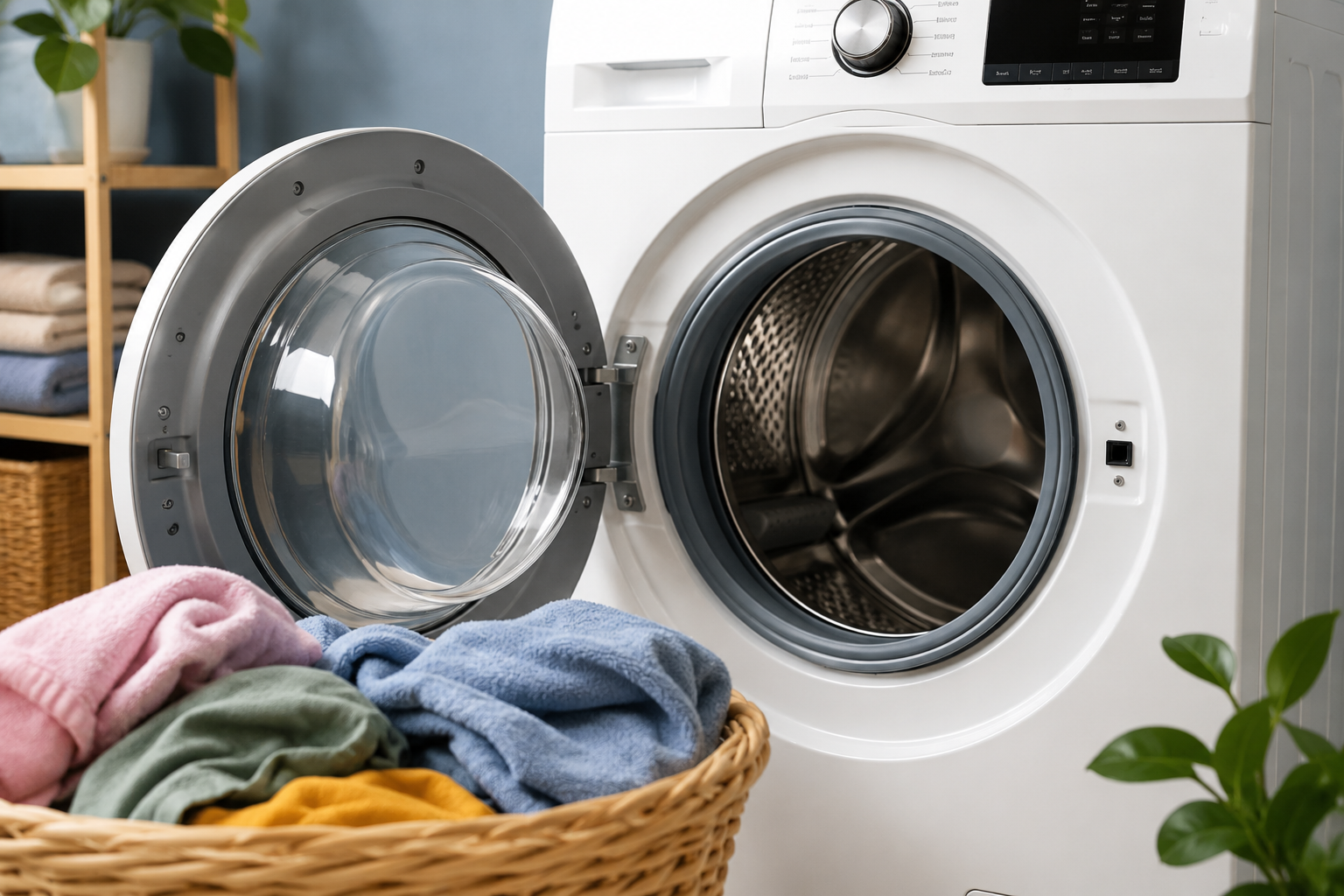
A Samsung washer UR error code usually indicates the washer is detecting an unbalanced load during the spin cycle. This can prevent the drum from spinning properly and may stop the cycle completely. In many cases, homeowners can fix the problem themselves without replacing major parts.
Quick Answer
If your Samsung washer is showing a UR error code, pause the cycle and redistribute the laundry evenly inside the drum. Then check whether the washer is level, overloaded, or struggling with worn suspension components.
What Does the Samsung Washer UR Error Code Mean?
The UR error code stands for “unbalanced and retry.”
The washer detects that the load inside the drum is uneven and cannot safely spin at high speed. The washer may attempt to rebalance the load automatically before displaying the error.
Common symptoms include:
- Washer stopping before spin cycle
- Loud banging noises
- Drum shaking excessively
- Wet clothes after cycle ends
- Washer repeatedly trying to rebalance
Common Causes of a Samsung Washer UR Error Code
Several issues can trigger the UR code:
- Uneven laundry distribution
- Overloaded washer
- Small or single-item loads
- Washer not level
- Worn suspension rods
- Damaged shock absorbers
- Uneven flooring
Heavy items like blankets and towels commonly cause balance problems.
Tools and Materials You May Need
As an Amazon Associate I earn from qualifying purchases.
Step 1: Pause the Washer and Redistribute the Load
Start with the simplest fix first.
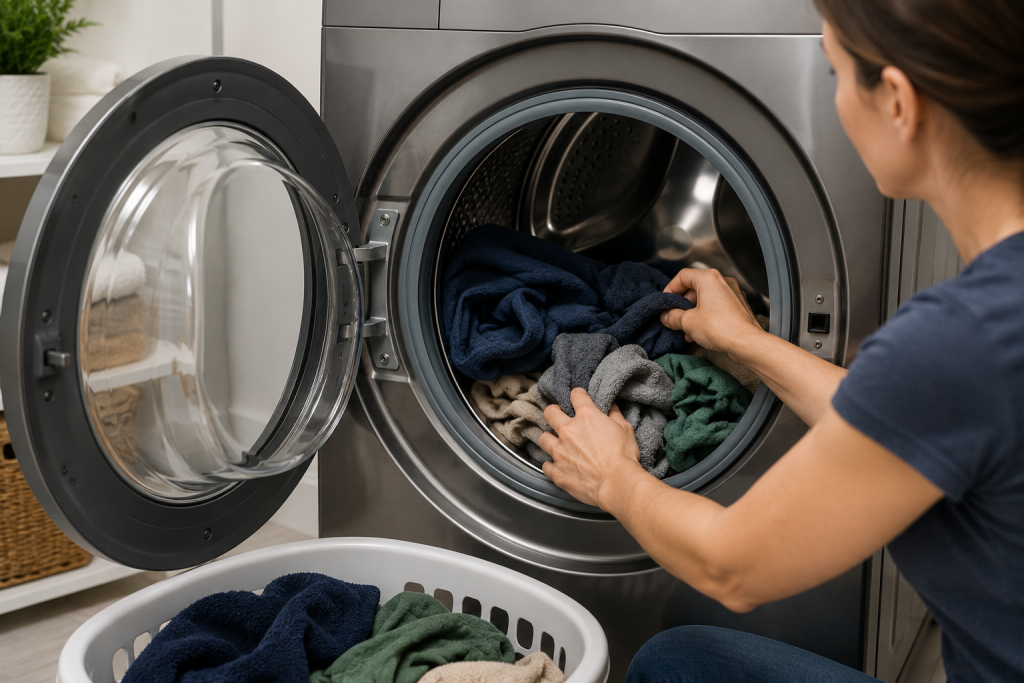
Open the washer and rearrange the clothing evenly around the drum.
Avoid One-Sided Loads
Heavy items gathered on one side can throw the drum out of balance.
Separate Tangled Laundry
Blankets, towels, and sheets can twist together and create uneven weight distribution.
After redistributing the load, restart the spin cycle.
Step 2: Remove Excess Laundry
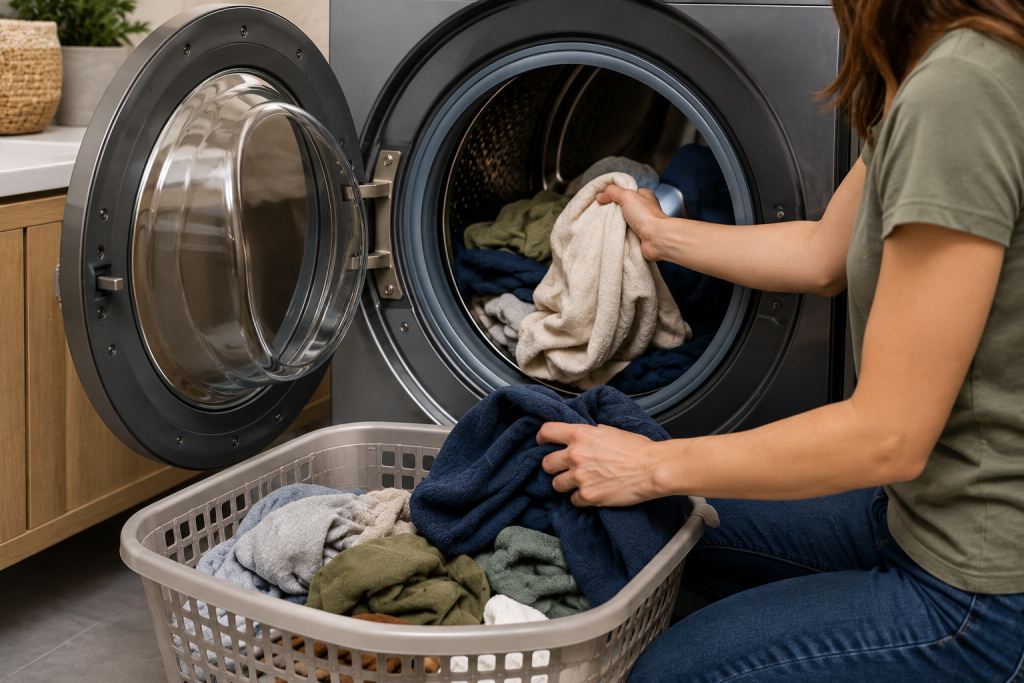
Overloading the washer is one of the most common reasons for a Samsung washer UR error code.
If the drum is packed tightly:
- Remove several items
- Restart the cycle
- Allow the washer more room to balance the load
Washing fewer heavy items at once often improves spinning performance.
Step 3: Check if the Washer Is Level
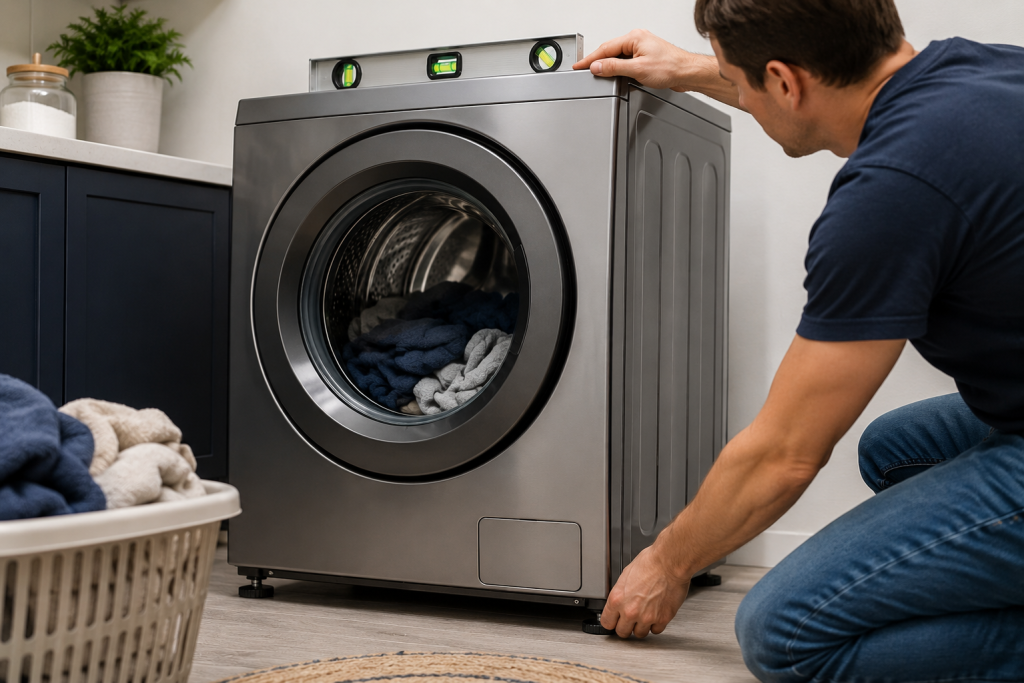
A washer sitting unevenly may shake excessively during spinning.
Place a Bubble Level on Top
Check both front-to-back and side-to-side alignment. A 12-inch bubble level makes it easier to check whether your washer is level from front to back and side to side.
Adjust the Washer Feet
Most Samsung washers have adjustable leveling feet underneath the unit.
Turn the feet until the washer sits evenly on the floor without rocking. Depending on your model, an adjustable wrench may help you loosen and tighten the leveling-foot lock nuts. Follow your washer’s installation instructions and secure the lock nuts after leveling.
Step 4: Inspect the Floor Under the Washer
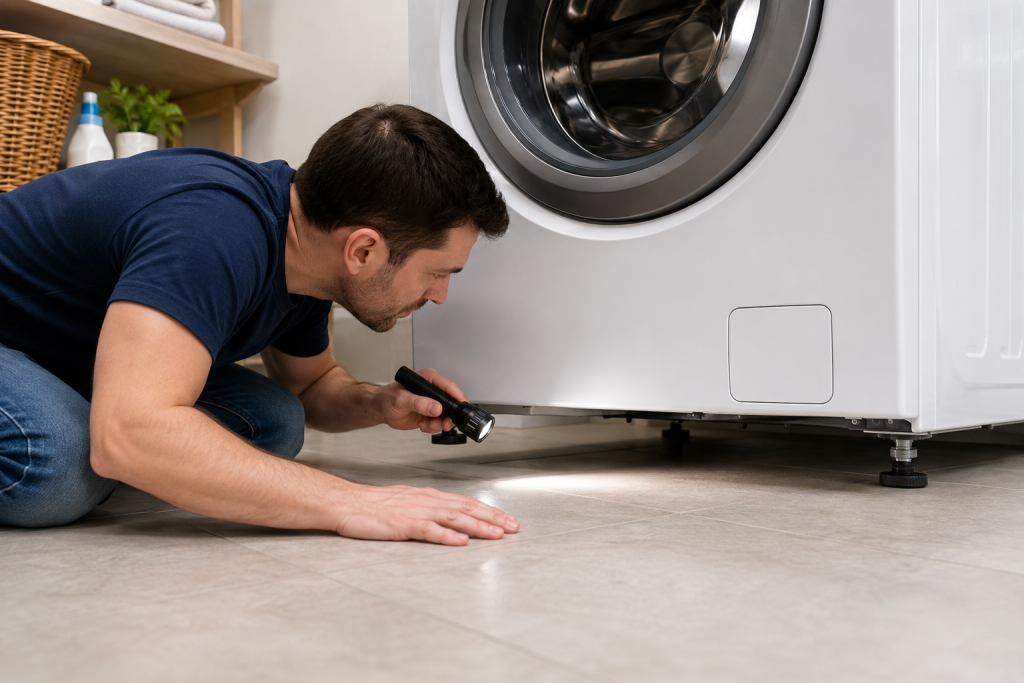
Weak or uneven flooring can contribute to vibration problems.
Look for:
- Flexing floors
- Uneven tile
- Loose flooring
- Soft subfloor sections
Upstairs laundry rooms sometimes experience more vibration during spin cycles.
You may also want to read our guide on Whirlpool Washer F9 E1 Error: 7 Easy Fixes to Get Your Washer Draining Again for another common washing machine problem.
Step 5: Run a Small Test Cycle
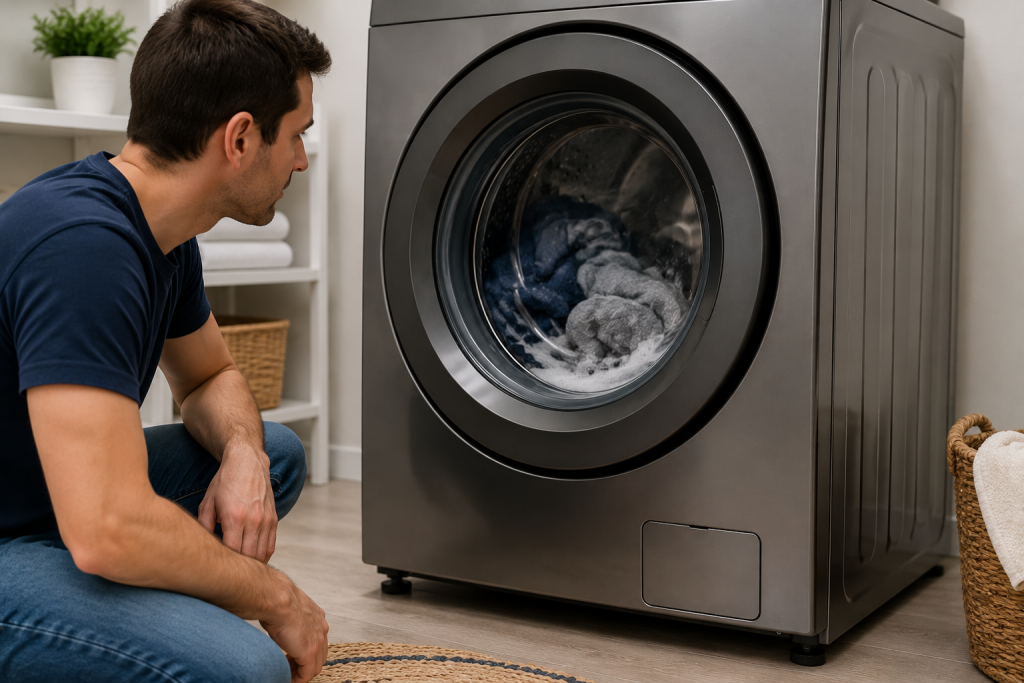
After leveling and redistributing laundry, run a short rinse and spin cycle.
Watch for:
- Excessive shaking
- Loud banging
- Drum wobbling
- Repeat UR error codes
If the washer spins normally, the issue was likely load-related.
If the washer drum will not spin properly at all, see our article on washing machine not spinning.
Step 6: Inspect the Suspension Rods or Shock Absorbers
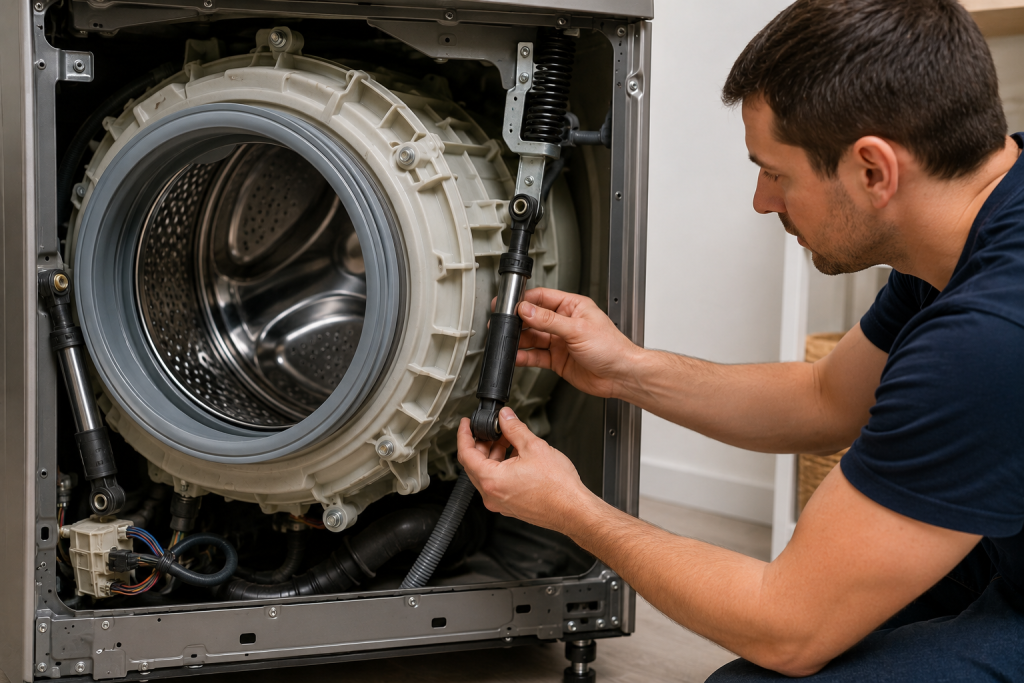
If the washer still shakes excessively, worn suspension components may be the cause.
Top-Load Washers
Inspect the suspension rods for excessive movement or wear. If inspection confirms worn suspension rods, you can browse Samsung washer suspension rod kits on Amazon. Match the kit’s part number and compatibility listing to your washer’s complete model number before ordering. A UR code alone does not mean the rods need replacement.
Front-Load Washers
Check the shock absorbers supporting the drum. If inspection confirms damaged or worn shocks, you can browse Samsung front-load washer shock absorbers on Amazon. Verify compatibility with your washer’s complete model number before purchasing, since these parts vary by model.
Worn suspension parts can allow the drum to bounce violently during high-speed spinning.
Step 7: Reset the Washer
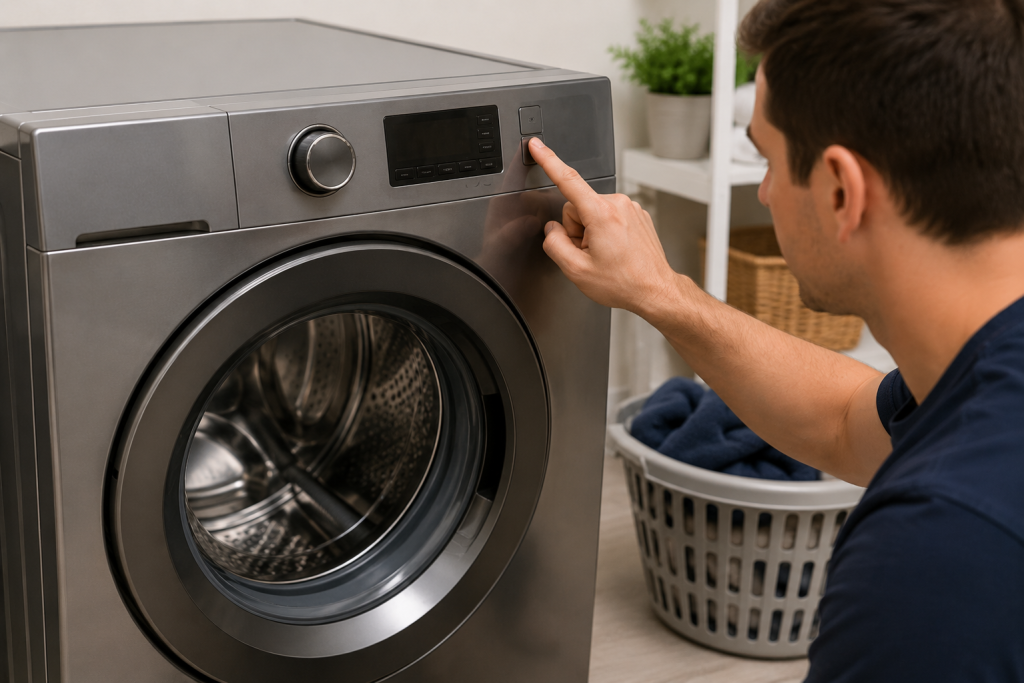
Sometimes the control board may need a reset after repeated balance errors.
Perform a Basic Reset
- Unplug the washer
- Wait 5 minutes
- Restore power
- Restart the cycle
This may clear temporary electronic glitches.
When to Call a Professional
You should contact an appliance repair technician if:
- The UR code returns repeatedly
- The washer shakes violently even when empty
- Suspension parts appear damaged
- The drum feels loose
- The washer leaks during spinning
Persistent balance problems may indicate internal mechanical wear.
How to Prevent Samsung Washer UR Errors
Proper loading habits can help prevent future balance problems.
Helpful Prevention Tips
- Avoid overloading the washer
- Wash large blankets separately
- Mix heavy and light items together
- Level the washer periodically
- Avoid washing single heavy items alone
Routine maintenance can help reduce strain on suspension components.
Regular appliance maintenance can help prevent future breakdowns. You may also enjoy our spring home maintenance checklist.
The experts at Samsung Support provide additional washer troubleshooting and maintenance guidance.
Frequently Asked Questions
What does UR mean on a Samsung washer?
UR stands for an unbalanced load detected during the spin cycle.
Can overloading cause a Samsung Washer UR error code?
Yes. Too many heavy items can prevent the drum from balancing properly.
Is it safe to continue using the washer with a UR code?
Repeated imbalance problems can strain suspension parts and damage the washer over time.
Why does my washer shake violently during spin?
An uneven load, unlevel washer, or worn suspension components are common causes.
Can suspension rods be replaced?
Yes. Worn suspension rods and shock absorbers can usually be replaced by a technician or experienced DIY homeowner.
Troubleshooting a different code? Browse our complete collection of appliance error-code guides.
Final Thoughts
A Samsung washer UR error code is often caused by unbalanced laundry, overloading, or leveling issues that homeowners can fix themselves. Redistributing clothing, leveling the washer, and checking suspension components can often restore normal operation quickly.
If the Samsung washer UR error code continues even with balanced loads, professional appliance repair may be necessary.