
Last updated: October 23, 2026
By Home Repair Genie
Quick Answer
An LG Dryer D80 error code indicates that the dryer has detected approximately 80% airflow blockage in the vent system. This usually happens because of lint buildup, a clogged exhaust vent, a crushed vent hose, or restricted airflow outside the home. Cleaning the vent system and restoring proper airflow will typically resolve the error.
What Does the LG Dryer D80 Error Mean?
The D80 error is part of LG’s Flow Sense™ system, which monitors airflow through the dryer vent.
When the dryer detects significant airflow restriction, it displays the D80 code to warn you that the vent system may be partially blocked. Ignoring the warning can reduce drying performance, increase energy costs, and create a potential fire hazard.
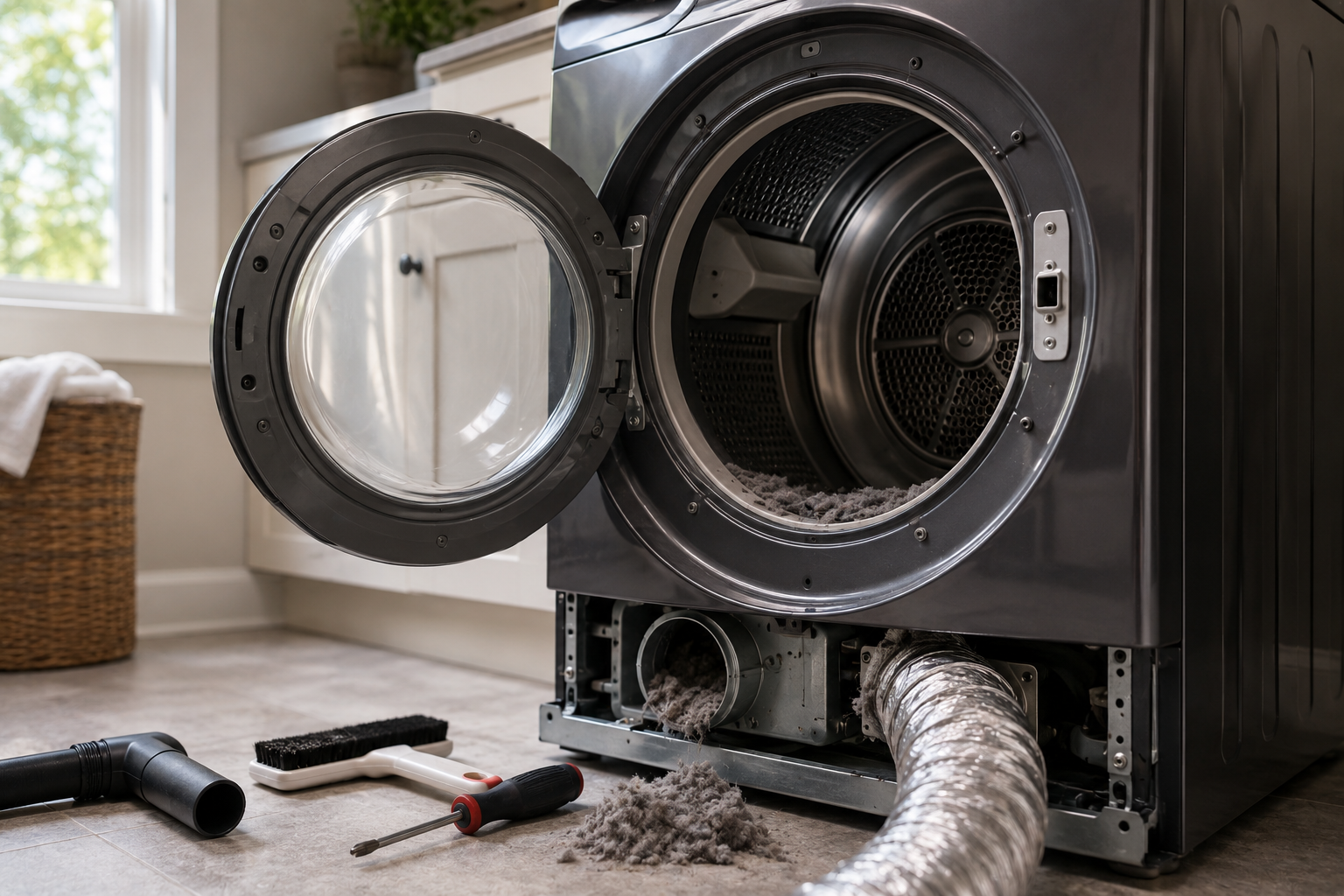
In most cases, the problem is located somewhere between the dryer and the exterior vent hood.
Common Causes of an LG Dryer D80 Error
Several issues can trigger the D80 code:
- Lint buildup inside the vent system
- A clogged lint filter
- Crushed or kinked vent hose
- Excessively long vent runs
- Bird nests or debris in the outside vent hood
- Damaged vent ductwork
- Improper vent installation
Identifying the source of the restriction is the key to fixing the problem.
Step 1: Clean the Lint Filter
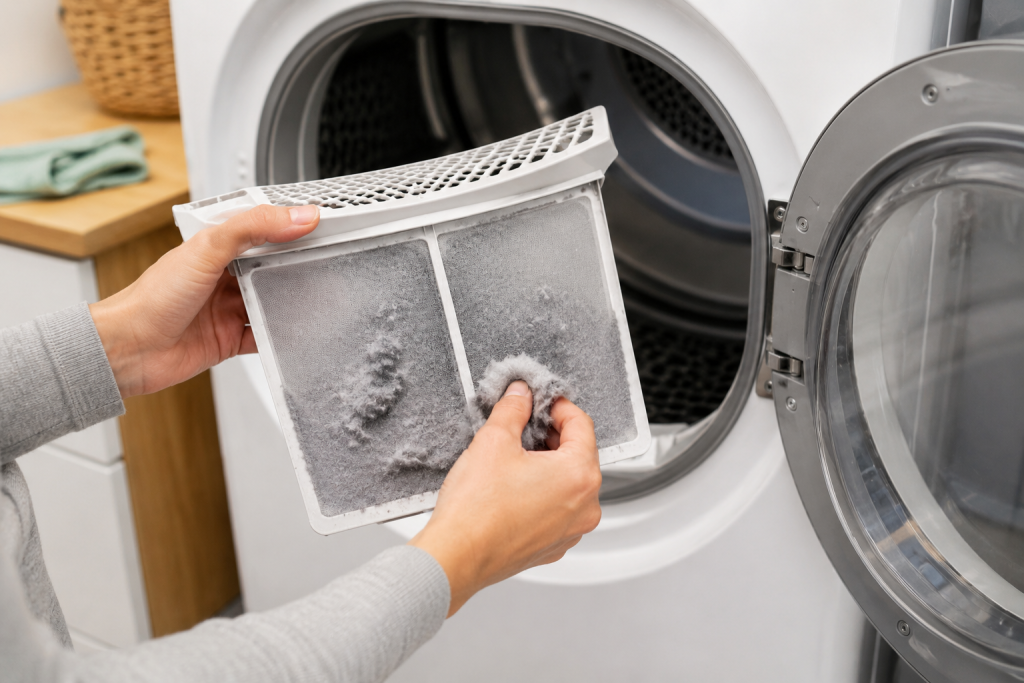
A clogged lint filter is the simplest and most common cause of airflow problems.
How to Clean the Lint Filter
- Turn off the dryer.
- Remove the lint filter.
- Remove all visible lint.
- Wash the screen with warm water if residue is present.
- Allow the filter to dry completely before reinstalling.
Even a small amount of fabric softener buildup can restrict airflow.
For additional dryer maintenance tips, see our guide on How to Clean a Dryer Vent.
Step 2: Inspect the Dryer Vent Hose
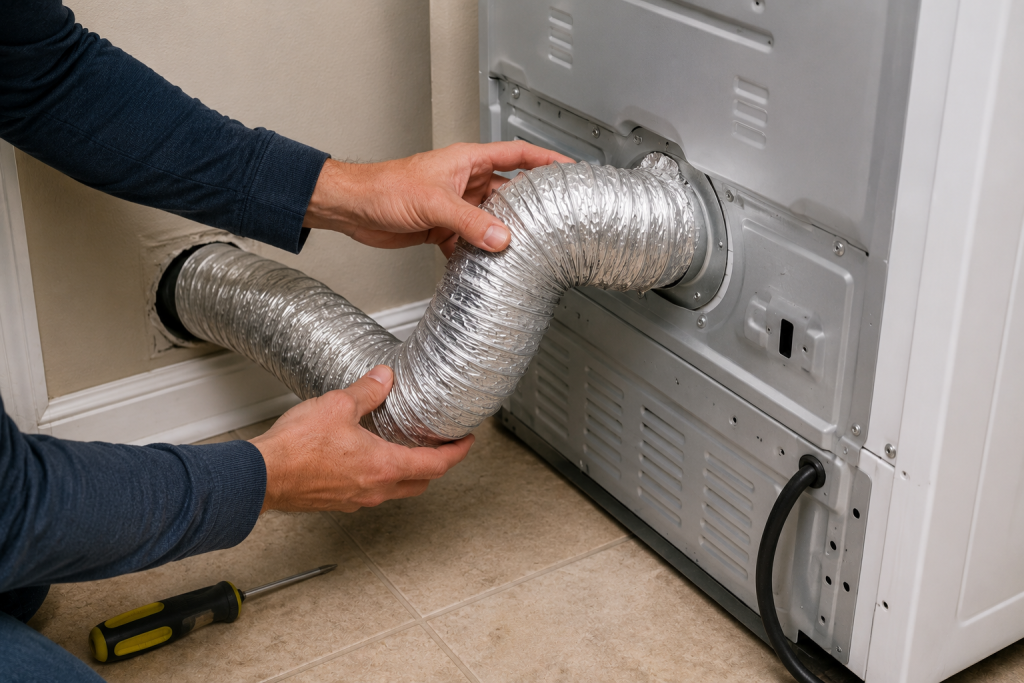
The vent hose behind the dryer can easily become crushed when the appliance is pushed back against the wall.
How to Inspect the Vent Hose
- Unplug the dryer.
- Pull the dryer away from the wall.
- Inspect the vent hose for kinks or crushing.
- Straighten any restricted sections.
- Replace damaged vent hoses if necessary.
Rigid or semi-rigid metal venting generally provides better airflow than flexible foil ducting. As an Amazon Associate I earn from qualifying purchases.
If the connector behind the dryer is crushed or damaged, replace it with a semi-rigid metal dryer transition duct permitted by your dryer’s installation instructions. Choose the correct diameter and enough length to connect without crushing, stretching, or unnecessary bends.
Ordering supplies for this repair? Amazon Prime offers free shipping on eligible items. Explore an Amazon Prime free trial if you’re eligible.
Step 3: Disconnect and Check for Airflow
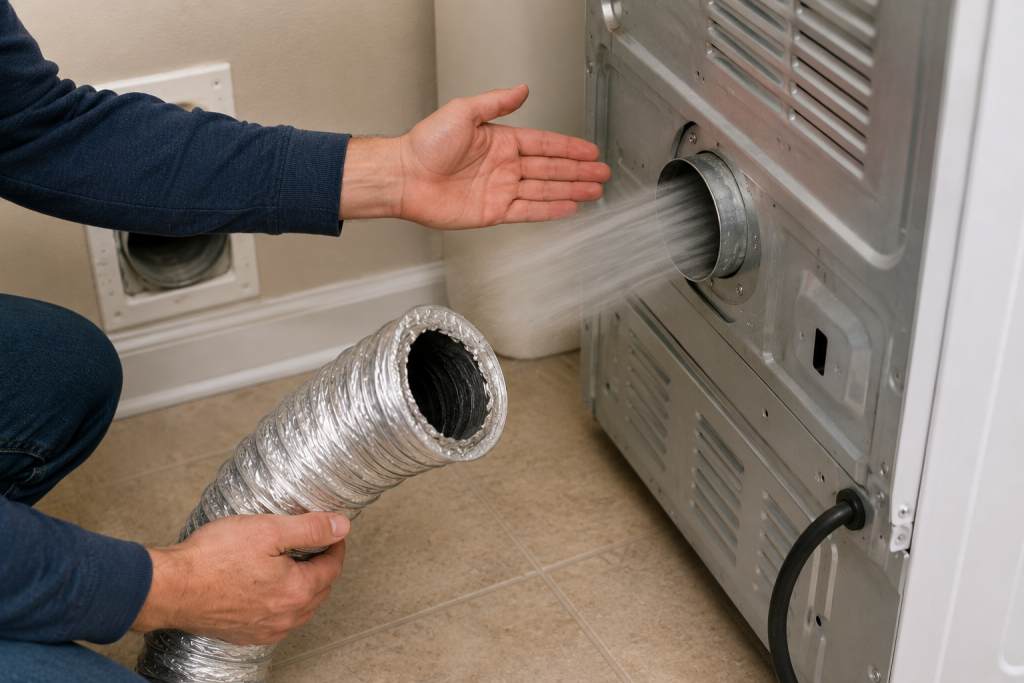
Testing airflow helps determine whether the blockage is inside the vent system.
How to Test Airflow
- Disconnect the vent hose from the dryer.
- Reconnect power.
- Run the dryer briefly on an air-fluff cycle.
- Feel for strong airflow coming from the dryer outlet.
If airflow is strong, the restriction is likely inside the home’s vent system.
Step 4: Clean the Entire Dryer Vent
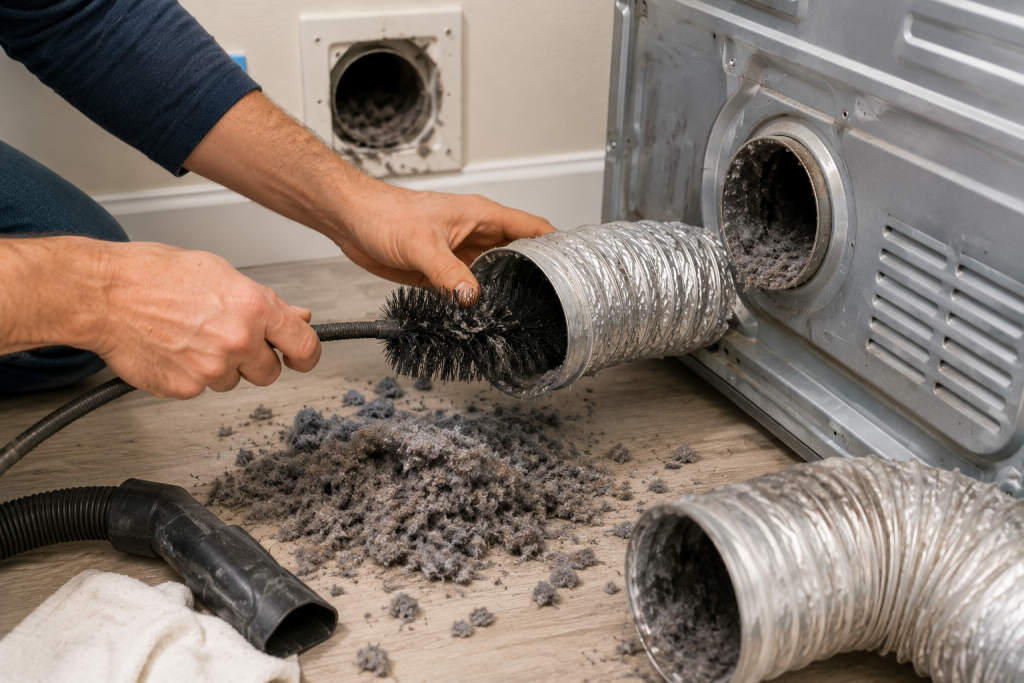
Lint often accumulates inside long vent runs over time.
How to Clean the Dryer Vent
- Disconnect the dryer vent hose.
- Use a dryer vent cleaning brush.
- Remove lint from the entire duct length.
- Vacuum loose debris.
- Reconnect the vent system securely.
Regular vent cleaning improves performance and safety.
A dryer vent cleaning kit with flexible extension rods can help remove lint from accessible ductwork. Choose a kit suited to your vent’s diameter, length, and material, and follow its instructions carefully. Long, inaccessible, or complicated vent runs are best handled by a professional.
You can learn more about dryer fire prevention through the U.S. Fire Administration Dryer Safety Guide.
Step 5: Inspect the Exterior Vent Hood
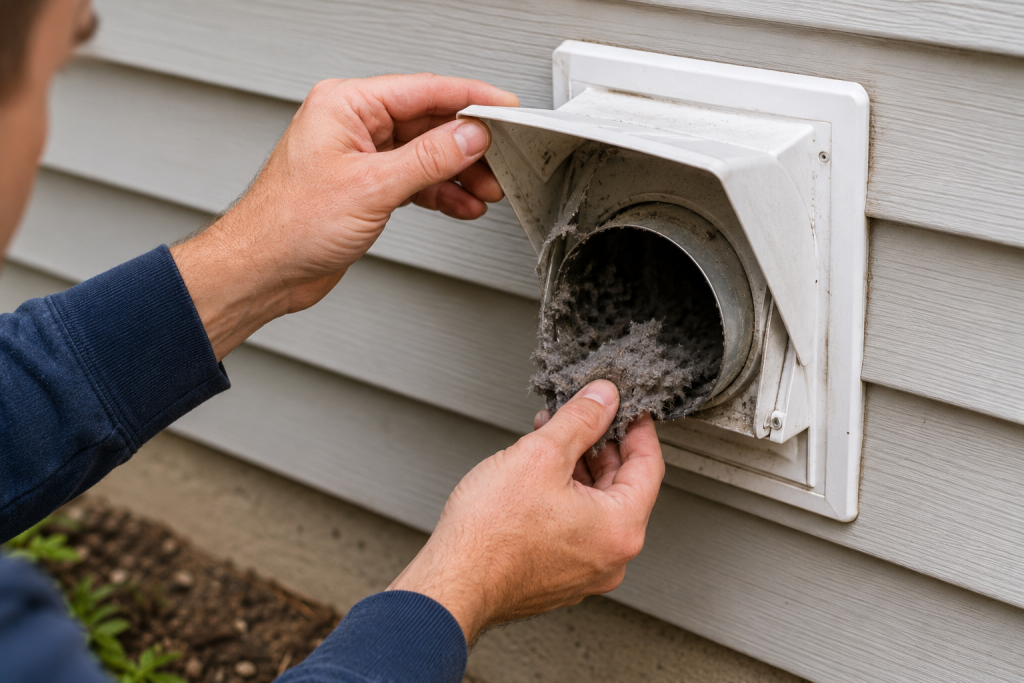
Outdoor vent hoods are common blockage points.
How to Check the Exterior Vent
- Locate the vent termination outside your home.
- Open the vent flap.
- Remove lint, leaves, nests, or debris.
- Verify the flap opens freely.
- Run the dryer and confirm strong airflow exits the vent.
A stuck vent flap can significantly restrict airflow.
If the exterior hood is cracked or its damper remains stuck after cleaning, consider a replacement dryer exhaust vent hood. Match the existing duct size and mounting arrangement, and choose a dryer-rated design without a lint-catching mesh screen.
Step 6: Check for Excessive Vent Length
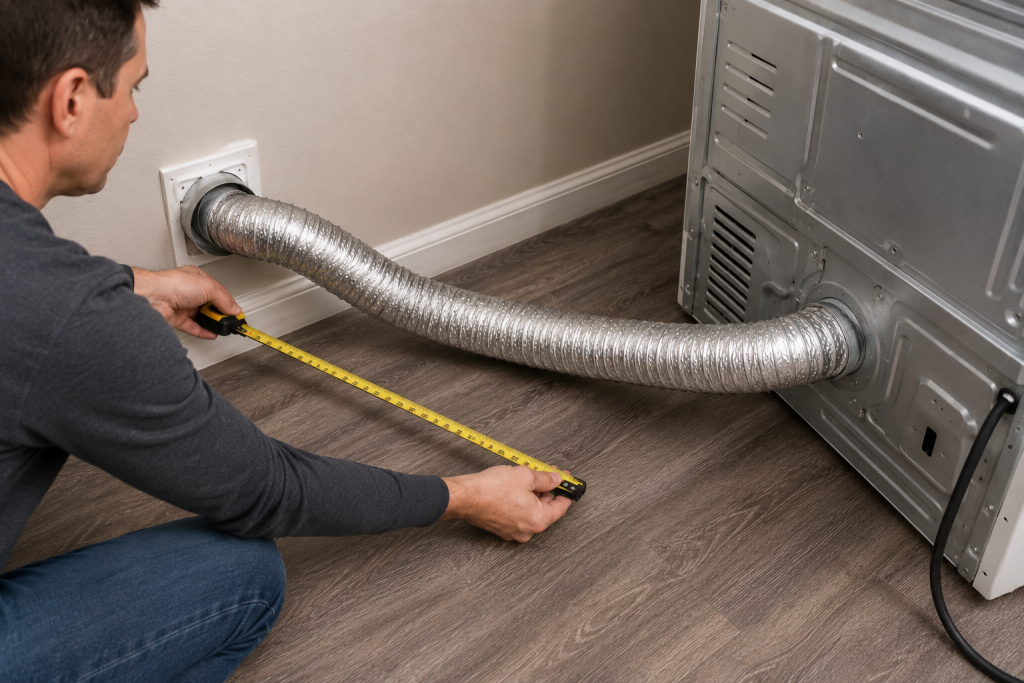
Long vent runs can reduce airflow even when they are clean.
How to Evaluate Vent Length
- Follow the vent path from the dryer to the exterior.
- Count bends and turns.
- Look for unnecessary extensions.
- Verify the installation follows manufacturer guidelines.
Shorter, straighter vent runs provide the best performance.
Step 7: Inspect the Vent Duct for Damage
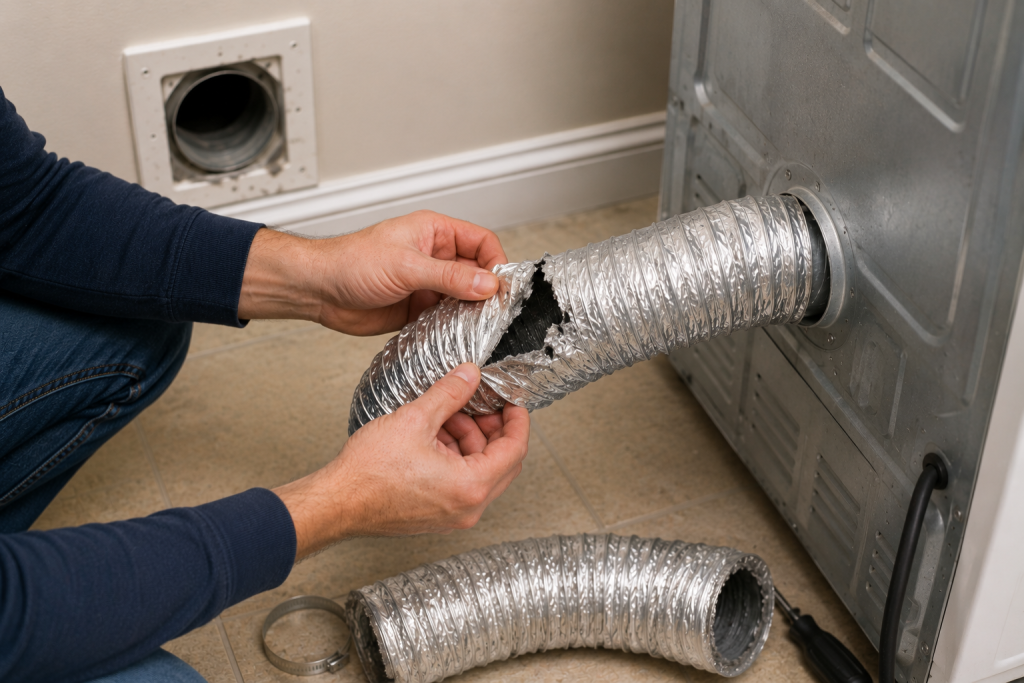
Damaged ductwork may collapse internally and restrict airflow.
How to Inspect the Ductwork
- Examine accessible vent sections.
- Look for dents, crushed areas, or loose joints.
- Replace damaged sections.
- Seal appropriate metal duct joints with foil tape rated for dryer exhaust ductwork, following the dryer and duct manufacturers’ instructions. Avoid ordinary cloth duct tape and screws that protrude into the airflow path and catch lint.
Avoid using standard duct tape, as it can deteriorate over time.
For more appliance troubleshooting help, visit our Appliance Repair Guides section.
Step 8: Run the LG Flow Sense Test
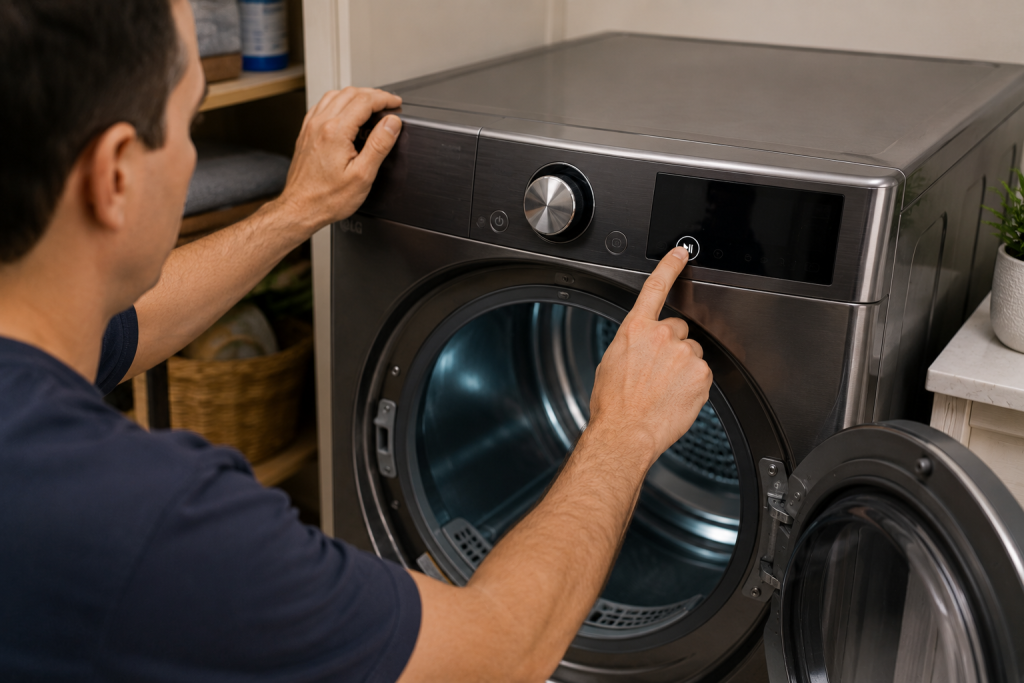
Many LG dryers include a built-in diagnostic test.
How to Run the Flow Sense Test
- Ensure the dryer is empty.
- Follow the procedure outlined in your owner’s manual.
- Start the Flow Sense diagnostic cycle.
- Review the airflow results displayed by the dryer.
The test can help confirm whether restrictions still exist.
When to Call a Professional
Consider professional service if:
- The D80 error remains after cleaning the vent system
- The vent route is inaccessible
- Airflow remains weak despite cleaning
- Vent ductwork requires replacement
- You suspect an internal blower issue
A professional vent cleaning service can thoroughly inspect and clean hidden ductwork.
How to Prevent LG Dryer D80 Errors
Preventive maintenance can help keep airflow unrestricted.
- Clean the lint filter after every load
- Inspect the vent hose regularly
- Clean the dryer vent annually
- Check the exterior vent hood seasonally
- Avoid crushing the vent hose when repositioning the dryer
- Use rigid metal ducting whenever possible
Routine maintenance can significantly reduce the likelihood of future airflow warnings.
Frequently Asked Questions
What does the LG Dryer D80 error mean?
The LG Dryer D80 error means the dryer has detected approximately 80% airflow restriction within the vent system.
Can I continue using my dryer with a D80 error?
The dryer may still operate, but doing so is not recommended because airflow restrictions can increase drying times and create a fire hazard.
Will cleaning the lint filter fix a D80 error?
Sometimes. If the lint filter is heavily clogged, cleaning it may restore normal airflow and eliminate the warning.
How often should I clean my dryer vent?
Most homeowners should clean their dryer vent at least once per year, though households with heavy dryer usage may require more frequent cleaning.
What is the difference between D80, D90, and D95?
These codes indicate increasing levels of airflow restriction. D80 represents approximately 80% blockage, while D90 and D95 indicate more severe restrictions.
Troubleshooting a different code? Browse our complete collection of appliance error-code guides.
Final Thoughts
An LG Dryer D80 error is usually caused by restricted airflow somewhere in the dryer vent system. Cleaning the lint filter, inspecting the vent hose, clearing the ductwork, and checking the exterior vent hood will resolve most cases. Regular dryer vent maintenance not only prevents future D80 errors but also improves drying efficiency and reduces fire risks.