
Last updated: September 20, 2026
By Home Repair Genie
Quick Answer
A GE dishwasher 888 error usually indicates an electronic fault, but the exact meaning depends on your dishwasher model. Common causes include a faulty control board, heater circuit problems, damaged wiring, or communication issues between components. Start by resetting power to the dishwasher, then inspect the heater circuit and wiring before replacing expensive parts. If the error returns, run the dishwasher’s diagnostic mode to help identify the failed component.
What Does the GE Dishwasher 888 Error Mean?
The GE dishwasher 888 error indicates that the dishwasher has detected an electronic fault, but the exact meaning can vary by model. Depending on your dishwasher, the code may appear because of a communication problem, control board issue, diagnostic mode, interrupted power, or another electronic malfunction.
Common symptoms include:
- Display showing “888”
- Buttons not responding
- Dishwasher failing to start
- Cycles stopping unexpectedly
- Flashing control panel lights
Because the GE dishwasher 888 error can have multiple causes, the code should be treated as a starting point for troubleshooting rather than proof that a specific part has failed. Working through the diagnostic steps below can help identify the actual problem before replacing expensive components.
Fortunately, the GE dishwasher 888 error is often related to the electronic controls rather than major mechanical components.
Common Causes of a GE Dishwasher 888 Error
Several issues can trigger the error:
- Control panel stuck in diagnostic mode
- Temporary software glitch
- Recent power interruption
- Loose wiring connections
- Defective user interface board
- Failed main control board
- Electrical surge damage
Understanding the cause helps determine the proper repair.
You may find these guides helpful: 7 Proven Fixes for Dishwasher Buttons Not Working and Outlet Works But No Power? Here’s Exactly How to Fix It (7 Proven Fixes).
Home Repair Genie Tip
One of the most common mistakes homeowners make is assuming the main control board has failed simply because the display shows the GE dishwasher 888 error. In many cases, the underlying problem is something less expensive, such as a temporary software glitch, loose wiring connection, or faulty user interface board.
Before replacing any electronic components, work through the troubleshooting steps in this guide. Spending a few extra minutes checking the wiring, power supply, and control panel can often save hundreds of dollars in unnecessary parts.
Step 1: Reset the Dishwasher
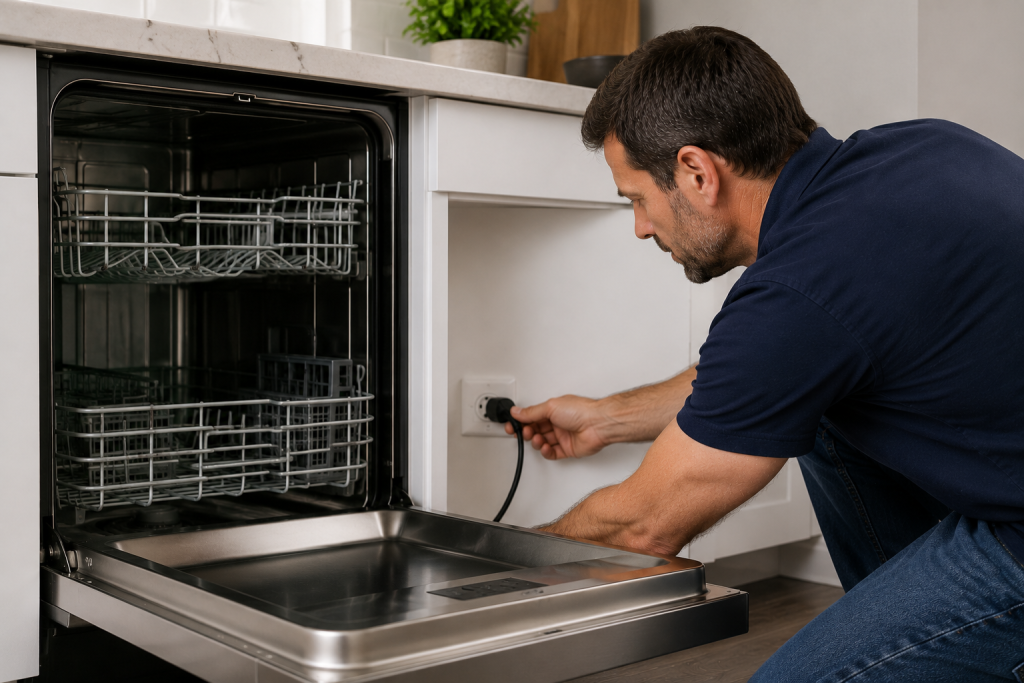
A simple reset often clears temporary control board faults.
To reset the dishwasher:
- Turn off the dishwasher.
- Unplug the power cord or switch off the circuit breaker.
- Wait at least 5 minutes.
- Restore power.
- Attempt to start a normal wash cycle.
If the display returns to normal, the issue was likely a temporary electronic glitch.
For additional dishwasher troubleshooting, see our guide on Dishwasher Not Draining? 7 Easy Fixes That Actually Work.
Step 2: Exit Diagnostic or Service Mode
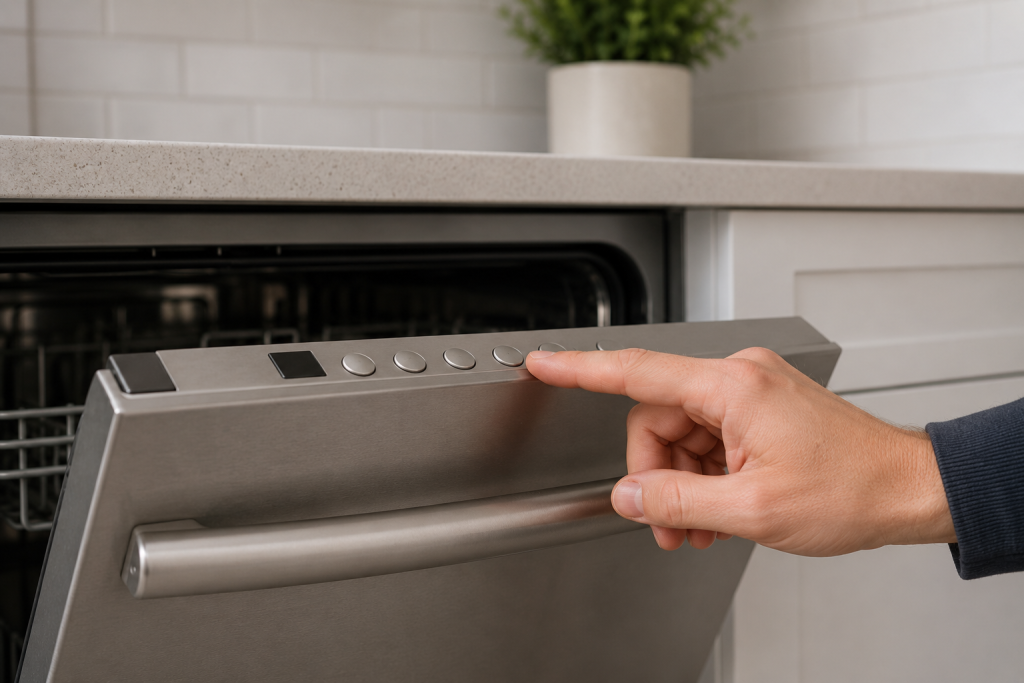
Some GE dishwashers display 888 while in service mode.
Consult your model’s user manual and attempt to exit diagnostics using the proper button sequence.
In many cases, holding the Start and Select Cycle buttons simultaneously for several seconds can return the dishwasher to normal operation.
Step 3: Inspect the Control Panel Buttons
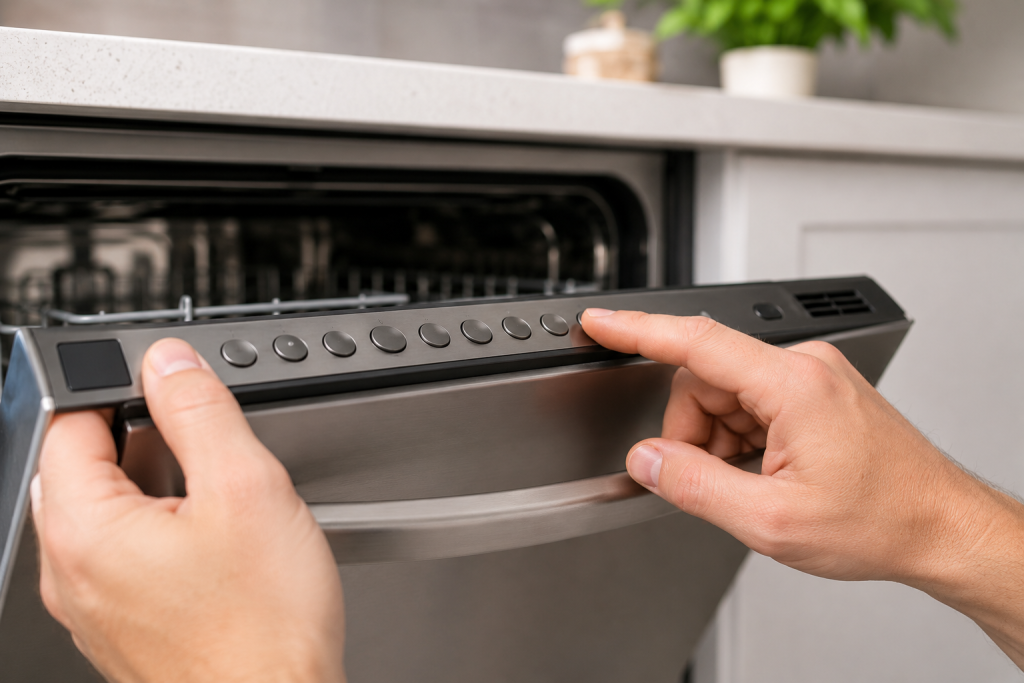
A stuck or damaged button can cause unusual display behavior.
Check for:
- Buttons that remain pressed
- Cracked control panel components
- Moisture around the keypad
- Dirt or debris preventing proper button movement
Clean the control panel gently and verify all buttons move freely.
Step 4: Check for Loose Wiring Connections
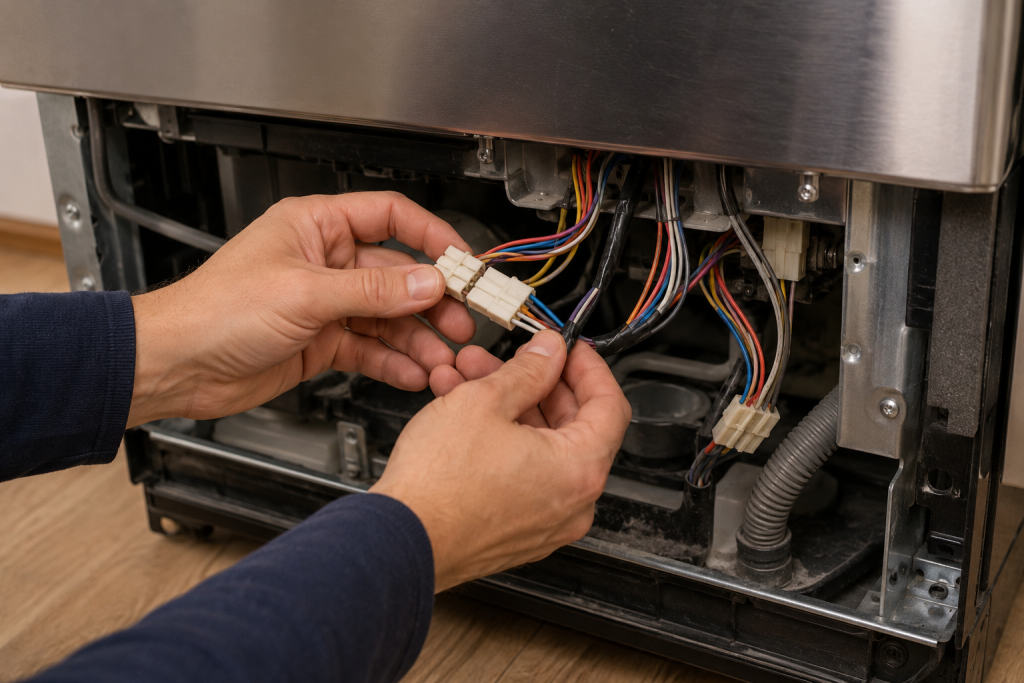
Disconnect power before inspecting any internal components.
Access the control area and inspect wiring harnesses connected to:
- User interface board
- Main control board
- Display module
Look for:
- Loose connectors
- Corrosion
- Burned terminals
- Damaged wiring insulation
Poor connections can interrupt communication between electronic components.
If you are having similar electrical issues, check out our guide on Light Switch Not Working? 7 Easy Fixes That Actually Work (Step-by-Step Guide).
Step 5: Inspect the User Interface Board
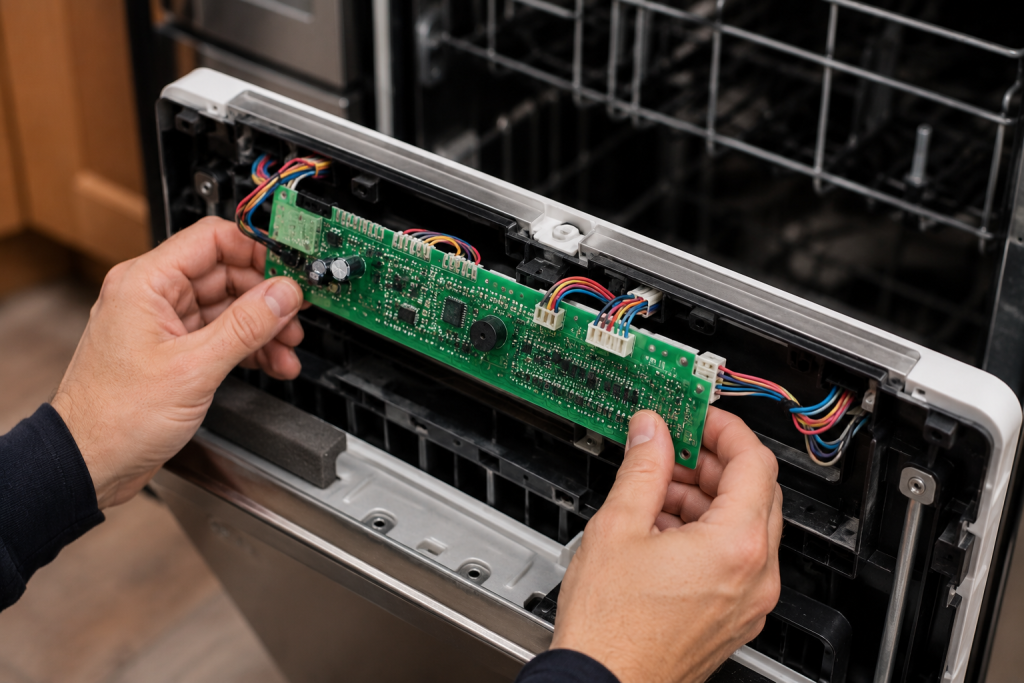
The user interface board controls the display and keypad functions.
Signs of a faulty interface board include:
- Unresponsive buttons
- Random display behavior
- Constant 888 display
- Intermittent operation
Carefully inspect the board for visible damage, discoloration, or moisture intrusion.
Step 6: Examine the Main Control Board
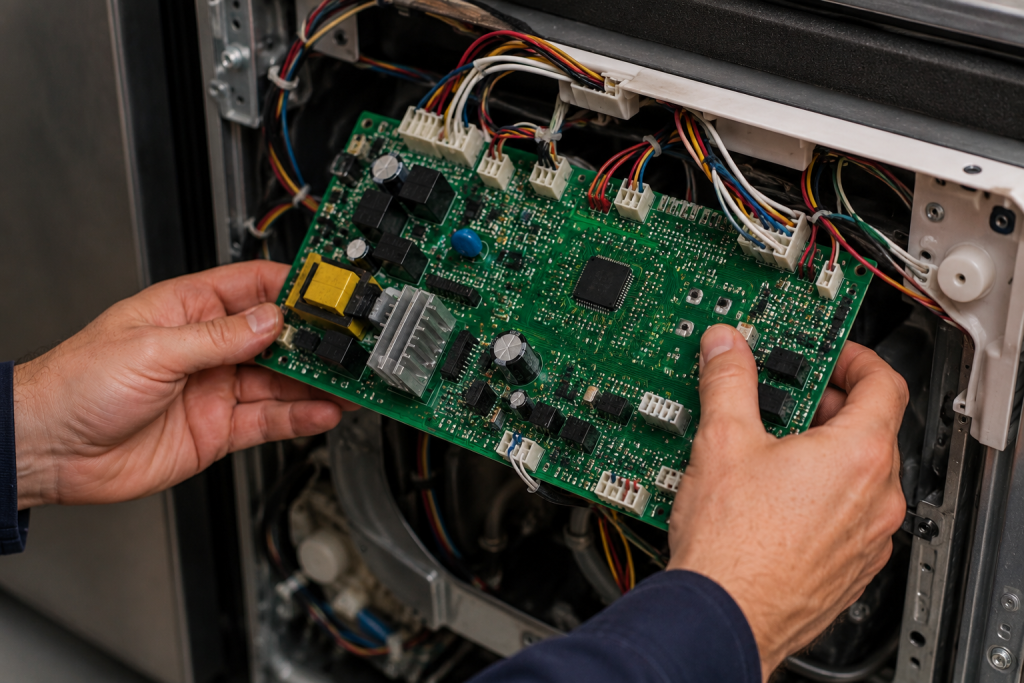
The main control board manages all dishwasher functions.
Inspect the board for:
- Burn marks
- Swollen capacitors
- Damaged traces
- Loose wiring harnesses
A failed control board can cause communication errors and unusual display codes.
You may also find our article on Dishwasher Not Cleaning Dishes Properly? 7 Easy Fixes That Actually Work helpful if your dishwasher is experiencing additional performance issues.
Step 7: Verify Proper Power Supply
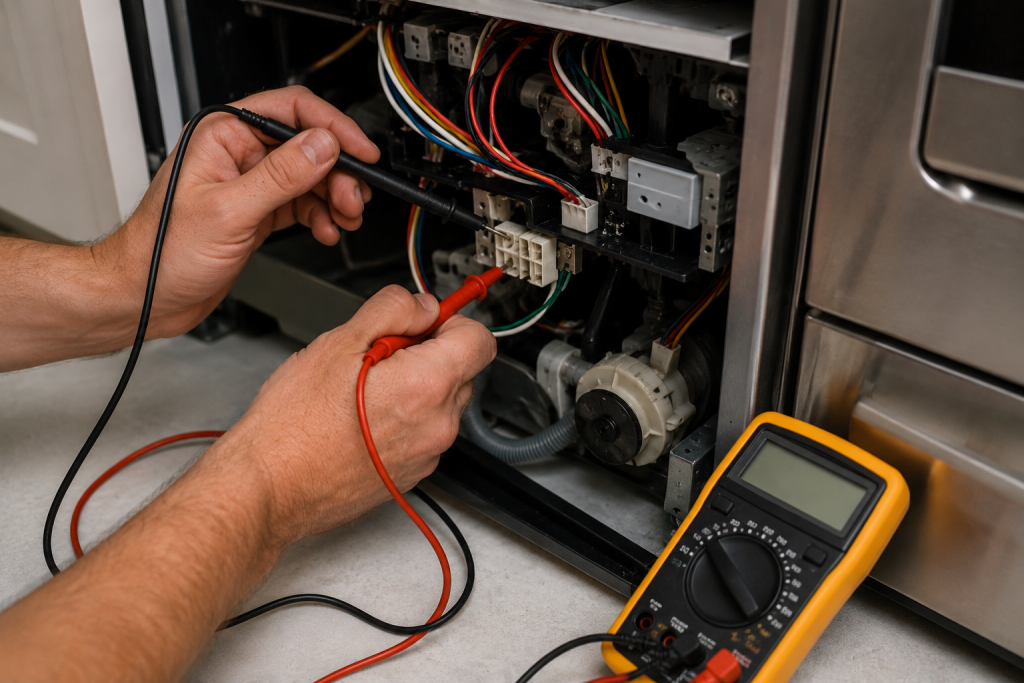
Electrical issues can trigger display errors.
Use a multimeter to verify:
- Proper voltage at the outlet
- Stable power supply
- No tripped breakers
- Secure electrical connections
Voltage fluctuations can interfere with electronic control systems.
These guides could come in handy: How to Fix an Outlet That’s Not Working (Step-by-Step Guide) and 9 Easy Steps to Fix a Tripped Circuit Breaker (Step-by-Step Guide).
When to Call a Professional
Consider professional service if:
- The error returns after resetting
- The control board shows visible damage
- Wiring appears damaged
- The dishwasher remains unresponsive
A qualified appliance technician can perform advanced electrical testing and replace defective electronic components.
For additional model-specific information, consult the official GE Appliances support resources.
How to Prevent Future GE Dishwasher 888 Errors
Follow these maintenance tips:
- Avoid interrupting wash cycles unnecessarily
- Protect appliances from power surges
- Keep the control panel dry
- Inspect wiring connections periodically
- Address electrical issues promptly
Routine maintenance helps prevent electronic control problems.
Frequently Asked Questions
Is the GE Dishwasher 888 error dangerous?
No. The error generally indicates an electronic control issue rather than an immediate safety concern.
Will unplugging the dishwasher clear the 888 error?
In many cases, yes. A power reset often resolves temporary software or communication faults.
Does 888 always mean the control board is bad?
No. The error can result from diagnostic mode, wiring problems, power interruptions, or a faulty user interface board.
Can a power outage cause a GE Dishwasher 888 error?
Yes. Power outages and voltage fluctuations can sometimes trigger electronic control faults and abnormal display codes.
How much does it cost to replace a GE dishwasher control board?
Costs vary by model, but control board replacement is typically one of the more expensive dishwasher repairs.
Troubleshooting a different code? Browse our complete collection of appliance error-code guides.
Final Thoughts
The GE Dishwasher 888 error is commonly caused by a control system issue, diagnostic mode activation, or communication fault between electronic components. Start with a simple reset and work through the control panel, wiring, and circuit boards before replacing parts. In many cases, the problem can be resolved without major repairs.